Blog
Latest posts from Upsampler.
Best Free AI Image Captioning Tool in 2026 (No Sign-Up Required)
Find the best free AI image captioning tools in 2026. Upsampler uses Florence-2 for accurate captions, alt text, and descriptions. No signup needed.

Admin
@lucak5s
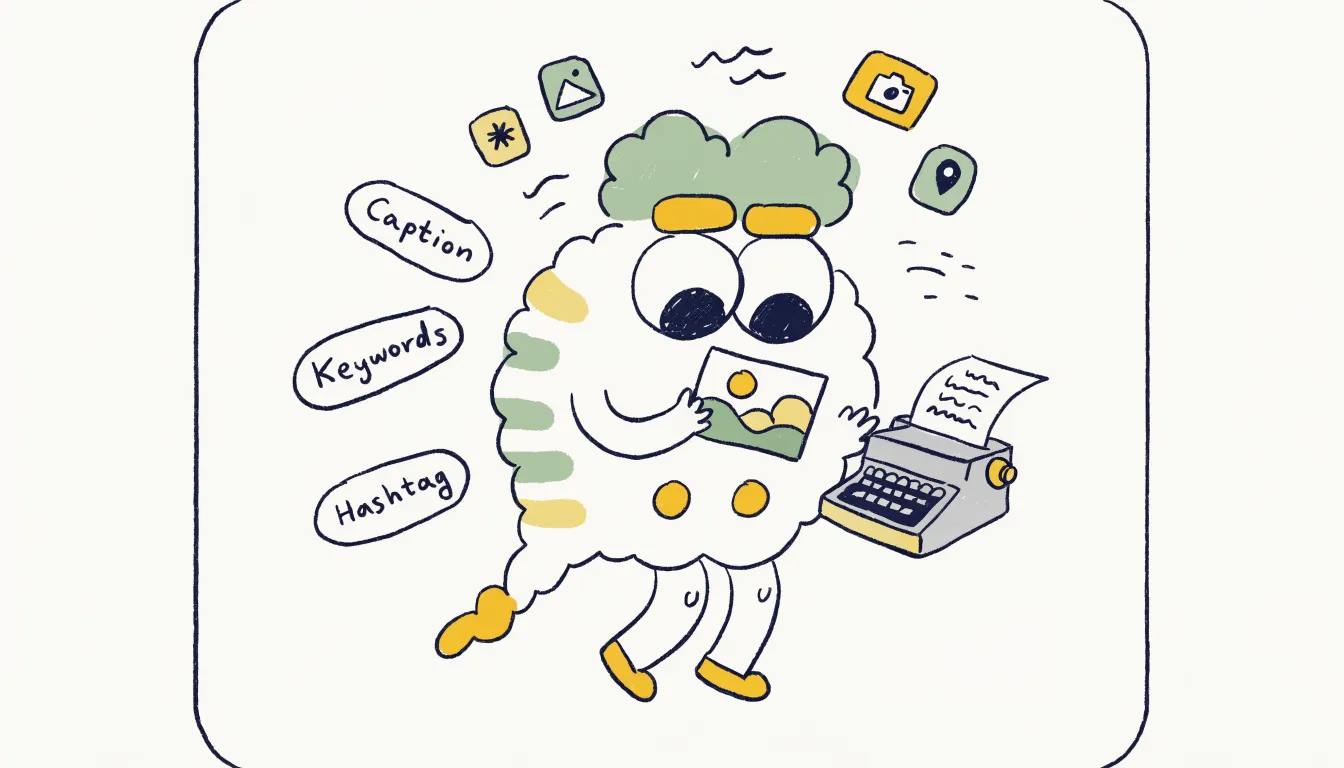
Best Free AI Image Captioning Tool in 2026: Generate Descriptions and Alt Text Instantly
Every image on the web needs a description. Whether you are optimizing a blog post for search engines, making your website accessible to screen reader users, writing social media captions, or cataloging a large image library, the ability to quickly generate accurate text from images is essential.
The problem is that writing these descriptions manually is slow and tedious. Describing hundreds of product photos for an e-commerce store, generating alt text for every image on a content-heavy website, or creating captions for a social media calendar can eat up hours of your week. And most AI tools that claim to solve this problem require API keys, developer setup, paid subscriptions, or at minimum an account.
Upsampler's Free AI Image Captioning Tool changes that. Powered by Microsoft's Florence-2 vision model, it generates accurate image captions and descriptions at three detail levels: brief captions, detailed descriptions, and comprehensive analyses. You upload an image, choose your detail level, and get useful text back in seconds. No signup, no watermarks, no API configuration. Just free daily GPU minutes and a clean drag-and-drop interface.
What Makes Upsampler's Image Captioning Tool Stand Out
There are several AI captioning options available today, but most are designed for developers or locked behind paywalls. Here is why Upsampler stands out for everyday users.
Powered by Microsoft Florence-2
Florence-2 is Microsoft's advanced vision-language model, trained on billions of image-text pairs. It does not just identify objects; it understands scenes, spatial relationships, actions, and context. This means the captions it produces read naturally and capture what is actually happening in the image, not just a list of detected objects.
Three Levels of Detail
Different use cases require different levels of description. Upsampler gives you control with three distinct output modes:
- Brief caption: A concise one-sentence summary. Perfect for social media alt text and quick tagging.
- Detailed description: A multi-sentence description covering the main subjects, setting, colors, and mood. Ideal for SEO image descriptions and product listings.
- Comprehensive analysis: A thorough breakdown of everything in the image, including background elements, text visible in the image, spatial relationships, and fine details. Great for accessibility compliance and detailed content catalogs.
No Account, No API Key, No Developer Setup
Unlike tools such as Google Cloud Vision or Azure Computer Vision, you do not need a cloud account, billing configuration, or programming knowledge. The interface is a simple web page. Upload your image, get your caption. That simplicity makes it accessible to content writers, marketers, small business owners, and anyone else who is not a software developer.
Free Daily GPU Minutes
Every visitor gets a daily allocation of GPU processing time. These minutes reset each day, so you can return regularly to process more images without ever paying or creating an account.
How to Use Upsampler's Free Image Captioning Tool
Generating a caption takes just a few clicks:
- Visit the tool: Go to upsampler.com/free-image-captioning-no-signup
- Select your detail level: Choose between brief caption, detailed caption, or more detailed caption depending on your needs.
- Upload your image: Drag and drop a JPG, PNG, or WebP file onto the upload area, or click to browse your files. The AI begins processing automatically as soon as the image uploads.
- Copy and use your text: The generated caption appears on screen alongside your image, ready to copy and paste into your website, CMS, social media post, or spreadsheet.
The entire process takes under 30 seconds for most images. There are no login screens, no "create a free account to continue" popups, and no limits on which detail level you can use.
Practical Use Cases for AI Image Captioning
AI-generated image descriptions are useful across a surprisingly wide range of workflows. Here are the most common applications.
SEO Image Optimization
Search engines cannot "see" images the way humans do. They rely on alt text, file names, and surrounding context to understand what an image shows. Well-written alt text and image descriptions improve your page's visibility in Google Image Search and contribute to overall page SEO. Instead of writing generic alt text like "photo1.jpg" or leaving the field blank, you can generate keyword-rich, accurate descriptions in seconds.
Web Accessibility and WCAG Compliance
The Web Content Accessibility Guidelines (WCAG) require meaningful alt text for all non-decorative images. For organizations with large websites, retroactively adding alt text to thousands of images is a major project. An AI captioning tool dramatically speeds up this process, generating accurate starting descriptions that you can review and refine.
Social Media Content Creation
Platforms like Instagram, LinkedIn, and Twitter all benefit from descriptive captions and alt text. AI captioning gives you a solid first draft that you can personalize with your brand voice, hashtags, and calls to action.
E-commerce Product Descriptions
Product photos need descriptions for marketplace listings, feeds, and accessibility. Rather than writing each one from scratch, generate a detailed description and adjust it to match your product catalog format.
Content Management and Digital Asset Libraries
Large organizations with thousands of images in their DAM (Digital Asset Management) systems often have poorly tagged assets. Batch captioning with AI helps bring order to these libraries, making images searchable and discoverable by internal teams.
Competitor Comparison: AI Image Captioning Tools in 2026
Here is how Upsampler compares to other tools that offer image captioning or description features.
| Tool | Free Tier | Signup Required | User-Friendly | Detail Levels | Key Limitation |
|---|---|---|---|---|---|
| Upsampler | Yes, daily GPU mins | No | Yes, drag-and-drop | 3 levels | Daily GPU minute cap |
| Astica.ai | 100 API calls/month | Yes (API key) | No, API-based | Multiple | Requires developer skills |
| Alttext.ai | No free tier | Yes | Yes | 1 level | $8/mo for 250 images |
| ChatGPT (GPT-4 Vision) | Limited messages | Yes (OpenAI account) | Yes | Flexible | Message caps, requires prompting |
| Google Cloud Vision | 1000 calls/month free | Yes (GCP + billing) | No, API-based | Labels only | Developer setup required |
| Azure Computer Vision | 5000 calls/month free | Yes (Azure account) | No, API-based | Multiple | Developer setup required |
Detailed Competitor Breakdown
Astica.ai
Astica.ai provides AI-powered image descriptions through an API. It supports multiple output types and can generate reasonably good captions. However, it is designed as a developer tool. You need to sign up for an account, generate an API key, and integrate it into your application or use their API playground. The free tier is limited to 100 API calls per month, which is fine for testing but restrictive for regular use. For non-technical users who just want to upload an image and get a caption, Astica's workflow is unnecessarily complex.
Where Upsampler wins: No API key needed, no developer skills required, and a simple drag-and-drop web interface that anyone can use immediately.
Alttext.ai
Alttext.ai is specifically built for generating alt text, which makes it focused and well-designed for that particular use case. The downside is cost. There is no meaningful free tier for ongoing use. Plans start at $8 per month for 250 images, and higher volumes cost more. If you are managing a large website with thousands of images, those costs add up fast. The tool also requires account creation.
Where Upsampler wins: Free daily usage with no account required. While Alttext.ai specializes in alt text, Upsampler's three detail levels cover the same use case and more, including detailed descriptions and comprehensive analyses.
ChatGPT with GPT-4 Vision
ChatGPT can describe images when you upload them in a conversation. The quality of descriptions from GPT-4 Vision is often excellent, and you can prompt it to adjust the style, length, and focus of the output. However, this approach has several drawbacks for regular captioning work. You need an OpenAI account, free-tier users face message limits, and the conversational interface is not optimized for processing multiple images efficiently. Each image requires starting a new message, uploading the file, and typing a prompt. That workflow does not scale well.
Where Upsampler wins: Purpose-built interface for image captioning. Upload, click, and copy. No prompting needed, no conversation threading, and no message limits beyond your daily GPU allocation.
Google Cloud Vision API
Google Cloud Vision is a powerful enterprise tool that can detect objects, read text, identify landmarks, and generate image labels. The free tier offers 1,000 API calls per month, which is generous. The barrier is setup: you need a Google Cloud Platform account, must enable billing (even for the free tier), configure API credentials, and write code or use a REST client to make requests. The output is primarily labels and object detection rather than natural-language descriptions, so it is less useful for generating alt text or captions directly.
Where Upsampler wins: Zero setup, natural-language output at multiple detail levels, and accessibility for non-technical users. Google Cloud Vision is powerful but overkill for most captioning needs.
Microsoft Azure Computer Vision
Azure Computer Vision offers similar capabilities to Google's offering, including image description endpoints. The free tier allows 20 calls per minute and 5,000 per month, which is reasonable. But like Google, it requires an Azure account, a subscription setup, and API configuration. The natural-language description feature exists but requires navigating Microsoft's enterprise cloud platform, which is not designed for casual or non-developer use.
Where Upsampler wins: Same Florence-2 model lineage in a consumer-friendly package. No Azure account, no billing setup, and no API calls. Just a web page with drag-and-drop.
Who Should Use This Tool?
Bloggers and Content Writers
If you publish articles with images, generating accurate alt text for every photo improves your SEO and accessibility at the same time. The brief caption mode is perfect for quick alt text, while the detailed mode helps you write richer image descriptions for featured images.
E-commerce Store Owners
Product images need descriptive text for marketplace listings, Google Shopping feeds, and on-site accessibility. Instead of writing descriptions for each product photo manually, generate them with AI and make quick edits to match your catalog style.
Web Developers and Accessibility Consultants
Meeting WCAG 2.1 AA compliance requires alt text on all meaningful images. For sites with large image libraries, an AI captioning tool provides a fast starting point. Review and refine the AI output, and you will meet compliance requirements in a fraction of the time.
Social Media Managers
Creating captions for daily posts across multiple platforms is time-consuming. Use the AI captioning tool to generate base descriptions, then add your brand voice, hashtags, and engagement hooks.
Researchers and Archivists
Academic papers, digital archives, and museum collections often have images that need cataloging descriptions. The comprehensive analysis mode generates thorough descriptions that cover fine details, making it useful for documentation and record-keeping.
Frequently Asked Questions
What AI model powers Upsampler's image captioning?
The tool uses Microsoft's Florence-2, a vision-language foundation model trained on billions of image-text pairs. Florence-2 understands complex scenes, spatial relationships, and contextual details, producing captions that read naturally rather than as simple object lists.
Is the AI captioning tool really free to use?
Yes. Every visitor receives free daily GPU minutes with no account creation required. Your minutes reset each day, and there is no trial period or credit card needed. You can use the tool as often as your daily allocation allows.
What are the three detail levels?
- Brief: A single concise sentence summarizing the image. Best for alt text and quick tags.
- Detailed: Multiple sentences describing subjects, setting, colors, and mood. Best for SEO descriptions and product listings.
- Comprehensive: A thorough analysis of everything in the image, including background elements and spatial relationships. Best for accessibility compliance and archival documentation.
Can I use the generated captions for commercial purposes?
Yes. The text generated by the tool is yours to use in any context, including commercial websites, product listings, marketing materials, and published content.
What image formats are supported?
The tool accepts JPG, PNG, and WebP uploads. Most images from cameras, phones, screenshots, and AI generators work without any conversion.
How accurate are the generated captions?
Florence-2 produces highly accurate descriptions for most images. It correctly identifies subjects, actions, settings, and visual attributes in the majority of cases. For critical use cases like accessibility compliance, we recommend reviewing and lightly editing the AI output to ensure it meets your specific standards and captures any domain-specific context the model may not fully understand.
Start Generating Image Captions for Free
Manually writing image descriptions is one of those tasks that feels small but adds up fast. Whether you need alt text for 10 blog images or descriptions for 500 product photos, Upsampler's Florence-2 powered captioning tool turns hours of writing into minutes of reviewing.
No signup. No API keys. No subscription. Just upload, generate, and copy. If you need more capacity, one-time credits are available and never expire.
Generate your first image caption at upsampler.com/free-image-captioning-no-signup
Want to explore more free AI tools? Read 10 Free AI Tools You Can Use Every Day (No Sign-Up Required) to see everything available on the platform.