Use Cases
The Right Way to Upscale Every Kind of Image
An anime frame, a client portrait, and a product photo should not be upscaled the same way. Each guide names the model that fits, the settings that work, and the resolution the final destination needs.
AI & Digital Art Creation
AI generators and drawing tablets rarely output print-ready resolution. These guides show when to let the creative model regenerate artwork with new, style-consistent detail, and when to use the faithful one so line art, anime shading, and pixel grids survive untouched.
Photography Enhancement
Real photos demand fidelity first. The faithful model raises resolution while preserving identity, exposure, and your edit, and the creative one rebuilds skin texture and fine detail where a shot is genuinely soft. Each guide names the model, the settings, and the print sizes for its genre.


Business & Professional Use
Marketplaces, property portals, and print providers all enforce minimum resolutions, and sharper images measurably convert better. These pages walk through preparing product shots, listings, renders, and merch artwork that pass every platform check, including bulk processing through the Upsampler API.

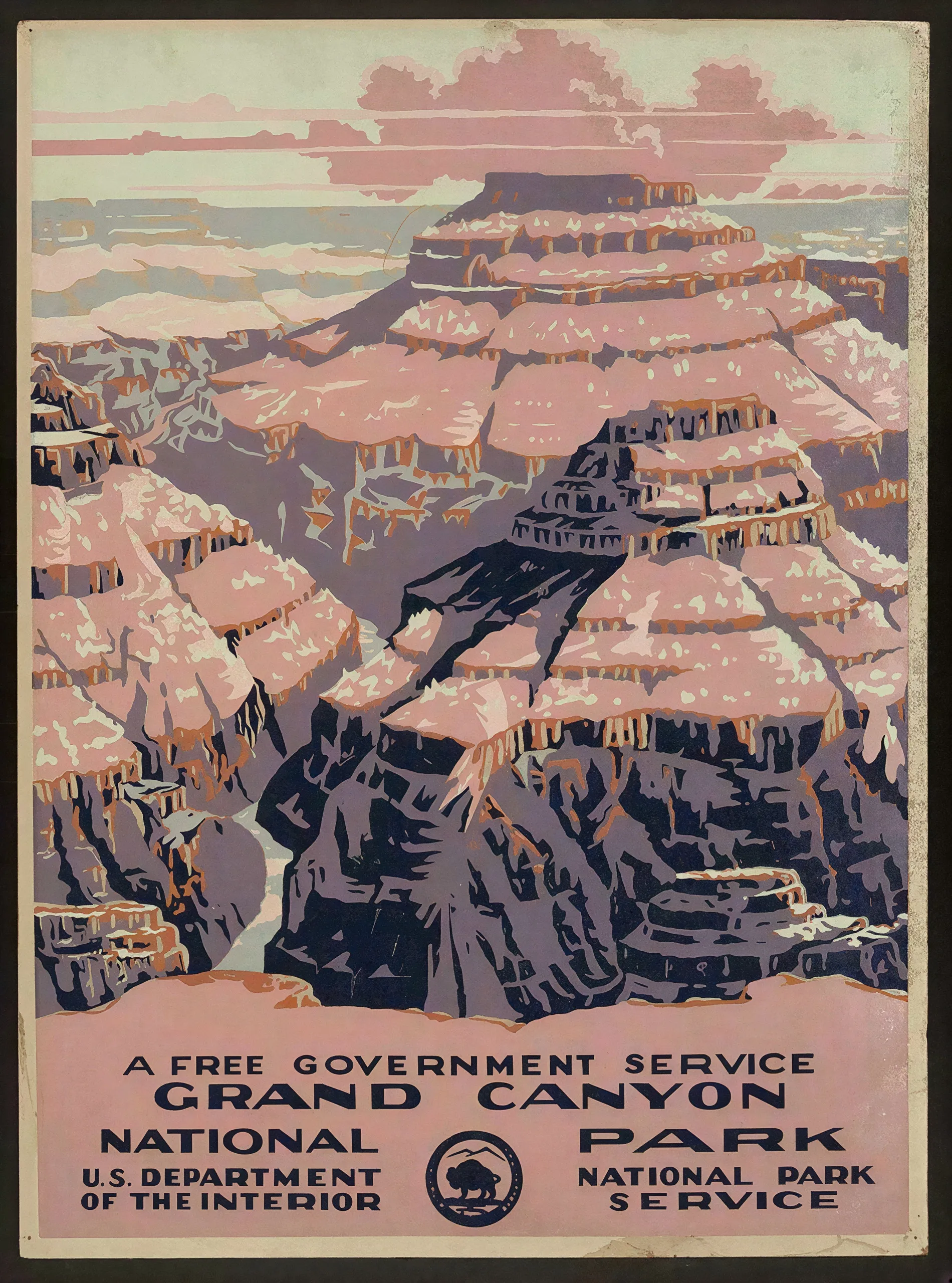
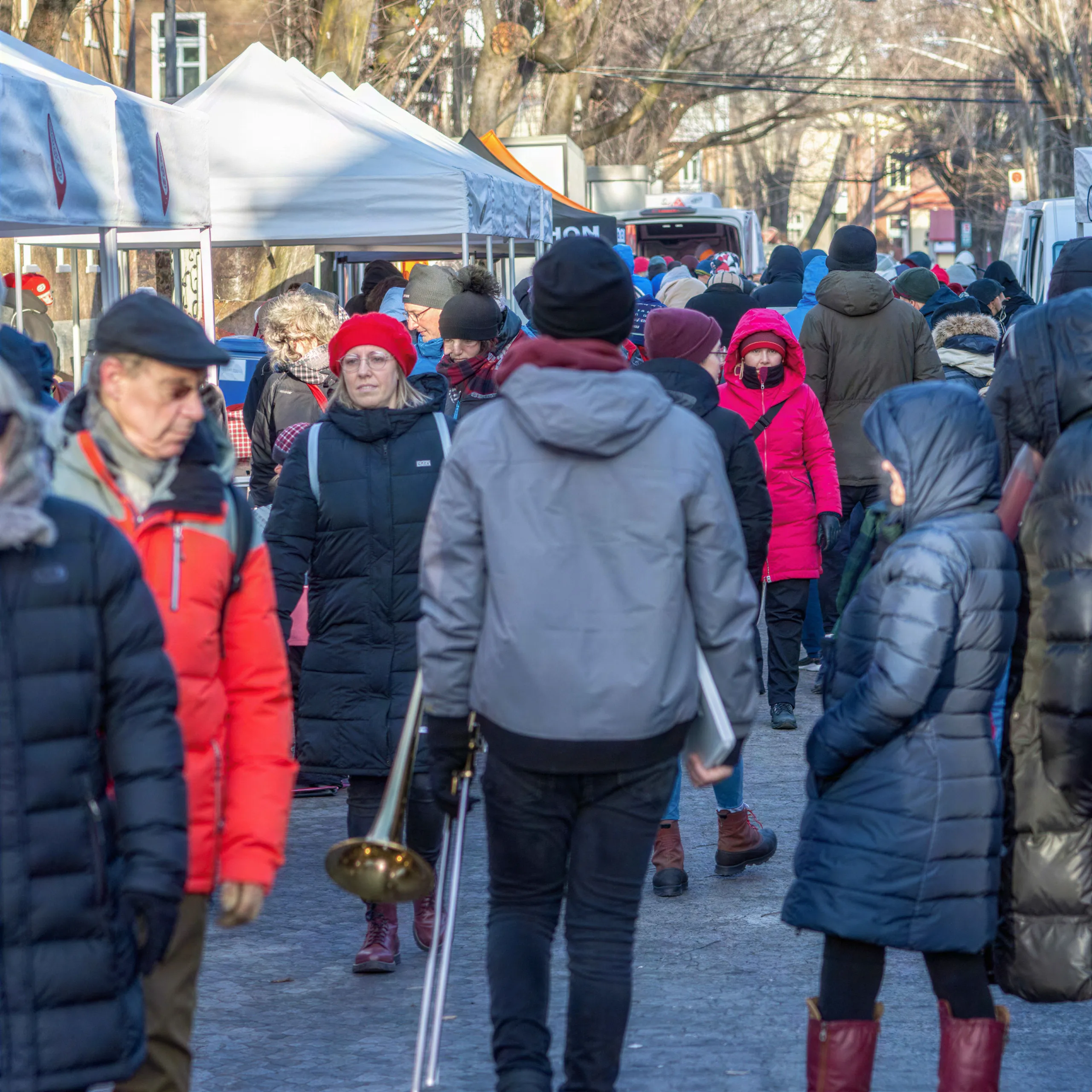
Restoration & Technical Improvement
Some images carry information, not just aesthetics: scanned documents, screenshots, and the only surviving photo of a face. These guides cover recovering legible text and restoring detail in old or damaged photos without inventing features that were never there.
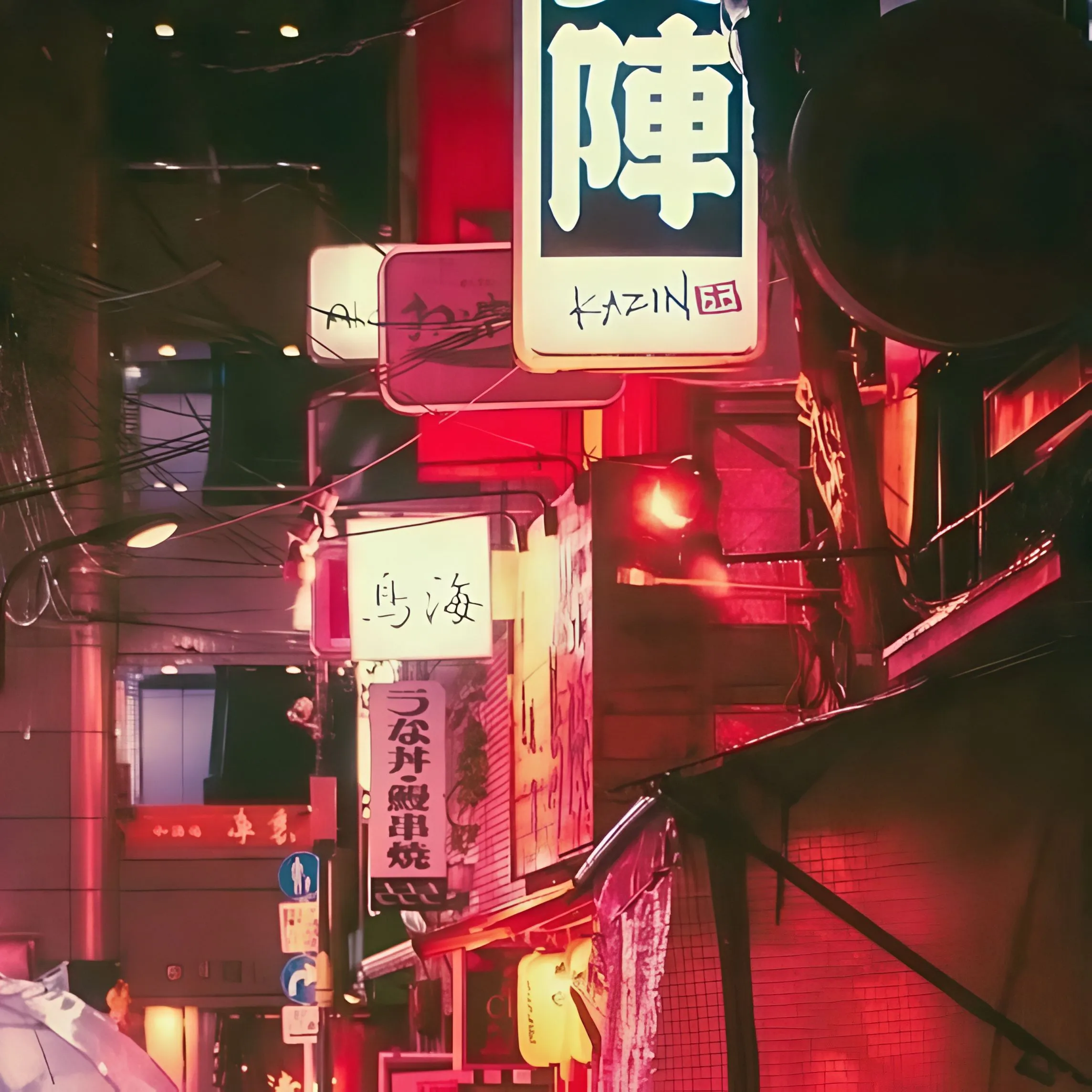
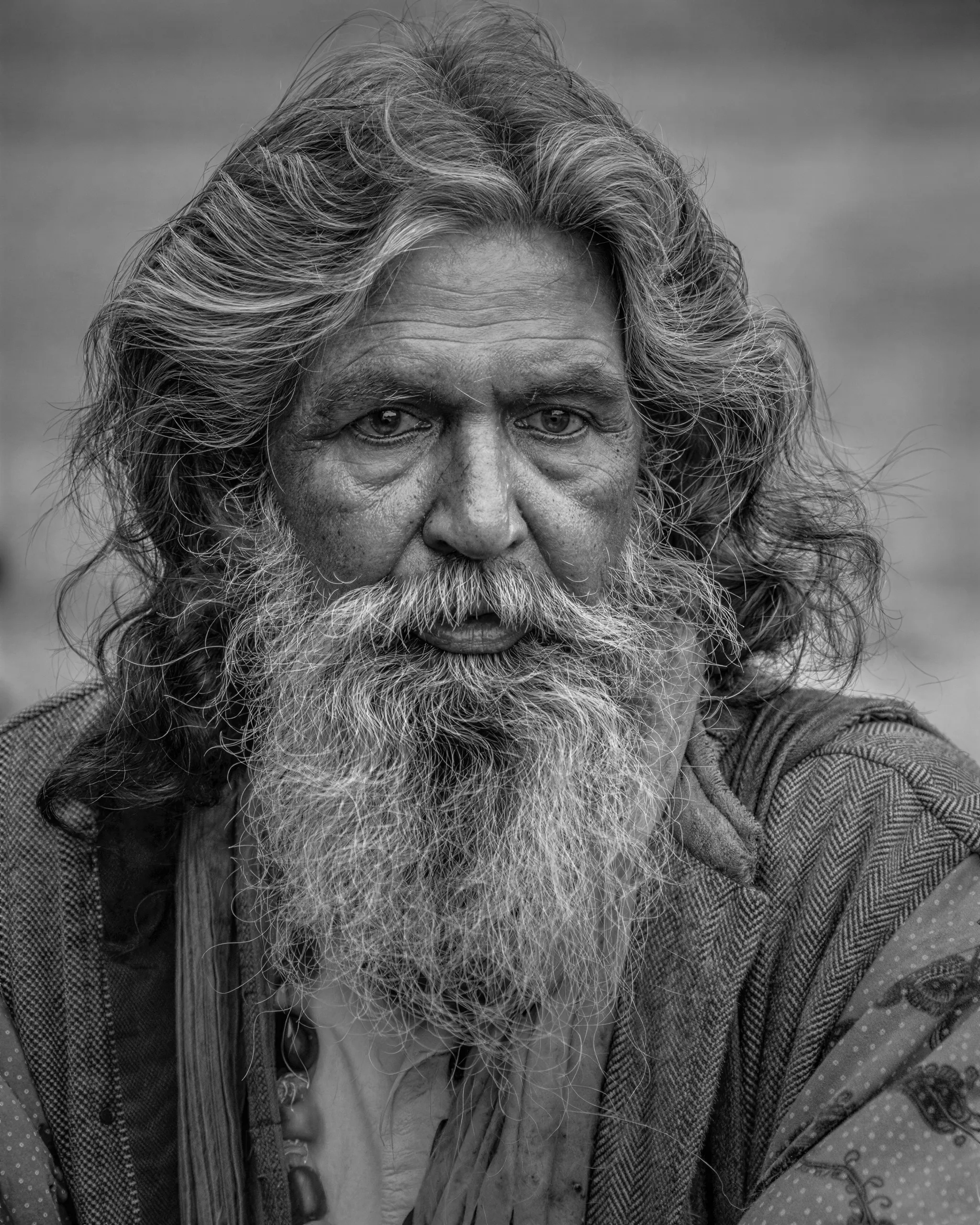
Comparisons to Competitors
Considering Magnific, Topaz, Clarity, or another upscaler? These side-by-side breakdowns compare quality, resolution limits, and pricing, including where each rival genuinely wins. Upsampler runs on one-time credits that never expire, so you are never locked into a subscription to keep working.
Best Clarity AI Alternative
Discover why Upsampler is a leading alternative to Clarity AI for image enhancement.
Best Topaz Gigapixel AI Alternative
See how Upsampler stacks up as an alternative to Topaz Gigapixel AI for image resolution.
Best Waifu2x Alternative
Discover Upsampler as a strong alternative to Waifu2x, especially for anime-style images.

Best Enhancor AI Alternative
Discover Upsampler as a skin texture enhancement alternative to Enhancor AI.
Test the Models Before You Commit
Every workflow above is backed by models you can inspect and try. Compare each lineup side by side, or run a no-signup tool on your own image right now.