Why AI Skin Looks Plastic
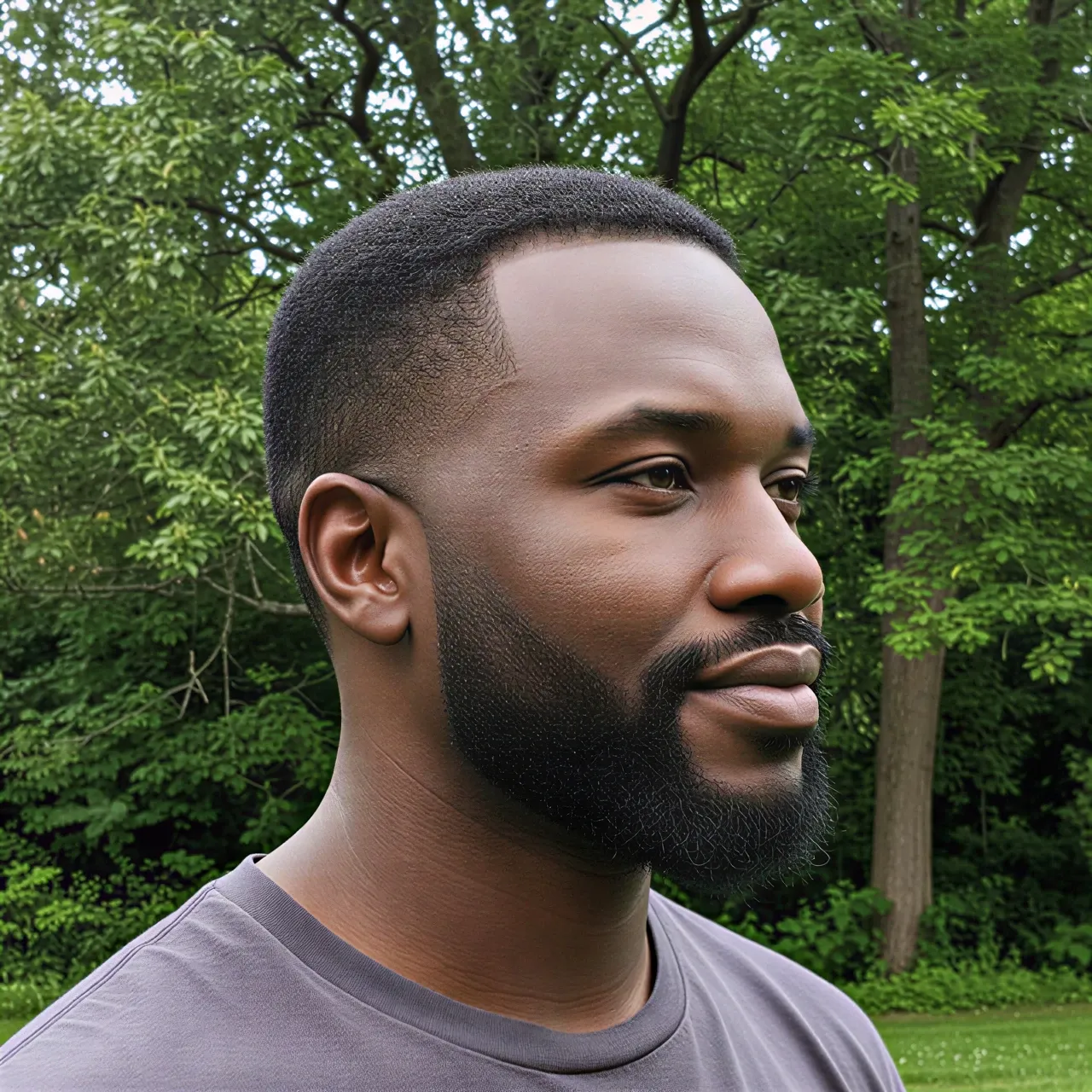
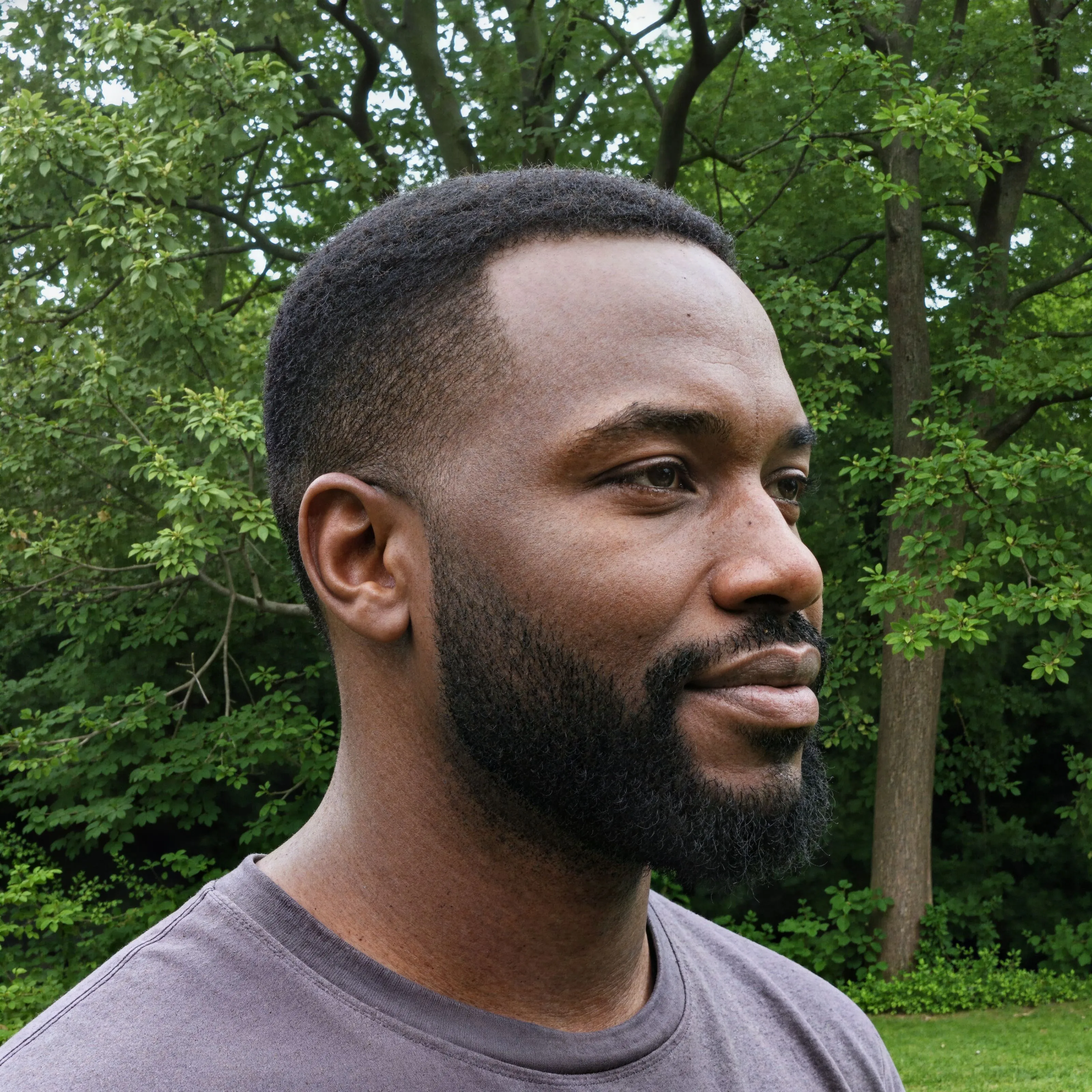
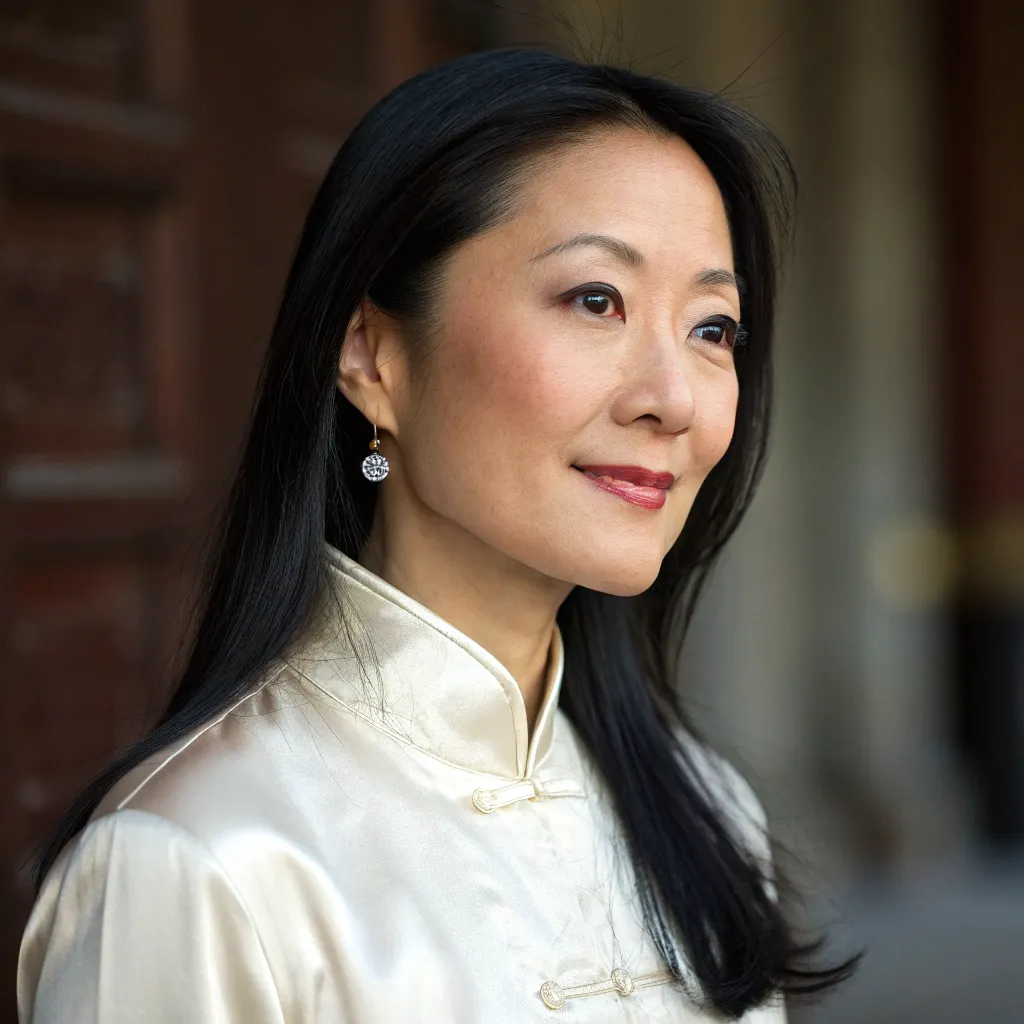
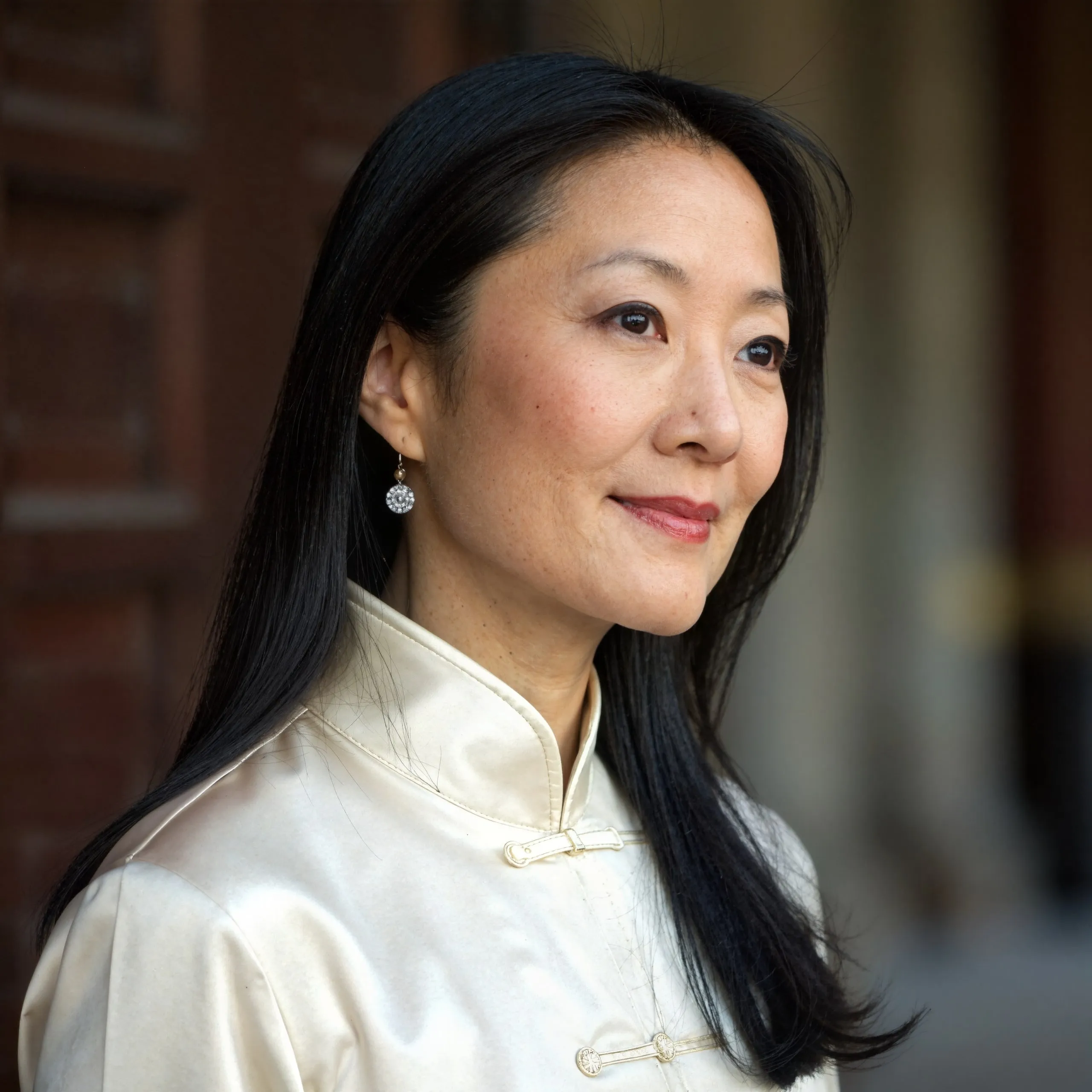
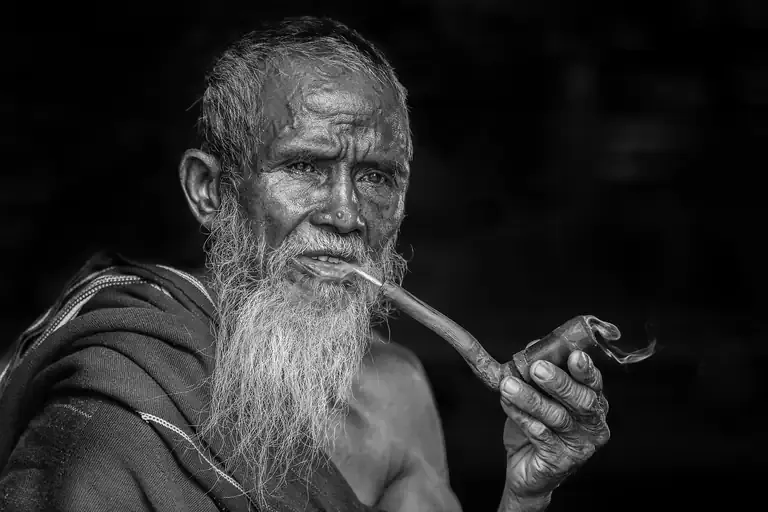
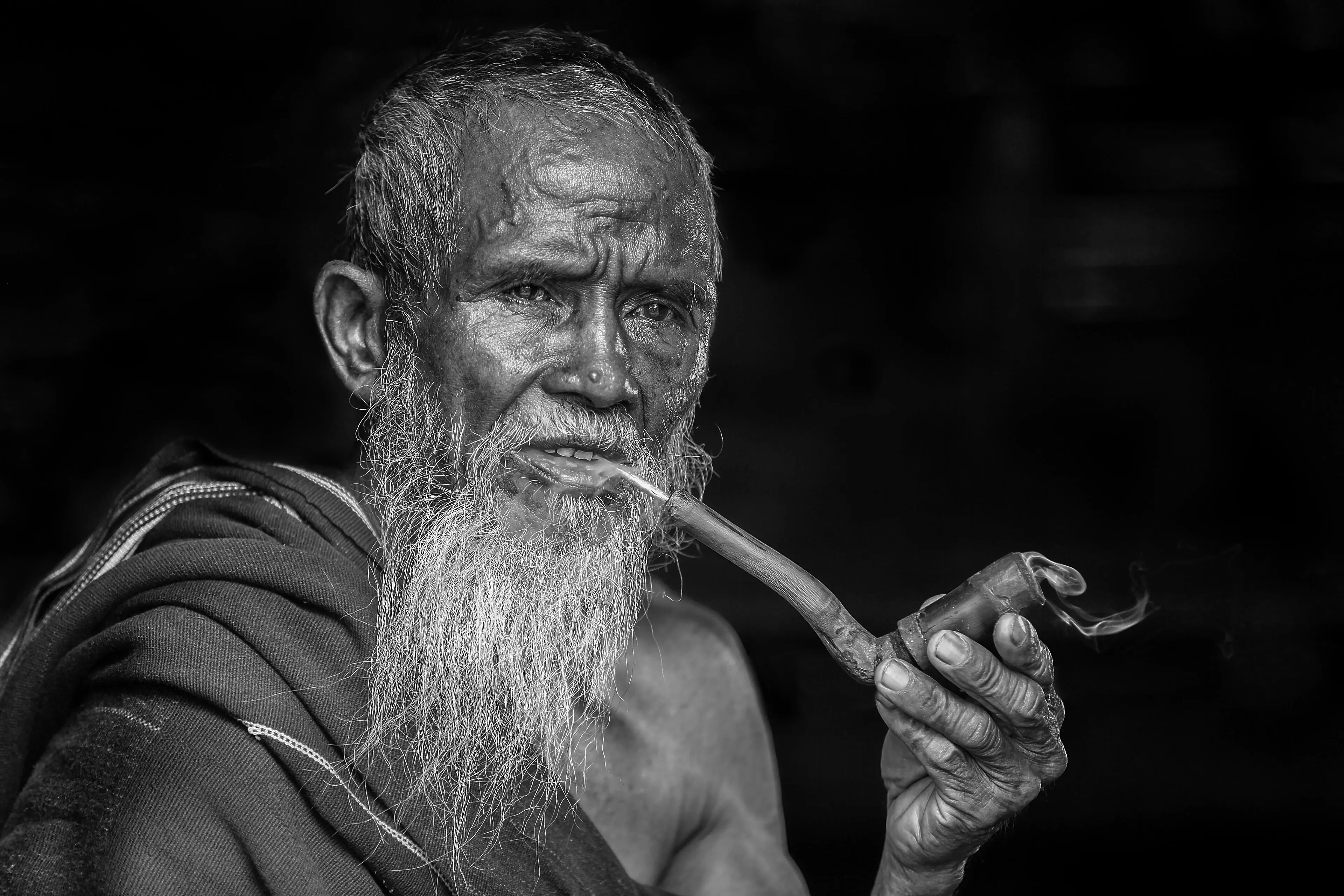
Diffusion models learn from millions of retouched, compressed photos, so they generate what they saw most: smooth, poreless, evenly lit skin. At thumbnail size it looks fine. At full resolution the face reads as a mannequin. Real skin is defined by small imperfection: pores of varying size, fine vellus hair, subtle pigment shifts, and light scattering just under the surface. No sharpening filter can add these because they were never in the image. They have to be generated.
Regeneration With a Dial, Not a Filter
The creative model re-renders the portrait at higher resolution and introduces that missing micro-structure. The creativity setting controls how far it goes, from a whisper of texture to editorial-grade close-up realism, and Regional Creativity lets you paint how much each area may change, so hair and clothing can hold still while the skin gains texture. If one patch comes out wrong, Image Edit regenerates just that region. The result holds up at 100% zoom, which is where plastic skin gets caught.
Settings That Work
- Model: a creative model such as Flux for AI portraits, creativity raised until the skin looks right; a faithful one such as P Image Upscale or Seed VR 2 for real skin
- Scale: 2x is enough; the texture, not the size, is the point
- Enhance Faces: off for a portrait that fills the frame; it only acts on small faces
- Regional Creativity: paint the skin high and hair or clothing low when they must not change
Real Photos Versus AI Portraits
The creative workflow targets AI-generated faces and over-retouched photos where texture must be created. Real skin already has its texture, and the faithful models are good at bringing it out sharper without inventing any; for the full print workflow, the portrait upscaling guide is the right page. If you are comparing dedicated skin tools, the Enhancor comparison covers how Upsampler differs from a skin-only specialist.