

Portraits Are Judged at the Eyes, and at Print Size
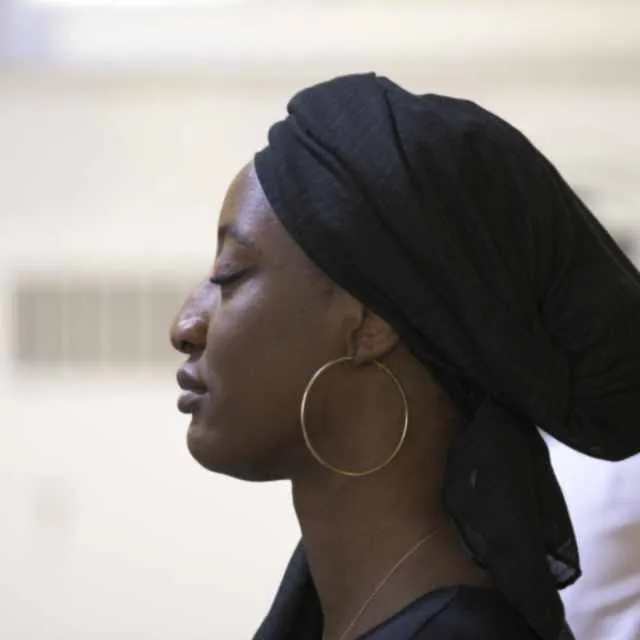
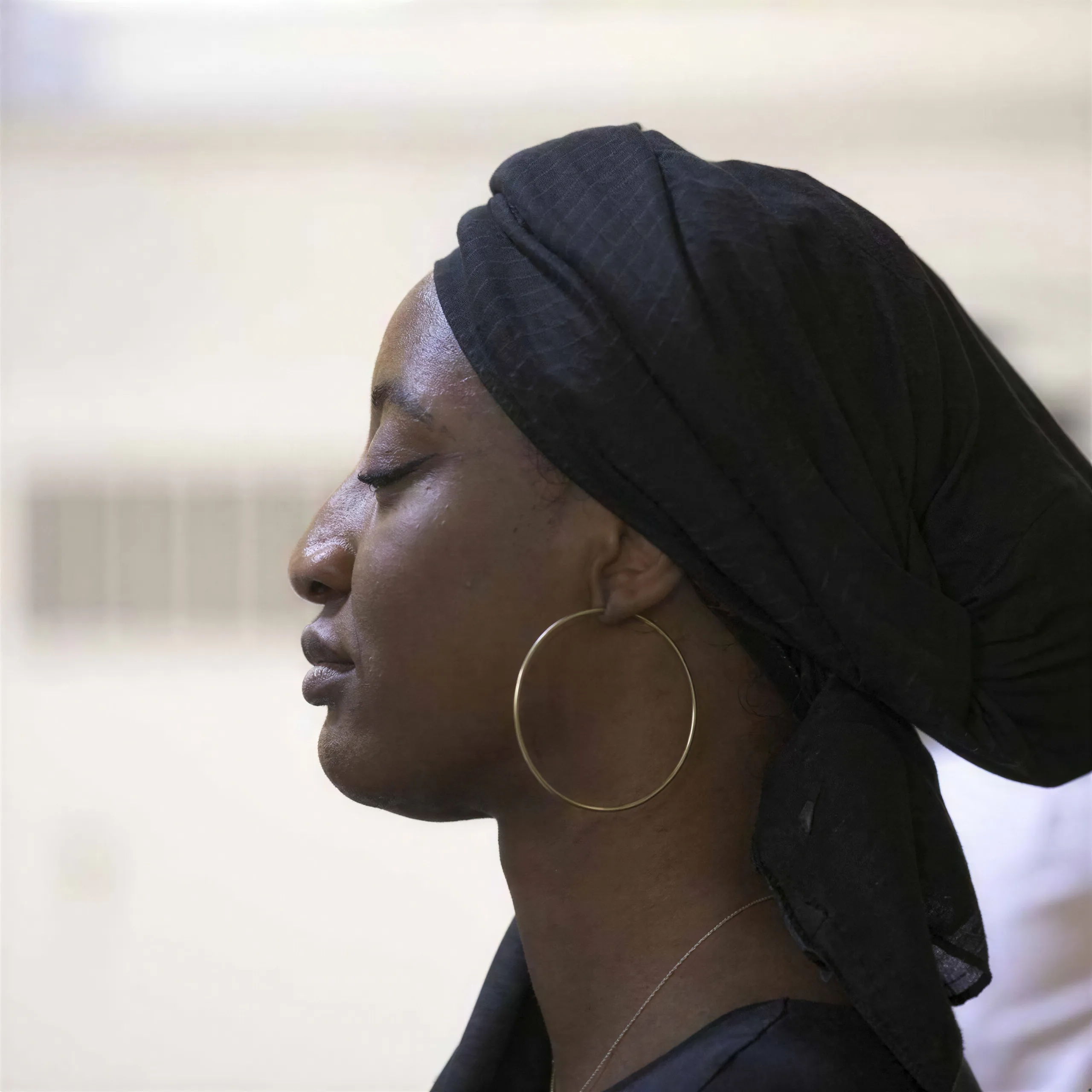
Every portrait lives or dies on two details: whether the eyes are tack sharp, and whether the file survives enlargement. A 16 by 20 inch wall portrait needs 4800 by 6000 pixels at 300 DPI. Client galleries always include frames that were focused a hair off, cropped tight from a group shot, or taken on older gear. Upscaling fixes the size and sharpens exactly what portrait work is judged on: iris pattern, lashes, catchlights, and skin that reads as skin.
The Person Must Stay Themselves
The rule for client work is that identity, expression, and your color grade are untouchable. The faithful model enlarges without re-drawing a face, which makes it the default for headshots, weddings, and family sessions. Two neighbouring guides cover what this one does not: the skin texture guide for AI portraits and skin retouched until it lost all texture, and face restoration handles old or damaged photos where the face itself needs rebuilding.
Settings That Work
- Model: any faithful model; P Image Upscale is the default in the upscale tool
- Scale: 2x for albums and web, 4x for wall prints
- Enhance Faces: on only when faces are small in the frame, as in a group shot; a face that fills the frame is not affected
Where It Sits in the Studio Workflow
Edit at native resolution, finish your grade, then upscale only the deliverables that need size: wall art, album spreads, agency submissions viewed on 5K displays. Headshot volume shooters batch whole sessions; wedding photographers upscale the hero frames and crops. Judge the eye and skin rendering on one client frame with the free no-signup upscaler.