How diffusion-based clarity upscaling differs from standard upscaling
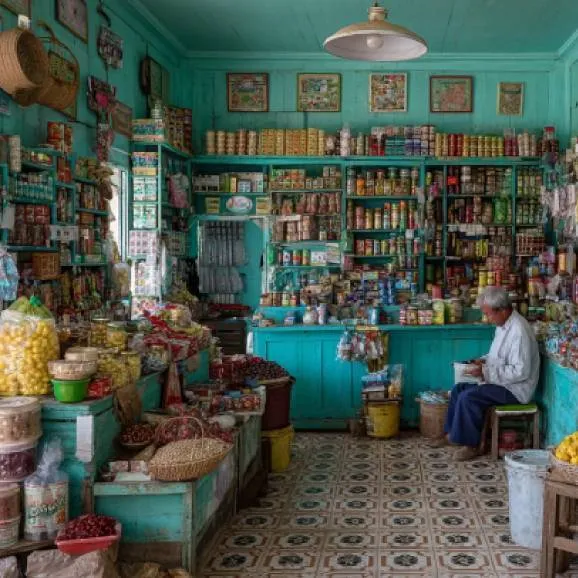
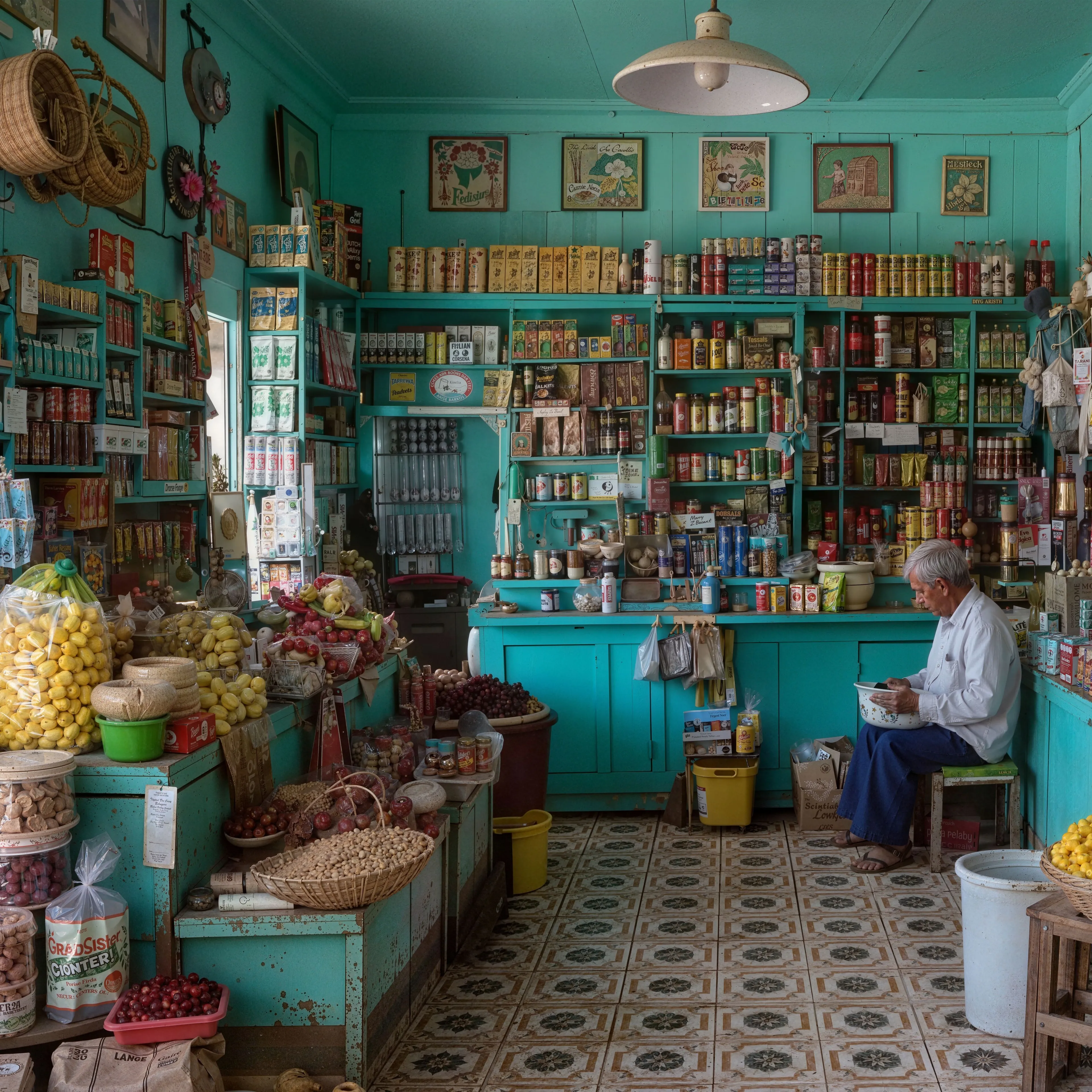
Standard upscalers enlarge an image by interpolating pixels or, in the case of GAN models, by sharpening what is already there; that faithful approach is what the free AI image upscaler offers. This tool works differently. It runs a diffusion pass guided by ControlNet Tile, so it regenerates detail creatively rather than only sharpening existing pixels. Working tile by tile, it rebuilds texture, edges, and fine structure that low resolution and compression had flattened, while keeping the original composition and colors intact. The result looks genuinely higher resolution instead of a larger but still-soft copy of the source.
What the creativity setting does
The Creativity slider controls how far the diffusion pass is allowed to stray from your source. At low values it stays faithful to the original, cleaning up softness and compression while keeping shapes and proportions close to the input. As you raise it, the model invents more detail and texture, which can make an image feel richer and more finished. The tradeoff is drift: higher settings can introduce features that were not in the source or subtly change faces and small text. A middle setting is a good starting point. Nudge it down when accuracy matters and up when you want a bolder, more stylized result.
What the resemblance setting does
The Resemblance slider controls how strongly the ControlNet Tile guidance holds the output to your source. It is the same lever our premium Stable Diffusion upscaler exposes. At high values the model tracks the original structure closely, so edges, proportions, and layout stay locked to the input even as detail is rebuilt. Lower it and the diffusion pass is given more room to reinterpret the image, which pairs well with a higher Creativity setting for a bolder look. Creativity and Resemblance work together: keep both moderate for a clean, faithful enhancement, raise Creativity while keeping Resemblance high to add detail without drift, or drop Resemblance for a more stylized, reimagined result.
Where clarity upscaling shines
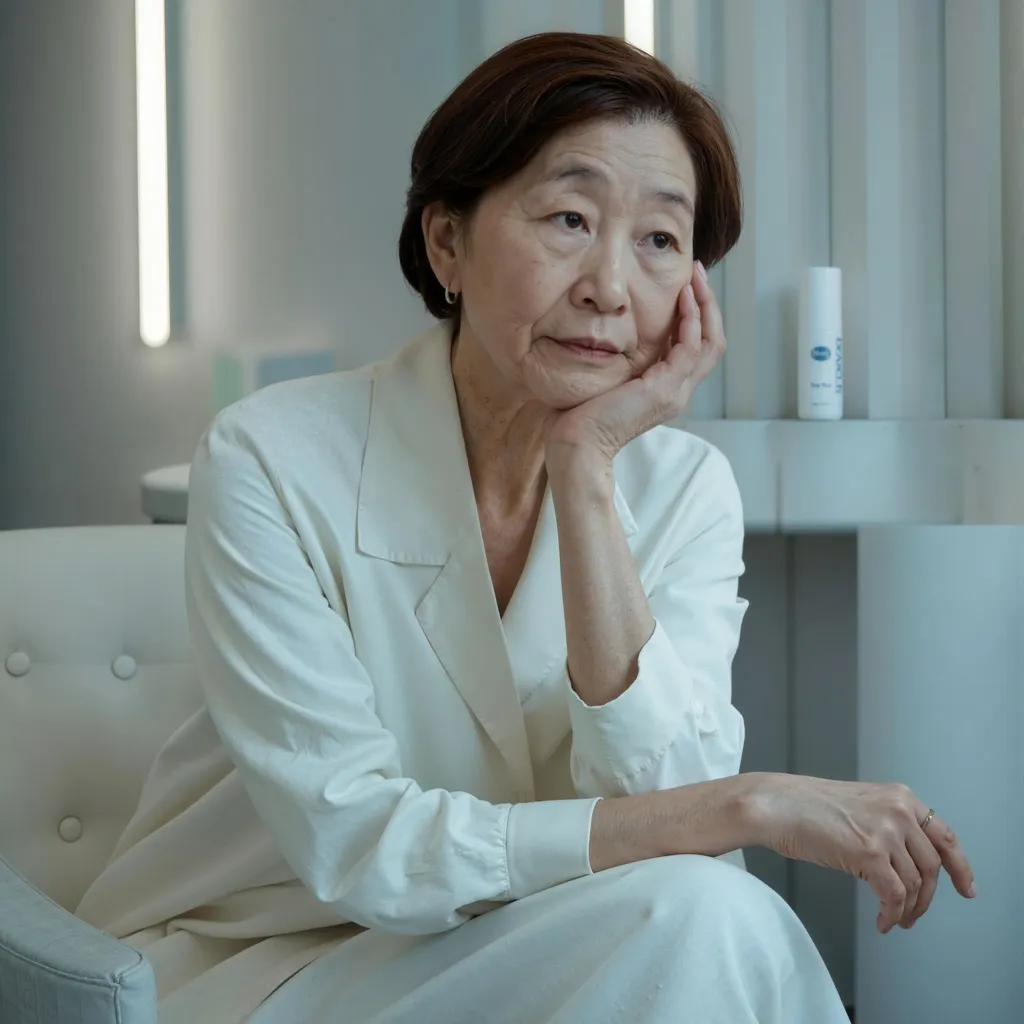
Because it adds detail rather than only recovering it, this approach is strongest on AI art, illustrations, and stylized images where invented texture reads as an improvement rather than an error. It is excellent for giving renders, concept art, and generated images a crisper, more polished look, and for adding richness to flat or low-detail areas like skin, fabric, foliage, and backgrounds. Real photos benefit too, especially soft or lightly compressed shots, though portraits and images with fine text are where a lower creativity setting pays off. For footage rather than stills, the free AI video upscaler applies the same idea frame by frame.
When to move up to premium Creative Upscale
The free tool caps inputs at 2048px per side and runs on shared GPU minutes, which is plenty for quick enhancements and experiments. When you need larger outputs, more consistent results, or finer control over fidelity versus invention, Upsampler's premium Creative Upscale steps up. It pairs Flux and Stable Diffusion backends with much higher resolution limits and richer detail, so it suits print work, client deliverables, and high-volume pipelines. There is no subscription: premium runs on one-time credits, so you only pay for the images you upscale.