
How AI generates new angles from one image
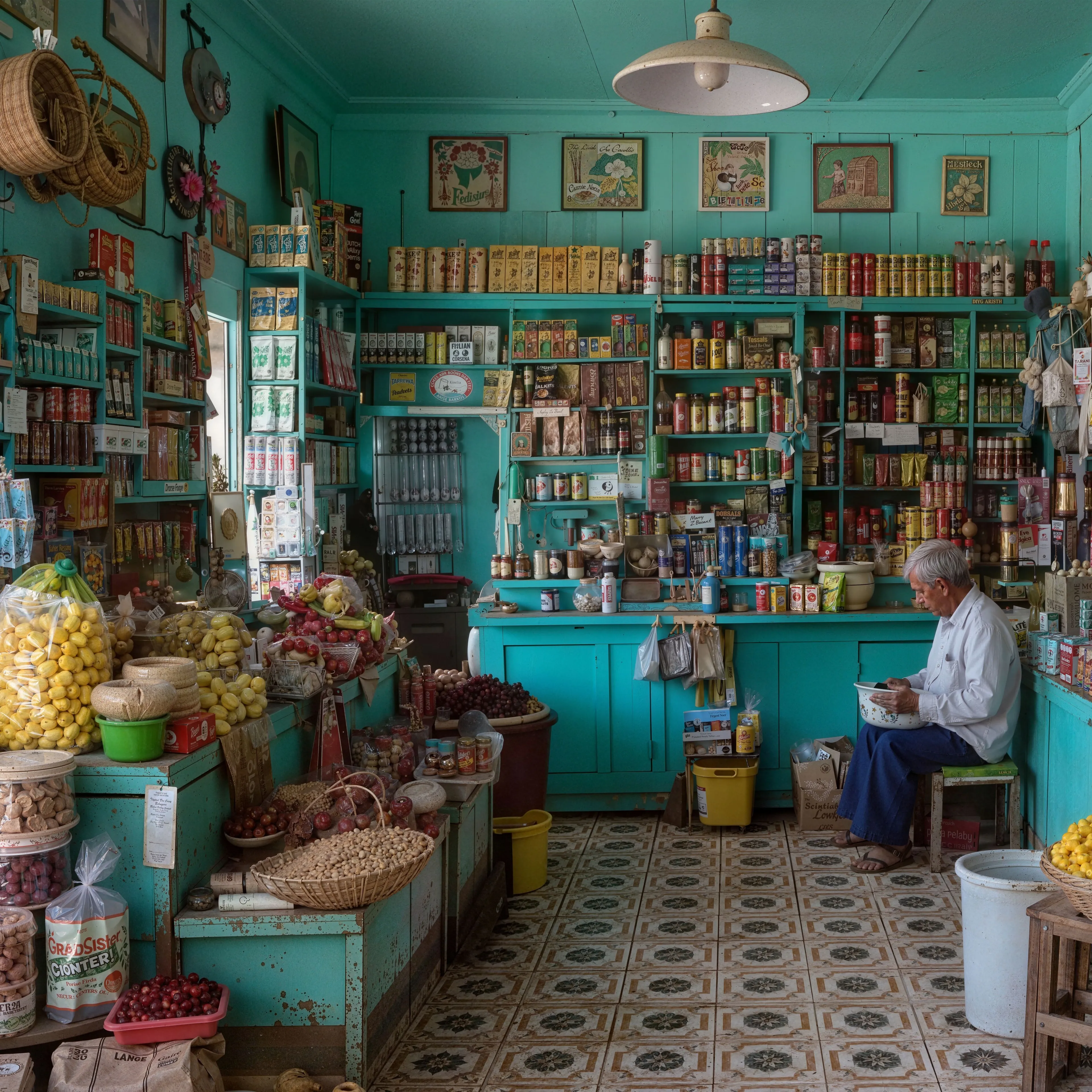
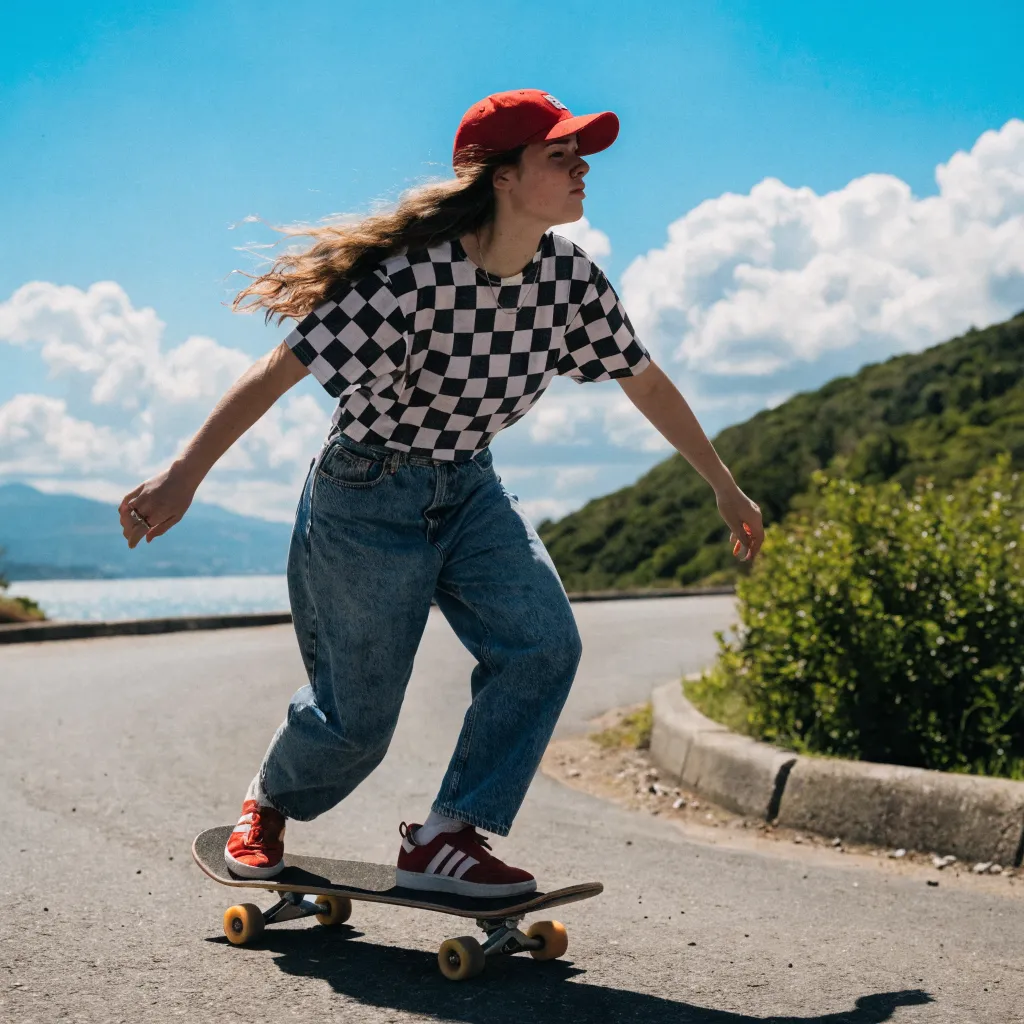
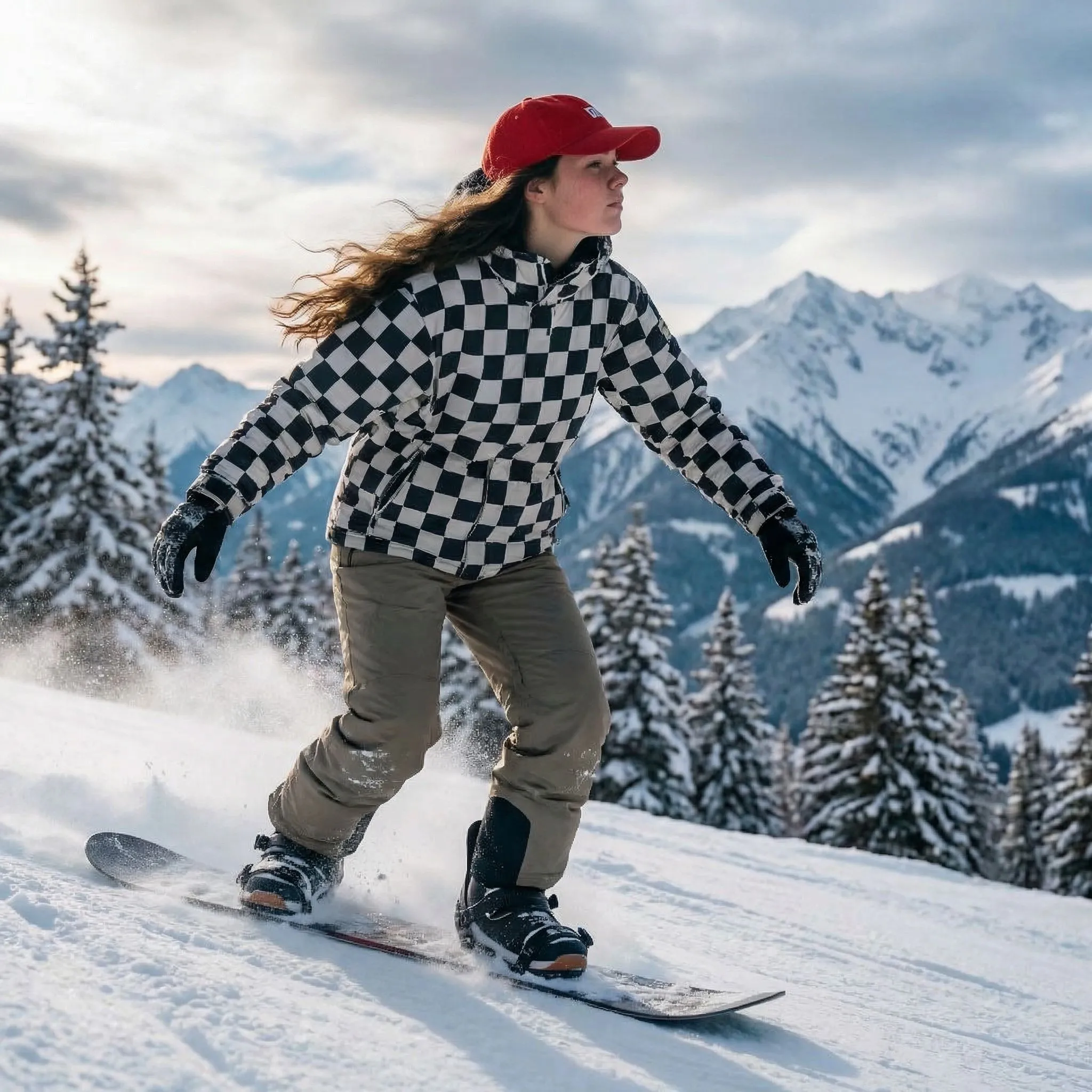
A single photo only captures one viewpoint, yet the subject inside it has real depth and shape. This tool uses novel view synthesis to recover that hidden structure. The model studies your image, estimates the three-dimensional form of the subject, and reasons about the surfaces, edges, and proportions that the camera could not see. From that internal understanding it renders an unseen viewpoint, filling in the parts of the subject that were turned away or out of frame. Because it works from learned geometry rather than simply warping pixels, the new angle keeps the subject recognizable instead of smearing or distorting it. The result is a fresh perspective that looks like it was photographed from a different position around the same object.
What it is useful for
The most direct use is e-commerce product views. A seller with one clean product photo can generate additional angles to show a listing from more than a single side, which builds buyer confidence without a second photo shoot. Artists and game developers use it for character turnarounds, producing side and rear views that act as a consistent reference sheet for modeling and rigging. The same output feeds 3D and animation reference workflows, giving sculptors and animators a quick read on how a form should sit in space before they commit to building it; when the reference should become an actual mesh, the free image to 3D converter turns one of those views into a downloadable GLB model. Designers also lean on it for mockups, where seeing a packaged item, prop, or concept from a new angle helps communicate an idea early. In each case the goal is the same: more perspectives from the assets you already have.
Getting the best results
The quality of a generated angle depends heavily on what the model can see to begin with. Start with a clear single subject so the AI knows exactly what to rotate, since several competing objects make the geometry ambiguous and weaken the result. A simple background helps even more, because clutter behind the subject can confuse the boundary between the object and its surroundings. Centered framing with the subject fully in view gives the model the most information to work from, while cropped or partially hidden subjects leave gaps it has to guess at. Good, even lighting and a reasonably high resolution round out a strong input. When you provide a tidy, well-lit, centered photo of one subject, the new viewpoints come out cleaner and far more consistent. For edits beyond the camera position, such as changing colors, backgrounds, or objects, the free AI image editor works from the same kind of instruction.