

Render Time Is the Real Cost of Resolution
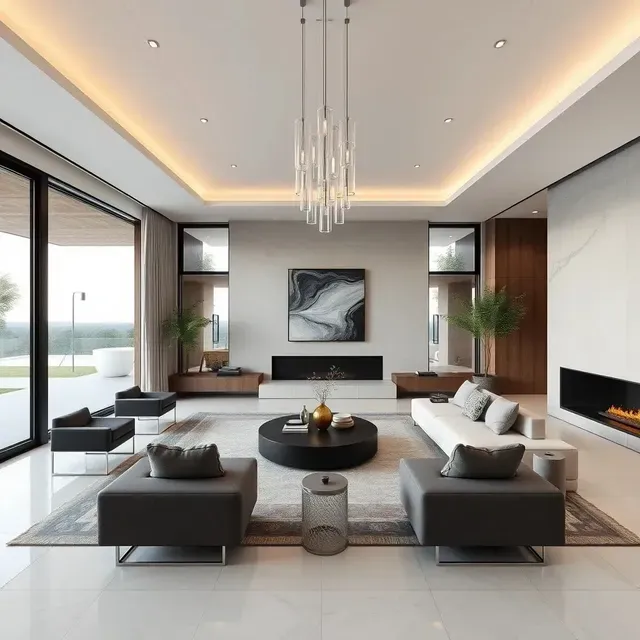
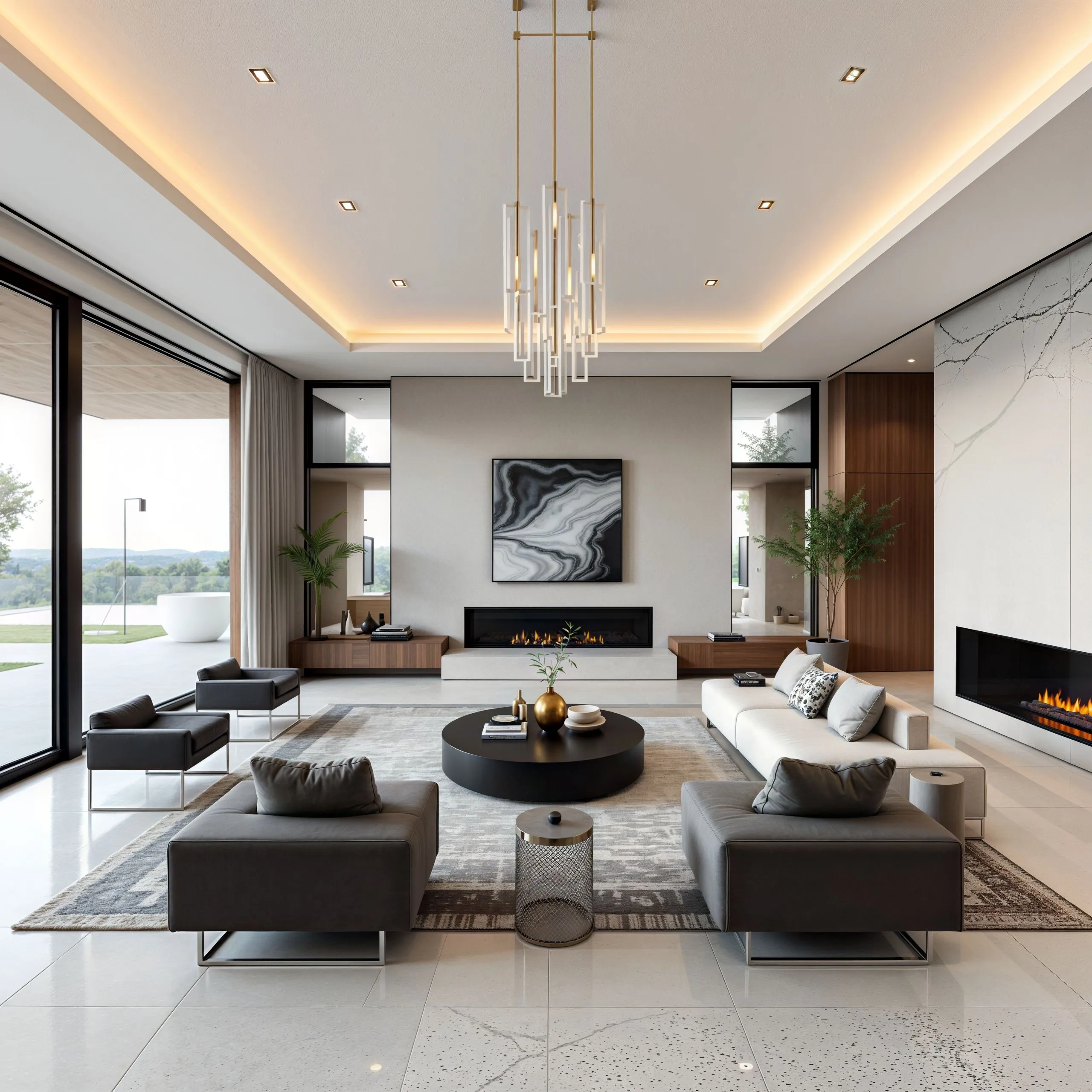
Doubling render resolution in V-Ray, Corona, Lumion, or Enscape can quadruple render time, and a competition board or lobby print may demand 8K that your deadline cannot afford. Upscaling inverts the economics. Render at 2K to 4K with clean sampling, then let the upscale carry the image to presentation size while enriching exactly what architectural imagery is judged on: wood grain, concrete finish, glass reflections, and the quality of light through a window. A minutes-long pass replaces hours of GPU time.
Presentation Images and Technical Drawings Need Different Rules
Hero renders, mood boards, and marketing visuals welcome plausible added detail, so the creative model is the right tool: richer materials sell the design. CAD exports, site plans, elevations, and BIM outputs do not tolerate a single moved line, so they go through the faithful model, which enlarges dimension lines, hatching, and annotations without inventing anything.
Settings That Work
- Model: a creative model such as Flux for renders and photos, a faithful one such as P Image Upscale for drawings
- Scale: 4x for A1 boards, 2x for brochures and web
- Enhance Faces: off
From Concept to Client-Ready
Firms fold upscaling in at several stages: rescuing portfolio projects rendered at yesterday's resolutions, enlarging construction-phase photography for case studies, and preparing award submissions with strict pixel minimums. Studios with recurring pipelines automate the final enlargement through the upscaling API. Run one render through the free no-signup upscaler and compare it against a native high-resolution render of the same scene.