Every Generator Stops Short of Print Resolution
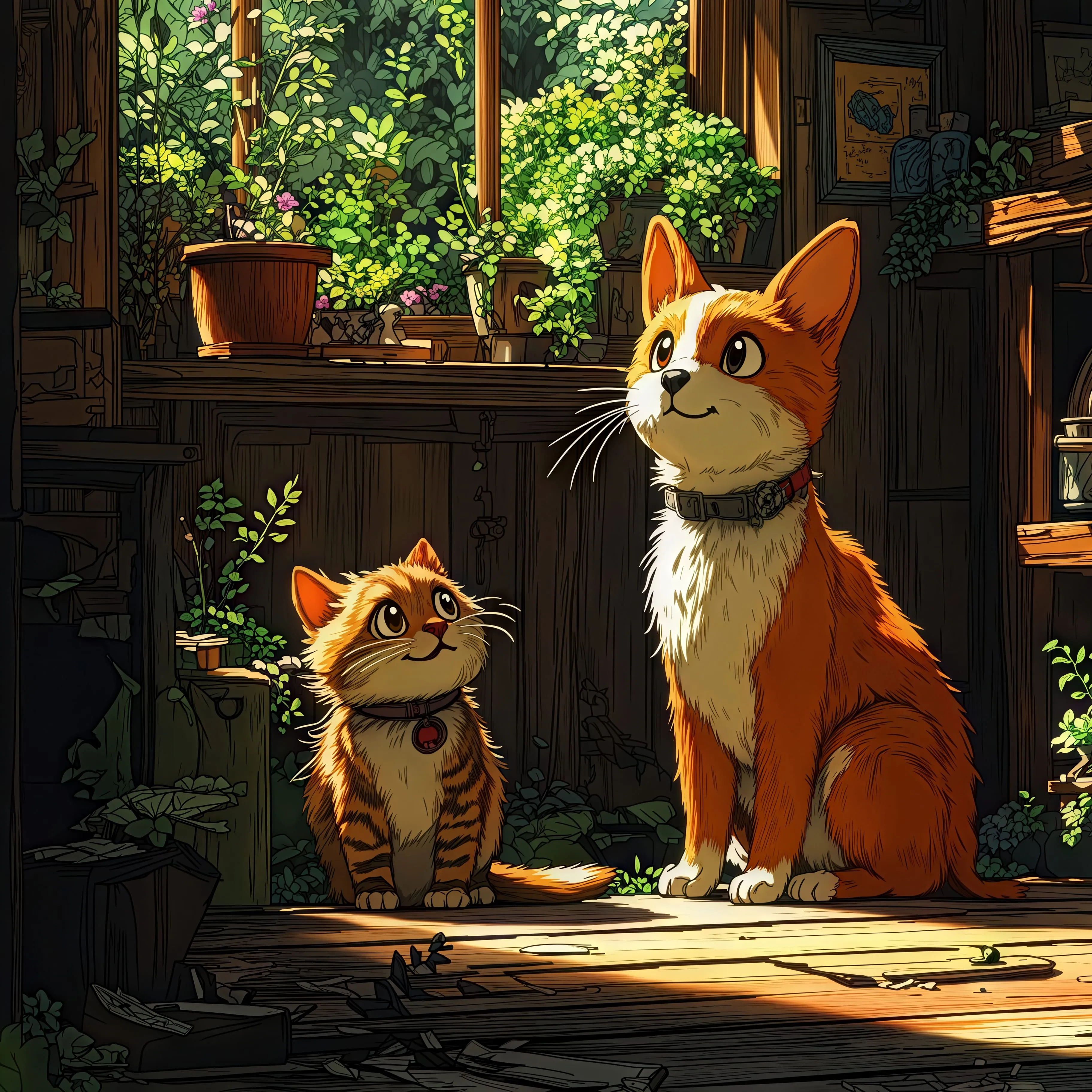
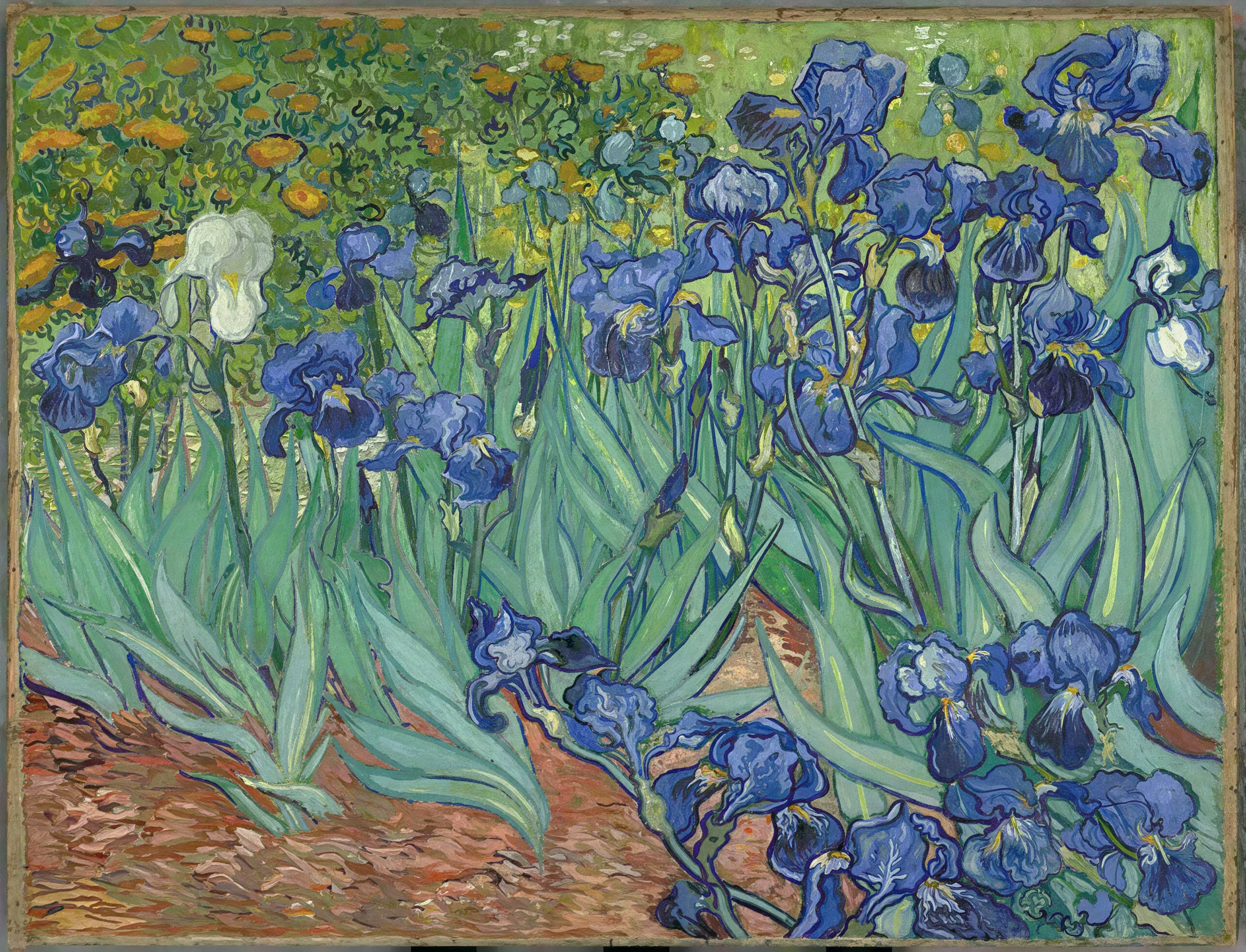
Midjourney caps around 2048 square, Stable Diffusion typically outputs 1024 or 1536, and DALL-E 3 tops out at 1024 by 1792. Fine for a phone screen, useless for a poster, a book cover, or a client deliverable. Naive enlargement makes it worse, because every generation flaw just gets bigger. The fix is an upscaler that understands what the image is supposed to look like and regenerates it at the target size.
A Hi-Res Fix That Actually Fixes Things
The creative model works like the hi-res fix from ComfyUI or Automatic1111, without the node graph. It re-renders the image at higher resolution and corrects the classic tells on the way: malformed hands regain anatomy, blurry faces sharpen, garbled background text becomes legible, airbrushed skin picks up pores. The creativity setting decides how much freedom it gets, and Regional Creativity lets you push the background harder than a face you already love. A generation that is already perfect goes through the faithful model instead, which adds pixels and changes nothing.
Settings That Work
- Model: any creative model, Flux for example, with the creativity slider low for fixes and higher for a reimagining
- Scale: 2x to 4x; the 100 megapixel ceiling covers gallery prints
- Enhance Faces: on when the piece has small faces, off for a portrait that fills the frame
- Regional creativity: paint the background high and the subject low
From Generation to Deliverable in One Place
Most AI artists run a chain: generate here, fix hands there, upscale somewhere else. Upsampler collapses it. Generate with the integrated models, inpaint problem regions with Image Edit, and upscale to print resolution in the same project. The output works for the destinations that reject raw generator sizes: gallery prints, print-on-demand products, and marketplace listings. Choosing between services? The Magnific comparison lays out the trade-offs.