Free 300 DPI Upscaler | No Sign-Up

Upscale an image to 300 DPI for print with AI. Add the real pixels a sharp print needs, 4x in one pass, and see the print size before you start. No sign-up, no watermark.

  • No account
  • No ads
  • No watermark
Examples · tap to try

Drop your image and check the print size shown under the button, then press Upscale for Print. GAN, the default, enlarges it 4x with sharp edges, so it prints crisply at 300 DPI.

More Free Tools

Discover more free tools to enhance your creative projects, no account required.

Our Premium Tools

Access highly advanced AI tools with flexible pricing: subscription or one-time payment.

Muse ImageNano Banana 2Nano Banana 2.1GPT Image 2GPT Image 2.5 FlareGPT Image 2.5 SunburstGPT Image 2.6 FlareGPT Image 2.6 SunburstGrok Imagine Image 2Nano Banana 2 LiteNano Banana ProSeedream 4Seedream 5 ProSeedream 5.5GPT Image 1.5Flux 3Qwen Image 3Qwen Image 2 ProGrok Imagine ImageP-Image IdeogramKrea 2Krea 3MAI Image 2.5Nano BananaImagen 4Seedream 3Seedream 4.5Seedream 5 FlashSeedream 5 LiteFlux 2 KleinFlux 2 ProFlux 2 MaxFlux 3 KleinZ Image TurboQwen Image 2Recraft V4.1Ideogram V4Ideogram V4.5Imagen 3Flux Kontext ProFlux Kontext MaxQwen ImageRecraft V4Ideogram V3Flux SchnellFlux 1.1 ProWan 2.2Recraft V3P Image UpscaleSeed VR 2FluxStable DiffusionGANFlux Fill ProQwen Edit 2511Qwen EditFlux Kontext FastMiniMax H3 Max TurboMiniMax H3Seedance 2.5Wan 3.0Gemini Omni 1.2 FlashMiniMax H3 LiteGrok Imagine VideoGrok Imagine Video 1.5P-Video 2 ProSeedance 1 ProSeedance 1.5 ProSeedance 2 MiniWan 2.7Kling 2.5 ProVeo 3.1 (No Audio)LTX 2.5 FastP-Video 2P-VideoKling 4.0 FlashRunway Gen 4.5P-Video 2 DraftWan 2.2 14B ProP-Video DraftLTX 2.5SeedVR 2RelayVSRRTX VSR
01 · Image Upscaling

Upscale Images to 100 MP

Add real detail as you enlarge.

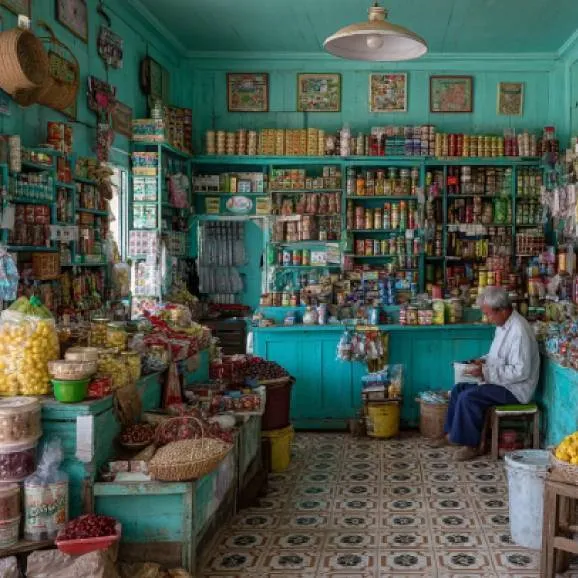
Before
Japanese supermarket upscaled with the AI image upscaler before enhancement and upscaling
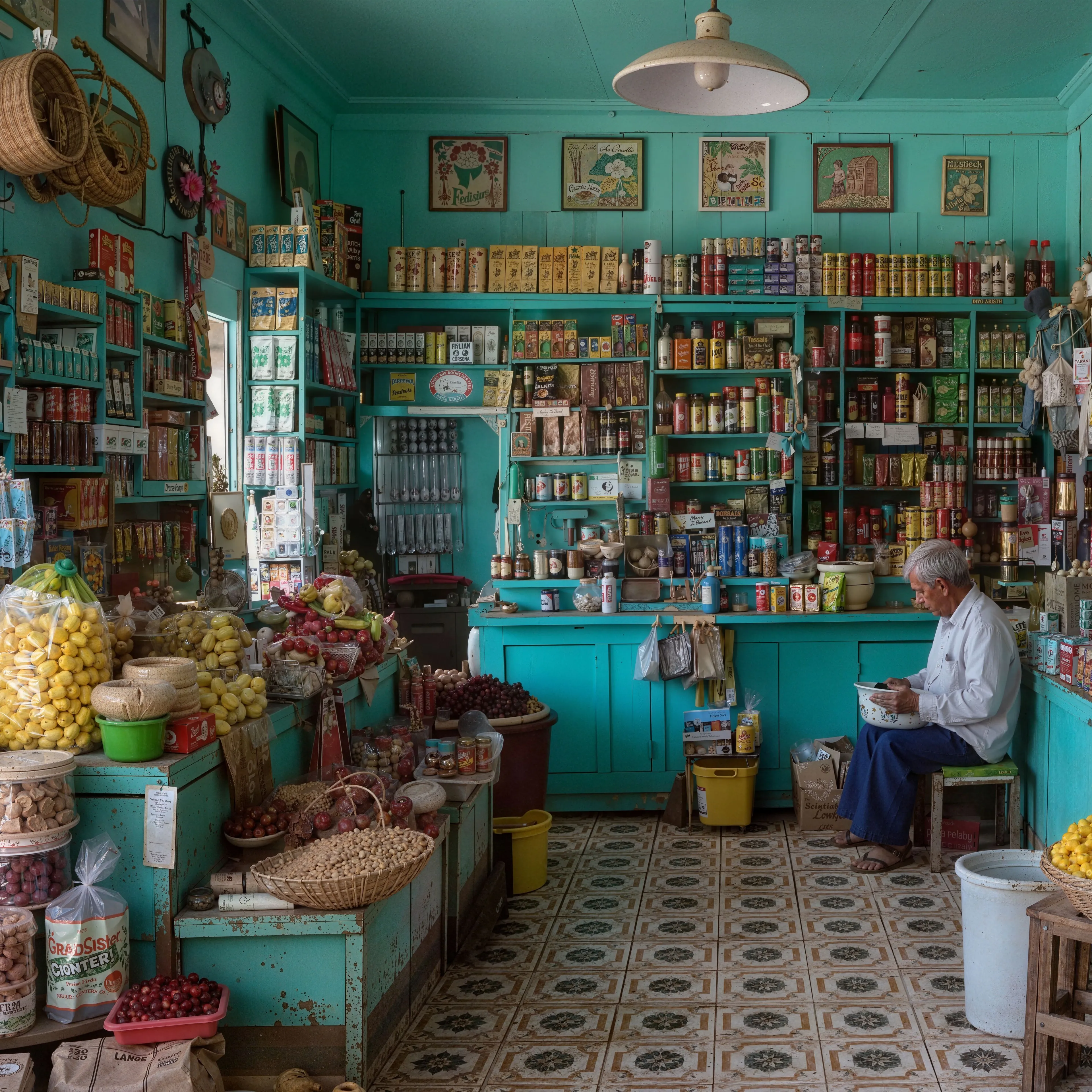
After
Japanese supermarket upscaled with the AI image upscaler after enhancement and upscaling
02 · Image Generation

Generate Images in 4K

Turn a prompt or a reference image into anything from photoreal shots to illustration.

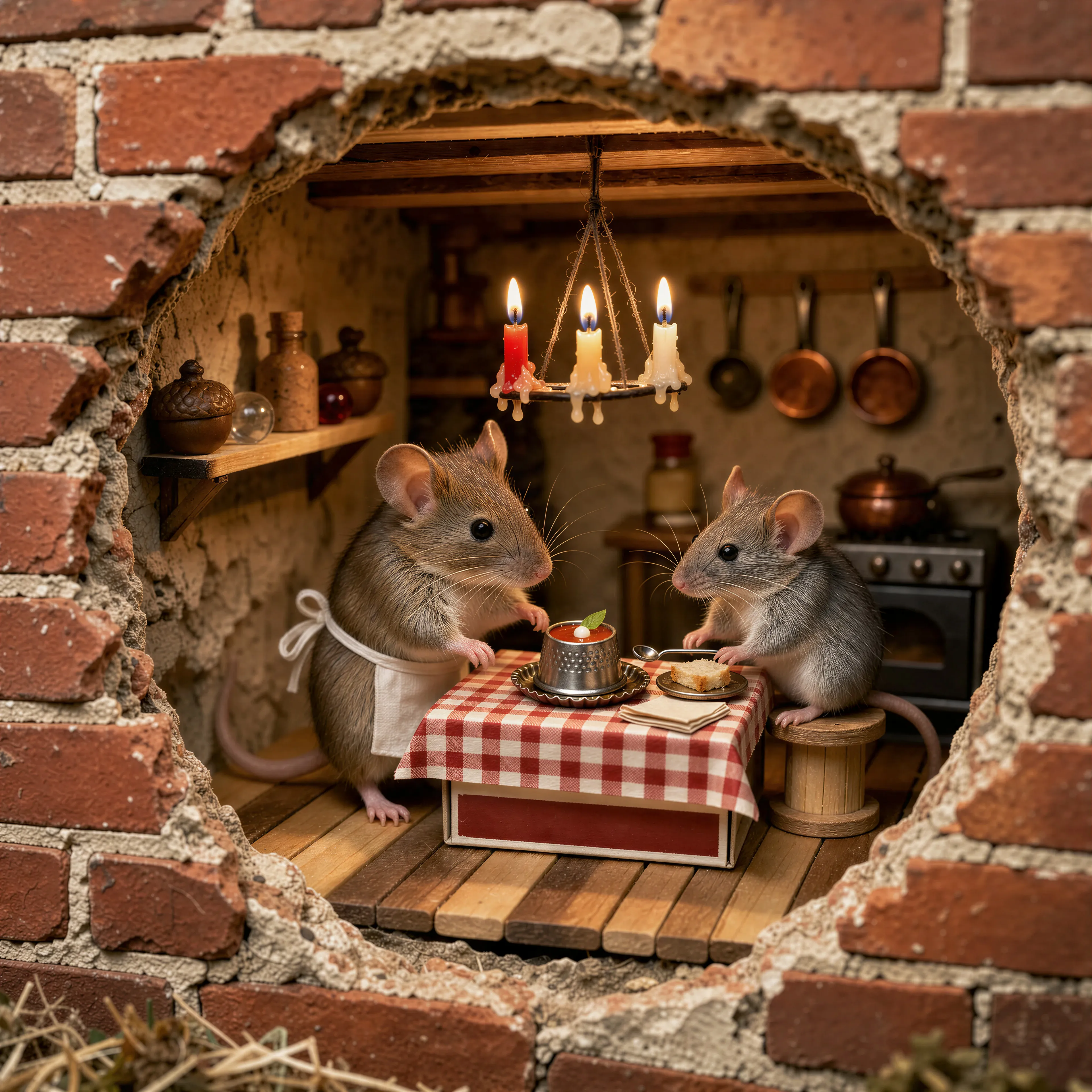
Two mice running a tiny trattoria in a hole in a brick wall, made with the AI image generator and upscaled with Upsampler
03 · Image Editing

Edit Images at Full Resolution

Change anything with a text prompt and get the result back at your photo's full size.

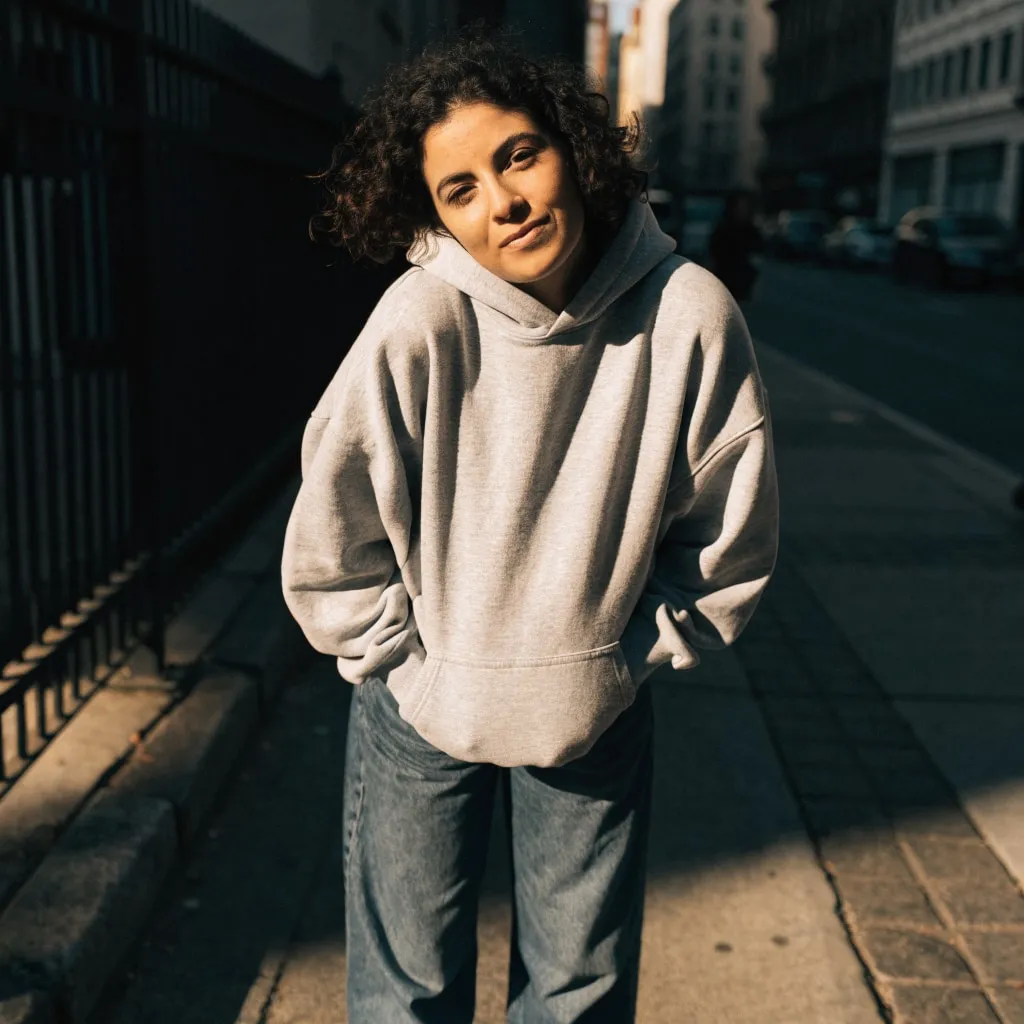
Before
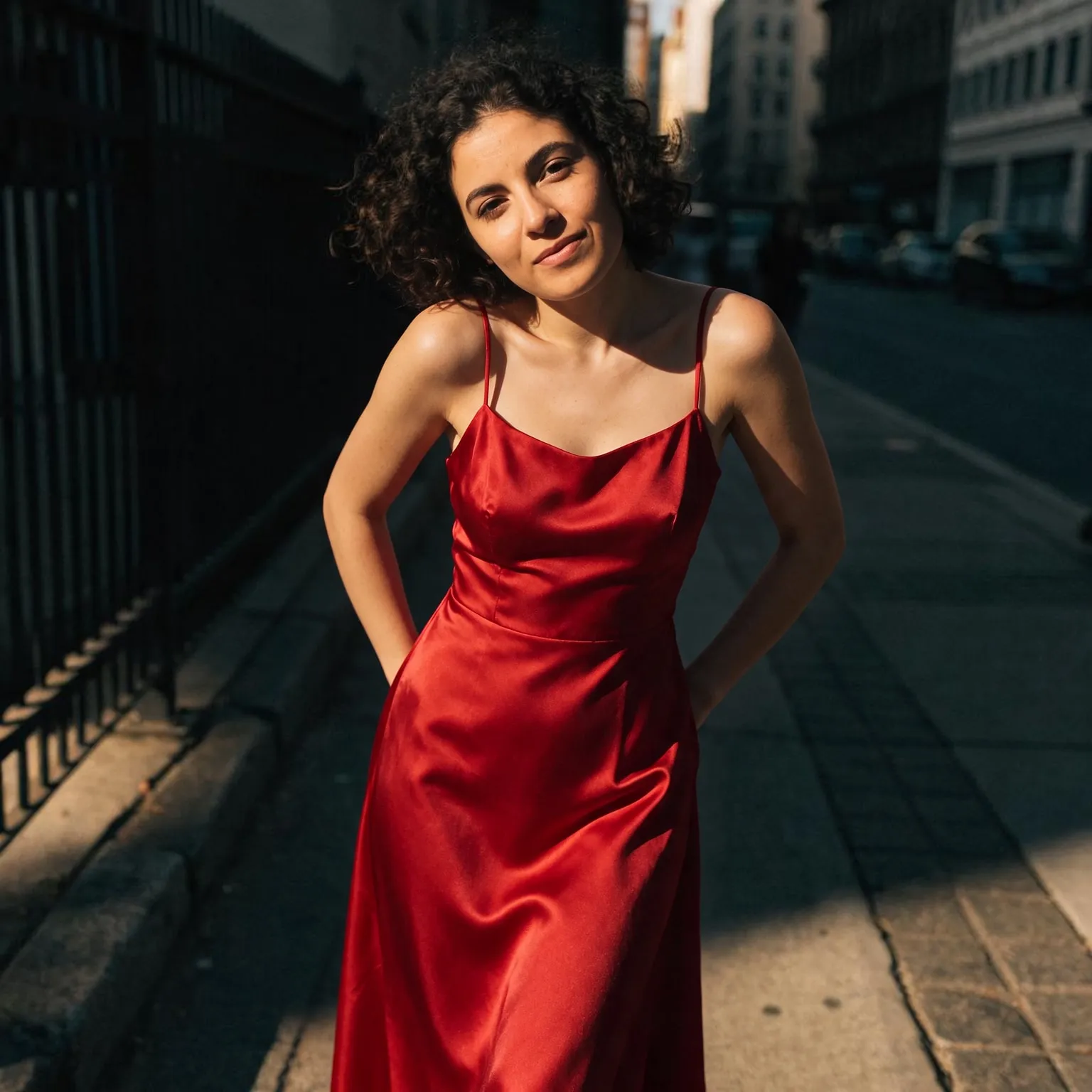
Woman in a grey hoodie on a city sidewalk, changed into a red satin evening dress with an AI edit before enhancement and upscaling
After
Woman in a grey hoodie on a city sidewalk, changed into a red satin evening dress with an AI edit after enhancement and upscaling
04 · Video Generation

Generate Videos in Full HD

Create clips from a prompt or bring a still image to life.

05 · Video Upscaling

Upscale Videos to 4K

Sharpen edges, textures, and on-screen text frame by frame, with stable motion.

Upscale DPI the way printers mean it

DPI, or more precisely PPI, describes how many pixels land on each inch of paper. Printers and print-on-demand services ask for 300 DPI because at that density the eye cannot see individual pixels. Changing the DPI number in an image editor does nothing to the picture itself: the same pixels are just spread over a smaller or larger area. To really increase the DPI of an image at a given print size, you need more pixels. This tool is the free AI image upscaler set up for exactly that: a faithful 4x enlargement in one pass by default, and the resulting print size at 300 DPI shown under the button as soon as you add an image.

Because the AI reconstructs edges as it enlarges, the extra pixels carry sharp lines and clean text instead of the blur you get from ordinary resampling, which is what makes the print look crisp rather than just big.

How to upscale an image to 300 DPI

Work out the pixels you need: multiply each side of the print in inches by 300. An 8 x 10 inch print needs 2400 x 3000 pixels, an A4 page about 2480 x 3508, and a 12 x 18 inch poster 3600 x 5400. Divide that by the pixels you have to find the factor. A 600 x 750 image upscaled 4x is exactly 2400 x 3000, a sharp 8 x 10 at 300 DPI.

Drop the image in and read the line under the button: it shows the output size in pixels and how many inches that prints at 300 DPI. Press Upscale for Print and download the result. Then set the document to 300 DPI in your layout or print software, or simply upload the file to the print service, which reads the pixel count.

GAN is the default because print size depends on pixel count, and it gives the crispest edges, which suits designs, illustrations, text, and most photos. Real-ESRGAN is the better second try for a photo that was saved as a compressed JPEG, since it cleans the blocky halos that would otherwise be enlarged onto paper. Seed VR 2 Small is also offered for a soft or heavily compressed photo: it rebuilds texture the source does not hold, but it can change small text and faces, and it always returns about 2 megapixels whatever the input. A square result is 1440 x 1440 px, which prints at only about 4.8 inches square at 300 DPI, so it suits small prints rather than posters.

Some quick reference sizes at 300 DPI help when planning: a 4 x 6 inch photo print needs 1200 x 1800 pixels, a 5 x 7 needs 1500 x 2100, an 11 x 14 needs 3300 x 4200, and a 16 x 20 needs 4800 x 6000. A source of 1200 x 1500 pixels, a common size for images taken from websites, reaches 16 x 20 inches in one 4x pass. Large posters viewed from across a room are often printed at 150 DPI instead, which halves the pixels needed on each side, so check what your print shop actually recommends for the format before you upscale beyond it.

Print on demand and DPI upscaler checklist

Print-on-demand platforms such as Printful, Printify, and Redbubble check uploads against the print area of each product, and they warn or print soft when a file falls short. Shirt fronts usually want around 4500 x 5400 pixels, mugs about 2475 x 1155, and phone cases 2000 to 3000 pixels on the long side. Upscale the design once to a master file big enough for the largest product it will appear on, then downsize per product.

Transparent PNG designs stay transparent, so apparel artwork keeps its cutout. Faces in photos can be cleaned with the face restoration checkbox; leave it off for artwork. For a logo that must print at any size, a vector file is better than any amount of pixels, and the free PNG to SVG converter makes one from the upscaled PNG.

Limits and when you need more

The free tool accepts JPG, PNG, and WebP up to 2048 px per side, and GAN returns 4x, so the largest result is 8192 px on its long side, enough for a print about 27 inches long at 300 DPI. Real- ESRGAN, which runs on your own device, returns up to about 16 megapixels. Results without transparency download as a high-quality WebP; if your printer insists on PNG or JPG, convert it with the free image converter. Seed VR 2 Small and GAN use a daily allowance of free GPU time; Real-ESRGAN has no daily limit.

An upscale adds sharp pixels; it does not add detail the photo never captured. A heavily compressed thumbnail will print cleaner than before, but not like a photo shot at full resolution. Files sent to the GPU are processed transiently and not stored, and Real-ESRGAN never uploads them.

Before ordering a large run, print one proof at the final size, or zoom the file to 100 percent on screen, and look at the smallest text and the finest lines in the design.

Frequently Asked Questions

Multiply your print size in inches by 300 to get the pixels you need, drop the image into the tool above, and check the print size it shows. Press Upscale for Print to enlarge it 4x, then download. No sign-up, no watermark.

Add pixels. Changing the DPI setting alone only relabels the file; the print gets sharper only when the image has enough pixels for the print size at 300 per inch. A 4x AI upscale adds them with sharp edges.

Divide the output pixels by 300. The tool does this for you: after you add an image, the line under the button shows the output size and the print size in inches at 300 DPI. GAN returns 4x the input; Real-ESRGAN enlarges small images 4x and returns up to about 16 megapixels for larger ones; Seed VR 2 Small returns about 2 megapixels, so a square image prints at only about 4.8 inches.

Yes. Changing DPI without resampling keeps the same pixels; resampling up in an editor adds blurry pixels. This tool adds pixels with AI that reconstructs sharp edges, so the print looks crisp.

If the 4x result meets the product's pixel requirement, yes. A design of about 1125 x 1350 px or more reaches a full shirt-front size of 4500 x 5400; smaller sources may need the premium upscaler, which goes up to 6x and 100 megapixels.

Inputs up to 2048 px per side in JPG, PNG, or WebP. Seed VR 2 Small and GAN run on shared free GPUs with a daily allowance, which connecting a free Hugging Face account raises; Real-ESRGAN runs on your device with no daily limit.

No. Seed VR 2 Small and GAN process them transiently on a GPU, where they expire automatically; Real-ESRGAN runs on your device, so the file never leaves it. Nothing is published or used for training.

No. Your download is the clean, full-quality result with no watermark, and you never need an account or email to get it.

Yes. The tool runs open models released under the Apache 2.0 and BSD 3-Clause licenses, and none of them claims any rights over the output you generate, so the model puts no claim on what you make, in commercial work or anywhere else. What the model does not decide is your right to the material you feed it: anything you upload stays subject to whoever holds the rights in it, and the usual limits apply either way. Do not use the tools to create illegal content, to impersonate real people, or to infringe someone else's rights.

No, credit is never required. If you publish the result on a website, blog or social post, a link back to this tool is appreciated and helps keep it free: press Copy credit link under your result and paste the ready-made link wherever you post it.

No. Sexually explicit content and anything involving minors are prohibited and cannot be unlocked on any plan, and every upload and prompt sent to our free GPUs is screened by an automated safety filter before it runs. Our Terms of Service list the full set of prohibited content.