Free AI Tattoo Generator | No Sign-Up

Describe a tattoo idea, pick a style, and get a clean design on plain white paper that you can take to your artist. Free, no sign-up, no watermark.

  • No account
  • No ads
  • No watermark
Examples · tap to try

Type the subject of your tattoo, choose a style such as fine line or traditional, pick square or tall, and press Generate Tattoo. Generate a few versions and keep the one you would actually wear.

More Free Tools

Discover more free tools to enhance your creative projects, no account required.

Our Premium Tools

Access highly advanced AI tools with flexible pricing: subscription or one-time payment.

Muse ImageNano Banana 2Nano Banana 2.1GPT Image 2GPT Image 2.5 FlareGPT Image 2.5 SunburstGPT Image 2.6 FlareGPT Image 2.6 SunburstGrok Imagine Image 2Nano Banana 2 LiteNano Banana ProSeedream 4Seedream 5 ProSeedream 5.5GPT Image 1.5Flux 3Qwen Image 3Qwen Image 2 ProGrok Imagine ImageP-Image IdeogramKrea 2Krea 3MAI Image 2.5Nano BananaImagen 4Seedream 3Seedream 4.5Seedream 5 FlashSeedream 5 LiteFlux 2 KleinFlux 2 ProFlux 2 MaxFlux 3 KleinZ Image TurboQwen Image 2Recraft V4.1Ideogram V4Ideogram V4.5Imagen 3Flux Kontext ProFlux Kontext MaxQwen ImageRecraft V4Ideogram V3Flux SchnellFlux 1.1 ProWan 2.2Recraft V3P Image UpscaleSeed VR 2FluxStable DiffusionGANFlux Fill ProQwen Edit 2511Qwen EditFlux Kontext FastMiniMax H3 Max TurboMiniMax H3Seedance 2.5Wan 3.0Gemini Omni 1.2 FlashMiniMax H3 LiteGrok Imagine VideoGrok Imagine Video 1.5P-Video 2 ProSeedance 1 ProSeedance 1.5 ProSeedance 2 MiniWan 2.7Kling 2.5 ProVeo 3.1 (No Audio)LTX 2.5 FastP-Video 2P-VideoKling 4.0 FlashRunway Gen 4.5P-Video 2 DraftWan 2.2 14B ProP-Video DraftLTX 2.5SeedVR 2RelayVSRRTX VSR
01 · Image Generation

Generate Images in 4K

Turn a prompt or a reference image into anything from photoreal shots to illustration.

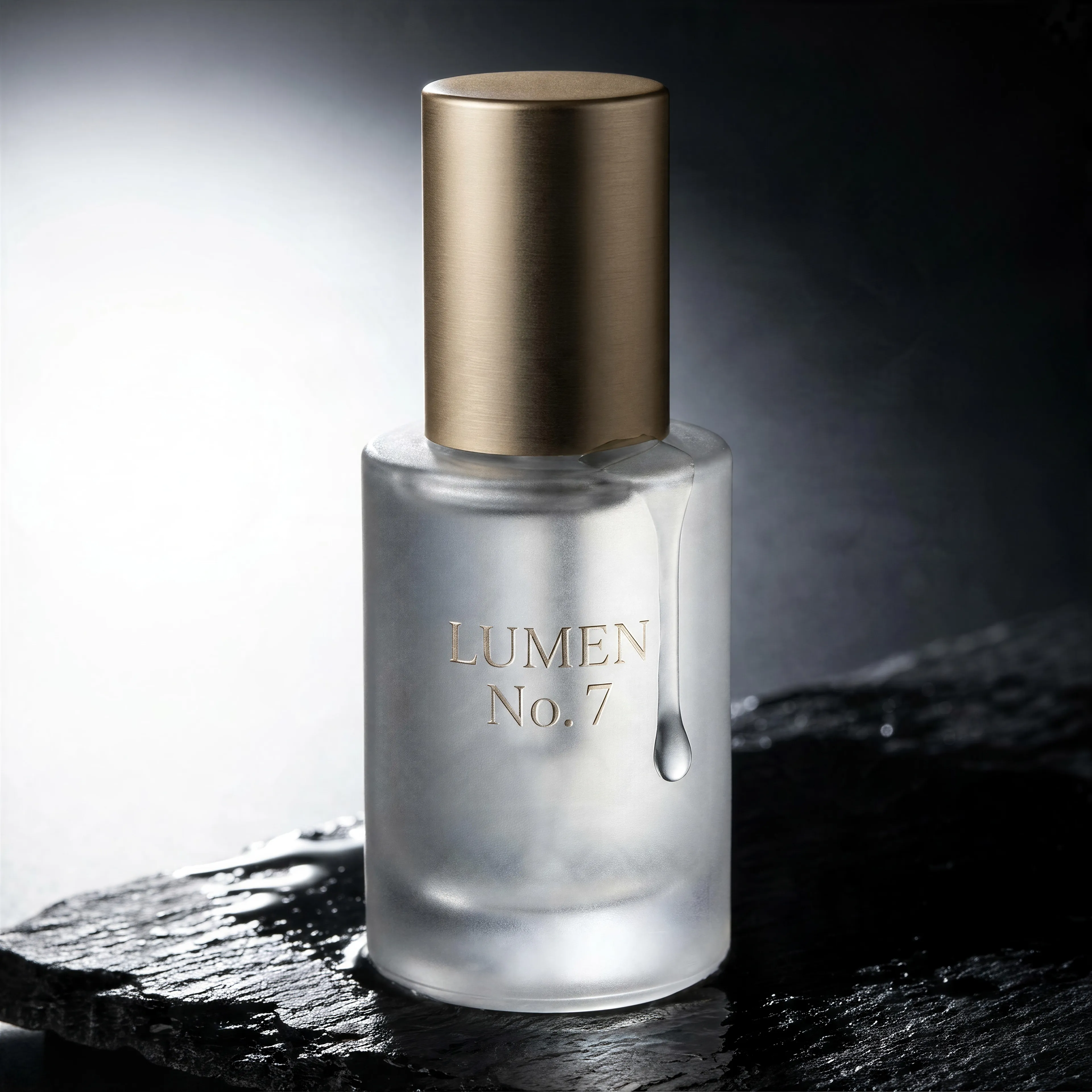
Frosted glass serum bottle with an embossed label on wet black slate, made with the AI image generator and upscaled with Upsampler
02 · Image Upscaling

Upscale Images to 100 MP

Add real detail as you enlarge.

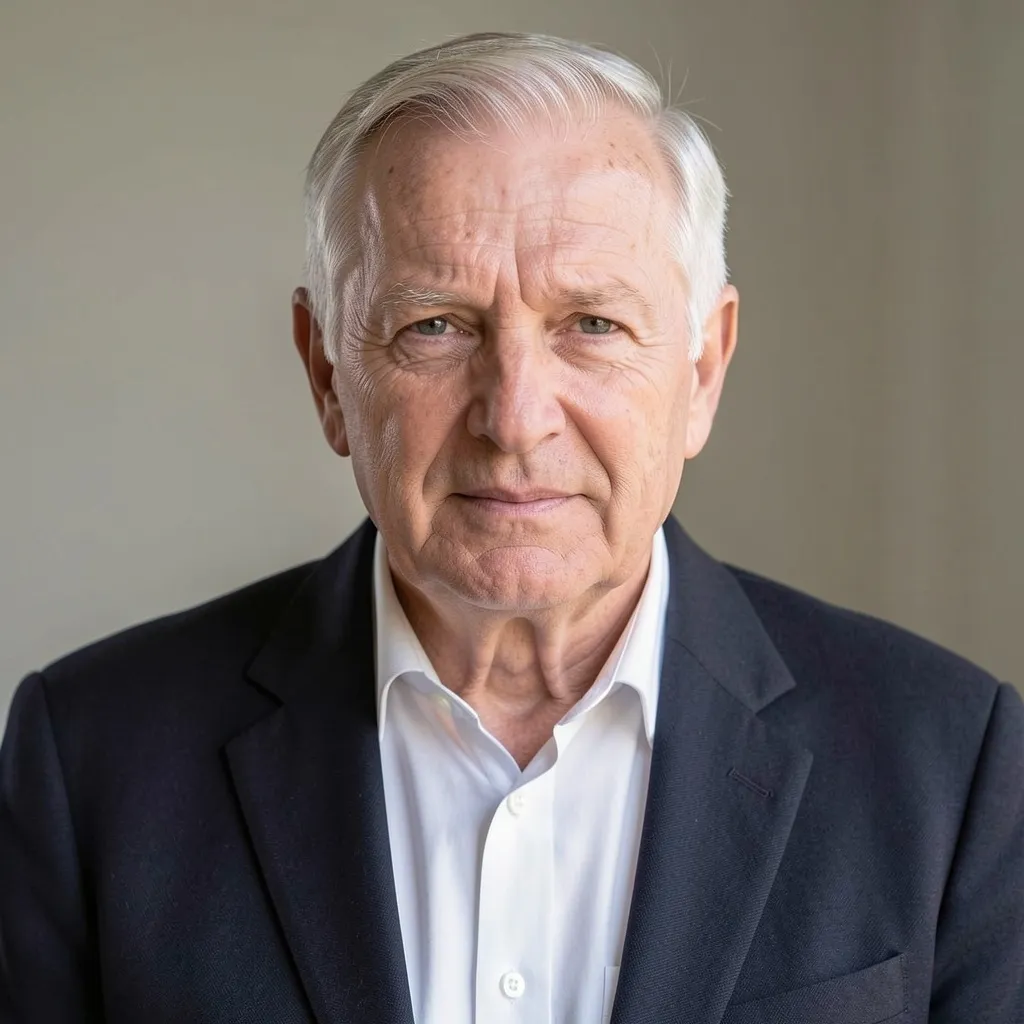
Before
Portrait of an older man upscaled with the AI image upscaler before enhancement and upscaling
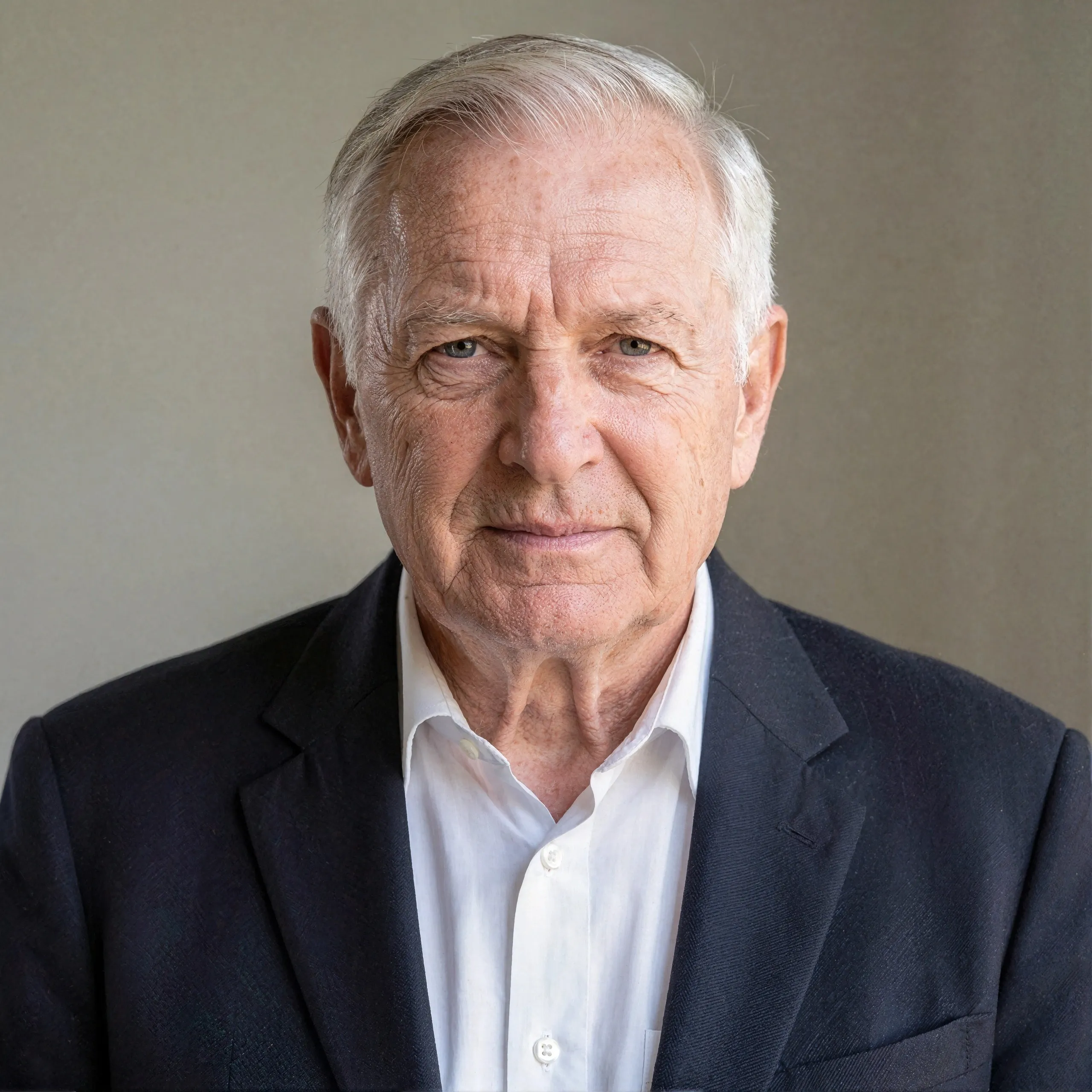
After
Portrait of an older man upscaled with the AI image upscaler after enhancement and upscaling
03 · Image Editing

Edit Images at Full Resolution

Change anything with a text prompt and get the result back at your photo's full size.

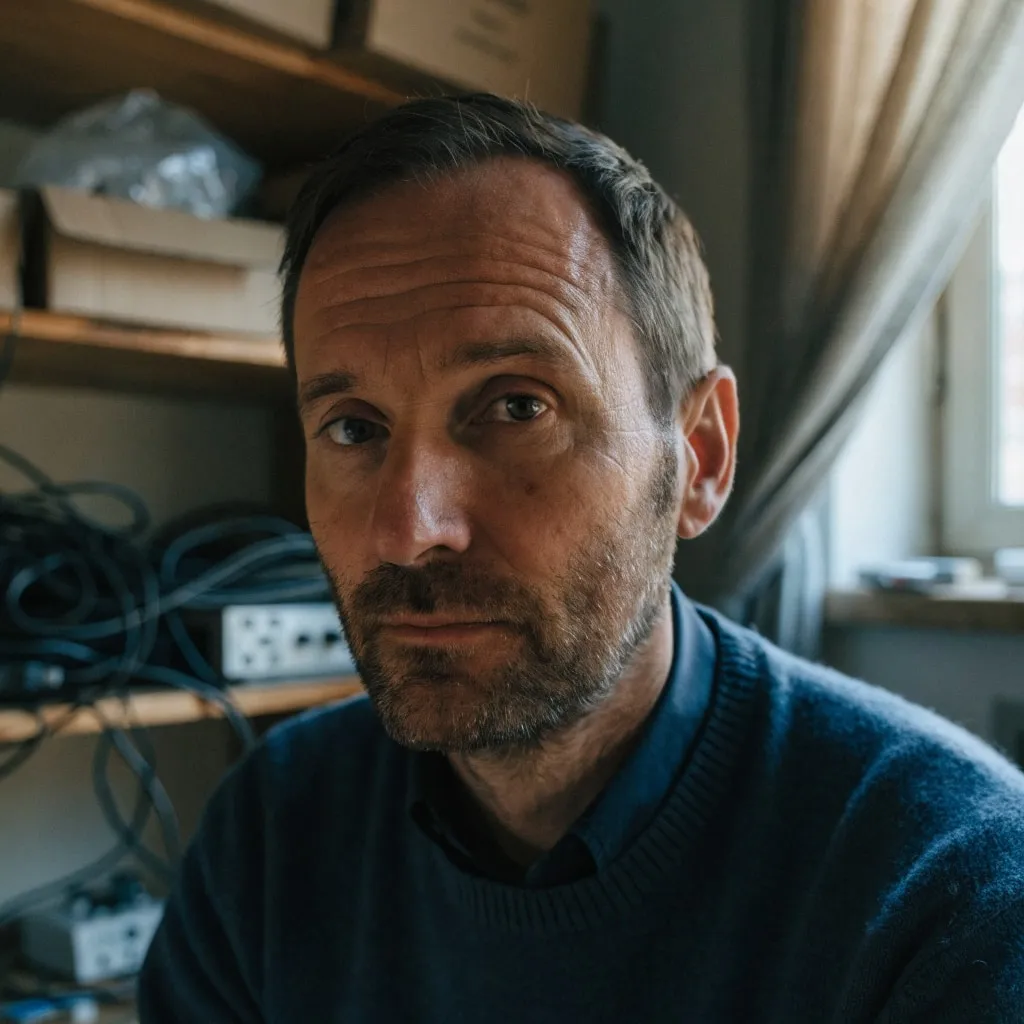
Before
Portrait of a man in a cluttered home office, moved onto a sunny Mediterranean terrace with an AI edit before enhancement and upscaling
After
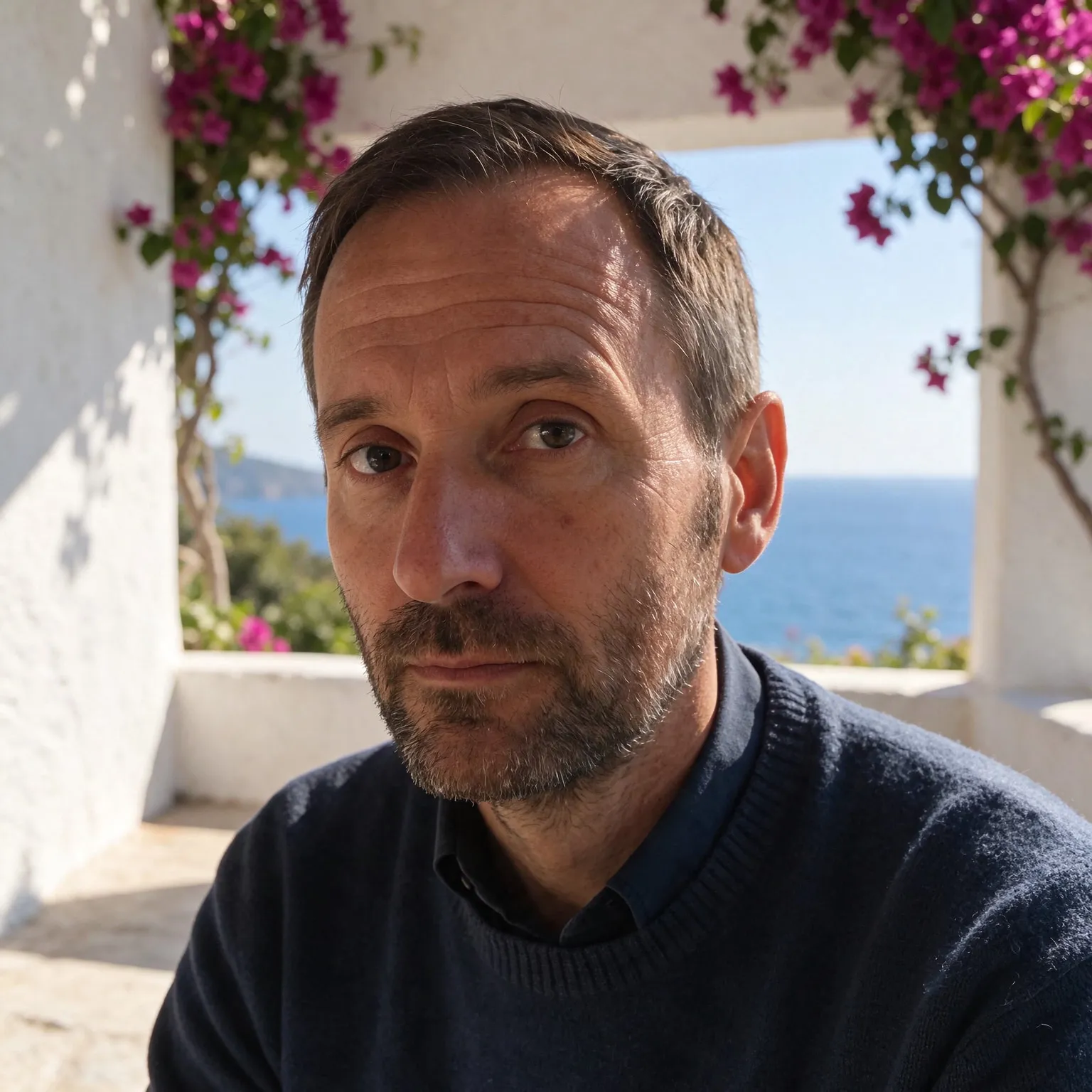
Portrait of a man in a cluttered home office, moved onto a sunny Mediterranean terrace with an AI edit after enhancement and upscaling
04 · Video Generation

Generate Videos in Full HD

Create clips from a prompt or bring a still image to life.

05 · Video Upscaling

Upscale Videos to 4K

Sharpen edges, textures, and on-screen text frame by frame, with stable motion.

An AI tattoo generator that draws flash, not photos

This AI tattoo generator is a preset of our free AI image generator tuned for one job: tattoo designs. You type only the subject, a koi fish, a compass with a mountain range, your grandmother's favorite flower, and the tool wraps it in a style brief written for tattoo flash. Every design comes back flat on plain white paper, centered, with nothing in the background, which is what a tattoo artist needs to trace a stencil. The general generator will happily draw a tattoo on a photographed arm; this one draws the design itself.

It is free, there is no account to create, and no watermark lands on the design. Use it to explore ideas and to show your artist the direction you want. A good artist will redraw it for your body and their needles, and that step matters.

Choosing a tattoo style

Style decides how a tattoo ages as much as how it looks on day one. Fine line uses single-needle linework and reads beautifully small, but thin lines spread under the skin over the years, so keep fine line pieces simple and give details room. Traditional, the American old school look, uses bold outlines and a short palette of red, yellow, green, and black. It is the style that holds up best over decades, which is why sailors wore it. Blackwork relies on solid black and dotwork shading for strong contrast that reads from across a room.

Minimalist designs use a few lines and lots of empty space, a good fit for wrists, ankles, and behind the ear. Watercolor trades outlines for soft washes; ask your artist about adding a black linework skeleton so the color keeps its shape as it fades. Japanese irezumi pairs bold outlines with waves, clouds, and flowers and works best large, on a sleeve or back, where the background elements can flow with the muscle.

What makes a good tattoo design

Tattoos are read at a distance and on a curved, moving surface, so the designs that last share a few traits. A clear silhouette is the first: if the shape is recognizable when filled in solid black, it will read on skin. Second, line weight should vary, with a heavier outer line and lighter interior detail, so the piece has depth without turning into mud. Third, leave negative space. Skin tone is part of the palette, and details packed closer than a few millimeters blur together within a few years.

Placement shapes the design too. Pick the square layout for chest, shoulder, and hand pieces, and the tall 2:3 layout for forearms, calves, and spine pieces that run along a limb. Describe the subject plainly and add one or two details rather than a crowded scene; “a fox curled around a crescent moon” gives the model a composition to work with, while a list of six symbols gives it a collage. Lettering is a known weak spot of the compact free models, so if your tattoo includes a name or a quote, let your artist set the type by hand.

From design to stencil

The free tool renders a square design at 1024 by 1024 pixels and a tall one at 768 by 1152, enough to print a palm-sized reference. For a larger stencil, run the design through the free image upscaler first so the lines stay crisp when printed big. If your artist works from vector files, the free PNG to SVG converter traces the black linework into clean paths you can scale to any size. Bring several variations to the consultation: seeing three takes on the same idea is the fastest way to agree on what you actually want.

Before booking, test the design on your body. Print it at the size you plan to get, cut it out, and tape it where it will go, then look at it in a mirror for a day. Proportions that look right on a screen often feel too small on a shoulder blade or too busy on a wrist, and it costs nothing to adjust now. Also think about how the piece fits with tattoos you already have or might add: matching line weight and style keeps a collection coherent, which is why many people pick one style chip here and stay with it. Finally, respect the artist's craft. Bringing an AI design is a starting point for a conversation, not a finished order, and most artists will want to redraw it in their own hand so it ages well and suits the way they tattoo.

Frequently Asked Questions

Yes. There is no sign-up, no payment, and no watermark. Each visitor gets a daily allowance of generations on shared free GPUs, and connecting a free Hugging Face account raises it.

The designs are drawn flat on plain white for exactly that reason, so they trace cleanly. Treat the result as a reference, though: your artist will adjust line spacing and size for your skin and placement before making the final stencil.

Six: fine line, American traditional, blackwork, minimalist, watercolor, and Japanese. Pick one with the style chips above the button; your subject stays the same, so you can compare styles on one idea.

Not reliably. The compact free models often misspell or invent letters. Generate the image without text and have your artist add the lettering by hand, which also lets you choose the typeface.

Square designs come out at 1024 by 1024 pixels and tall ones at 768 by 1152 on Z-Image Turbo; Flux 2 Klein 4B caps the long side at 1024. Upscale before printing a large stencil.

Try both on the same idea. Z-Image Turbo is quicker and stretches the daily allowance further; Flux 2 Klein 4B sometimes follows a style brief more closely. Keep whichever matches the look you want.

No. Your text passes a quick safety check and goes to the GPU that renders the design, then the temporary files expire. Nothing is saved to a public gallery or used for training.

No. Your download is the clean, full-quality result with no watermark, and you never need an account or email to get it.

Yes. The tool runs open models released under the Apache 2.0 license, which claims no rights over the output you generate, so the model puts no claim on what you make, in commercial work or anywhere else. What the model does not decide is your right to the material you feed it: anything you upload stays subject to whoever holds the rights in it, and the usual limits apply either way. Do not use the tools to create illegal content, to impersonate real people, or to infringe someone else's rights.

No, credit is never required. If you publish the result on a website, blog or social post, a link back to this tool is appreciated and helps keep it free: press Copy credit link under your result and paste the ready-made link wherever you post it.

No. Sexually explicit content and anything involving minors are prohibited and cannot be unlocked on any plan, and every upload and prompt sent to our free GPUs is screened by an automated safety filter before it runs. Our Terms of Service list the full set of prohibited content.