Free AI Coloring Page Generator | No Sign-Up

Type any idea and get a printable black and white coloring page, simple for kids or intricate for adults. Free, no sign-up, no watermark.

  • No account
  • No ads
  • No watermark
Examples · tap to try

Describe what the page should show, pick Kids, Adults, Mandala, Kawaii, or Scene, choose a page shape, and press Generate Coloring Page. Download it and print on plain paper.

More Free Tools

Discover more free tools to enhance your creative projects, no account required.

Our Premium Tools

Access highly advanced AI tools with flexible pricing: subscription or one-time payment.

Muse ImageNano Banana 2Nano Banana 2.1GPT Image 2GPT Image 2.5 FlareGPT Image 2.5 SunburstGPT Image 2.6 FlareGPT Image 2.6 SunburstGrok Imagine Image 2Nano Banana 2 LiteNano Banana ProSeedream 4Seedream 5 ProSeedream 5.5GPT Image 1.5Flux 3Qwen Image 3Qwen Image 2 ProGrok Imagine ImageP-Image IdeogramKrea 2Krea 3MAI Image 2.5Nano BananaImagen 4Seedream 3Seedream 4.5Seedream 5 FlashSeedream 5 LiteFlux 2 KleinFlux 2 ProFlux 2 MaxFlux 3 KleinZ Image TurboQwen Image 2Recraft V4.1Ideogram V4Ideogram V4.5Imagen 3Flux Kontext ProFlux Kontext MaxQwen ImageRecraft V4Ideogram V3Flux SchnellFlux 1.1 ProWan 2.2Recraft V3P Image UpscaleSeed VR 2FluxStable DiffusionGANFlux Fill ProQwen Edit 2511Qwen EditFlux Kontext FastMiniMax H3 Max TurboMiniMax H3Seedance 2.5Wan 3.0Gemini Omni 1.2 FlashMiniMax H3 LiteGrok Imagine VideoGrok Imagine Video 1.5P-Video 2 ProSeedance 1 ProSeedance 1.5 ProSeedance 2 MiniWan 2.7Kling 2.5 ProVeo 3.1 (No Audio)LTX 2.5 FastP-Video 2P-VideoKling 4.0 FlashRunway Gen 4.5P-Video 2 DraftWan 2.2 14B ProP-Video DraftLTX 2.5SeedVR 2RelayVSRRTX VSR
01 · Image Generation

Generate Images in 4K

Turn a prompt or a reference image into anything from photoreal shots to illustration.

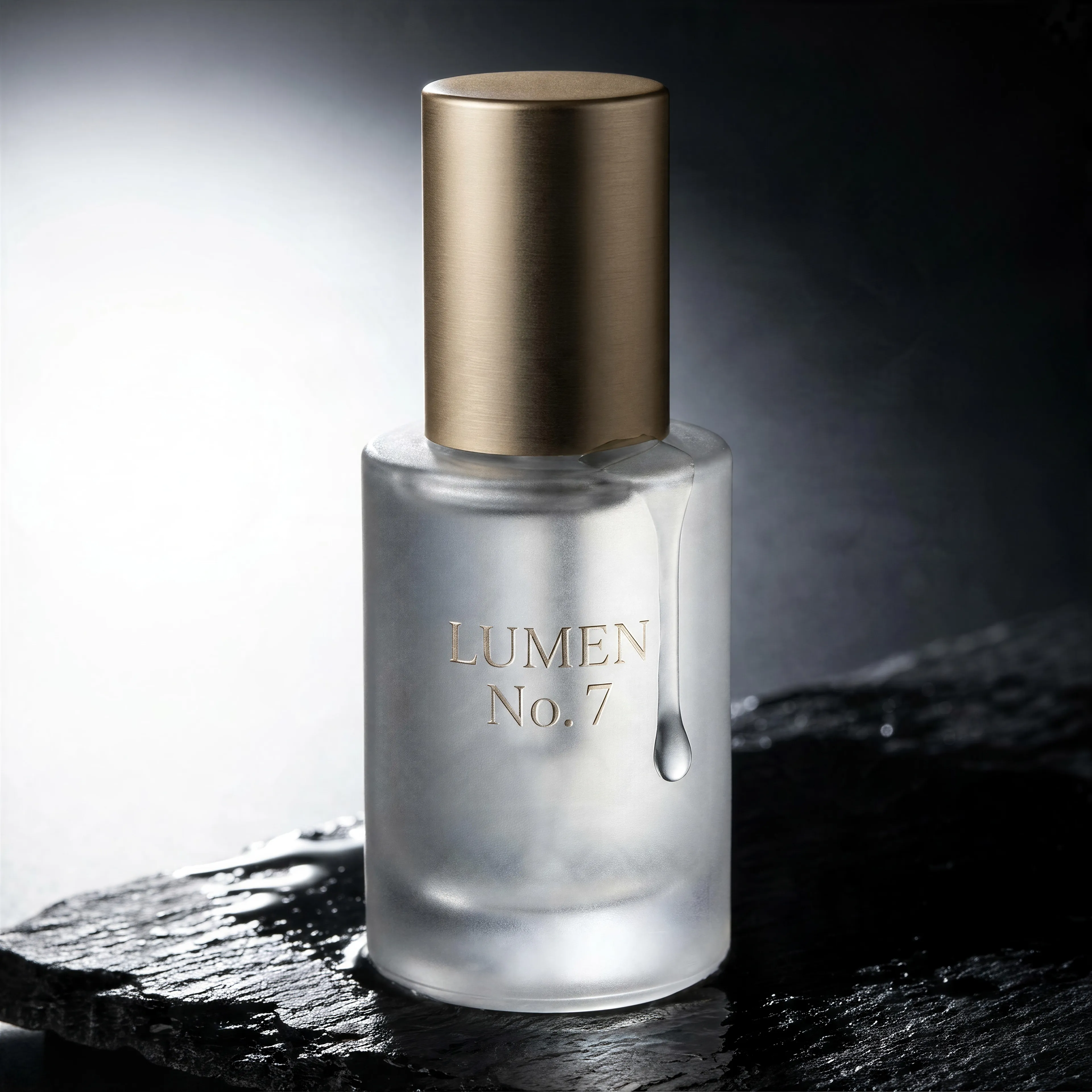
Frosted glass serum bottle with an embossed label on wet black slate, made with the AI image generator and upscaled with Upsampler
02 · Image Upscaling

Upscale Images to 100 MP

Add real detail as you enlarge.

Before
AI painting of a cloud whale over a lighthouse, upscaled with the AI image upscaler before enhancement and upscaling
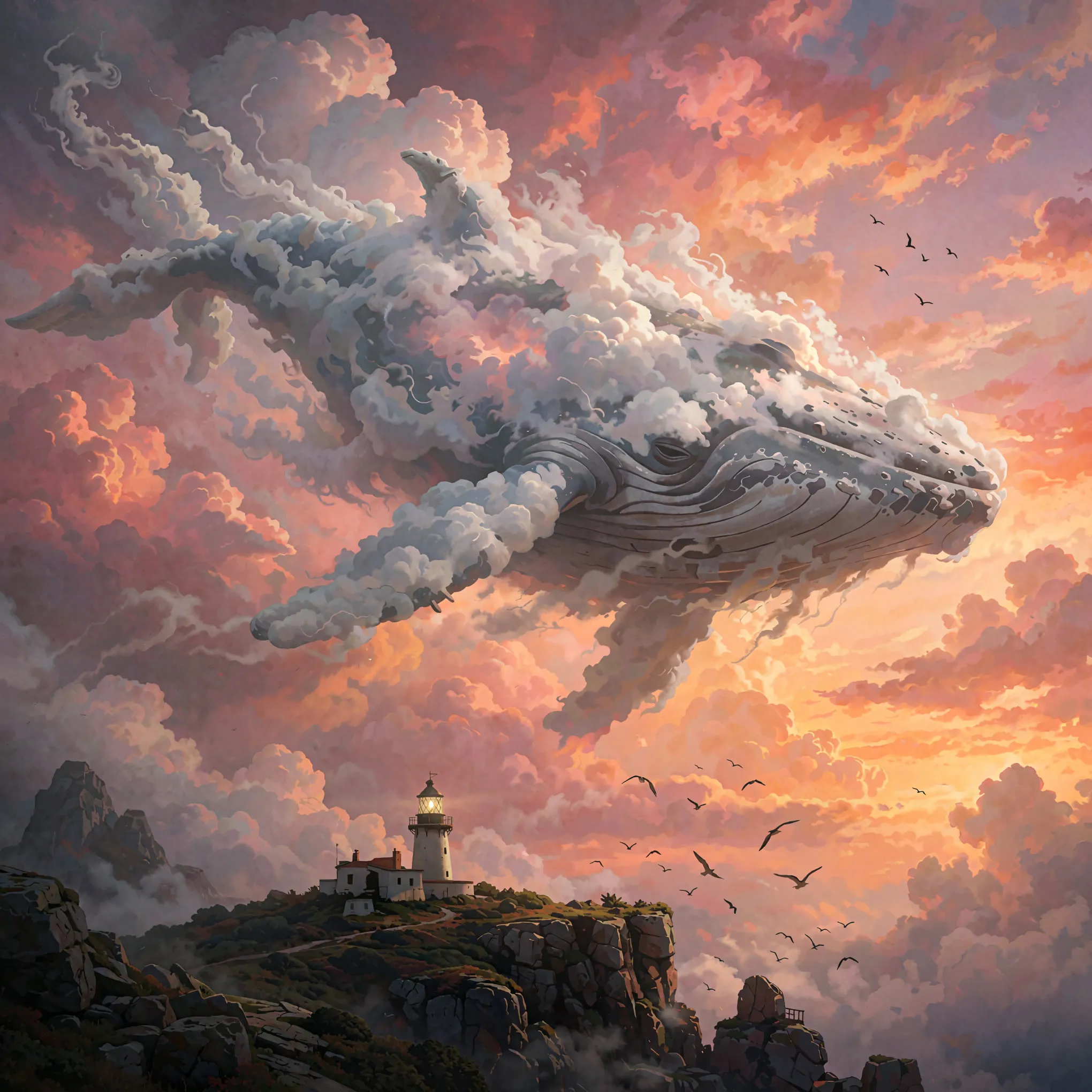
After
AI painting of a cloud whale over a lighthouse, upscaled with the AI image upscaler after enhancement and upscaling
03 · Image Editing

Edit Images at Full Resolution

Change anything with a text prompt and get the result back at your photo's full size.

Before
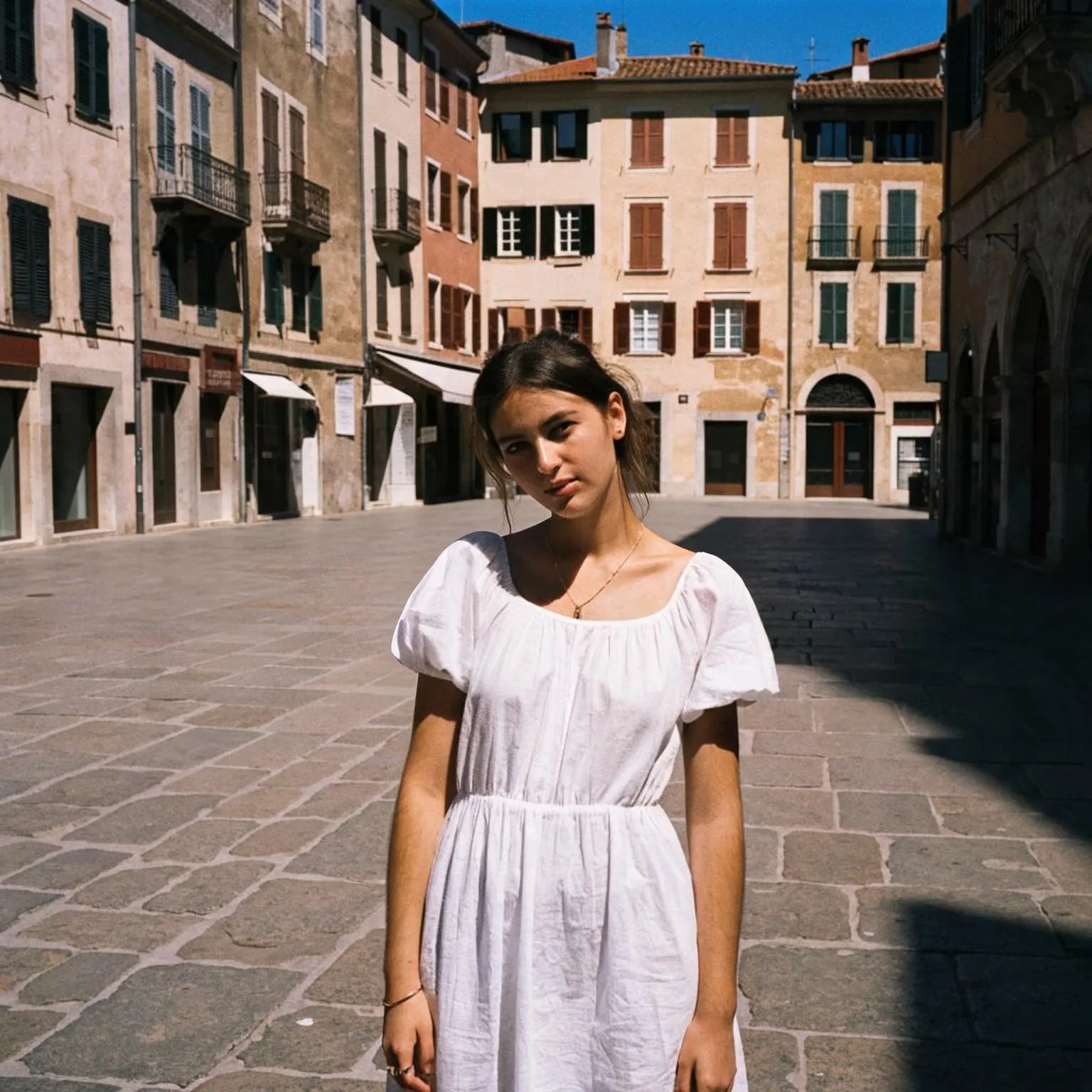
Woman in a white dress in a crowded old-town square, with the crowd removed by an AI edit before enhancement and upscaling
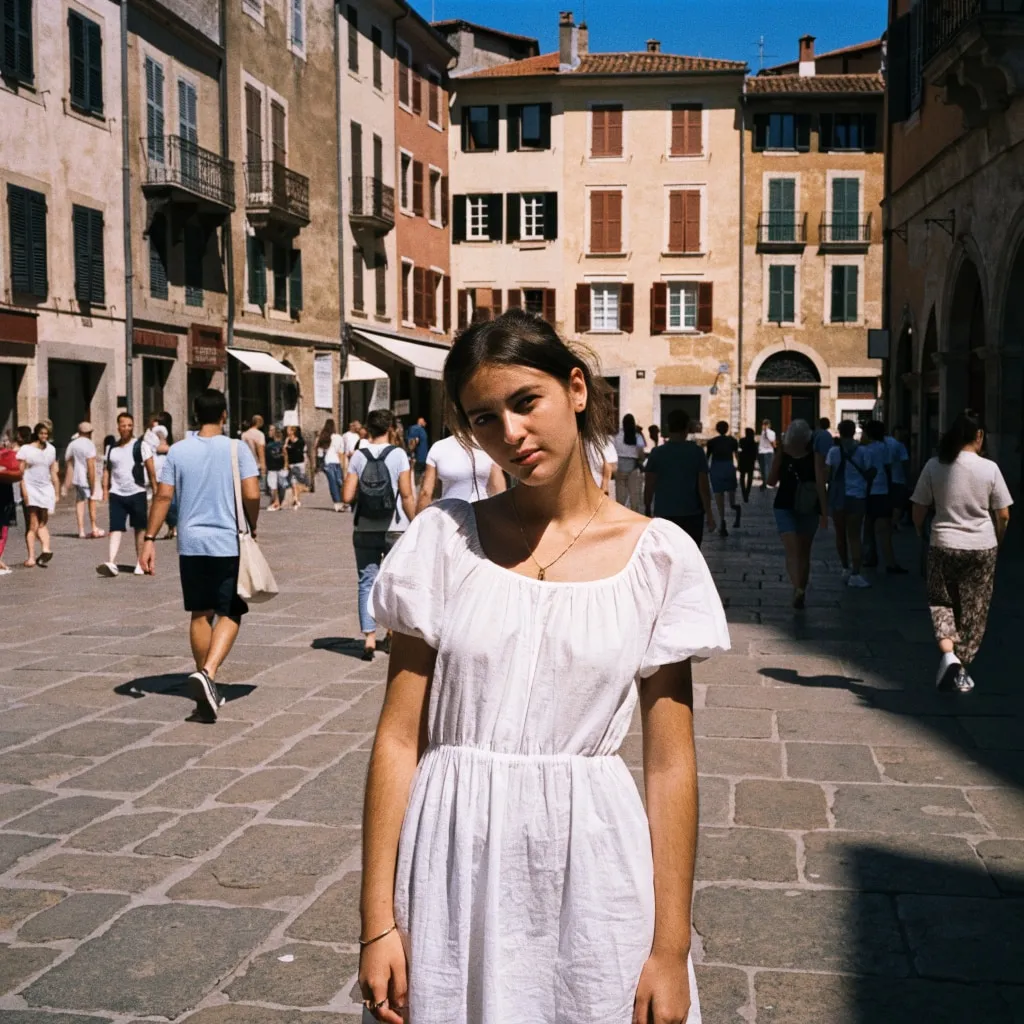
After
Woman in a white dress in a crowded old-town square, with the crowd removed by an AI edit after enhancement and upscaling
04 · Video Generation

Generate Videos in Full HD

Create clips from a prompt or bring a still image to life.

05 · Video Upscaling

Upscale Videos to 4K

Sharpen edges, textures, and on-screen text frame by frame, with stable motion.

A coloring page generator, not a general image tool

This AI coloring page generator is built on our free AI image generator, but where that tool paints full color pictures, this one only draws line art. You type the subject, a unicorn in a garden, a fire truck, a cat reading a book, and every style turns it into black outlines on pure white with open areas left for crayons, markers, or colored pencils. There is no prompt engineering to learn: the coloring book brief is built in, so a five-word idea is enough.

It is free, it needs no account, and there is no watermark printed across the page. Make a single sheet for a rainy afternoon or a themed set for a party, a classroom, or a birthday.

Coloring pages for kids and for adults

Line weight is the single biggest difference between a page a four-year-old enjoys and one that frustrates them. Kids pages use thick, bold outlines and large simple shapes, so small hands with chunky crayons can stay inside the lines and finish a page before attention runs out. Kawaii keeps that thick line but adds round, happy characters, a favorite for preschoolers and sticker fans. Scene adds a simple background, a good step up for school-age kids who want more to color.

Adults pages flip the balance: fine lines, many small enclosed areas, and decorative patterns inside the main shape, built for fine-tip pens and a long, calm session. Mandala arranges the design in symmetrical rings, the classic relaxation format, and it works with almost any subject, from flowers to owls to the ocean.

Age is a better guide than any label. Toddlers do best with one large subject and outlines several millimeters thick. Children of five to eight enjoy a subject plus a simple setting. Older kids and teens often prefer the adult styles, as long as the subject is one they care about.

What makes a printable coloring page

A good coloring page is mostly white. Large solid black areas waste ink and leave nothing to color, so every style here asks for white fills and a white background. Outlines should be closed, meaning each shape is a sealed area: open gaps make markers bleed and make the page look unfinished. Contrast matters too. Pure black lines on pure white print sharply on any home printer, while gray shading prints muddy and fights the colors that go on top.

For printing, pick the 3:4 portrait shape, which matches a letter or A4 sheet closely once you leave a small margin. The free tool renders portrait pages at 768 by 1024 pixels, fine for a standard print at home. If you want a sharper sheet or plan to bind pages into a book, run the page through the free image upscaler before printing. Already have a photo you love? The free photo to sketch tool turns a real picture, a pet or a family house, into line art.

Tips for better pages

Describe one main subject and an action: “a bear having a picnic” beats a list of five animals. Name the setting only if you want a scene, since an empty background is easier for young kids. If a page comes back with a few gray patches or a stray line, generate it again: each run is a fresh drawing, and the second or third is often cleaner. Text such as a child's name is a weak spot for the compact free models, so write names in by hand after printing.

Building a themed set takes one subject family and a few variations. For a dinosaur party, try “a T. rex blowing out birthday candles”, “a triceratops with a party hat”, and “a baby dinosaur hatching from an egg” in the same style, and the pages will look like they belong to one book. Teachers can match pages to a lesson: the water cycle, the planets, animals of the rainforest, or a scene from a class reading. Keep the same style chip across a set so line weight stays consistent from page to page.

For adult coloring, the craft is in the density. A page that is too busy becomes a chore, and one that is too sparse ends in ten minutes. Mandala and Adults styles aim for the middle ground: a clear main subject surrounded by patterned areas of different sizes, so you can switch between broad strokes and fine detail. Print adult pages on heavier paper if you color with markers, since alcohol markers bleed through standard printer paper, and keep a scrap sheet underneath to protect the next page.

Frequently Asked Questions

Yes. Type an idea and generate; there is no account, payment, or watermark. Each visitor gets a daily allowance of generations on shared free GPUs, and connecting a free Hugging Face account raises it.

Yes for home printing. Use the 3:4 portrait shape, which renders at 768 by 1024 pixels and fills a letter or A4 sheet with a small margin. For a sharper print, upscale the page first.

Kids pages use thick outlines and big simple shapes that are easy to color with crayons. Adults pages use fine lines and many small detailed areas meant for pens and colored pencils.

The models occasionally add shading despite the line art brief. Generate again for a cleaner take; every run is a new drawing, and Kids or Kawaii styles produce the most open pages.

Not reliably. The compact free models often misspell text. Generate the picture without words and write the name in by hand, or add it in any image editor before printing.

Yes. Make a themed set for a lesson, a season, or a story and print as many copies as you need. There is no watermark and no account required.

No. Your text passes a safety check and goes to the GPU that draws the page, then the temporary files expire. Nothing is published to a gallery or used for training.

No. Your download is the clean, full-quality result with no watermark, and you never need an account or email to get it.

Yes. The tool runs open models released under the Apache 2.0 license, which claims no rights over the output you generate, so the model puts no claim on what you make, in commercial work or anywhere else. What the model does not decide is your right to the material you feed it: anything you upload stays subject to whoever holds the rights in it, and the usual limits apply either way. Do not use the tools to create illegal content, to impersonate real people, or to infringe someone else's rights.

No, credit is never required. If you publish the result on a website, blog or social post, a link back to this tool is appreciated and helps keep it free: press Copy credit link under your result and paste the ready-made link wherever you post it.

No. Sexually explicit content and anything involving minors are prohibited and cannot be unlocked on any plan, and every upload and prompt sent to our free GPUs is screened by an automated safety filter before it runs. Our Terms of Service list the full set of prohibited content.