Free AI Sticker Generator | No Sign-Up

Describe a sticker and get a die-cut design with a thick white border, ready for a sticker sheet, a chat pack, or a laptop. Free, no sign-up, no watermark.

  • No account
  • No ads
  • No watermark
Examples · tap to try

Type your sticker idea, pick a style, and press Generate Sticker. For a transparent PNG, run the result through the free background remover linked below.

More Free Tools

Discover more free tools to enhance your creative projects, no account required.

Our Premium Tools

Access highly advanced AI tools with flexible pricing: subscription or one-time payment.

Muse ImageNano Banana 2Nano Banana 2.1GPT Image 2GPT Image 2.5 FlareGPT Image 2.5 SunburstGPT Image 2.6 FlareGPT Image 2.6 SunburstGrok Imagine Image 2Nano Banana 2 LiteNano Banana ProSeedream 4Seedream 5 ProSeedream 5.5GPT Image 1.5Flux 3Qwen Image 3Qwen Image 2 ProGrok Imagine ImageP-Image IdeogramKrea 2Krea 3MAI Image 2.5Nano BananaImagen 4Seedream 3Seedream 4.5Seedream 5 FlashSeedream 5 LiteFlux 2 KleinFlux 2 ProFlux 2 MaxFlux 3 KleinZ Image TurboQwen Image 2Recraft V4.1Ideogram V4Ideogram V4.5Imagen 3Flux Kontext ProFlux Kontext MaxQwen ImageRecraft V4Ideogram V3Flux SchnellFlux 1.1 ProWan 2.2Recraft V3P Image UpscaleSeed VR 2FluxStable DiffusionGANFlux Fill ProQwen Edit 2511Qwen EditFlux Kontext FastMiniMax H3 Max TurboMiniMax H3Seedance 2.5Wan 3.0Gemini Omni 1.2 FlashMiniMax H3 LiteGrok Imagine VideoGrok Imagine Video 1.5P-Video 2 ProSeedance 1 ProSeedance 1.5 ProSeedance 2 MiniWan 2.7Kling 2.5 ProVeo 3.1 (No Audio)LTX 2.5 FastP-Video 2P-VideoKling 4.0 FlashRunway Gen 4.5P-Video 2 DraftWan 2.2 14B ProP-Video DraftLTX 2.5SeedVR 2RelayVSRRTX VSR
01 · Image Generation

Generate Images in 4K

Turn a prompt or a reference image into anything from photoreal shots to illustration.

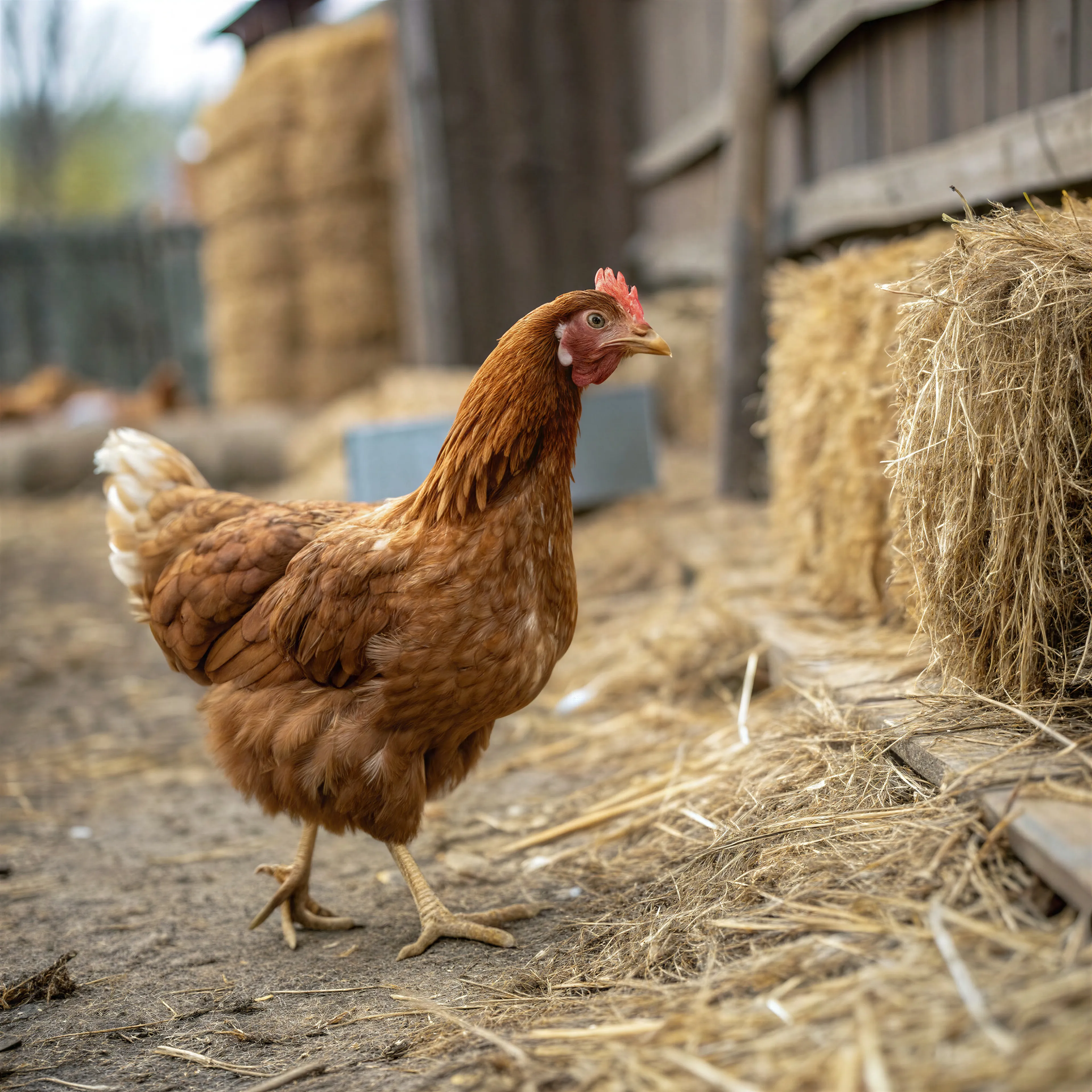
Chicken in a barn, made with the AI image generator and upscaled with Upsampler
02 · Image Upscaling

Upscale Images to 100 MP

Add real detail as you enlarge.

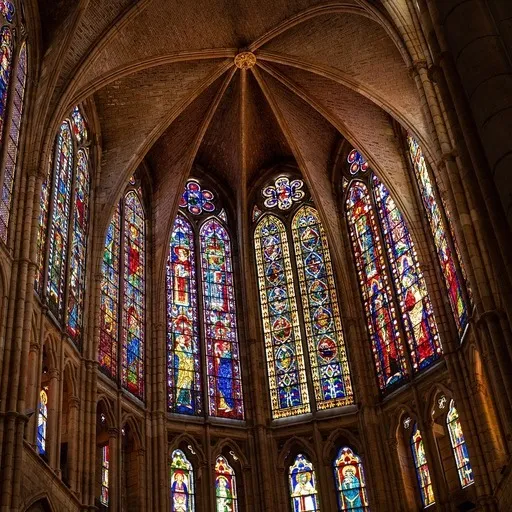
Before
Cathedral interior upscaled with the AI image upscaler before enhancement and upscaling
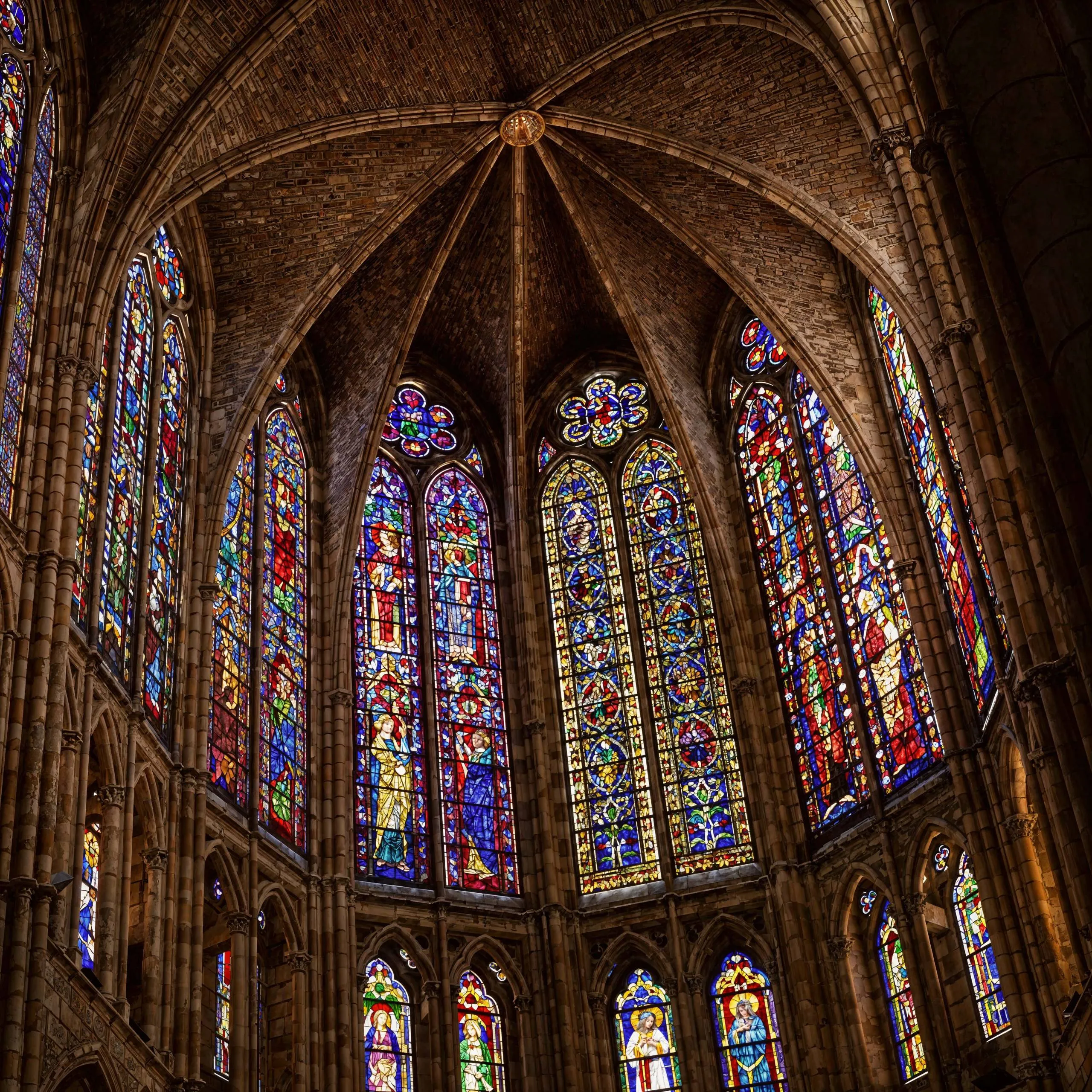
After
Cathedral interior upscaled with the AI image upscaler after enhancement and upscaling
03 · Image Editing

Edit Images at Full Resolution

Change anything with a text prompt and get the result back at your photo's full size.

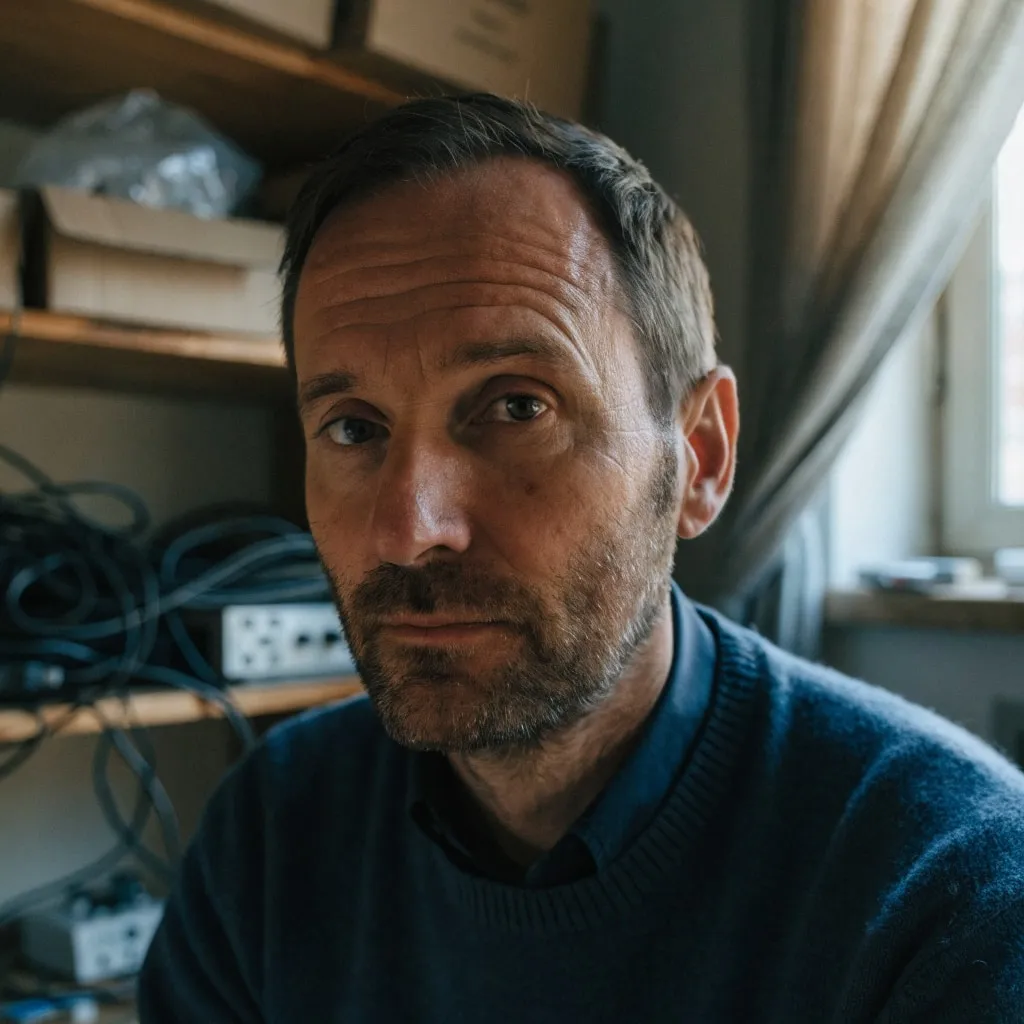
Before
Portrait of a man in a cluttered home office, moved onto a sunny Mediterranean terrace with an AI edit before enhancement and upscaling
After
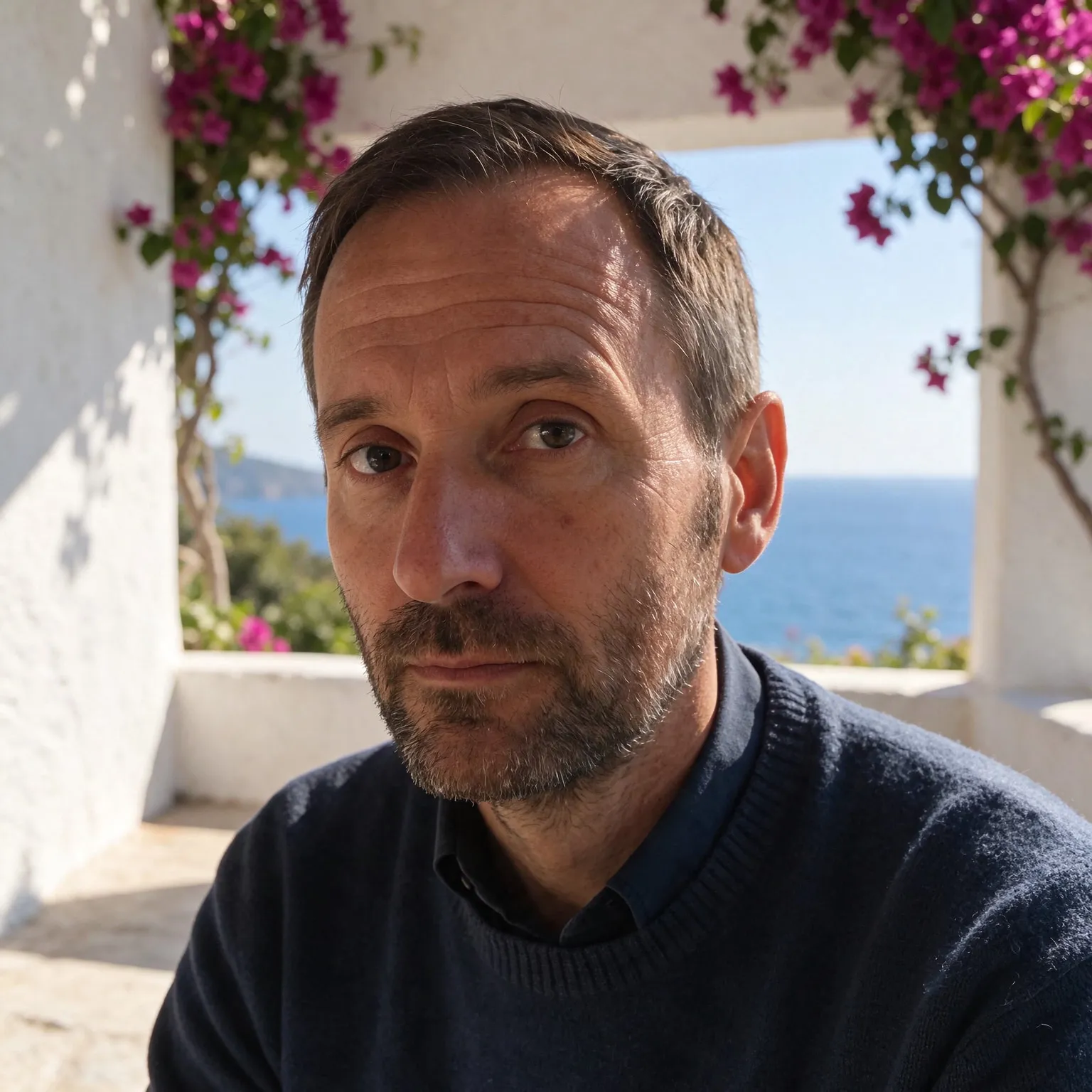
Portrait of a man in a cluttered home office, moved onto a sunny Mediterranean terrace with an AI edit after enhancement and upscaling
04 · Video Generation

Generate Videos in Full HD

Create clips from a prompt or bring a still image to life.

05 · Video Upscaling

Upscale Videos to 4K

Sharpen edges, textures, and on-screen text frame by frame, with stable motion.

An AI sticker maker with the die-cut look built in

This AI sticker generator runs on the same models as our free AI image generator, with one difference that matters: it always draws a sticker. You type a subject, a sleepy sloth, a slice of pizza with sunglasses, and the tool asks for one isolated design with bold outlines and a thick white border that follows its shape, centered on a plain flat background. That is the die-cut look you see on vinyl sticker sheets, and it is what makes the result easy to cut out by hand, by machine, or with software.

It works as a sticker maker for chat packs, planners, laptop decals, merch mockups, and party favors. There is no sign-up and no watermark on the design.

Getting a transparent sticker PNG

The generator places each sticker on a plain light gray background so the white border stays visible. For a messaging app, a print shop upload, or a cutting machine, you usually want that background gone. Download the design and drop it into the free background remover: the flat backdrop gives it a clean edge to cut along, and you get a transparent PNG that keeps the white border intact. If your cutting software prefers vectors, the free PNG to SVG converter traces the cutout into a scalable outline.

Check the edge before you print. Zoom in on the border of the transparent PNG: a clean sticker has a smooth, even white band with no gray halo left from the backdrop. If you see a faint fringe, run the background removal once more or regenerate the sticker, since a bolder outline usually cuts cleaner. On a dark preview background the halo is easiest to spot, so drop the cutout onto a black canvas in any editor for a quick check.

What makes a good sticker design

Stickers are seen small, often at thumb size, so the rules are close to logo design. Keep one subject with a strong silhouette; two characters hugging read well, a crowded scene does not. Use bold outlines and flat, saturated color so the design holds up when shrunk to an inch across. Exaggerate the expression: a big grin or a dramatic eye roll carries more personality than fine detail. The white border is not decoration either. It gives the cutting blade a margin of error and separates the design from whatever surface the sticker lands on, a dark laptop or a busy water bottle.

The styles cover the common sticker looks. Cartoon is the all-purpose choice with bold lines and bright fills. Kawaii gives chibi proportions and pastel colors for cute packs. Retro uses a warm seventies palette and halftone texture. Realistic renders a detailed, glossy illustration, and Pixel art builds the design from crisp 16-bit pixels with a stepped border.

Size and printing

Each sticker renders at 1024 by 1024 pixels on Z-Image Turbo, which prints a sharp sticker about three inches across at standard print resolution. For larger decals, upscale the design before sending it to print. Short words are a weak spot of the compact free models, so a sticker that needs a slogan works best when you add the text yourself in an editor. Generate a few variations of one idea and pick the cleanest border; each run is a new drawing.

For printing at home, use sticker paper made for your printer type, matte for a paper feel or glossy vinyl for water resistance, and arrange several stickers on one sheet in any layout tool before printing. Cutting machines such as the common desktop vinyl cutters use a print-then-cut workflow: they read registration marks around your sheet and follow an outline you set in their software. Import the transparent PNG, let the software trace the outer edge of the white border, and the blade will cut just inside it. For a sheet of many small stickers, leave at least a quarter inch between designs so the blade has room to turn.

For a matching set, such as a chat sticker pack, keep one style and one character and change only the action or emotion: “a sleepy cat waving”, “a sleepy cat crying”, “a sleepy cat celebrating”. Stickers in a pack read as a family when outline thickness, palette, and border width stay the same, and the style chips keep those constant for you.

Frequently Asked Questions

Yes. No sign-up, no payment, and no watermark. Each visitor gets a daily allowance of generations on shared free GPUs, and connecting a free Hugging Face account raises it.

Download the design and run it through the free background remover. The sticker sits on a plain flat background so the cutout is clean, and the white border is kept.

You can print them at home or through a print shop. The square design is 1024 by 1024 pixels, good for stickers up to about three inches; upscale it for bigger decals. See the commercial use answer below for selling.

Yes. Remove the background to get a transparent PNG, then resize it to the size the app asks for (512 by 512 pixels for both) with any image resizer, and add it to a sticker pack.

Short words sometimes work, but the compact free models often misspell them. For a reliable slogan, generate the design without text and add the words in an editor.

Cartoon, Kawaii, Retro, Realistic, and Pixel art. Every style keeps the die-cut white border, so you can switch styles on the same idea and compare.

No. Your text passes a safety check and goes to the GPU that draws the sticker, then the temporary files expire. Nothing is saved to a gallery or used for training.

No. Your download is the clean, full-quality result with no watermark, and you never need an account or email to get it.

Yes. The tool runs open models released under the Apache 2.0 license, which claims no rights over the output you generate, so the model puts no claim on what you make, in commercial work or anywhere else. What the model does not decide is your right to the material you feed it: anything you upload stays subject to whoever holds the rights in it, and the usual limits apply either way. Do not use the tools to create illegal content, to impersonate real people, or to infringe someone else's rights.

No, credit is never required. If you publish the result on a website, blog or social post, a link back to this tool is appreciated and helps keep it free: press Copy credit link under your result and paste the ready-made link wherever you post it.

No. Sexually explicit content and anything involving minors are prohibited and cannot be unlocked on any plan, and every upload and prompt sent to our free GPUs is screened by an automated safety filter before it runs. Our Terms of Service list the full set of prohibited content.