Free AI Wallpaper Generator | No Sign-Up

Describe a scene and get a wallpaper shaped for your phone or your desktop, in scenic, abstract, minimal, space, anime, or dark style. Free, no sign-up, no watermark.

  • No account
  • No ads
  • No watermark
Examples · tap to try

Type a scene, pick a style, choose Portrait (9:16) for a phone or Landscape (16:9) for a desktop, and press Generate Wallpaper. Upscale the result for a 4K screen.

More Free Tools

Discover more free tools to enhance your creative projects, no account required.

Our Premium Tools

Access highly advanced AI tools with flexible pricing: subscription or one-time payment.

Muse ImageNano Banana 2Nano Banana 2.1GPT Image 2GPT Image 2.5 FlareGPT Image 2.5 SunburstGPT Image 2.6 FlareGPT Image 2.6 SunburstGrok Imagine Image 2Nano Banana 2 LiteNano Banana ProSeedream 4Seedream 5 ProSeedream 5.5GPT Image 1.5Flux 3Qwen Image 3Qwen Image 2 ProGrok Imagine ImageP-Image IdeogramKrea 2Krea 3MAI Image 2.5Nano BananaImagen 4Seedream 3Seedream 4.5Seedream 5 FlashSeedream 5 LiteFlux 2 KleinFlux 2 ProFlux 2 MaxFlux 3 KleinZ Image TurboQwen Image 2Recraft V4.1Ideogram V4Ideogram V4.5Imagen 3Flux Kontext ProFlux Kontext MaxQwen ImageRecraft V4Ideogram V3Flux SchnellFlux 1.1 ProWan 2.2Recraft V3P Image UpscaleSeed VR 2FluxStable DiffusionGANFlux Fill ProQwen Edit 2511Qwen EditFlux Kontext FastMiniMax H3 Max TurboMiniMax H3Seedance 2.5Wan 3.0Gemini Omni 1.2 FlashMiniMax H3 LiteGrok Imagine VideoGrok Imagine Video 1.5P-Video 2 ProSeedance 1 ProSeedance 1.5 ProSeedance 2 MiniWan 2.7Kling 2.5 ProVeo 3.1 (No Audio)LTX 2.5 FastP-Video 2P-VideoKling 4.0 FlashRunway Gen 4.5P-Video 2 DraftWan 2.2 14B ProP-Video DraftLTX 2.5SeedVR 2RelayVSRRTX VSR
01 · Image Generation

Generate Images in 4K

Turn a prompt or a reference image into anything from photoreal shots to illustration.

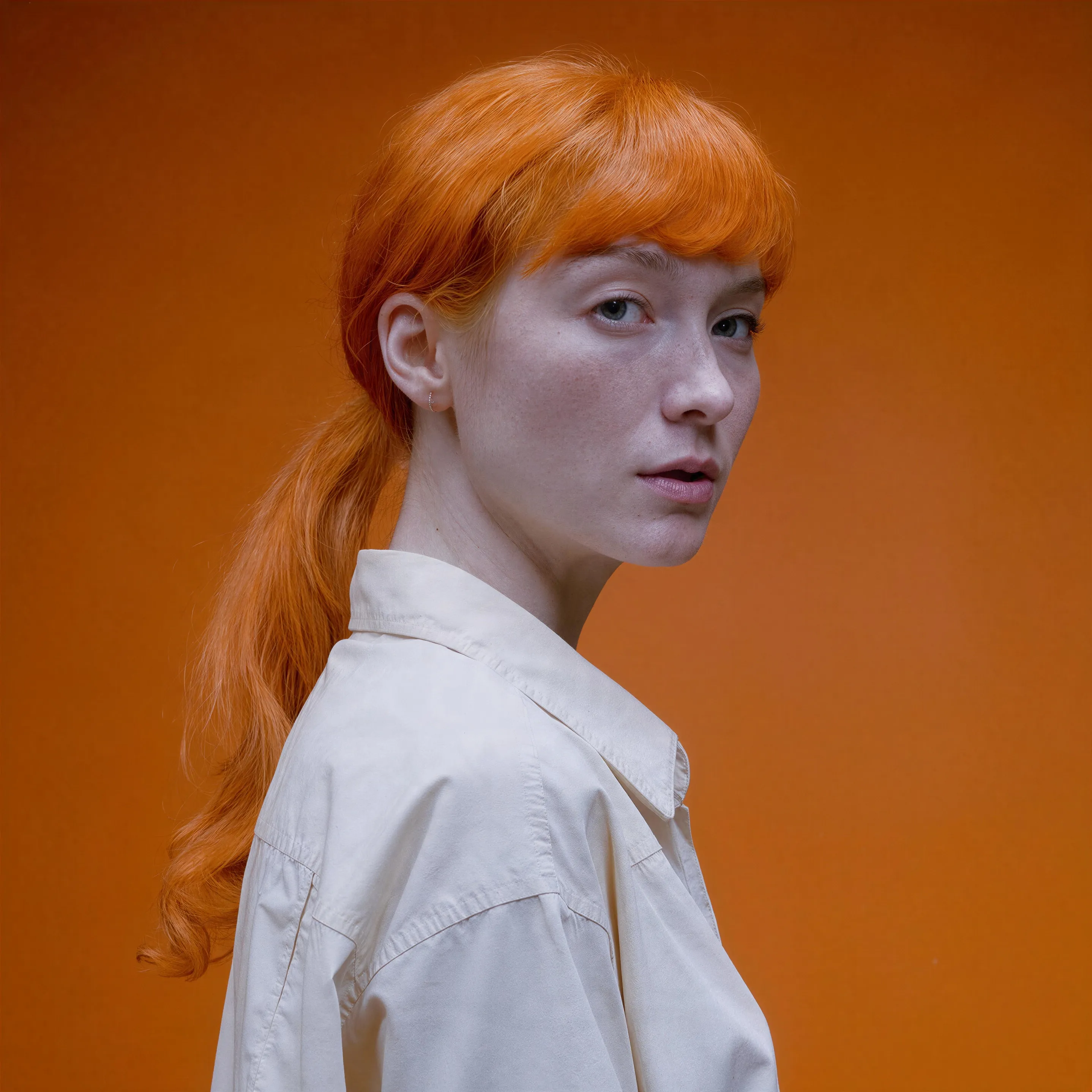
Red-haired portrait made with the AI image generator, upscaled with Upsampler
02 · Image Upscaling

Upscale Images to 100 MP

Add real detail as you enlarge.

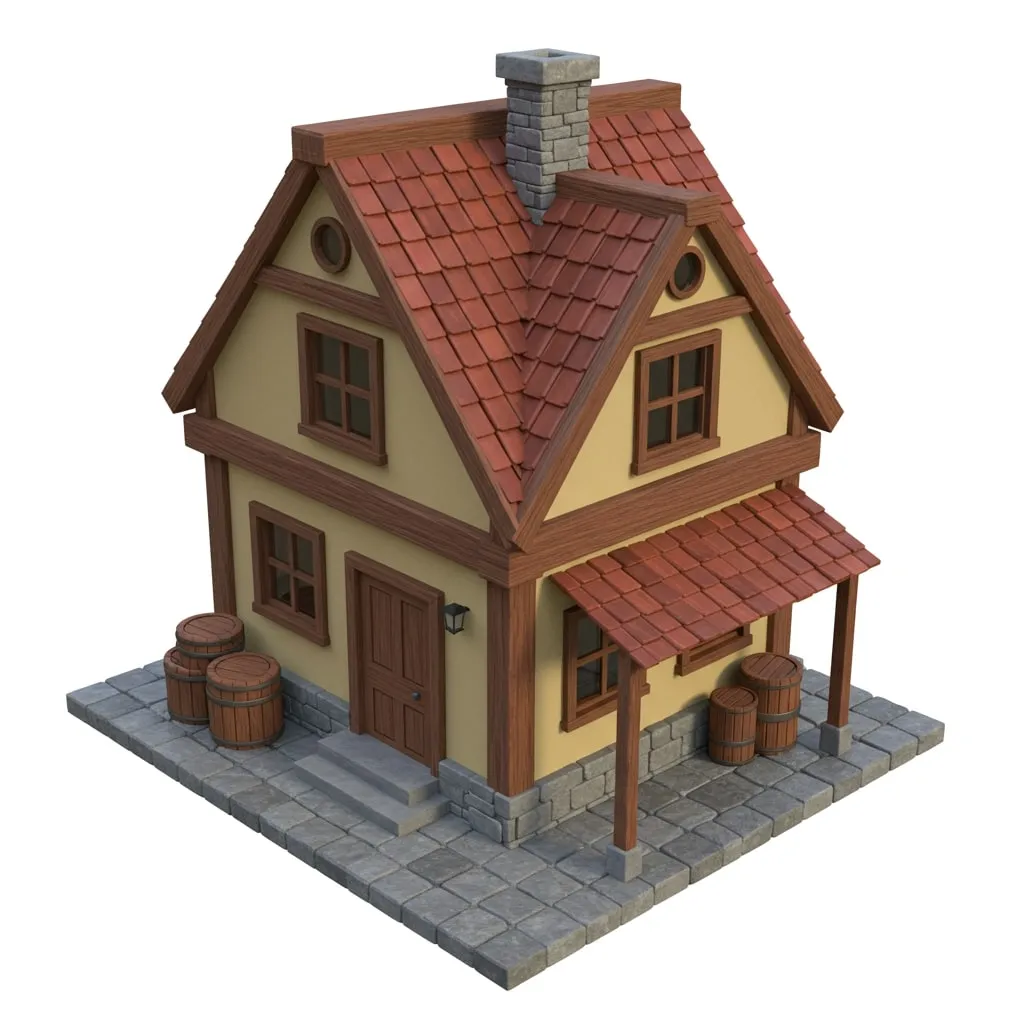
Before
3D game asset of a wooden house upscaled with the AI image upscaler before enhancement and upscaling
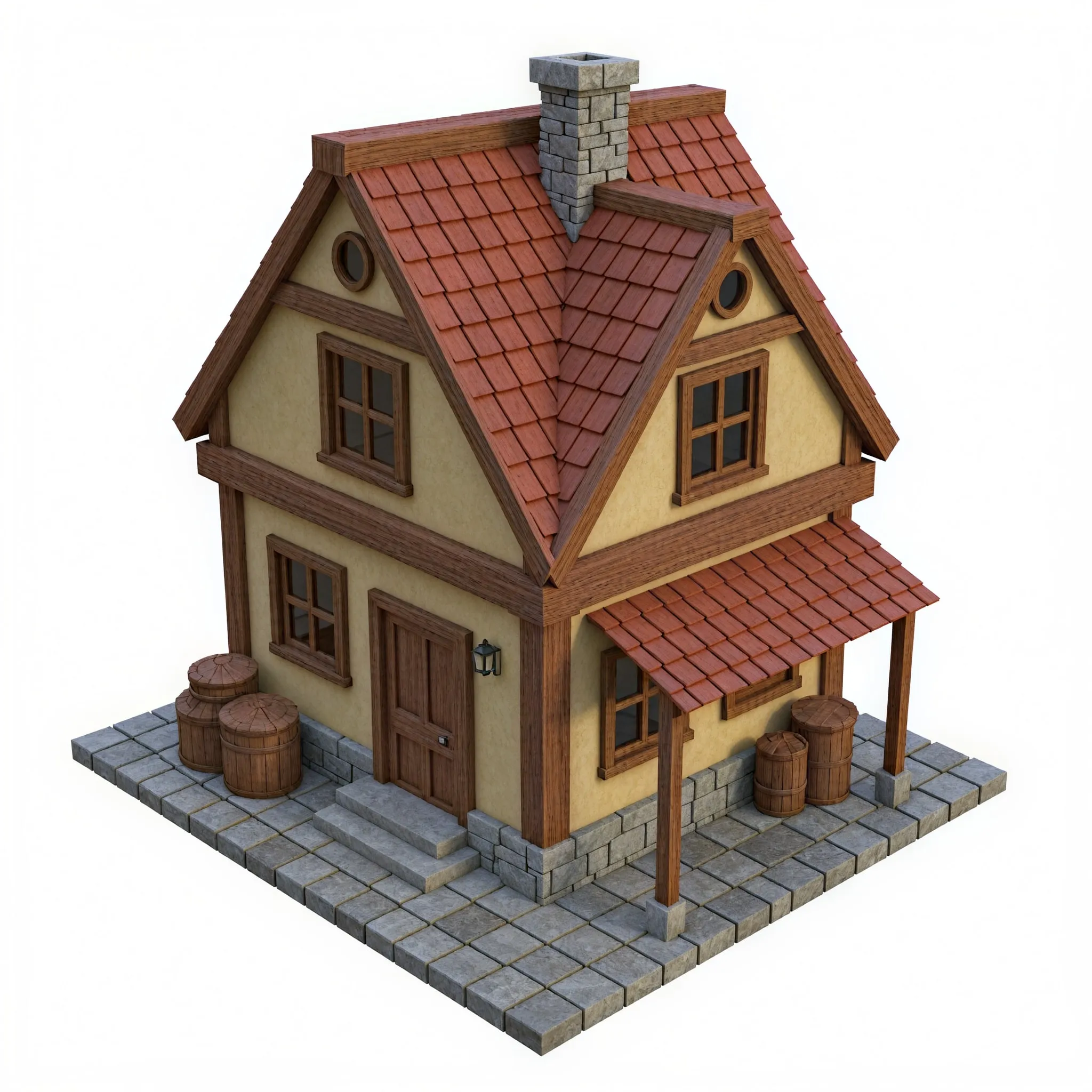
After
3D game asset of a wooden house upscaled with the AI image upscaler after enhancement and upscaling
03 · Image Editing

Edit Images at Full Resolution

Change anything with a text prompt and get the result back at your photo's full size.

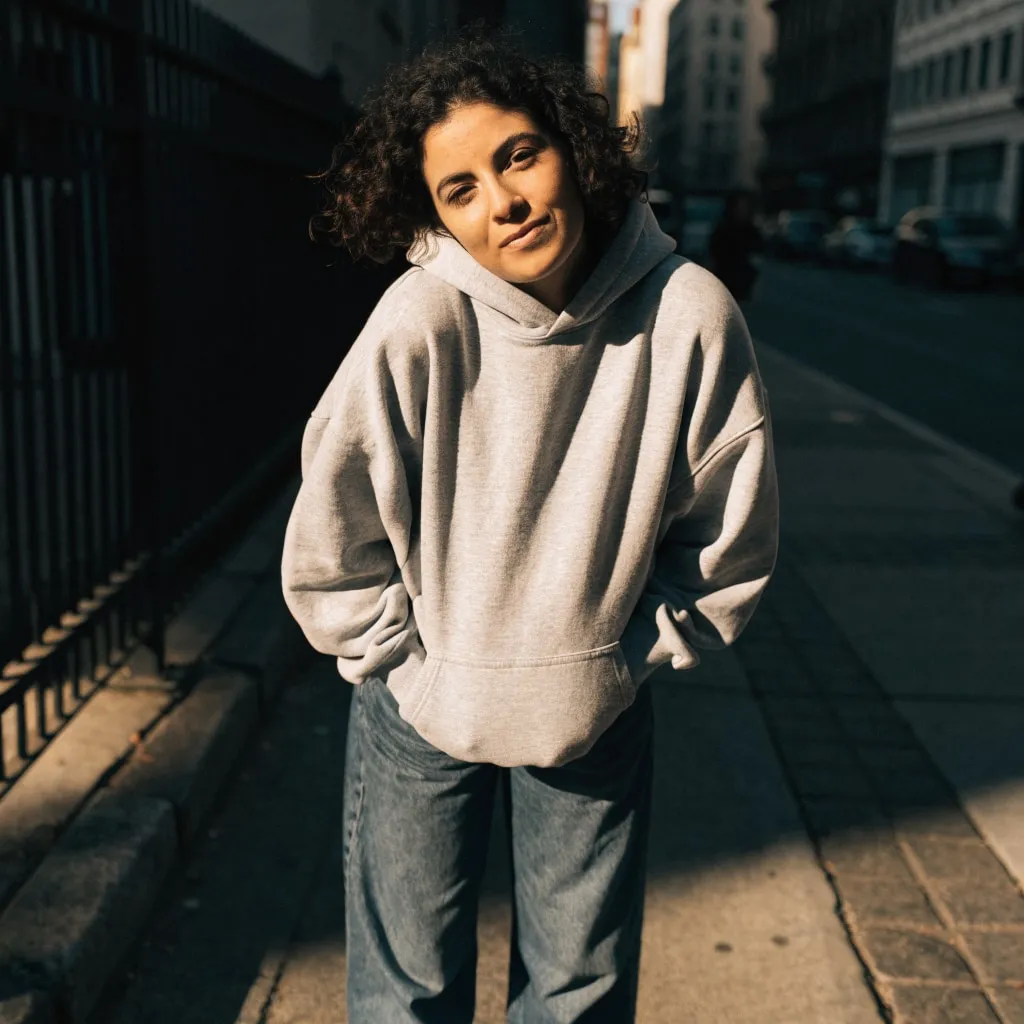
Before
Woman in a grey hoodie on a city sidewalk, changed into a red satin evening dress with an AI edit before enhancement and upscaling
After
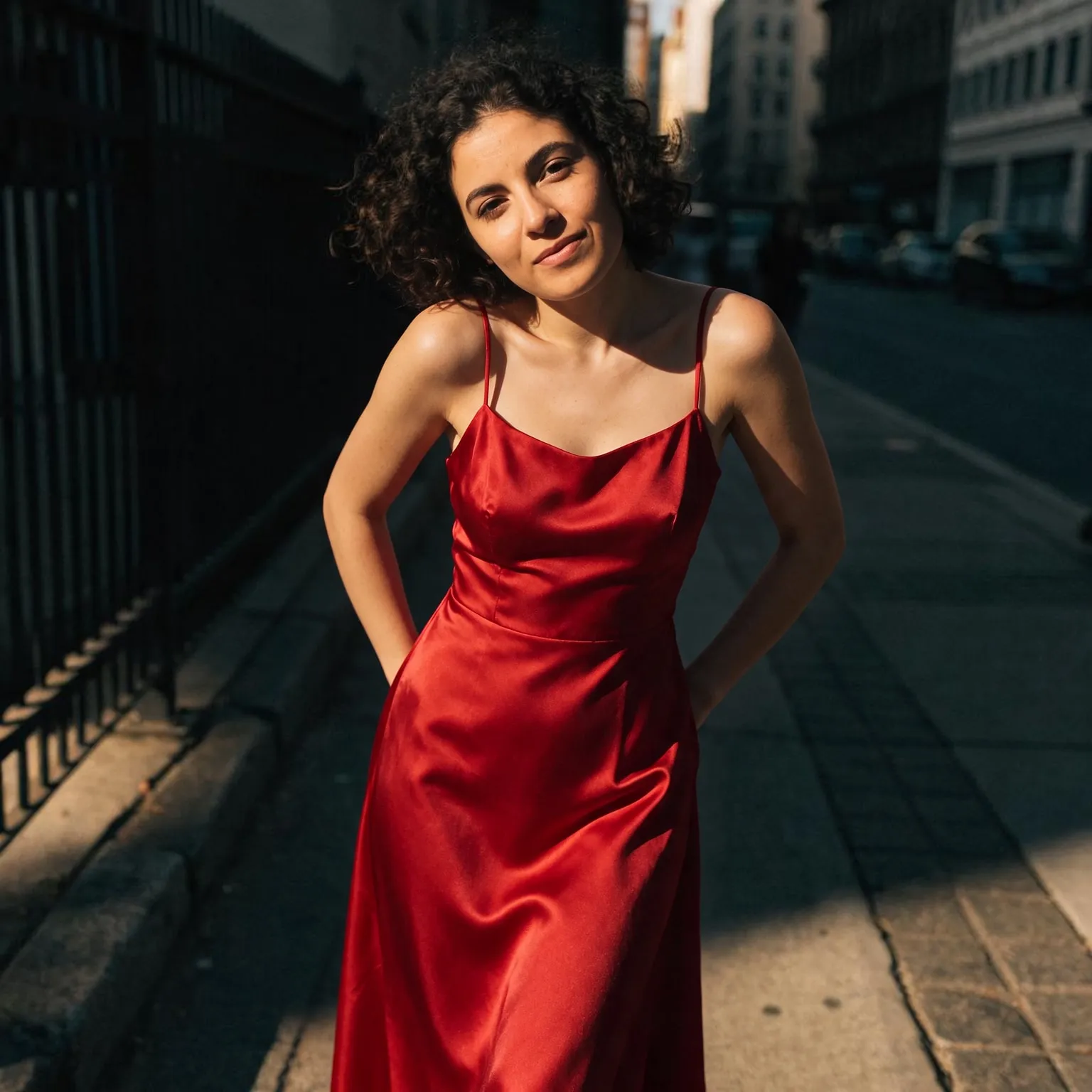
Woman in a grey hoodie on a city sidewalk, changed into a red satin evening dress with an AI edit after enhancement and upscaling
04 · Video Generation

Generate Videos in Full HD

Create clips from a prompt or bring a still image to life.

05 · Video Upscaling

Upscale Videos to 4K

Sharpen edges, textures, and on-screen text frame by frame, with stable motion.

A wallpaper generator shaped for your screen

This AI wallpaper generator runs on the models behind our free AI image generator, set up for one job: images that sit behind your apps. The general tool will draw anything at any shape; this one starts in the tall 9:16 phone format, offers 16:9 for monitors, and builds every image as a wallpaper, with a calm, wordless composition and space where your icons, widgets, and clock will go. You type the scene, a foggy pine forest, a retro synthwave sunset, and pick a style.

It costs nothing, needs no account, and adds no watermark, so you can make a new wallpaper for every season or every mood.

Wallpaper resolution, explained

Screens are sharper than most people expect. A recent phone is around 1170 by 2532 pixels or more, a 1080p monitor is 1920 by 1080, a 1440p monitor is 2560 by 1440, and a 4K display is 3840 by 2160. The free tool generates a phone wallpaper at 720 by 1280 and a desktop wallpaper at 1280 by 720 on Z-Image Turbo, which looks fine at a glance but turns soft once your device stretches it to fill the screen.

The fix is one extra step. Download the wallpaper and run it through the free image upscaler: a 4x pass turns 1280 by 720 into 5120 by 2880, more than enough for a 4K monitor, and 720 by 1280 into 2880 by 5120 for any phone. Upscaling adds real sharpness to edges and texture rather than just enlarging pixels, so the result holds up on a high-density screen. If your screen has an unusual shape, such as an ultrawide monitor or a tablet, the free image cropper trims the upscaled image to the exact ratio.

What makes a good wallpaper

A wallpaper is a background, so it should be quiet where it matters. On a phone, the top quarter holds the clock and the bottom holds the dock, so a scene with its focal point in the middle and calm sky or water above works best. On a desktop, icons usually line the left edge, so keep the main subject right of center. Avoid busy texture across the whole frame, it makes icon labels hard to read.

The styles are tuned with this in mind. Scenic produces landscape photography with open skies. Abstract builds flowing gradients and shapes that never compete with your icons. Minimal places one small subject in wide empty space. Space renders nebulae and starfields. Anime paints lush background art, and Dark keeps most of the frame near black, which also saves battery on OLED phones because black pixels are switched off.

Matching a lock screen and home screen

For a matching pair, keep the same subject and style and generate twice; each run is a new image in the same mood. Or use the Dark style for the home screen, where icons need contrast, and Scenic for the lock screen, where the picture is the point. Describe lighting and color in your idea, “teal and orange dusk”, to keep a set consistent.

Phones add a few twists worth planning for. Many lock screens now place the clock in front of or behind the main subject, which looks best when the subject sits in the middle third with clear sky above it, so describe a scene with depth, “a lone tree on a hill under a huge moon”, rather than a flat pattern. Some phones zoom the wallpaper slightly for a parallax effect when you tilt the device, which crops the edges, so keep important details away from the borders. If your home screen has a dark mode, a wallpaper with a mostly dark lower half keeps dock icons readable at night.

Desktop wallpapers have their own rules. Multi-monitor setups look most deliberate when each screen gets a related image, the same landscape at different times of day, for example. A calm color field behind your most used icons makes them easier to find, and a subject placed on the right third balances a left-aligned icon column. If you rotate wallpapers automatically, generate a batch in one style so the switch feels like a slideshow rather than a jolt.

Color temperature matters more than people expect on a screen you look at all day. Warm, low-saturation wallpapers are easier on the eyes in the evening, while cool blues and greens feel crisp in daylight. If your system switches to a warm night tint after sunset, a wallpaper with neutral grays and soft color holds up better than one built on pure blue.

Frequently Asked Questions

Yes. There is no sign-up, no payment, and no watermark. Each visitor gets a daily allowance of generations on shared free GPUs, and connecting a free Hugging Face account raises it.

Yes, in two steps. Generate a 16:9 wallpaper (1280 by 720), then run it through the free image upscaler at 4x for 5120 by 2880, which covers a 4K monitor with room to spare.

720 by 1280 pixels on Z-Image Turbo and 576 by 1024 on Flux 2 Klein 4B, both in 9:16. Upscale it for a sharp fit on modern phones, which are usually 1080 pixels wide or more.

Yes. Use the 9:16 portrait shape, upscale the result, and set it from your photo library. Phones crop a little at the edges, so keep the subject near the center.

The tool generates 16:9. For ultrawide screens, upscale the image and crop it to 21:9; for dual monitors, generate two wallpapers with the same subject and style.

Every style asks for a wordless composition, because stray text clutters a home screen and the compact free models often misspell it.

No. Your text passes a safety check and goes to the GPU that renders the wallpaper, then the temporary files expire. Nothing is published or used for training.

No. Your download is the clean, full-quality result with no watermark, and you never need an account or email to get it.

Yes. The tool runs open models released under the Apache 2.0 license, which claims no rights over the output you generate, so the model puts no claim on what you make, in commercial work or anywhere else. What the model does not decide is your right to the material you feed it: anything you upload stays subject to whoever holds the rights in it, and the usual limits apply either way. Do not use the tools to create illegal content, to impersonate real people, or to infringe someone else's rights.

No, credit is never required. If you publish the result on a website, blog or social post, a link back to this tool is appreciated and helps keep it free: press Copy credit link under your result and paste the ready-made link wherever you post it.

No. Sexually explicit content and anything involving minors are prohibited and cannot be unlocked on any plan, and every upload and prompt sent to our free GPUs is screened by an automated safety filter before it runs. Our Terms of Service list the full set of prohibited content.