
Free AI Album Cover Generator | No Sign-Up

Describe your record, pick a genre, and get square cover art for a single, EP, album, or mixtape. Free, no sign-up, no watermark.

  • No account
  • No ads
  • No watermark
Examples · tap to try

Describe the image you want on the cover, choose a genre, and press Generate Album Cover. Add your artist name and title afterwards in any editor.

More Free Tools

Discover more free tools to enhance your creative projects, no account required.

Our Premium Tools

Access highly advanced AI tools with flexible pricing: subscription or one-time payment.

Muse ImageNano Banana 2Nano Banana 2.1GPT Image 2GPT Image 2.5 FlareGPT Image 2.5 SunburstGPT Image 2.6 FlareGPT Image 2.6 SunburstGrok Imagine Image 2Nano Banana 2 LiteNano Banana ProSeedream 4Seedream 5 ProSeedream 5.5GPT Image 1.5Flux 3Qwen Image 3Qwen Image 2 ProGrok Imagine ImageP-Image IdeogramKrea 2Krea 3MAI Image 2.5Nano BananaImagen 4Seedream 3Seedream 4.5Seedream 5 FlashSeedream 5 LiteFlux 2 KleinFlux 2 ProFlux 2 MaxFlux 3 KleinZ Image TurboQwen Image 2Recraft V4.1Ideogram V4Ideogram V4.5Imagen 3Flux Kontext ProFlux Kontext MaxQwen ImageRecraft V4Ideogram V3Flux SchnellFlux 1.1 ProWan 2.2Recraft V3P Image UpscaleSeed VR 2FluxStable DiffusionGANFlux Fill ProQwen Edit 2511Qwen EditFlux Kontext FastMiniMax H3 Max TurboMiniMax H3Seedance 2.5Wan 3.0Gemini Omni 1.2 FlashMiniMax H3 LiteGrok Imagine VideoGrok Imagine Video 1.5P-Video 2 ProSeedance 1 ProSeedance 1.5 ProSeedance 2 MiniWan 2.7Kling 2.5 ProVeo 3.1 (No Audio)LTX 2.5 FastP-Video 2P-VideoKling 4.0 FlashRunway Gen 4.5P-Video 2 DraftWan 2.2 14B ProP-Video DraftLTX 2.5SeedVR 2RelayVSRRTX VSR
01 · Image Generation

Generate Images in 4K

Turn a prompt or a reference image into anything from photoreal shots to illustration.

Barista with tattooed forearms pouring latte art, made with the AI image generator and upscaled with Upsampler
02 · Image Upscaling

Upscale Images to 100 MP

Add real detail as you enlarge.

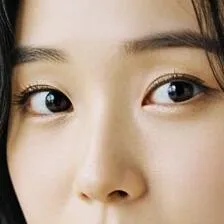
Before
Close-up of a woman's eyes upscaled with the AI image upscaler before enhancement and upscaling
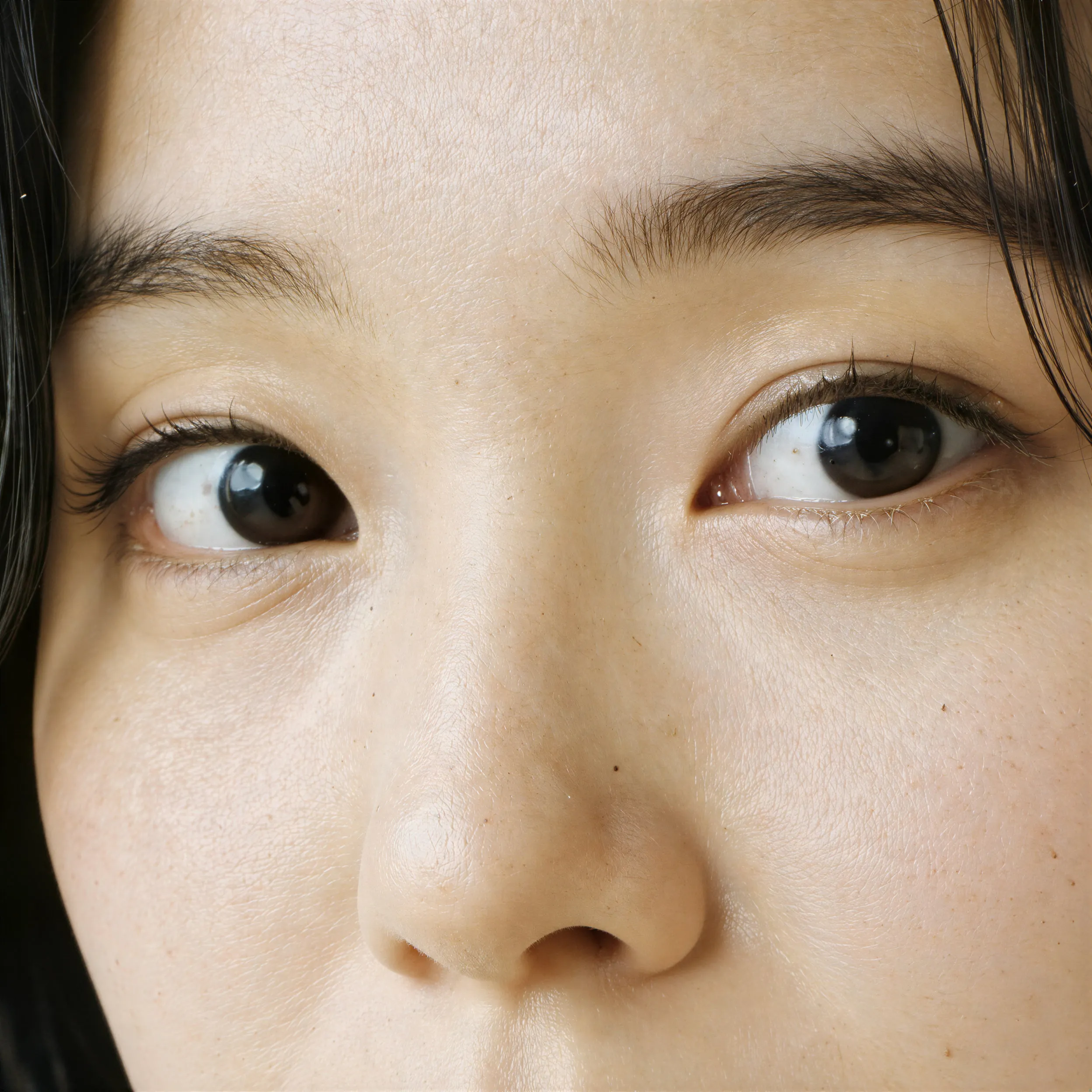
After
Close-up of a woman's eyes upscaled with the AI image upscaler after enhancement and upscaling
03 · Image Editing

Edit Images at Full Resolution

Change anything with a text prompt and get the result back at your photo's full size.

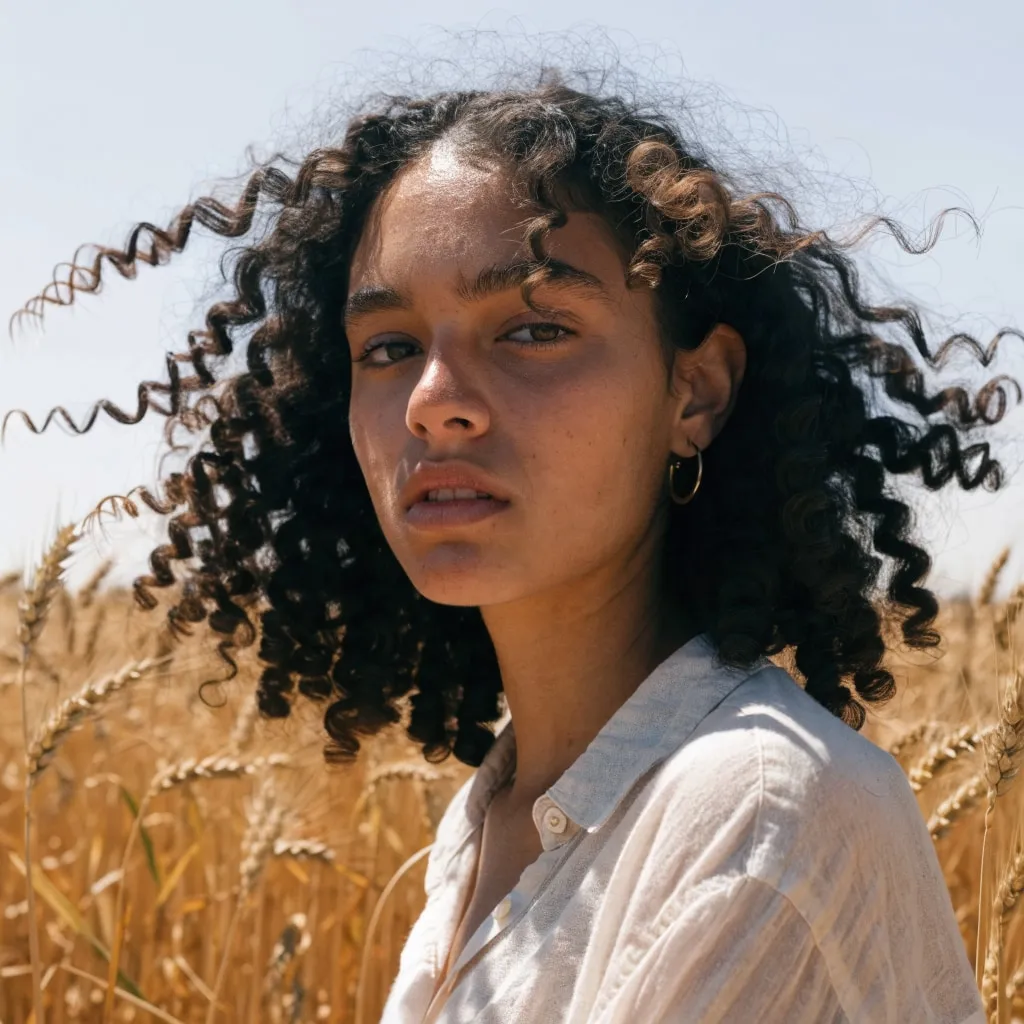
Before
Portrait of a woman in a wheat field, relit from flat midday sun to golden hour with an AI edit before enhancement and upscaling
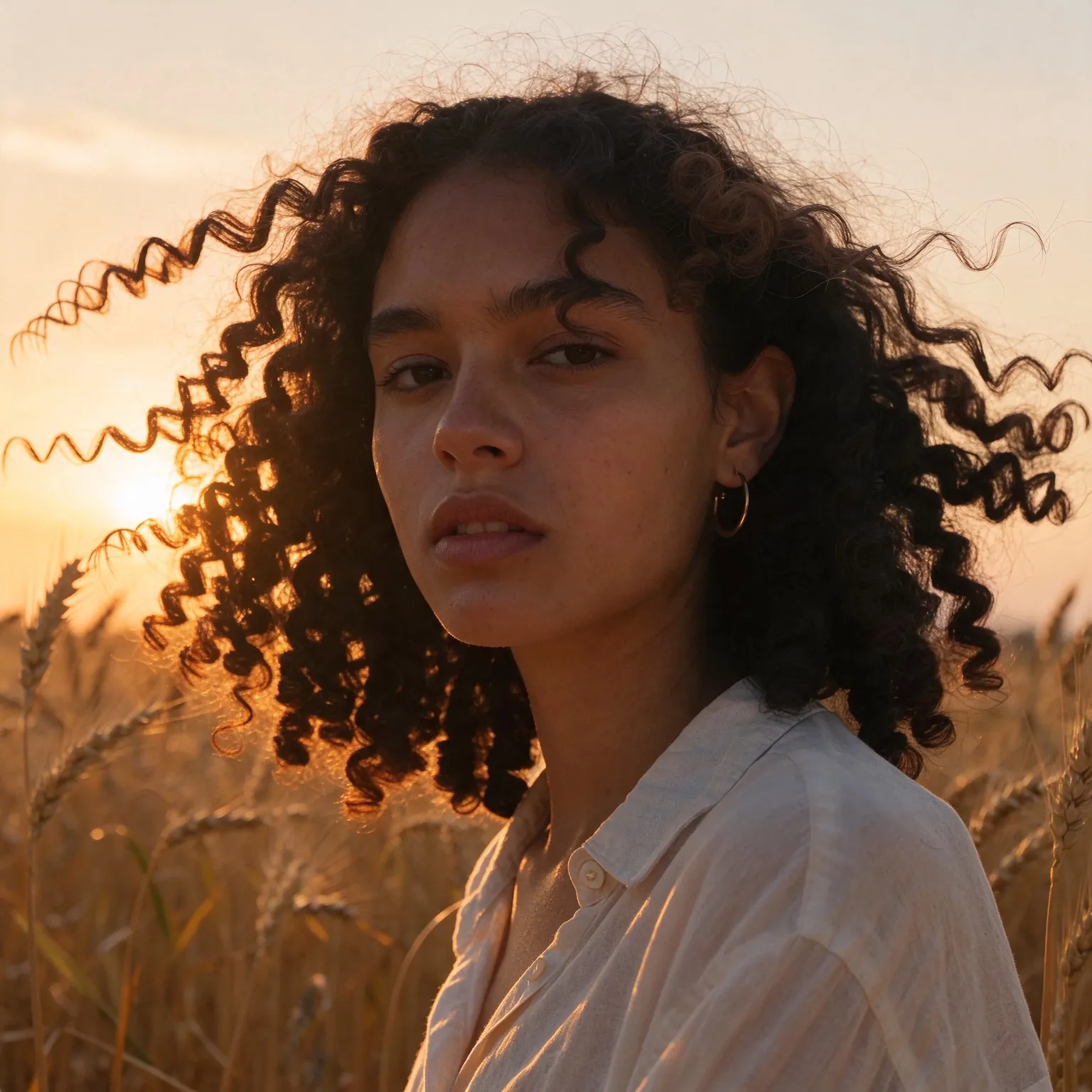
After
Portrait of a woman in a wheat field, relit from flat midday sun to golden hour with an AI edit after enhancement and upscaling
04 · Video Generation

Generate Videos in Full HD

Create clips from a prompt or bring a still image to life.

05 · Video Upscaling

Upscale Videos to 4K

Sharpen edges, textures, and on-screen text frame by frame, with stable motion.

Cover art made for a record, not just an image

This AI album cover generator uses the models of our free AI image generator with a brief written for record sleeves. The general generator makes whatever you ask for at any shape; this one always returns a square, wordless cover composed to read at thumbnail size, and the genre chips pick the visual language that fans of that music recognize on sight. You describe the picture, a lone figure in a neon phone booth, a cracked vinyl melting in the sun, and choose hip-hop, rock and indie, electronic, metal, jazz, pop, or lo-fi.

No sign-up, no watermark, and no payment. Make covers for demos, playlist art, SoundCloud uploads, or a mood board to hand to a designer.

What makes album cover art work

Most people first see your cover at the size of a fingernail, in a streaming app's search results or a playlist row. Covers that work at that size have one strong focal point, high contrast, and a limited palette. A single striking image, a face, an object, a color field, beats a detailed scene every time. Then the cover has to hold up big too, on a vinyl sleeve or a desktop player, so it is worth zooming in before you commit.

Genre conventions are a shortcut to the right audience. Hip-hop covers lean on bold portraits and hard flash. Indie and rock favor grainy film photos and candid moments. Electronic music uses surreal 3D renders and neon. Metal goes for dark painted illustration with heavy detail. Jazz has its mid-century tradition of flat color blocks and geometric shapes, pop prefers glossy studio color, and lo-fi has settled on cozy anime scenes. The genre chips encode exactly those looks, so the cover signals the sound before anyone presses play.

The best covers also carry the record's emotion, not just its genre. Before you type, ask what one image would sum up the songs: a breakup record might be an empty chair at a set table, a summer EP a pool seen from above, a late-night electronic set a single lit window in a dark tower. Concrete objects and places work better than abstract words like “sadness”, because the model draws nouns, and the viewer reads the feeling from them. Color is the second lever: cold blues and greens for melancholy, saturated reds and oranges for energy, washed-out pastels for nostalgia.

Think in series, too. Singles that lead up to an album land harder when their covers share a visual rule, the same framing, the same palette, or the same recurring object. Keep your description's structure and swap one element per single, and the release will read as one project on an artist page.

The honest limit: text on the cover

The two free models are compact, and lettering is their weak spot. Ask them for a band name and you often get misspelled or invented letters. That is why every genre here asks for wordless artwork: you get a clean image, and you set the artist name and title yourself in any editor, where you control the typeface, size, and placement. Typography is half of a cover's identity anyway, and keeping it separate makes it easy to reuse across a single and its album. For a layered look where the title sits behind the subject, the free text behind image tool places your words between the background and the foreground.

Sizes for streaming and print

The free tool renders covers at 1024 by 1024 pixels on Z-Image Turbo. That is fine for SoundCloud, Bandcamp previews, and social posts. Streaming distributors usually ask for at least 3000 by 3000 pixels, so run the finished cover through the free image upscaler at 4x for 4096 by 4096 before you upload. Check your distributor's artwork rules too: most reject covers that show website addresses, social handles, or blurry text.

Before you publish, test the cover where it will live. Shrink it to about 60 pixels wide, the size of a playlist row, and check that the main shape is still recognizable. View it on a dark and a light background, since streaming apps use both. Then place your title lettering and check it again at small size: if the text competes with the image, move it to the calmest area or simplify the image. A cover that passes these three checks will hold up on a phone, a car dashboard, and a printed sleeve alike.

Frequently Asked Questions

Yes. No sign-up, no payment, no watermark. Each visitor gets a daily allowance of generations on shared free GPUs, and connecting a free Hugging Face account raises it.

Not reliably. The compact free models often misspell text, so the covers are generated wordless and you add the name and title in an editor. The premium generator has models that render text cleanly.

Not straight out of the tool: covers are 1024 by 1024 pixels and distributors usually ask for 3000 by 3000. Upscale the cover 4x with the free image upscaler to 4096 by 4096 before uploading.

Hip-hop, Rock and Indie, Electronic, Metal, Jazz, Pop, and Lo-fi. Your description stays the same when you switch, so you can compare genre looks on one idea.

Yes. All of them use the same square format. Many artists keep one visual idea across a release and generate variations for each single.

It depends on the look. Z-Image Turbo leans photographic and is the quicker of the two; Flux 2 Klein 4B can follow an illustrated style more closely. Run the same idea through both and keep the stronger cover.

No. Your text passes a safety check and goes to the GPU that renders the cover, then the temporary files expire. Nothing is published or used for training.

No. Your download is the clean, full-quality result with no watermark, and you never need an account or email to get it.

Yes. The tool runs open models released under the Apache 2.0 license, which claims no rights over the output you generate, so the model puts no claim on what you make, in commercial work or anywhere else. What the model does not decide is your right to the material you feed it: anything you upload stays subject to whoever holds the rights in it, and the usual limits apply either way. Do not use the tools to create illegal content, to impersonate real people, or to infringe someone else's rights.

No, credit is never required. If you publish the result on a website, blog or social post, a link back to this tool is appreciated and helps keep it free: press Copy credit link under your result and paste the ready-made link wherever you post it.

No. Sexually explicit content and anything involving minors are prohibited and cannot be unlocked on any plan, and every upload and prompt sent to our free GPUs is screened by an automated safety filter before it runs. Our Terms of Service list the full set of prohibited content.