Free AI Character Generator | No Sign-Up

Describe a hero, villain, or mascot and get full-body character concept art in fantasy, sci-fi, cartoon, game, anime, or realistic style. Free, no sign-up, no watermark.

  • No account
  • No ads
  • No watermark
Examples · tap to try

Describe who your character is and what they wear or carry, pick a style, and press Generate Character. Keep the description and switch styles to see the same character in a new art direction.

More Free Tools

Discover more free tools to enhance your creative projects, no account required.

Our Premium Tools

Access highly advanced AI tools with flexible pricing: subscription or one-time payment.

Muse ImageNano Banana 2Nano Banana 2.1GPT Image 2GPT Image 2.5 FlareGPT Image 2.5 SunburstGPT Image 2.6 FlareGPT Image 2.6 SunburstGrok Imagine Image 2Nano Banana 2 LiteNano Banana ProSeedream 4Seedream 5 ProSeedream 5.5GPT Image 1.5Flux 3Qwen Image 3Qwen Image 2 ProGrok Imagine ImageP-Image IdeogramKrea 2Krea 3MAI Image 2.5Nano BananaImagen 4Seedream 3Seedream 4.5Seedream 5 FlashSeedream 5 LiteFlux 2 KleinFlux 2 ProFlux 2 MaxFlux 3 KleinZ Image TurboQwen Image 2Recraft V4.1Ideogram V4Ideogram V4.5Imagen 3Flux Kontext ProFlux Kontext MaxQwen ImageRecraft V4Ideogram V3Flux SchnellFlux 1.1 ProWan 2.2Recraft V3P Image UpscaleSeed VR 2FluxStable DiffusionGANFlux Fill ProQwen Edit 2511Qwen EditFlux Kontext FastMiniMax H3 Max TurboMiniMax H3Seedance 2.5Wan 3.0Gemini Omni 1.2 FlashMiniMax H3 LiteGrok Imagine VideoGrok Imagine Video 1.5P-Video 2 ProSeedance 1 ProSeedance 1.5 ProSeedance 2 MiniWan 2.7Kling 2.5 ProVeo 3.1 (No Audio)LTX 2.5 FastP-Video 2P-VideoKling 4.0 FlashRunway Gen 4.5P-Video 2 DraftWan 2.2 14B ProP-Video DraftLTX 2.5SeedVR 2RelayVSRRTX VSR
01 · Image Generation

Generate Images in 4K

Turn a prompt or a reference image into anything from photoreal shots to illustration.

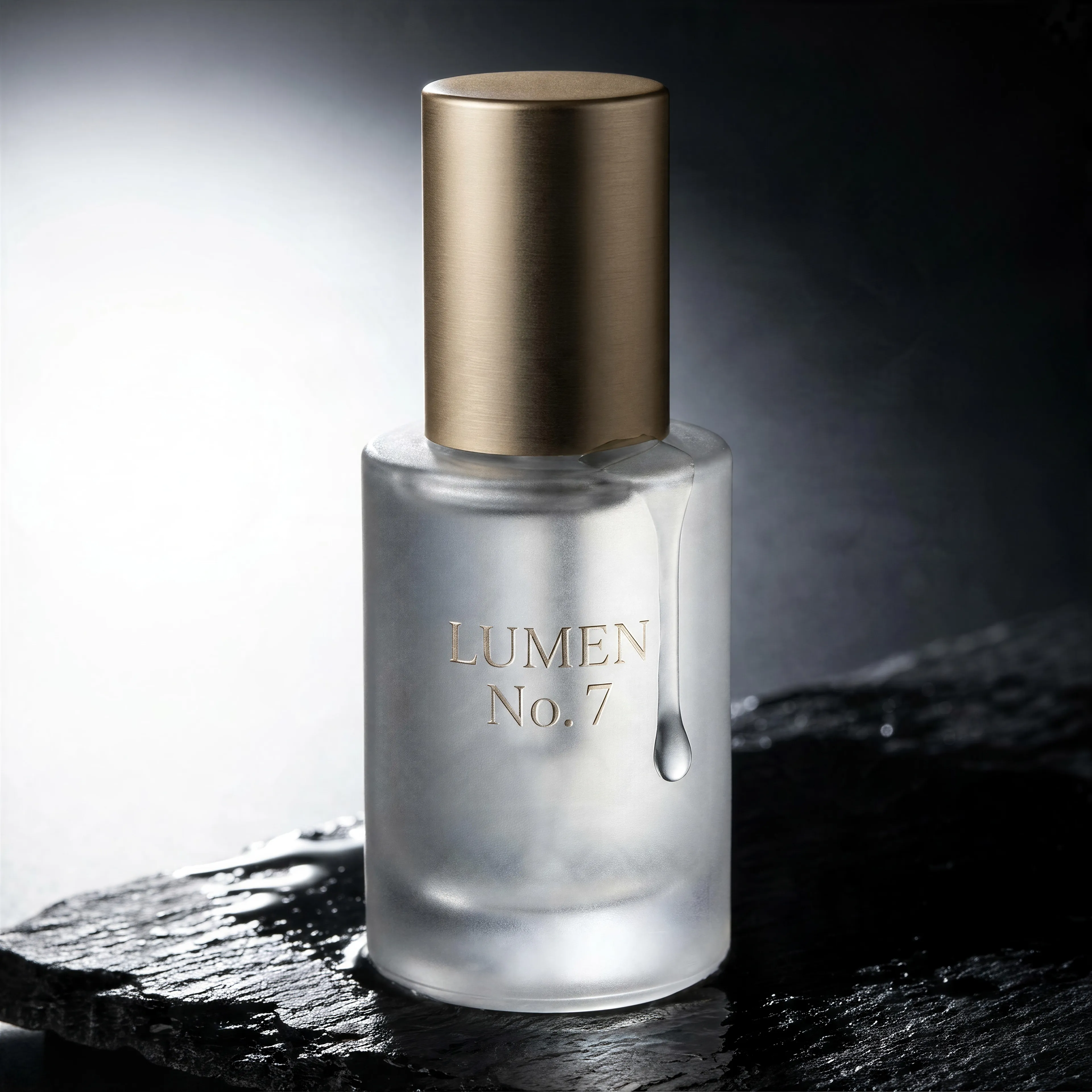
Frosted glass serum bottle with an embossed label on wet black slate, made with the AI image generator and upscaled with Upsampler
02 · Image Upscaling

Upscale Images to 100 MP

Add real detail as you enlarge.

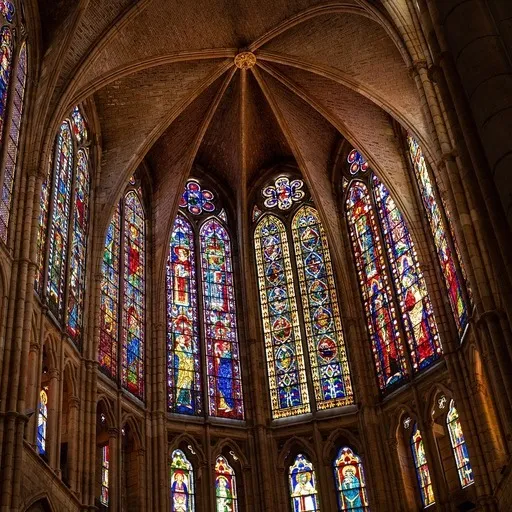
Before
Cathedral interior upscaled with the AI image upscaler before enhancement and upscaling
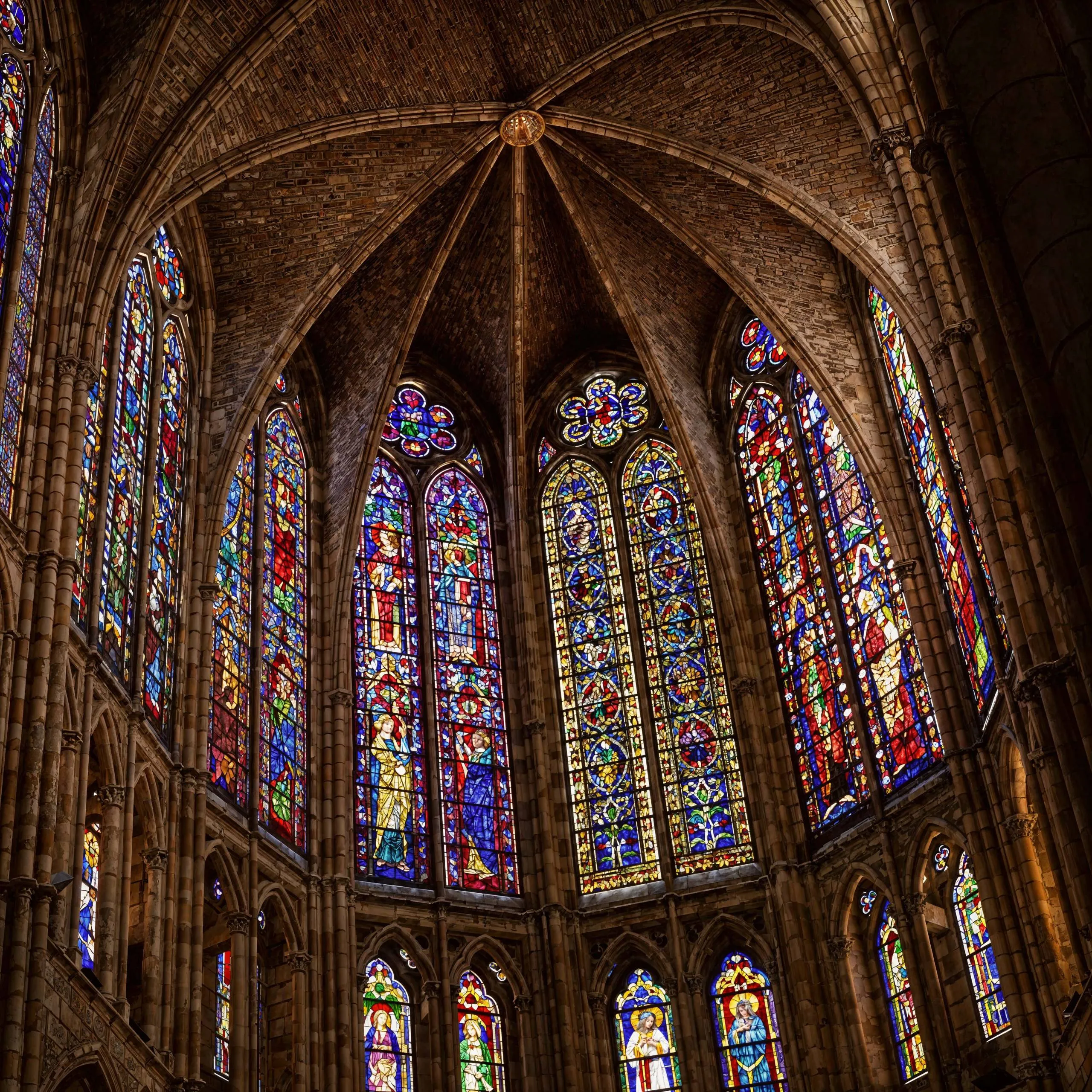
After
Cathedral interior upscaled with the AI image upscaler after enhancement and upscaling
03 · Image Editing

Edit Images at Full Resolution

Change anything with a text prompt and get the result back at your photo's full size.

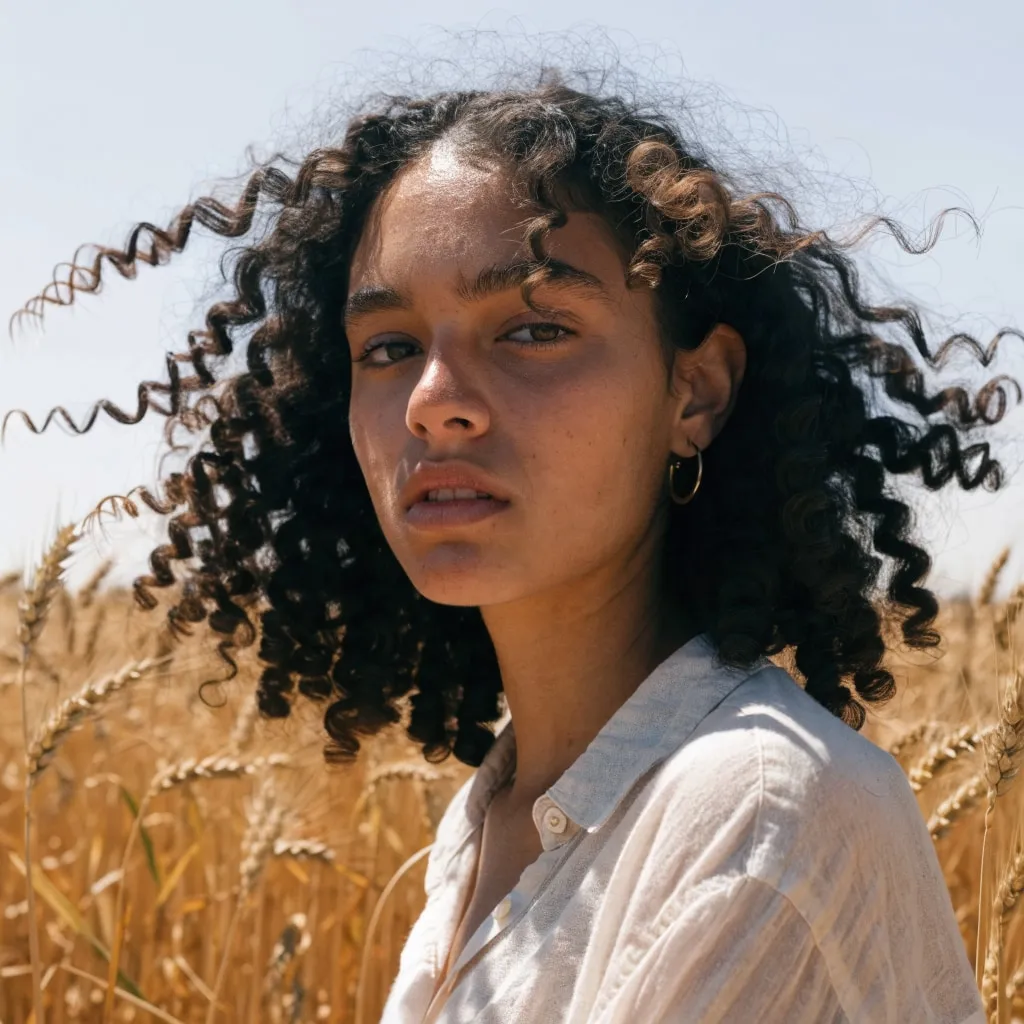
Before
Portrait of a woman in a wheat field, relit from flat midday sun to golden hour with an AI edit before enhancement and upscaling
After
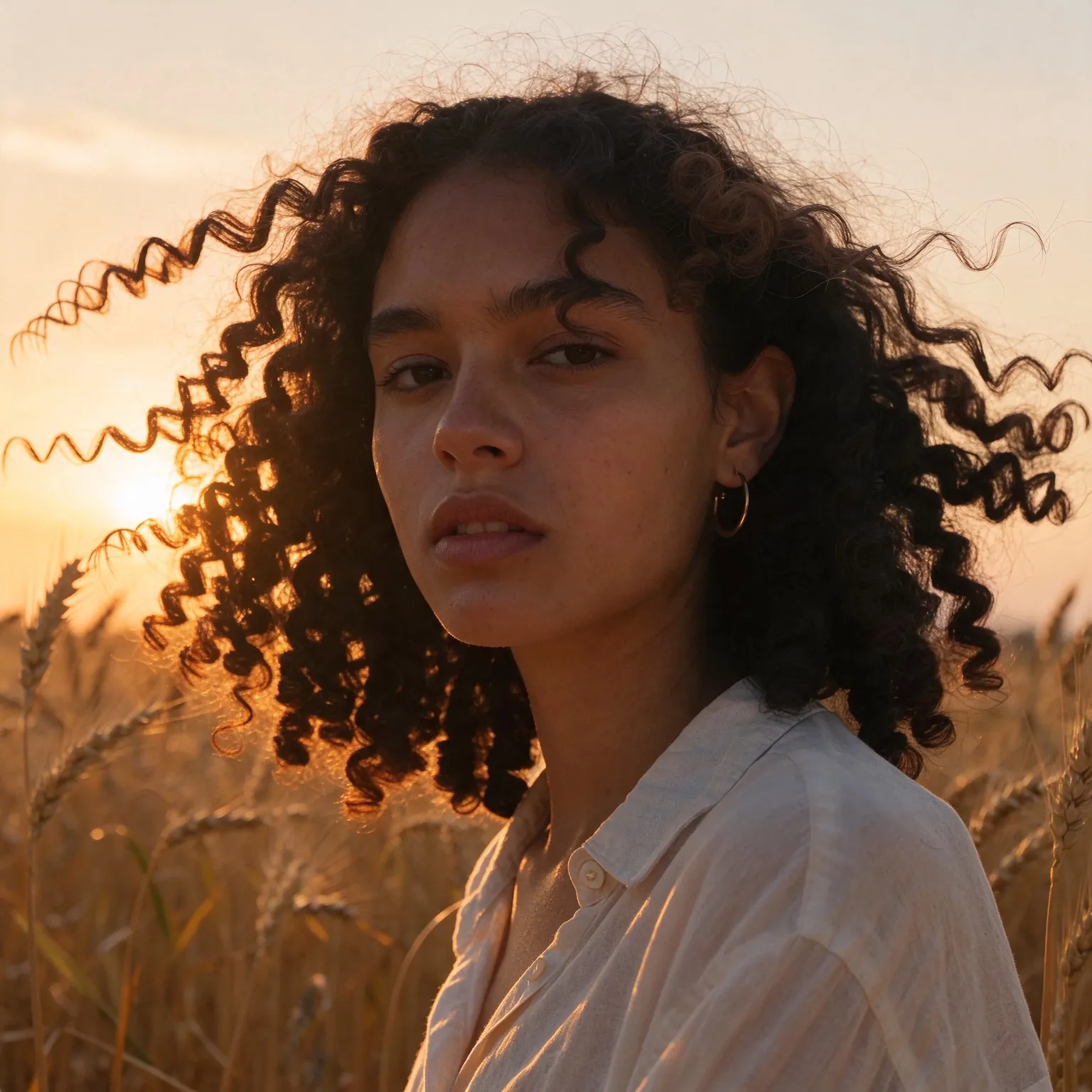
Portrait of a woman in a wheat field, relit from flat midday sun to golden hour with an AI edit after enhancement and upscaling
04 · Video Generation

Generate Videos in Full HD

Create clips from a prompt or bring a still image to life.

05 · Video Upscaling

Upscale Videos to 4K

Sharpen edges, textures, and on-screen text frame by frame, with stable motion.

A character generator that thinks in concept art

This AI character generator is a preset of our free AI image generator, focused on character design. Where the general tool renders any scene, this one draws a single character, full body, in a clear pose on a plain background, the way concept artists present a design so the silhouette, costume, and props can be read at a glance. You write who the character is, a disgraced knight with a cracked shield, a cheerful robot barista, and pick the style.

It is free, needs no sign-up, and adds no watermark. Writers use it to picture a cast, game masters to hand players a face for an NPC, and indie developers to explore an art direction before commissioning final art. If you want to turn a real photo into a drawn version instead, the free photo to anime converter handles that.

Describing a character the model can draw

Character designers build from the outside in: silhouette first, then costume, then details. Describe yours the same way. Start with the role and body type, “a tall, lanky necromancer”, then the main costume piece and color, “in a tattered violet robe”, then one or two signature props, “holding a lantern with a trapped spirit”. A short, ordered description beats a long list, because the model gives every word some weight and a crowded prompt turns into a costume pile.

Give the character one strong idea. Memorable designs usually have a single hook: an oversized weapon, an unusual color, a mismatched limb. Shape language helps too: round shapes read as friendly, squares as sturdy and dependable, and sharp triangles as dangerous, which is why villains so often wear spikes. Adding a mood, “weary”, “smug”, “fearless”, changes the pose and expression more than you might expect.

Picking a style for your project

Fantasy and Sci-fi produce painterly concept art suited to novels, tabletop campaigns, and pitch decks. Game renders a stylized 3D character like a hero from a modern action game. Cartoon exaggerates proportions with bold outlines, a good fit for mascots and kids' stories. Anime uses clean cel shading and expressive eyes, and Realistic gives a cinematic photo of a fictional person in costume. Use the tall 2:3 shape for full figures, square for an avatar or token, and 16:9 when the character should stand in a wider scene.

Matching style to medium saves rework later. A tabletop campaign benefits from one consistent style across its whole cast, so players read the world as one place; pick Fantasy for every NPC and vary only the descriptions. A pitch deck for a game is stronger when the characters already look like they belong in the engine, which is what the Game style is for. A children's story needs friendly shapes and clear expressions that read from across a room, the Cartoon style's strength. Novelists often generate the same character in Realistic and in an illustrated style: the photo pins down the face for writing description, and the illustration shows how a cover artist might see them.

Turnarounds and expression sheets are how professionals finalize a design. You can approximate them by keeping the description fixed and adding “seen from the side”, “seen from behind”, or “laughing” and “angry” to it. The results will not match perfectly, but they help you and any artist you hire decide what the character's defining features are.

Color is the last pass in a character design and one of the most telling. Limit your character to two or three main colors, name them in the description, and give the dominant one a meaning: deep red for a passionate rival, pale blue for a calm healer, acid green for something poisonous. A restricted palette makes a character recognizable even as a small figure in a crowd scene.

Consistency and limits

Each run is a fresh drawing, so the same description will vary in face and details from image to image. To keep a character consistent, reuse the exact description and change only one word, the pose or the setting, and pick the closest match. Hands and small held objects are the most common flaw on full-body figures at this size, so generate a few and keep the cleanest. Outputs are 768 by 1152 pixels in the 2:3 shape; the free image upscaler enlarges a keeper for printing. Every prompt and result passes a safety check, and characters based on real, identifiable people are not what this tool is for.

Frequently Asked Questions

Yes. No sign-up, no payment, no watermark. Each visitor gets a daily allowance of generations on shared free GPUs, and connecting a free Hugging Face account raises it.

Each run is a new drawing, so details vary. Reuse the exact description and change one element at a time to get close variations, then keep the most consistent ones.

Yes. Describe race, class, and gear, for example a dwarf cleric in plate armor with a war hammer, and pick Fantasy. Use the square shape for a token or the tall shape for a full figure.

Yes. The Anime style uses clean cel shading and crisp line art; the Cartoon style uses bold outlines and exaggerated proportions. Your description stays when you switch.

This tool creates fictional characters from text only. To turn your own photo into a drawn version, use the free photo to anime or photo to cartoon tools instead.

Tall 2:3 characters are 768 by 1152 pixels, squares 1024 by 1024, and wide scenes 1280 by 720 on Z-Image Turbo. Flux 2 Klein 4B caps the long side at 1024.

No. Your text passes a safety check and goes to the GPU that draws the character, then the temporary files expire. Nothing is published or used for training.

No. Your download is the clean, full-quality result with no watermark, and you never need an account or email to get it.

Yes. The tool runs open models released under the Apache 2.0 license, which claims no rights over the output you generate, so the model puts no claim on what you make, in commercial work or anywhere else. What the model does not decide is your right to the material you feed it: anything you upload stays subject to whoever holds the rights in it, and the usual limits apply either way. Do not use the tools to create illegal content, to impersonate real people, or to infringe someone else's rights.

No, credit is never required. If you publish the result on a website, blog or social post, a link back to this tool is appreciated and helps keep it free: press Copy credit link under your result and paste the ready-made link wherever you post it.

No. Sexually explicit content and anything involving minors are prohibited and cannot be unlocked on any plan, and every upload and prompt sent to our free GPUs is screened by an automated safety filter before it runs. Our Terms of Service list the full set of prohibited content.