Free AI Influencer Generator | No Sign-Up

Design a fictional persona and see them in candid social media photos: lifestyle, fitness, fashion, travel, food, or tech. Free, no sign-up, no watermark.

  • No account
  • No ads
  • No watermark
Examples · tap to try

Describe a fictional person (age range, hair, style), pick a niche, choose a feed, story, or square shape, and press Generate Influencer. Every persona is invented; this tool never recreates a real person.

More Free Tools

Discover more free tools to enhance your creative projects, no account required.

Our Premium Tools

Access highly advanced AI tools with flexible pricing: subscription or one-time payment.

Muse ImageNano Banana 2Nano Banana 2.1GPT Image 2GPT Image 2.5 FlareGPT Image 2.5 SunburstGPT Image 2.6 FlareGPT Image 2.6 SunburstGrok Imagine Image 2Nano Banana 2 LiteNano Banana ProSeedream 4Seedream 5 ProSeedream 5.5GPT Image 1.5Flux 3Qwen Image 3Qwen Image 2 ProGrok Imagine ImageP-Image IdeogramKrea 2Krea 3MAI Image 2.5Nano BananaImagen 4Seedream 3Seedream 4.5Seedream 5 FlashSeedream 5 LiteFlux 2 KleinFlux 2 ProFlux 2 MaxFlux 3 KleinZ Image TurboQwen Image 2Recraft V4.1Ideogram V4Ideogram V4.5Imagen 3Flux Kontext ProFlux Kontext MaxQwen ImageRecraft V4Ideogram V3Flux SchnellFlux 1.1 ProWan 2.2Recraft V3P Image UpscaleSeed VR 2FluxStable DiffusionGANFlux Fill ProQwen Edit 2511Qwen EditFlux Kontext FastMiniMax H3 Max TurboMiniMax H3Seedance 2.5Wan 3.0Gemini Omni 1.2 FlashMiniMax H3 LiteGrok Imagine VideoGrok Imagine Video 1.5P-Video 2 ProSeedance 1 ProSeedance 1.5 ProSeedance 2 MiniWan 2.7Kling 2.5 ProVeo 3.1 (No Audio)LTX 2.5 FastP-Video 2P-VideoKling 4.0 FlashRunway Gen 4.5P-Video 2 DraftWan 2.2 14B ProP-Video DraftLTX 2.5SeedVR 2RelayVSRRTX VSR
01 · Image Generation

Generate Images in 4K

Turn a prompt or a reference image into anything from photoreal shots to illustration.

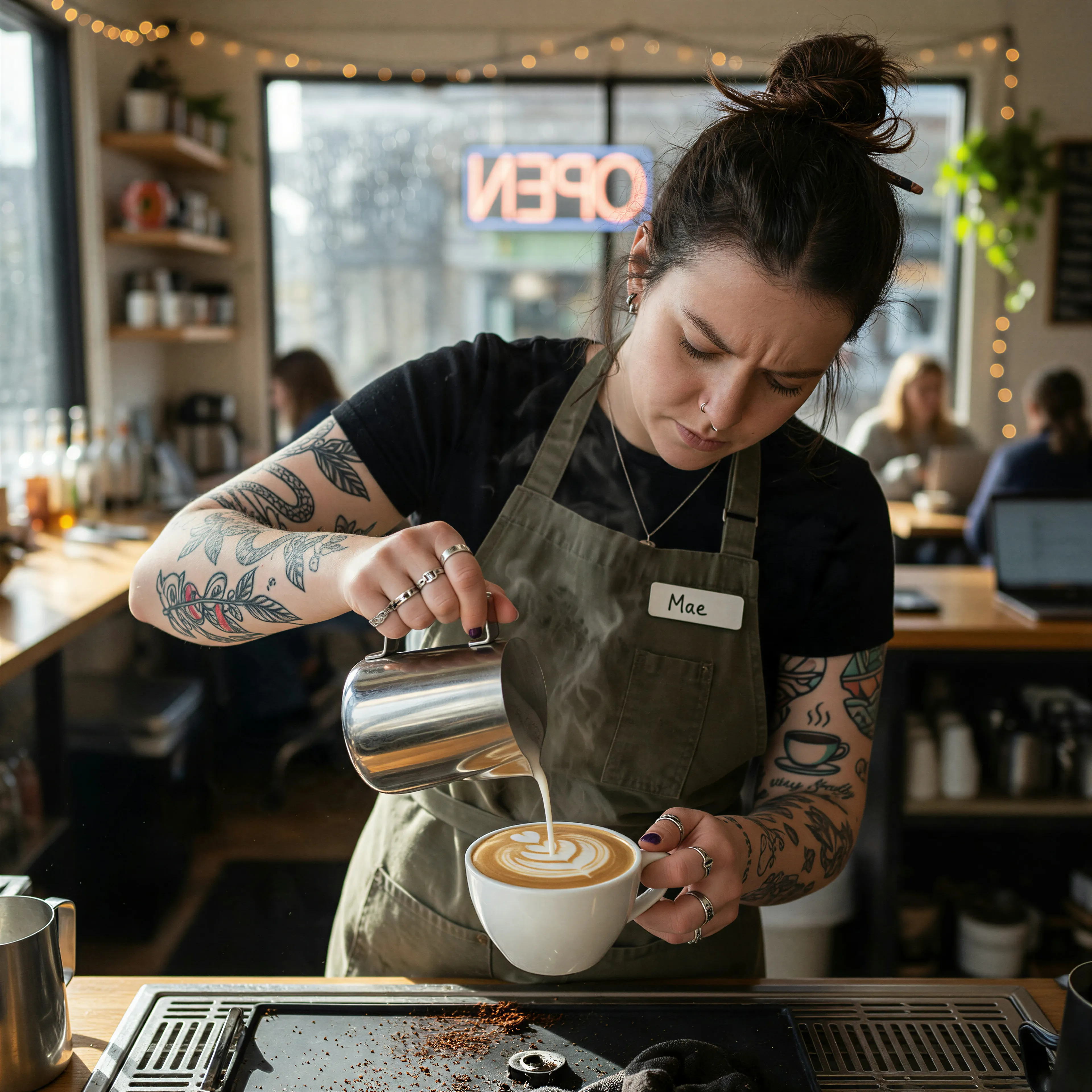
Barista with tattooed forearms pouring latte art, made with the AI image generator and upscaled with Upsampler
02 · Image Upscaling

Upscale Images to 100 MP

Add real detail as you enlarge.

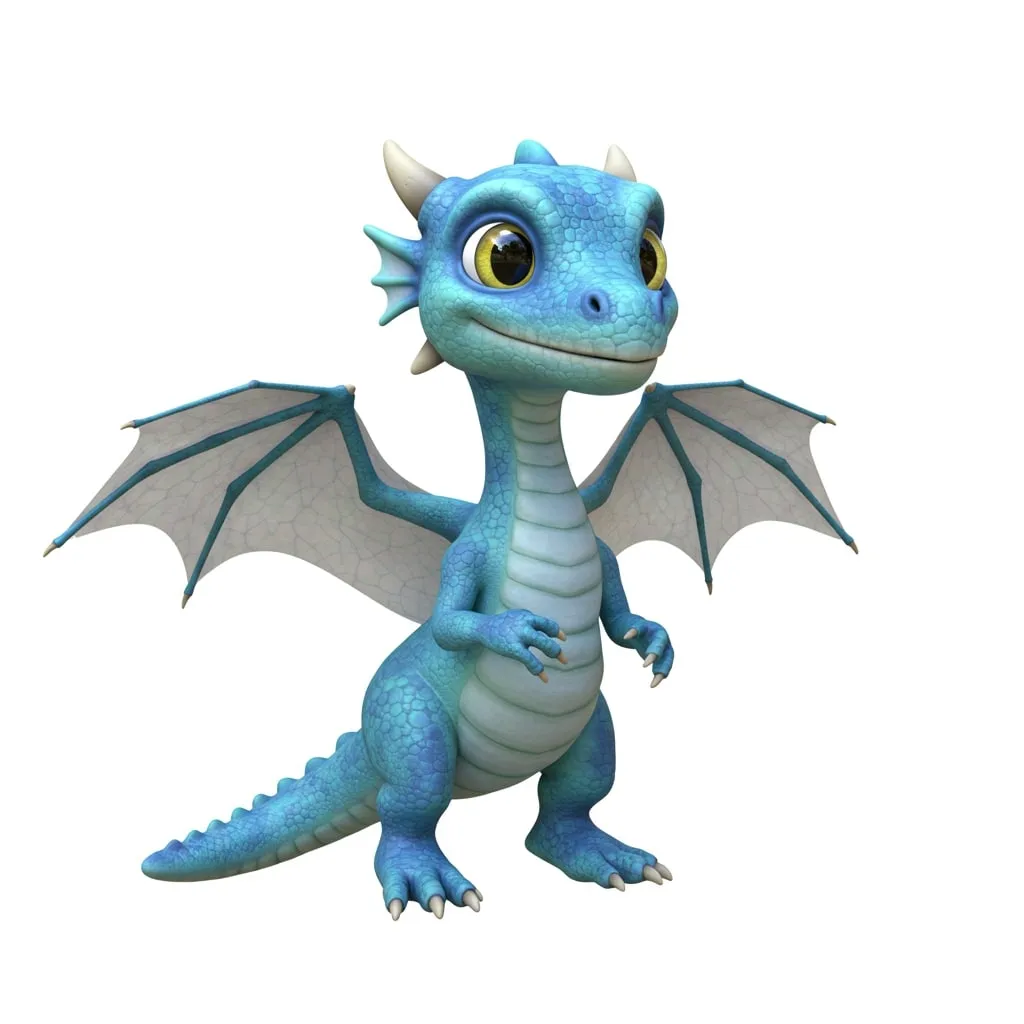
Before
Dragon render upscaled with the AI image upscaler before enhancement and upscaling
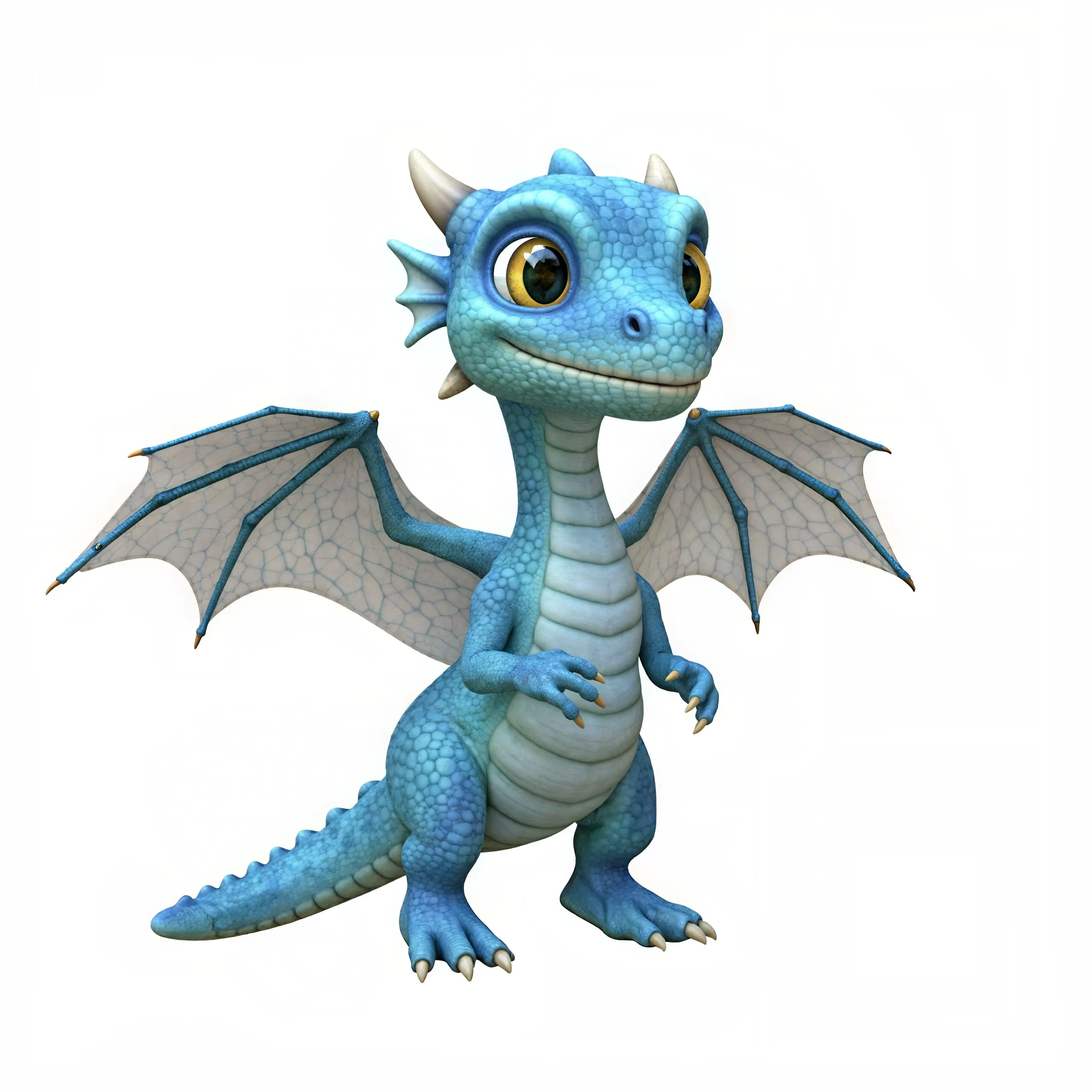
After
Dragon render upscaled with the AI image upscaler after enhancement and upscaling
03 · Image Editing

Edit Images at Full Resolution

Change anything with a text prompt and get the result back at your photo's full size.

Before
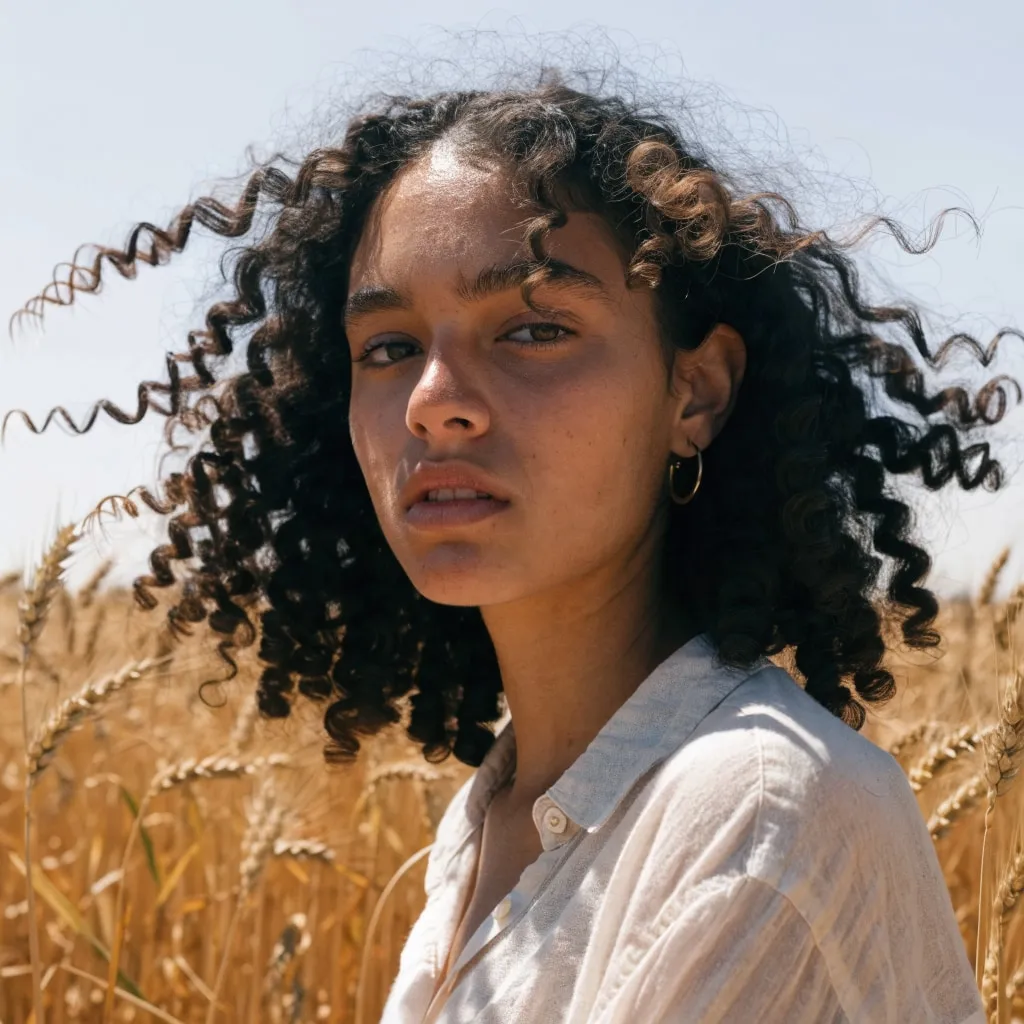
Portrait of a woman in a wheat field, relit from flat midday sun to golden hour with an AI edit before enhancement and upscaling
After
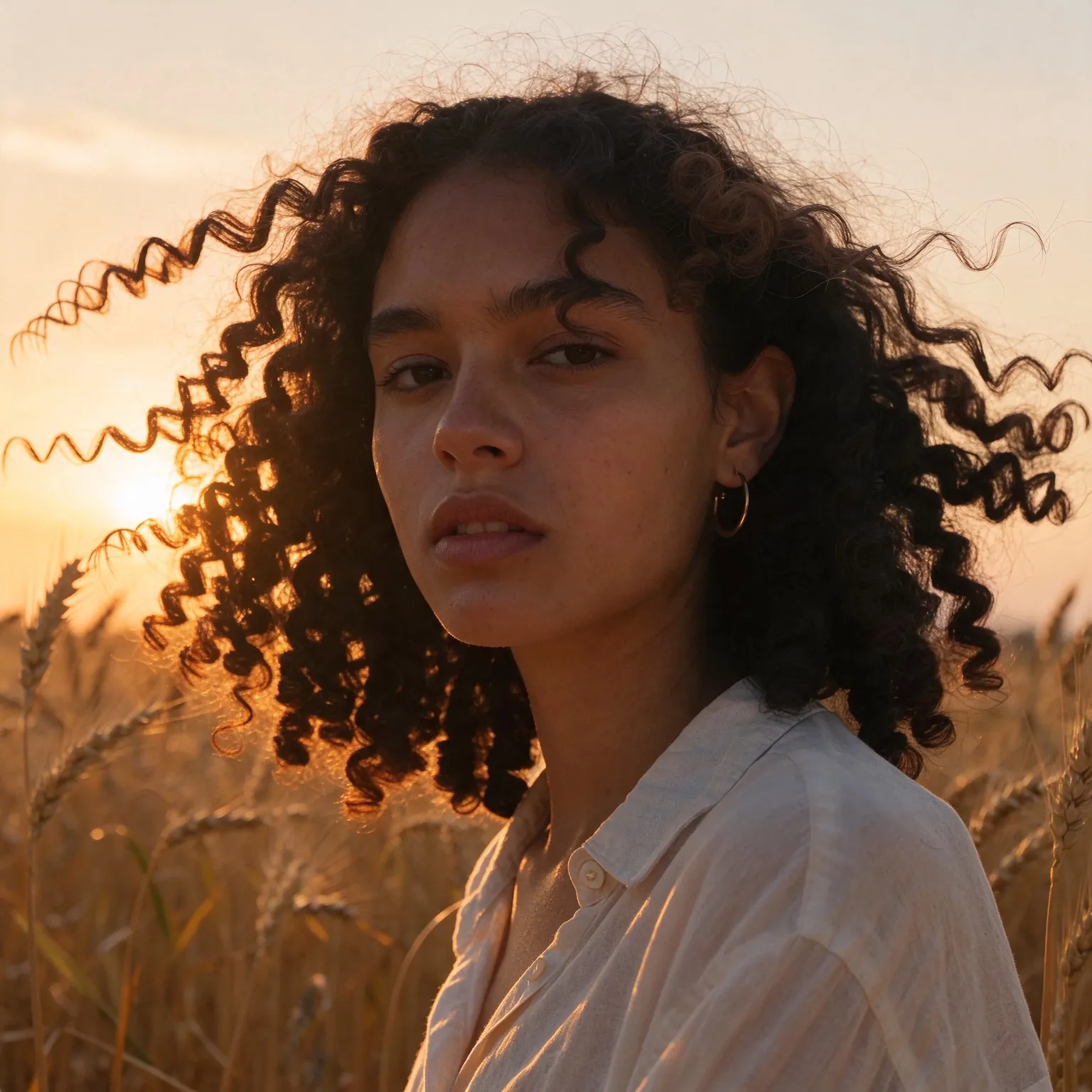
Portrait of a woman in a wheat field, relit from flat midday sun to golden hour with an AI edit after enhancement and upscaling
04 · Video Generation

Generate Videos in Full HD

Create clips from a prompt or bring a still image to life.

05 · Video Upscaling

Upscale Videos to 4K

Sharpen edges, textures, and on-screen text frame by frame, with stable motion.

An AI influencer generator for fictional personas

This AI influencer generator runs the photorealistic model behind our free AI image generator, set up for one job: inventing a social media persona and showing them the way an influencer's feed looks. Instead of writing a whole photo prompt, you describe the person, “a woman in her late twenties with curly red hair and freckles”, and pick a niche. The tool places them in a candid, phone-shot scene that fits it: a cafe for lifestyle, a gym for fitness, a city sidewalk for fashion.

Every image shows a fictional person. The tool is for creating new, invented characters, never for imitating a real influencer, celebrity, or anyone you know, and every prompt and result passes a safety check. It is free, with no sign-up and no watermark.

Designing a persona that feels real

Virtual influencers that hold an audience feel specific. Give your persona a clear identity before you generate: an age range, a signature look (a hair color, glasses, a style of jacket), and a niche that explains why people would follow them. Write those details the same way every time. Because each generation is a new image, a fixed description is what keeps your persona recognizable from post to post.

Realism comes from imperfection. Real feeds are shot on phones in ordinary light, with candid expressions and lived-in places, which is why every niche here asks for a candid smartphone or street style photo rather than a glossy studio portrait. Adding a small real-world detail to your description, “holding an iced coffee” or “with a tote bag over one shoulder”, makes a shot feel like a moment rather than a pose.

Write a short backstory before the first image, even if no one else reads it: where the persona lives, what they do on weekends, what they would never post. Those answers turn into scene ideas. A persona who lives in a coastal town and runs at dawn suggests beach paths, foggy mornings, and post-run breakfasts; one who works in tech in a big city suggests desk setups, rooftop terraces, and commuter trains. Consistent places are as recognizable as a consistent face, and they make a feed feel lived in.

Plan a grid, not single posts. Successful feeds alternate close and wide shots, people and places, so that the profile page reads as a whole. Generate the persona in two or three niches that fit them and mix the results. Brand marketers use this to test a campaign concept or a target customer profile before booking a shoot, and writers use it to visualize a character who lives online.

Niches and formats

Lifestyle shows everyday moments in cafes and homes. Fitness places the persona in a bright gym in athletic wear. Fashion uses street style framing with golden hour light. Travel puts them at a scenic viewpoint, Food at a table with a plated meal, and Tech at a tidy desk setup. Pick the 3:4 shape for feed posts, 9:16 for stories and reels covers, and square for profile pictures.

For a profile picture with a clean studio look rather than a candid scene, the free AI headshot generator turns a photo of yourself into a professional portrait.

Each niche has its own visual grammar worth matching. Fitness content favors bright, even light and a sense of motion, so add an action like “tying running shoes” or “mid stretch”. Fashion relies on full or three-quarter length framing so the outfit shows, and on describing the clothes precisely, “an oversized camel coat over a white turtleneck”. Travel works best with the persona small in a big landscape, and food content often crops close so the dish shares the frame with a smile. A few words of direction in your description move the result much closer to what real creators in that niche post.

Using a virtual persona responsibly

Audiences and platforms increasingly expect AI-generated people to be labeled. Most major social networks have disclosure settings for AI content, and some regions require it for advertising, so mark posts featuring an invented persona as AI-generated. Do not present the persona as a real human endorsing a product they could not have used. Outputs are 768 by 1024 pixels in the feed shape on Z-Image Turbo; the free image upscaler sharpens them for high-density screens.

Frequently Asked Questions

Yes. No sign-up, no payment, no watermark. Each visitor gets a daily allowance of generations on shared free GPUs, and connecting a free Hugging Face account raises it.

No. The tool is built to create fictional personas only. Describe an invented person by age range, hair, and style rather than naming anyone real.

Write one fixed description and reuse it word for word, changing only the niche or scene. Each image is generated fresh, so pick the outputs that match best; the premium tools offer edits that carry one persona into new scenes.

Use 3:4 for feed posts, 9:16 for stories, reels, and TikTok covers, and square for profile pictures. Upscale the result for a crisper post.

Usually yes. Major platforms have AI content labels, and advertising rules in many regions require disclosure. Labeling also keeps trust with your audience.

Z-Image Turbo, the default, leans photorealistic and is the quicker of the two. Flux 2 Klein 4B is worth a try for a softer, more editorial look.

No. Your text passes a safety check and goes to the GPU that renders the photo, then the temporary files expire. Nothing is published or used for training.

No. Your download is the clean, full-quality result with no watermark, and you never need an account or email to get it.

Yes. The tool runs open models released under the Apache 2.0 license, which claims no rights over the output you generate, so the model puts no claim on what you make, in commercial work or anywhere else. What the model does not decide is your right to the material you feed it: anything you upload stays subject to whoever holds the rights in it, and the usual limits apply either way. Do not use the tools to create illegal content, to impersonate real people, or to infringe someone else's rights.

No, credit is never required. If you publish the result on a website, blog or social post, a link back to this tool is appreciated and helps keep it free: press Copy credit link under your result and paste the ready-made link wherever you post it.

No. Sexually explicit content and anything involving minors are prohibited and cannot be unlocked on any plan, and every upload and prompt sent to our free GPUs is screened by an automated safety filter before it runs. Our Terms of Service list the full set of prohibited content.