Free AI Christmas Photo Generator | No Sign-Up

Turn any photo into a festive Christmas picture: a cozy tree, a snowy scene, a card portrait, a fireplace, or matching sweaters, with everyone's faces kept the same. No sign-up.

  • No account
  • No ads
  • No watermark
Examples · tap to try

Drop a photo of yourself, your partner, or the whole family, pick a Christmas scene, and press Make Christmas Photo. The AI builds the festive setting around you and keeps every face as it is.

More Free Tools

Discover more free tools to enhance your creative projects, no account required.

Our Premium Tools

Access highly advanced AI tools with flexible pricing: subscription or one-time payment.

Muse ImageNano Banana 2Nano Banana 2.1GPT Image 2GPT Image 2.5 FlareGPT Image 2.5 SunburstGPT Image 2.6 FlareGPT Image 2.6 SunburstGrok Imagine Image 2Nano Banana 2 LiteNano Banana ProSeedream 4Seedream 5 ProSeedream 5.5GPT Image 1.5Flux 3Qwen Image 3Qwen Image 2 ProGrok Imagine ImageP-Image IdeogramKrea 2Krea 3MAI Image 2.5Nano BananaImagen 4Seedream 3Seedream 4.5Seedream 5 FlashSeedream 5 LiteFlux 2 KleinFlux 2 ProFlux 2 MaxFlux 3 KleinZ Image TurboQwen Image 2Recraft V4.1Ideogram V4Ideogram V4.5Imagen 3Flux Kontext ProFlux Kontext MaxQwen ImageRecraft V4Ideogram V3Flux SchnellFlux 1.1 ProWan 2.2Recraft V3P Image UpscaleSeed VR 2FluxStable DiffusionGANFlux Fill ProQwen Edit 2511Qwen EditFlux Kontext FastMiniMax H3 Max TurboMiniMax H3Seedance 2.5Wan 3.0Gemini Omni 1.2 FlashMiniMax H3 LiteGrok Imagine VideoGrok Imagine Video 1.5P-Video 2 ProSeedance 1 ProSeedance 1.5 ProSeedance 2 MiniWan 2.7Kling 2.5 ProVeo 3.1 (No Audio)LTX 2.5 FastP-Video 2P-VideoKling 4.0 FlashRunway Gen 4.5P-Video 2 DraftWan 2.2 14B ProP-Video DraftLTX 2.5SeedVR 2RelayVSRRTX VSR
01 · Image Editing

Edit Images at Full Resolution

Change anything with a text prompt and get the result back at your photo's full size.

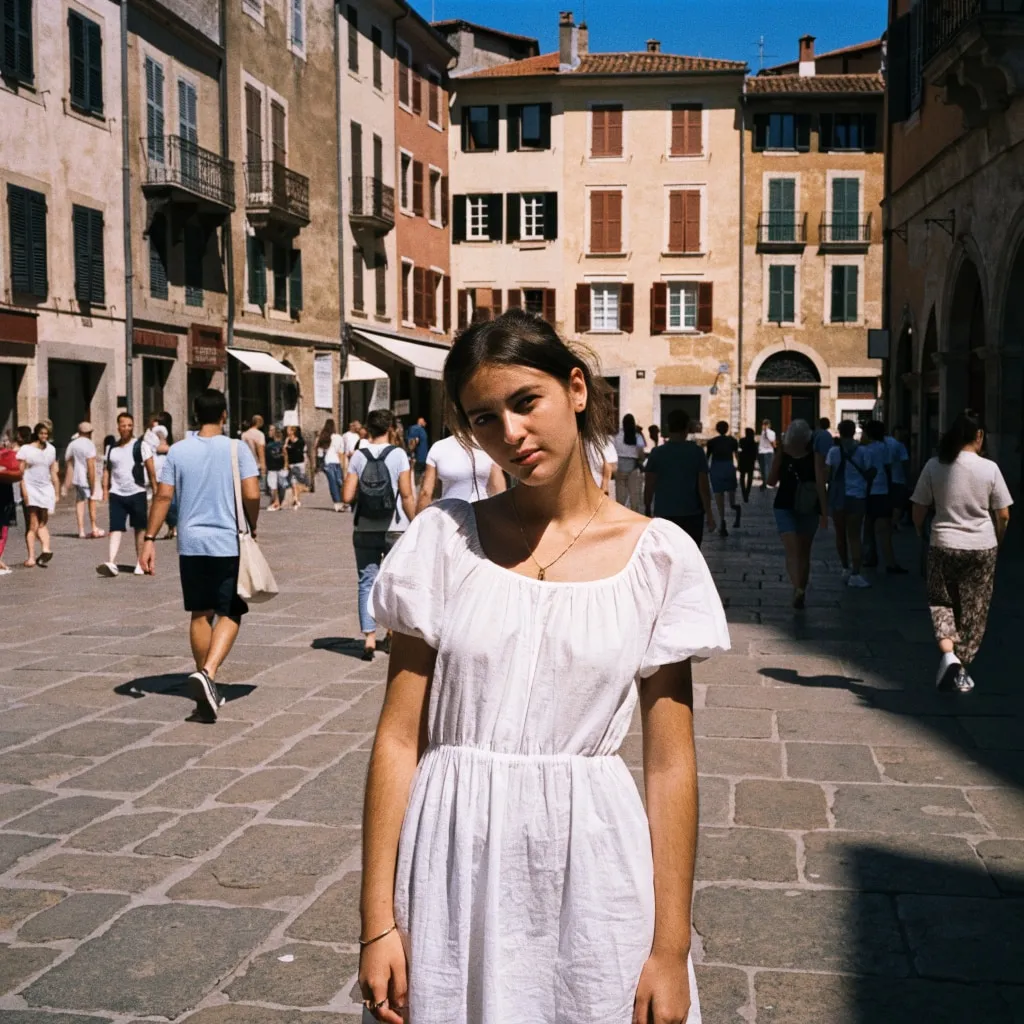
Before
Woman in a white dress in a crowded old-town square, with the crowd removed by an AI edit before enhancement and upscaling
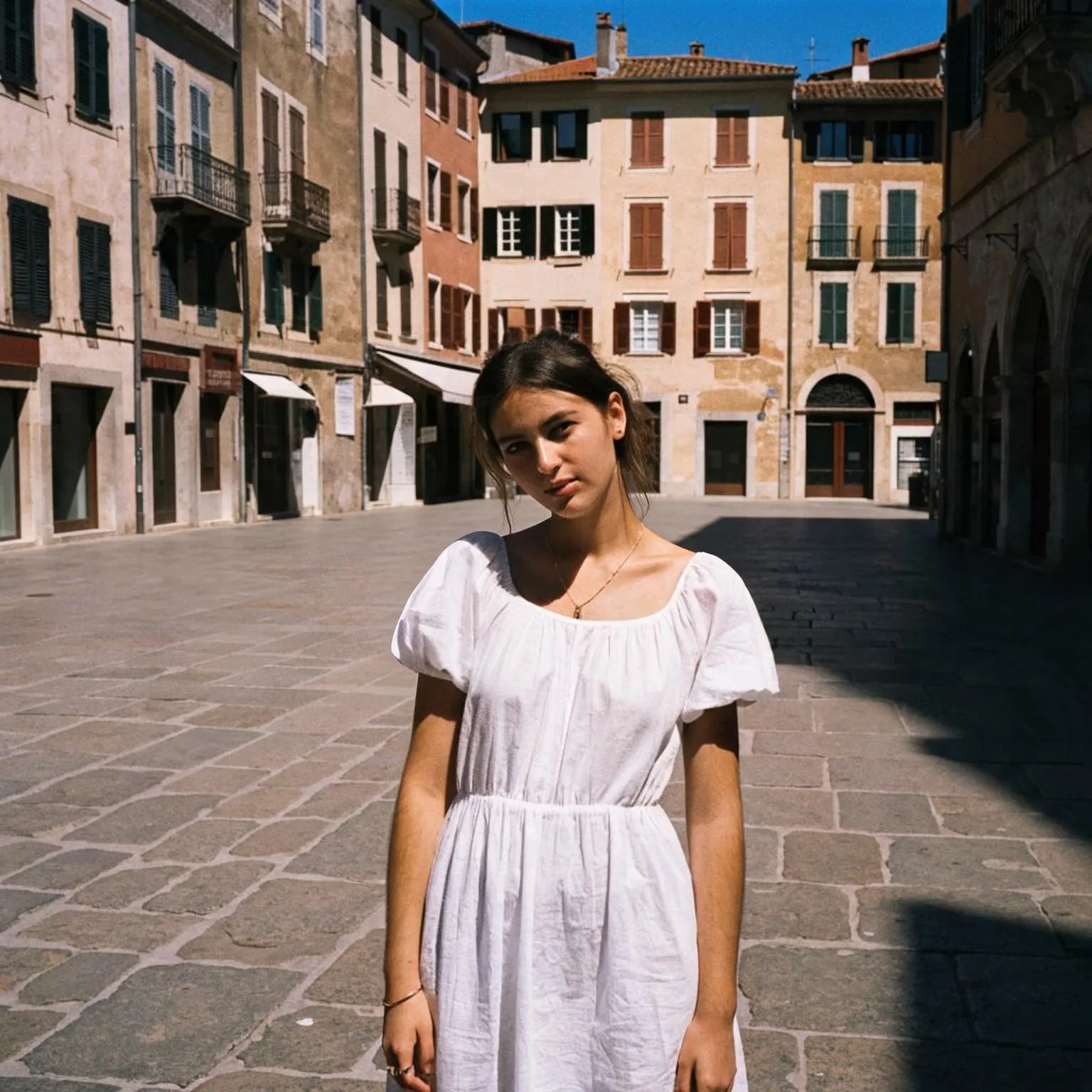
After
Woman in a white dress in a crowded old-town square, with the crowd removed by an AI edit after enhancement and upscaling
02 · Image Upscaling

Upscale Images to 100 MP

Add real detail as you enlarge.

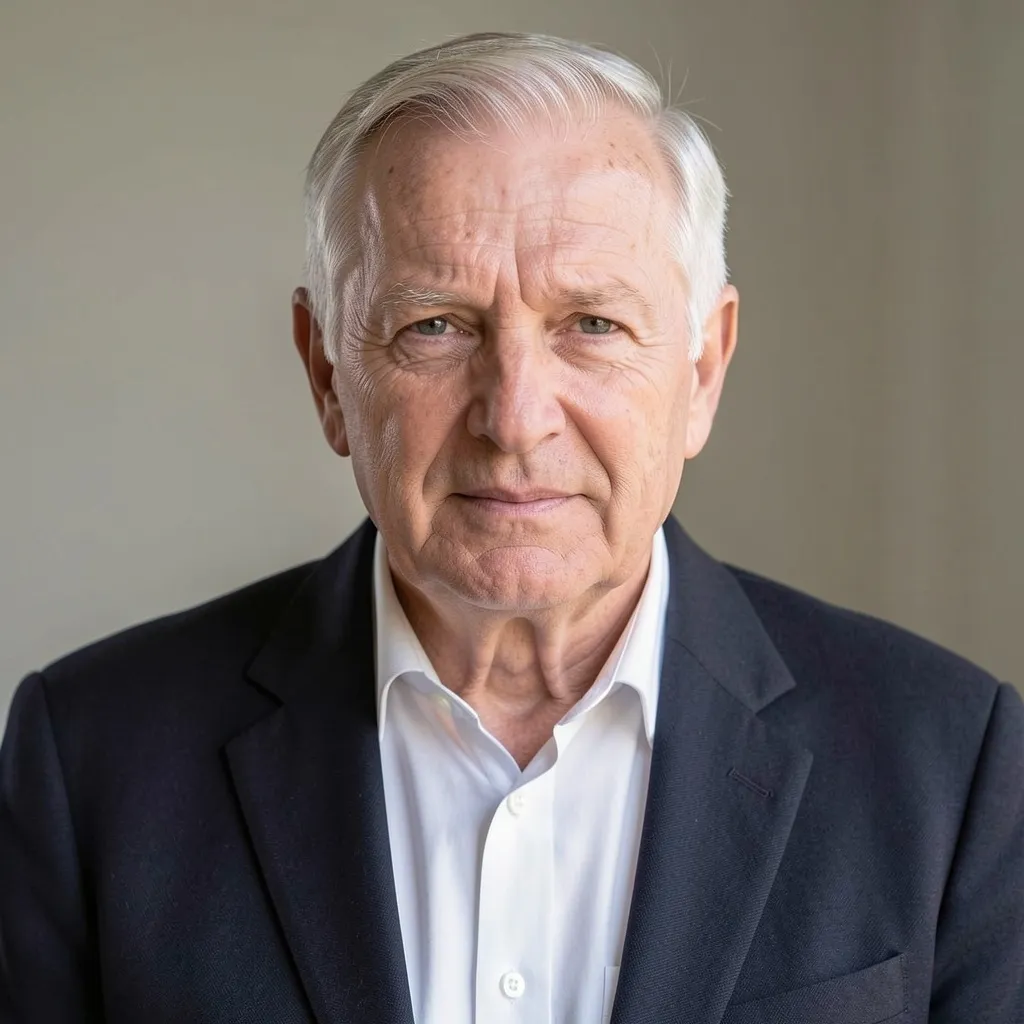
Before
Portrait of an older man upscaled with the AI image upscaler before enhancement and upscaling
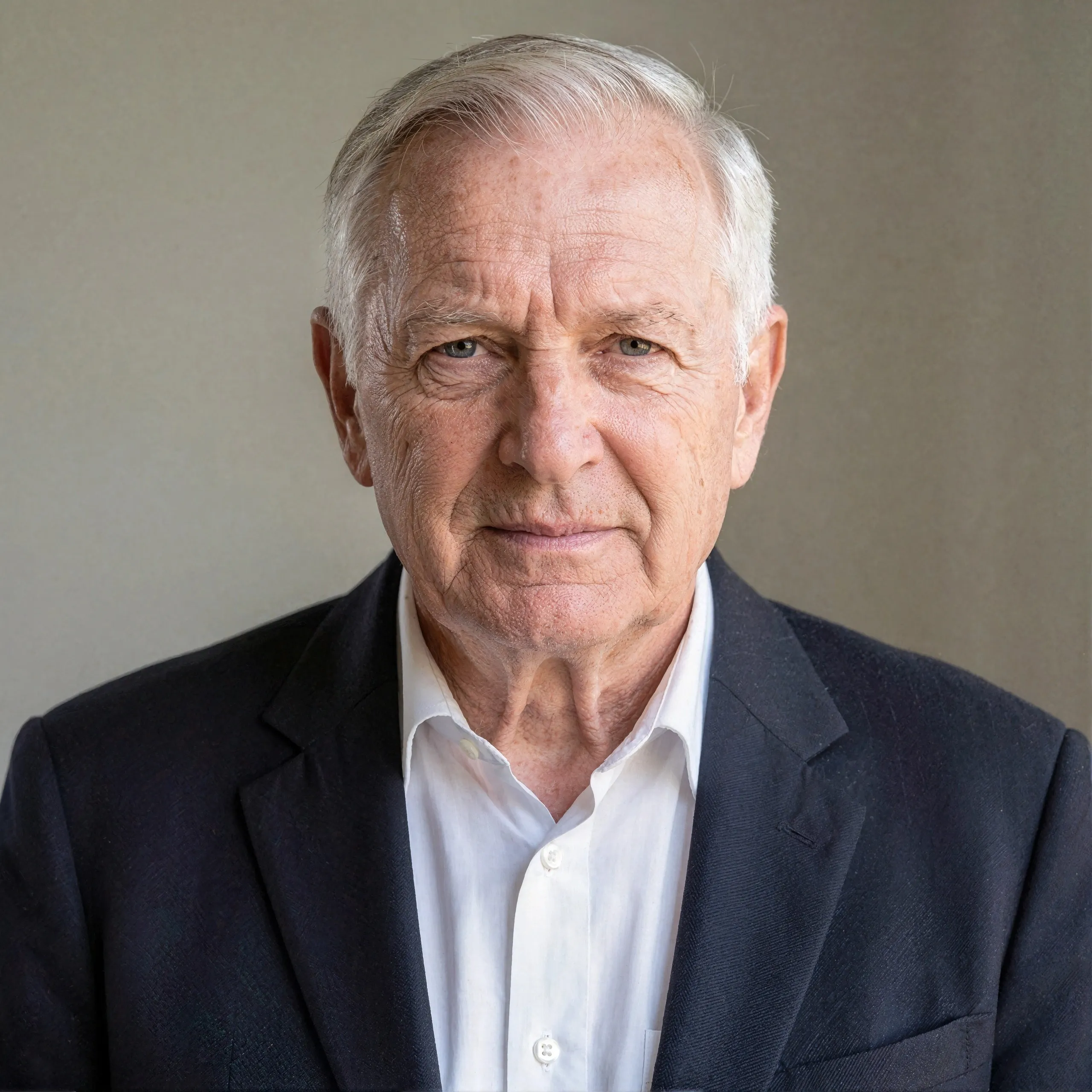
After
Portrait of an older man upscaled with the AI image upscaler after enhancement and upscaling
03 · Image Generation

Generate Images in 4K

Turn a prompt or a reference image into anything from photoreal shots to illustration.

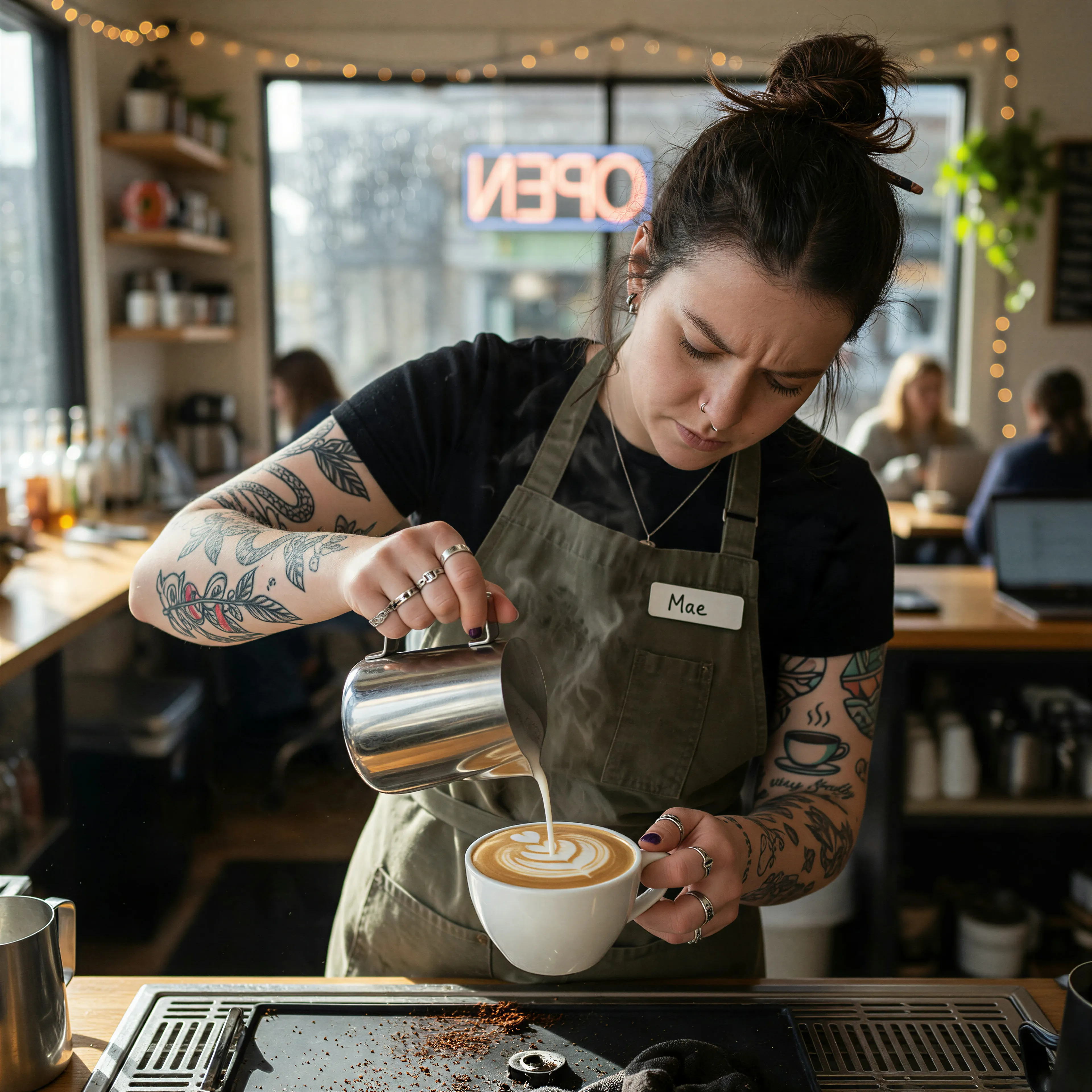
Barista with tattooed forearms pouring latte art, made with the AI image generator and upscaled with Upsampler
04 · Video Generation

Generate Videos in Full HD

Create clips from a prompt or bring a still image to life.

05 · Video Upscaling

Upscale Videos to 4K

Sharpen edges, textures, and on-screen text frame by frame, with stable motion.

A festive AI Christmas photo without a photo session

The best holiday card photo is usually the one nobody managed to take: everyone in nice clothes, by a glowing tree, all looking at the camera at once. This AI Christmas photo generator starts from a picture you already have, even a summer snapshot, and turns it into a festive scene. Choose a cozy living room beside a decorated tree, a snowy outdoor scene with falling snow, a classic Christmas card portrait on a red and gold bokeh backdrop, a family gathered by the fireplace, or everyone in matching knitted sweaters.

Every scene keeps each person's face, features, expression, and hairstyle the same, and lights the picture with the warm glow of string lights and candles. Qwen Image Edit, the open model behind it, handles single portraits, couples, and family photos in one pass.

The idea is simple: keep the people you already photographed and change the season around them. A sunny garden picture becomes a snowy evening, a casual dinner becomes a candlelit holiday table by the tree, and a plain selfie becomes a card portrait. Nobody has to dress up, gather in one place, or hold still for a timer.

Christmas card photos, profile pictures, and more

The card portrait scene is built for holiday cards: a clean, festive background with room around the subject and no text in the picture, so you can add your own greeting in any card maker. The living room and fireplace scenes suit family photos for a group chat or a printed frame for the grandparents. The snowy scene makes a great seasonal profile picture, and the festive sweater look is a fun one for office parties and social posts.

If a pet is in the photo, give it a close look in the result: the instruction protects people's faces, not paws. For an old family picture you want to bring back to life first, run it through the free AI old photo restoration tool, then add the festive scene here.

Couples photos make lovely gifts in the fireplace or snowy scene, and a single portrait in the card scene works well as a seasonal avatar for chat apps and work profiles. Because there is no sign-up, you can make a version for each side of the family in a few minutes, using the same photo and a different scene for each.

Tips for a natural-looking holiday photo

Choose a photo where faces are sharp, reasonably large, and lit evenly. Group photos work best with up to about five people; in a big crowd each face gets only a few pixels and small details can shift. Front-facing shots blend into the new scene more naturally than strong profiles. If the festive sweater scene changes someone's clothing in a way you do not like, try the living room or card portrait instead, which keep the setting festive without focusing on outfits.

Each run uses a fresh random seed, so the tree, snow, and decorations change every time. Run your favorite scene two or three times and keep the best one. Use photos of people who are happy to be on your card, and every result passes an automatic safety check before it is shown.

Clothing deserves a word. Most scenes leave what people are wearing roughly as it is and change the setting around them, so a beach photo might keep its T-shirts in a snowy forest. If that looks odd, pick the festive sweater scene, which deliberately dresses everyone in cozy plain knits, or start from a photo where people already wear something warm.

Limits and privacy

The tool accepts JPG, PNG, and WebP up to 4096 pixels per side and renders the Christmas photo at about one megapixel, ideal for messages and social posts. For printed cards, enlarge it with the free AI image upscaler. Each visitor gets a daily allowance on shared free GPUs with no account, which a connected free Hugging Face account raises. Family photos are processed transiently, deleted automatically, and never used for training.

No watermark is added and no sign-up is needed. Your photo stays loaded between runs, so you can try every scene in a row, and each result downloads as a normal image file, ready to drop into a card template or a message.

Frequently Asked Questions

Upload a photo, pick one of five Christmas scenes, and press Make Christmas Photo. The AI builds the festive setting and keeps everyone's faces. No sign-up, no watermark.

Yes. It keeps every person's face, expression, and hairstyle. Up to about five people gives the most faithful results, since larger groups leave each face very small.

Yes, the Christmas card portrait scene is made for that. The picture contains no text, so you can add your own greeting in any card or design app.

A cozy living room beside a decorated tree, a snowy outdoor scene, a Christmas card portrait, a family by the fireplace, and festive knitted sweaters.

It is told to keep each person's face, features, identity, expression, and hairstyle exactly the same. Sharp, front-facing input photos keep faces most accurate.

It comes back at about one megapixel, fine for small prints and screens. For larger cards, run it through the free AI image upscaler first.

As many as your daily per-visitor allowance on the shared free GPUs covers, with no sign-up. A connected free Hugging Face account raises it.

No. They are processed transiently on the GPU, expire automatically, and are never published or used for training.

No. Your download is the clean, full-quality result with no watermark, and you never need an account or email to get it.

Yes. The tools run open models, and none of their licenses claims any rights over the output you generate, so the model puts no claim on what you make, in commercial work or anywhere else. What the model does not decide is your right to the material you feed it: anything you upload stays subject to whoever holds the rights in it, and the usual limits apply either way. Do not use the tools to create illegal content, to impersonate real people, or to infringe someone else's rights.

No, credit is never required. If you publish the result on a website, blog or social post, a link back to this tool is appreciated and helps keep it free: press Copy credit link under your result and paste the ready-made link wherever you post it.

No. Sexually explicit content and anything involving minors are prohibited and cannot be unlocked on any plan, and every upload and prompt sent to our free GPUs is screened by an automated safety filter before it runs. Our Terms of Service list the full set of prohibited content.