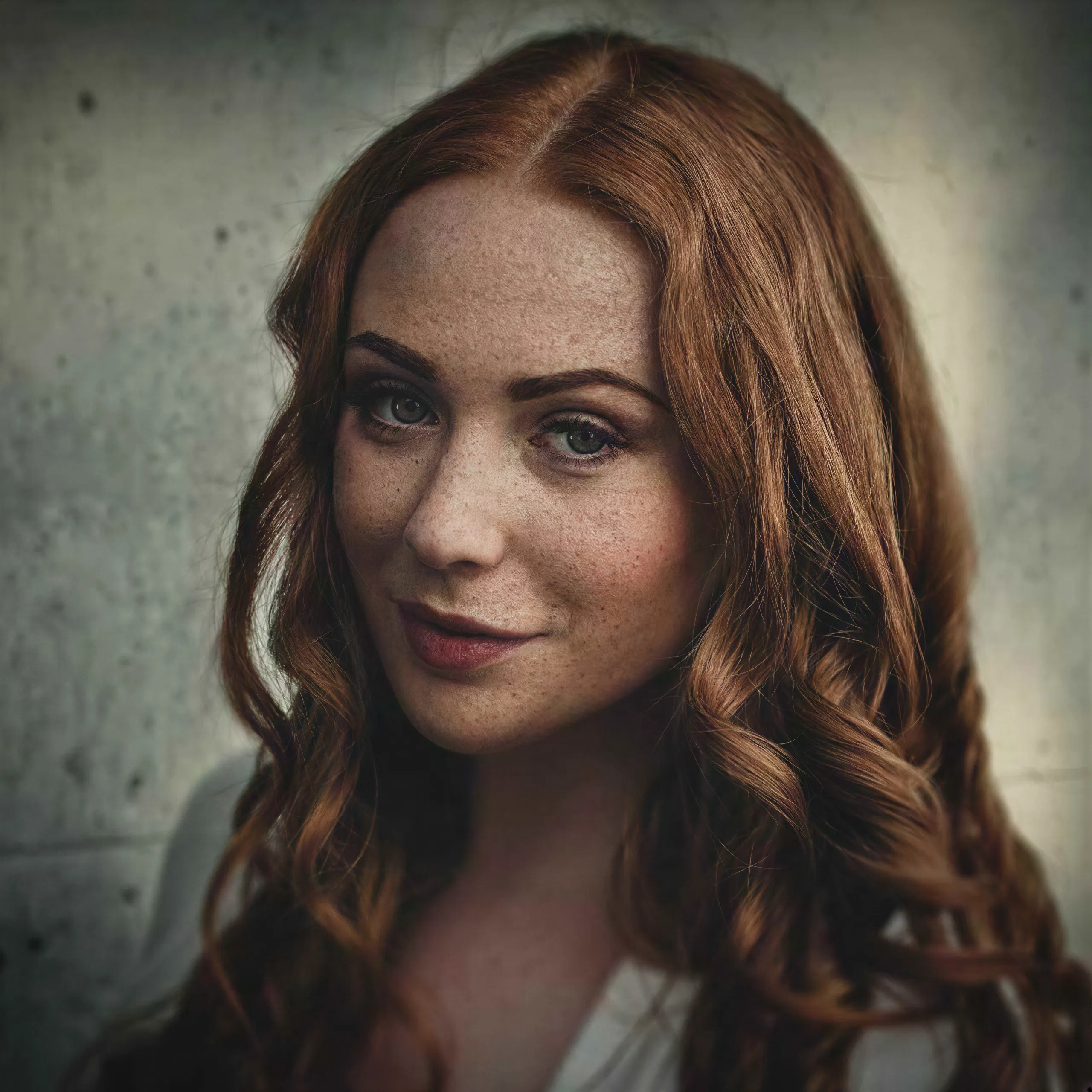
What Enhance Faces Actually Does
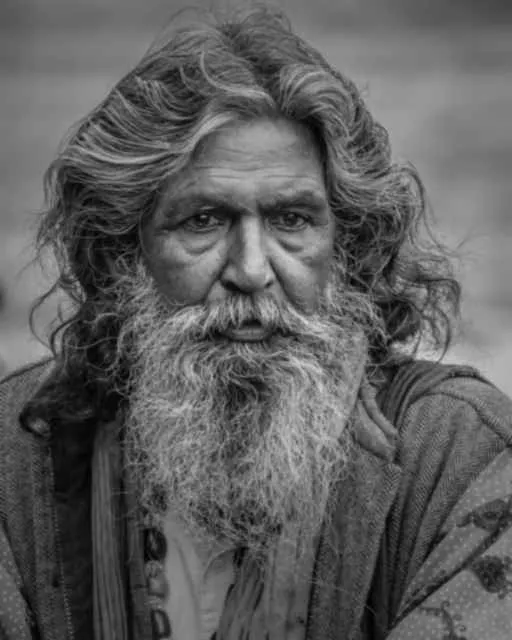
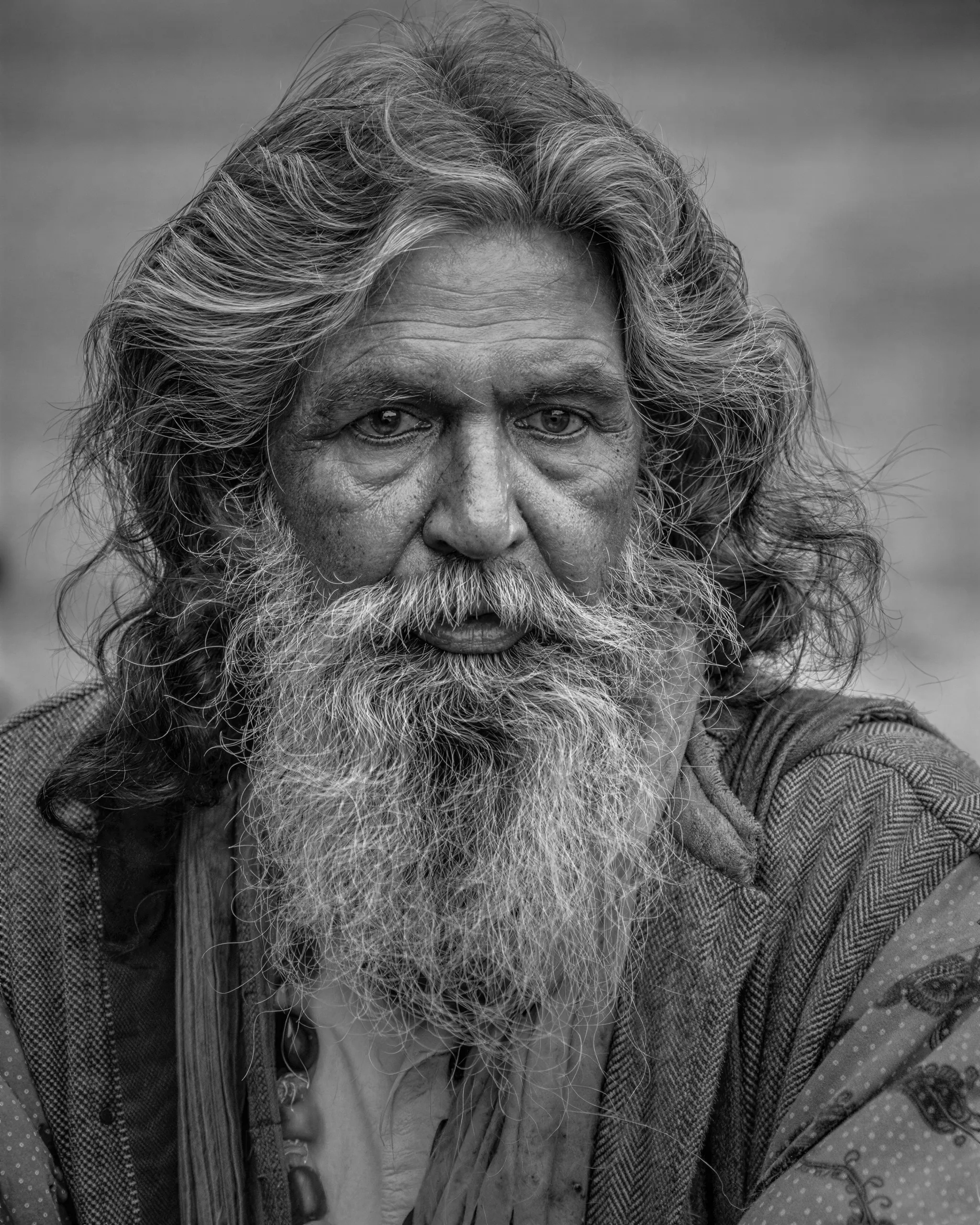
Time, storage, and old cameras all take facial detail first. A scanned print from the seventies, an early phone photo, or the one surviving picture of a grandparent usually has a face that is a few soft pixels wide. Enhance Faces restores small, low-resolution faces during the upscale: eyes, nose, mouth, skin, and hair are rebuilt from what is left and blended back while the rest of the photo sharpens. A face that already fills the frame is left to the upscale itself. There is no separate restoration step to learn.
How to Restore a Photo in Three Steps
- Upload the scan or photo to the upscale tool.
- Turn on Enhance Faces and choose a scale. 2x is enough for screens, 4x for a reprint.
- Run it and download the high-resolution result.
Settings That Work
- Model: any faithful model, P Image Upscale is the default, with Enhance Faces on
- Scale: 2x to share, 4x to reprint
- Enhance Faces: on, this is the whole point of the page
Colorize Black-and-White Photos
Colorization lives in the free AI image editor or the full image editor in your account. Describe the result, for example "colorize this portrait with natural skin tones," then bring the colored photo here for the face pass.
When the Face Should Not Change
A recent, already-sharp portrait that only needs more pixels needs no Enhance Faces at all. The option only acts on small faces, and a face that fills the frame is enlarged exactly as it is, which is what headshots and professional work need. The portrait photo enhancer covers that workflow.