
Why Pixel Art Breaks Ordinary Upscalers
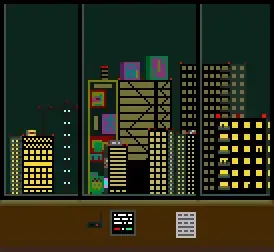
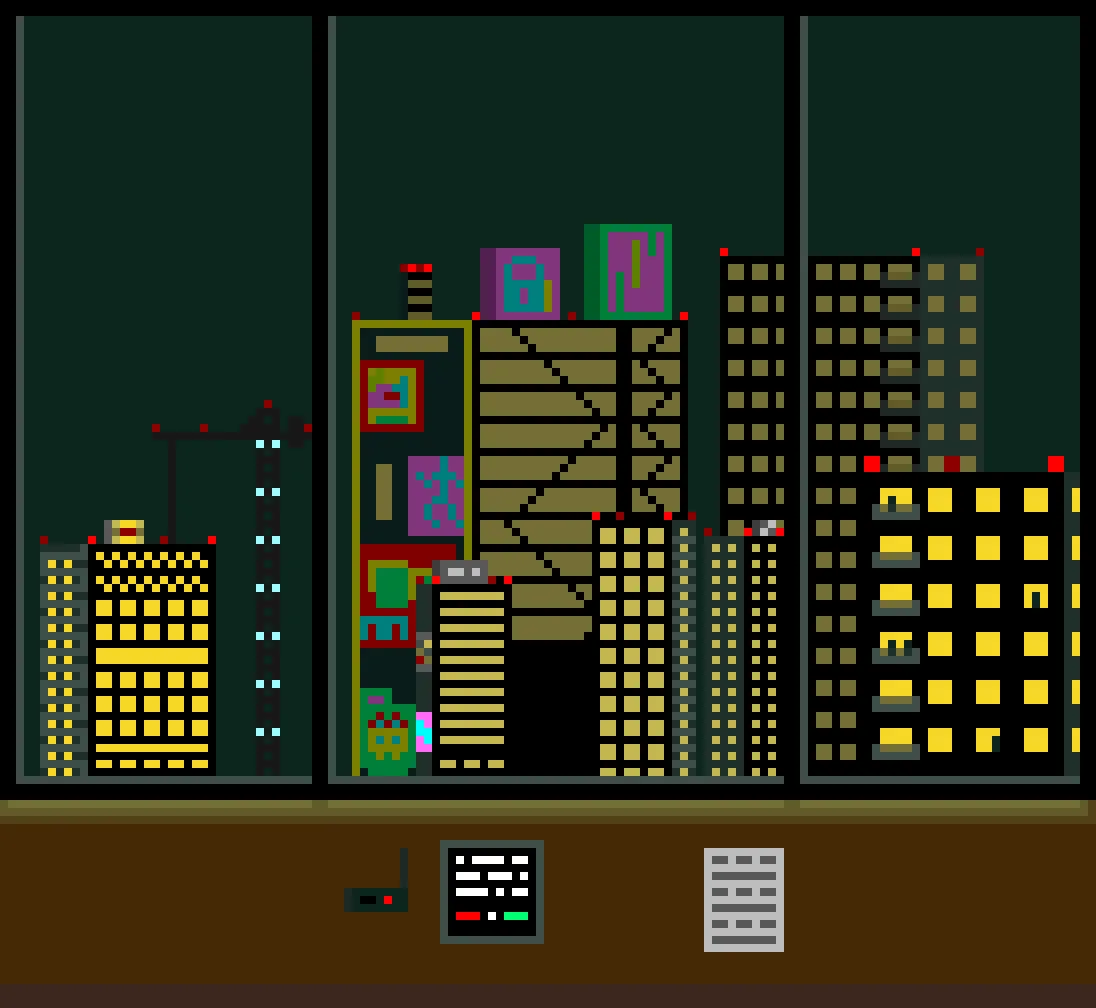
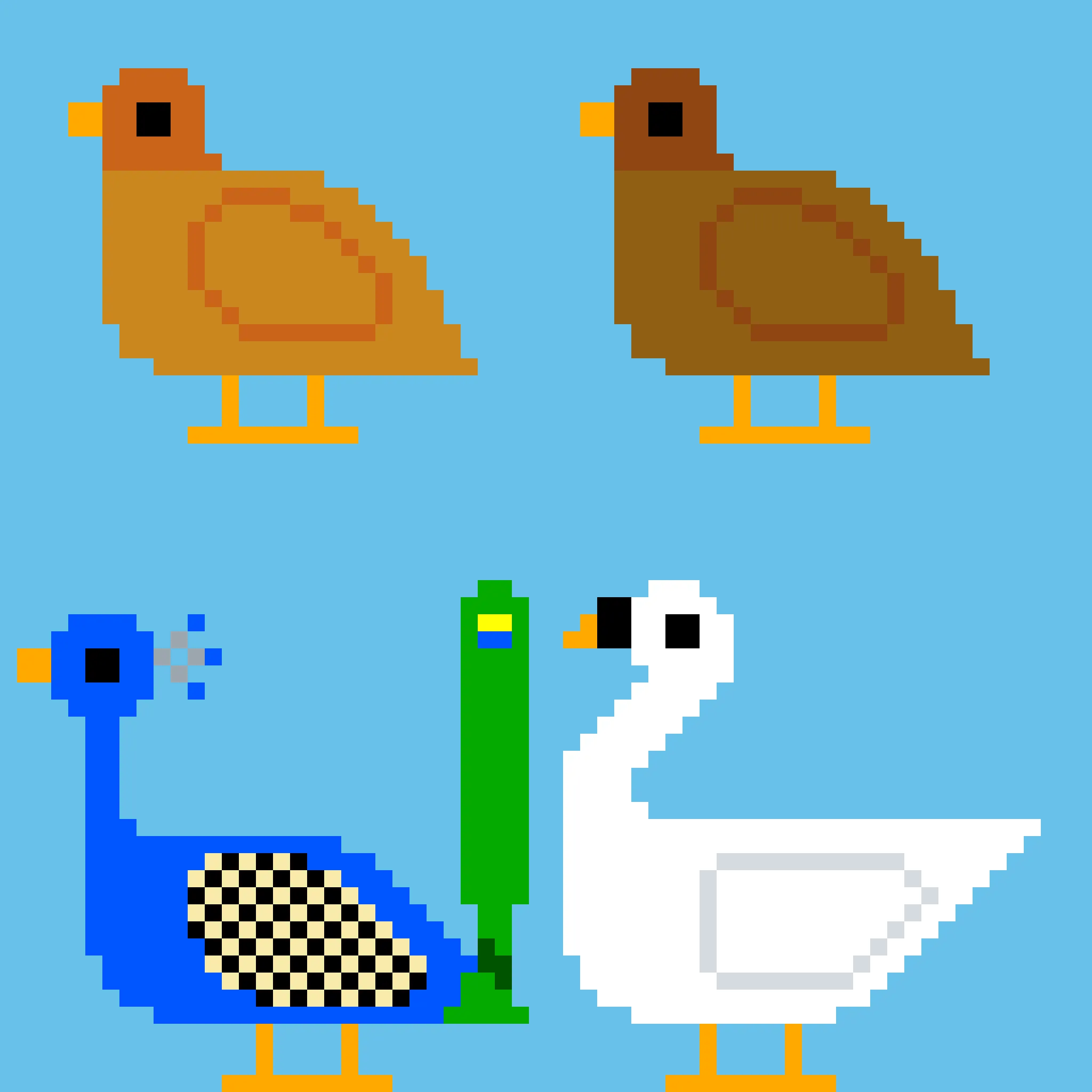
Pixel art is the one art form where blur is not a quality loss but a style violation. Bilinear and bicubic resizing smear the deliberate hard edges that define the aesthetic, and generic AI upscalers are worse, repainting a 16-color sprite into a soft illustration. Correct scaling has to respect the grid: every source pixel becomes a clean block, palettes stay limited, and dithering scales as a pattern instead of dissolving into a gradient.
Authentic Retro or HD Remaster
The faithful model is the retro path: sprites, tilesets, and UI elements enlarge with edges intact, palette untouched, and alpha transparency preserved, ready for Unity, Godot, or GameMaker. The creative model at low creativity is the remaster path: it softens the strict grid into HD-2D territory, the Octopath Traveler look, adding lighting and texture while keeping the retro character. Studios remastering classic titles use it for backgrounds and keep the faithful path for character sprites.
Settings That Work
- Model: a faithful model such as P Image Upscale for authentic scaling, a creative one such as Flux at low creativity for remasters
- Scale: 4x for 1080p targets, 6x for 4K
- Enhance Faces: off
- Output: PNG, so transparency and the palette stay exact
Scaling Targets for Game Dev
For 4K displays, scale sprites so each art pixel maps to a clean block of screen pixels. For storefront capsules and press kits, go larger than the engine ever will. Sprite sheets upscale as a unit, so animation frames stay consistent. The game asset guide covers textures and renders, the free no-signup upscaler lets you check one sprite, and the free image pixelator goes the other way.