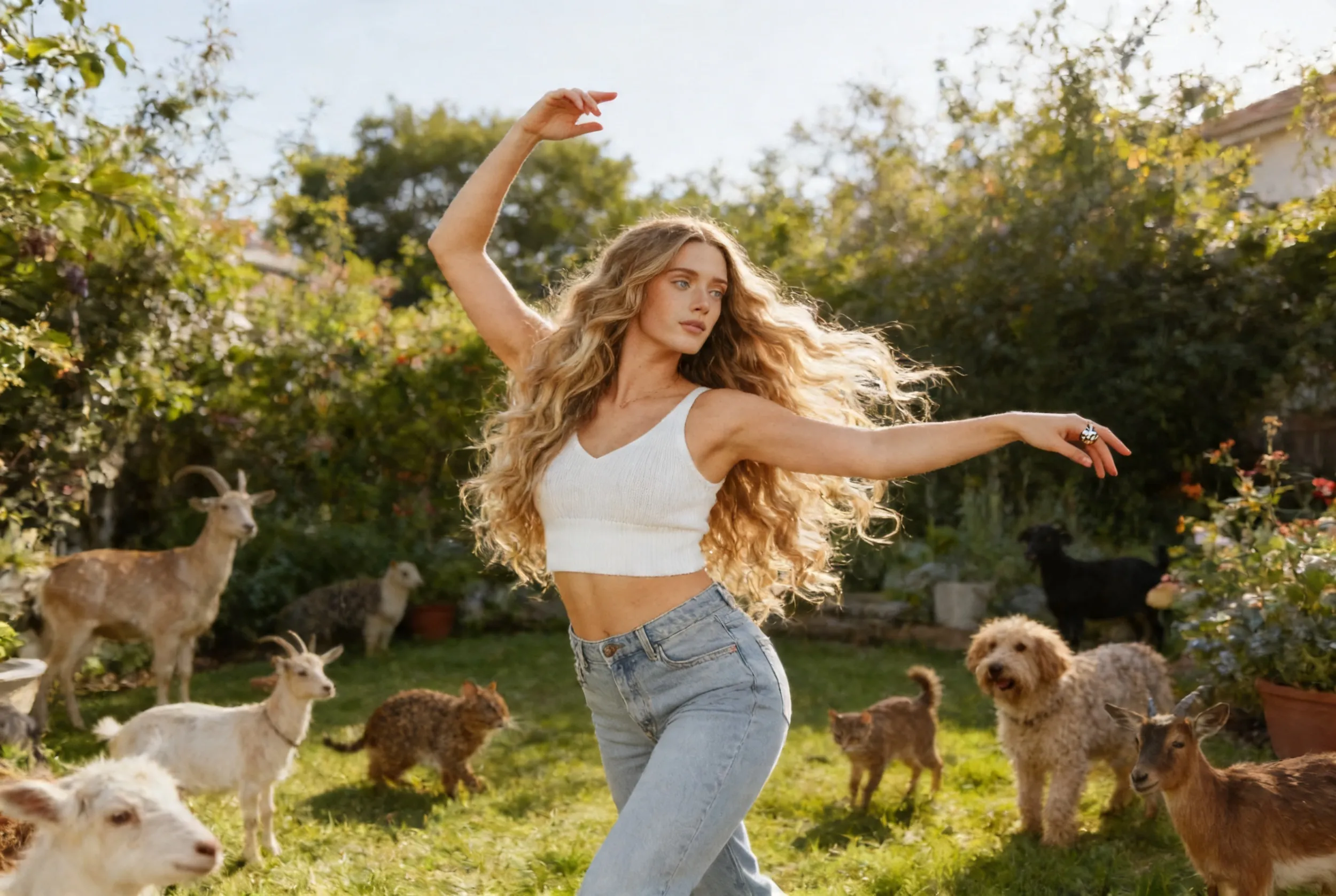
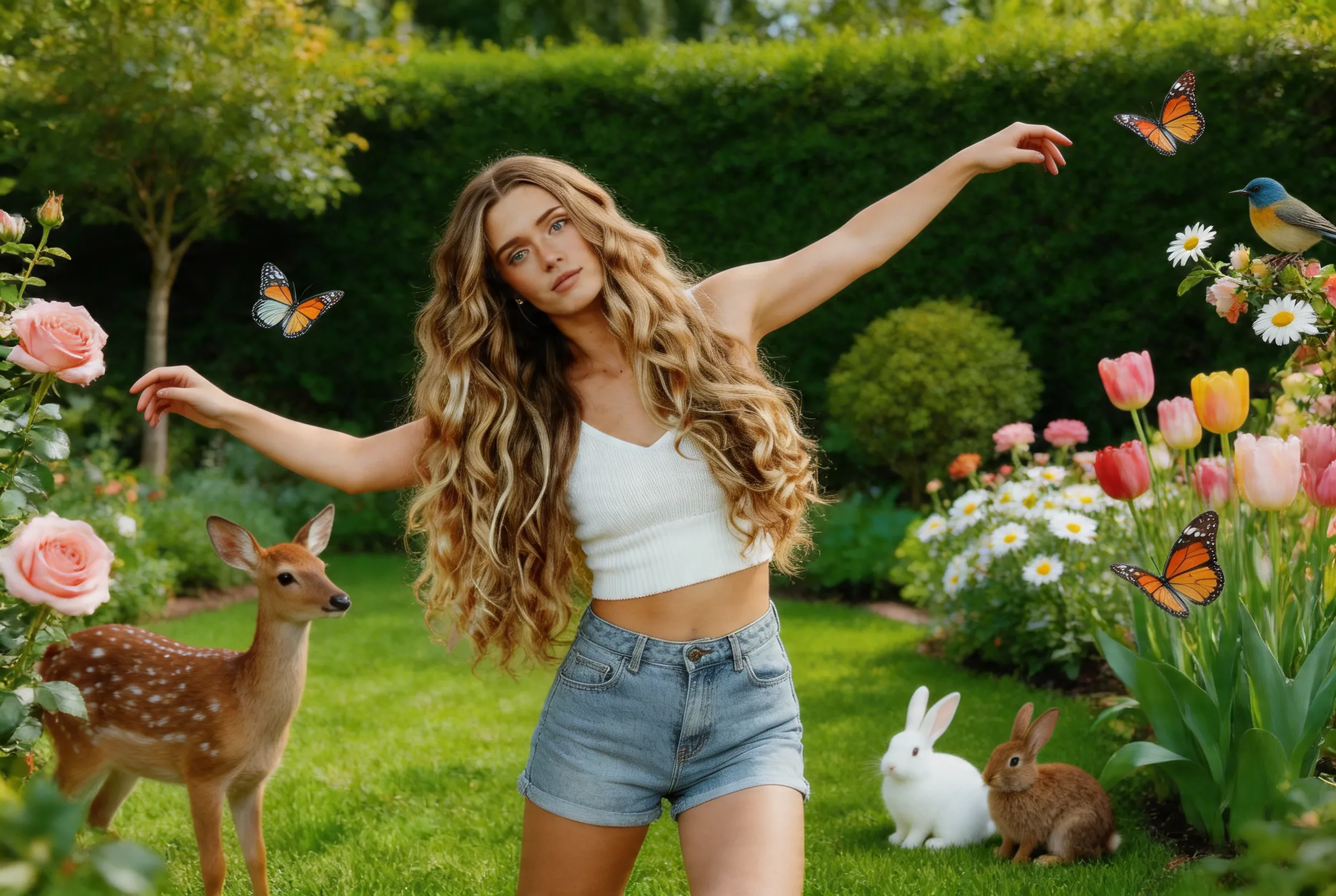
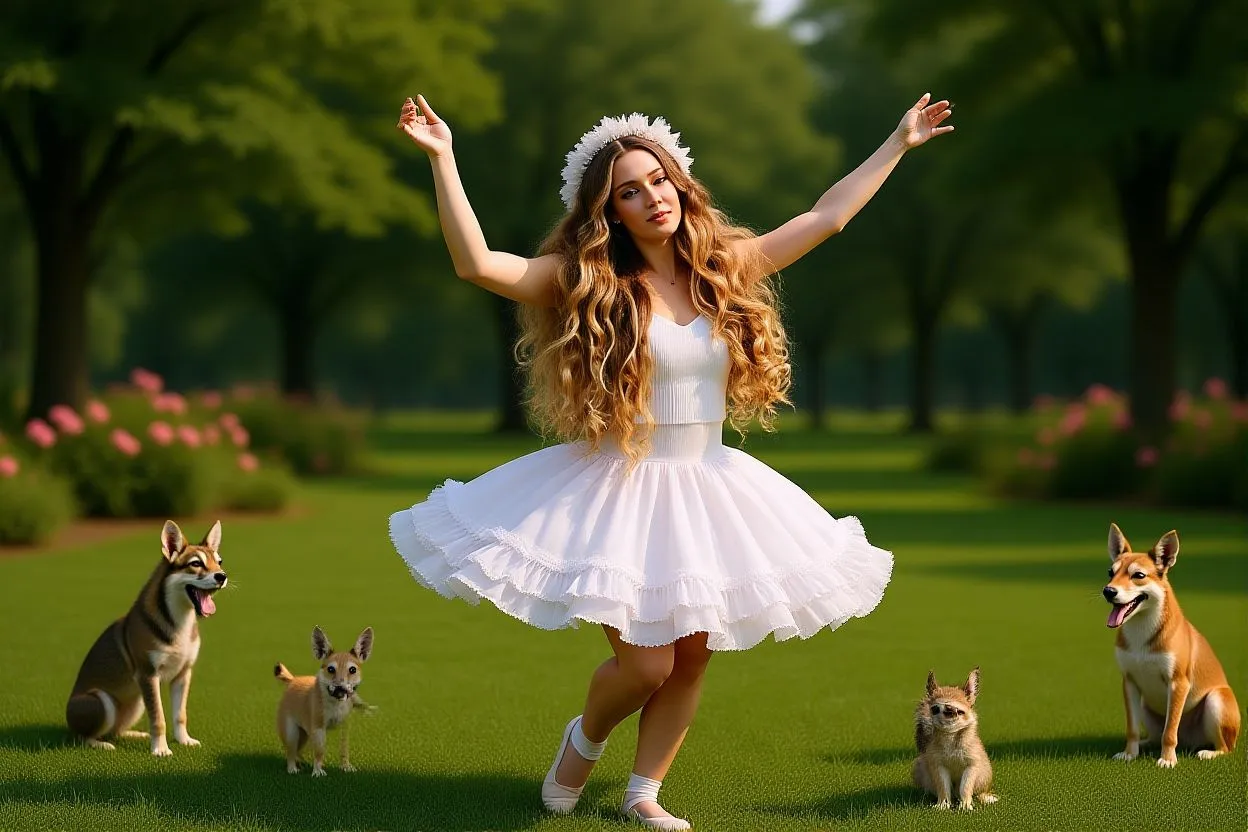
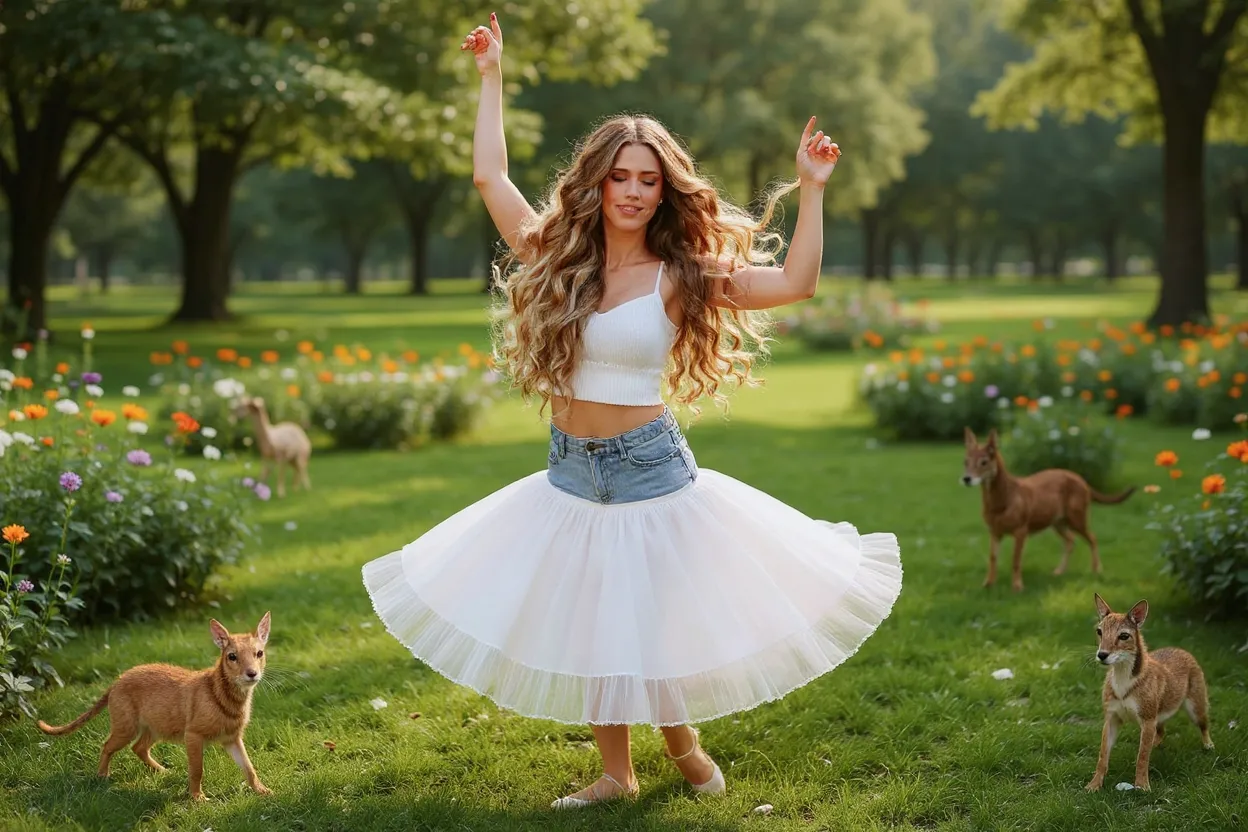
AI Image Editor — every model, compared

Edit images with prompts, inpainting, and outpainting using Nano Banana 2/Pro, Flux Kontext, Seedream, Qwen Edit, and more — including masking workflows you won't find on other platforms.

24 models supported · pay-per-credit · credits never expire

Google

Nano Banana

Google's Gemini 2.5 Flash applied to instruction-driven image editing. Fast turnaround on quick edits — background swaps, object additions, color adjustments — with the identity preservation and prompt-following accuracy that comes from being Gemini-grounded. A practical choice for casual editing workflows that don't need Nano Banana 2's multi-image reference support.

quick instruction-based editsbackground swapsobject addition or removalcolor and style adjustmentssubject preservation across edits
4 Credits
View Nano Banana examples and details
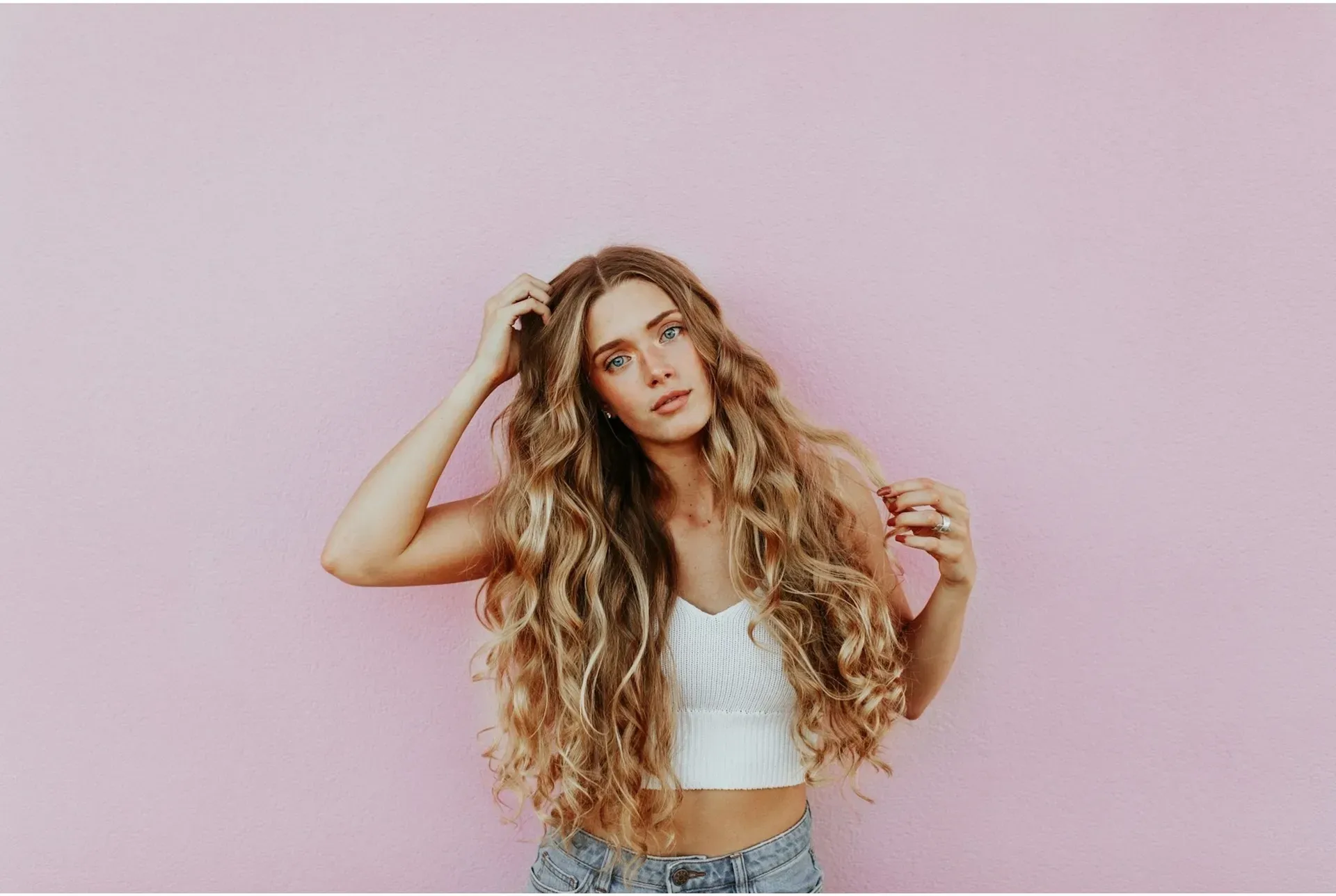
Before
Image before enhancement and upscaling
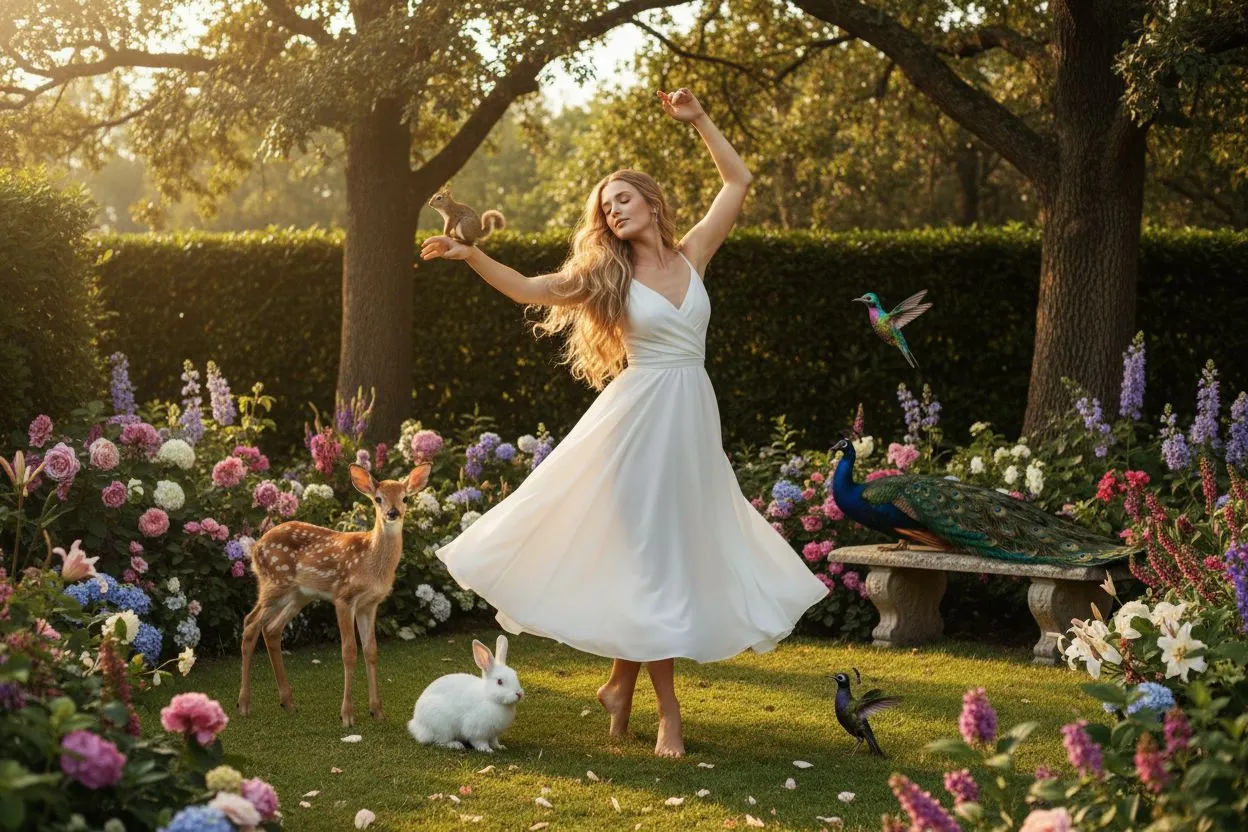
After
Image after enhancement and upscaling

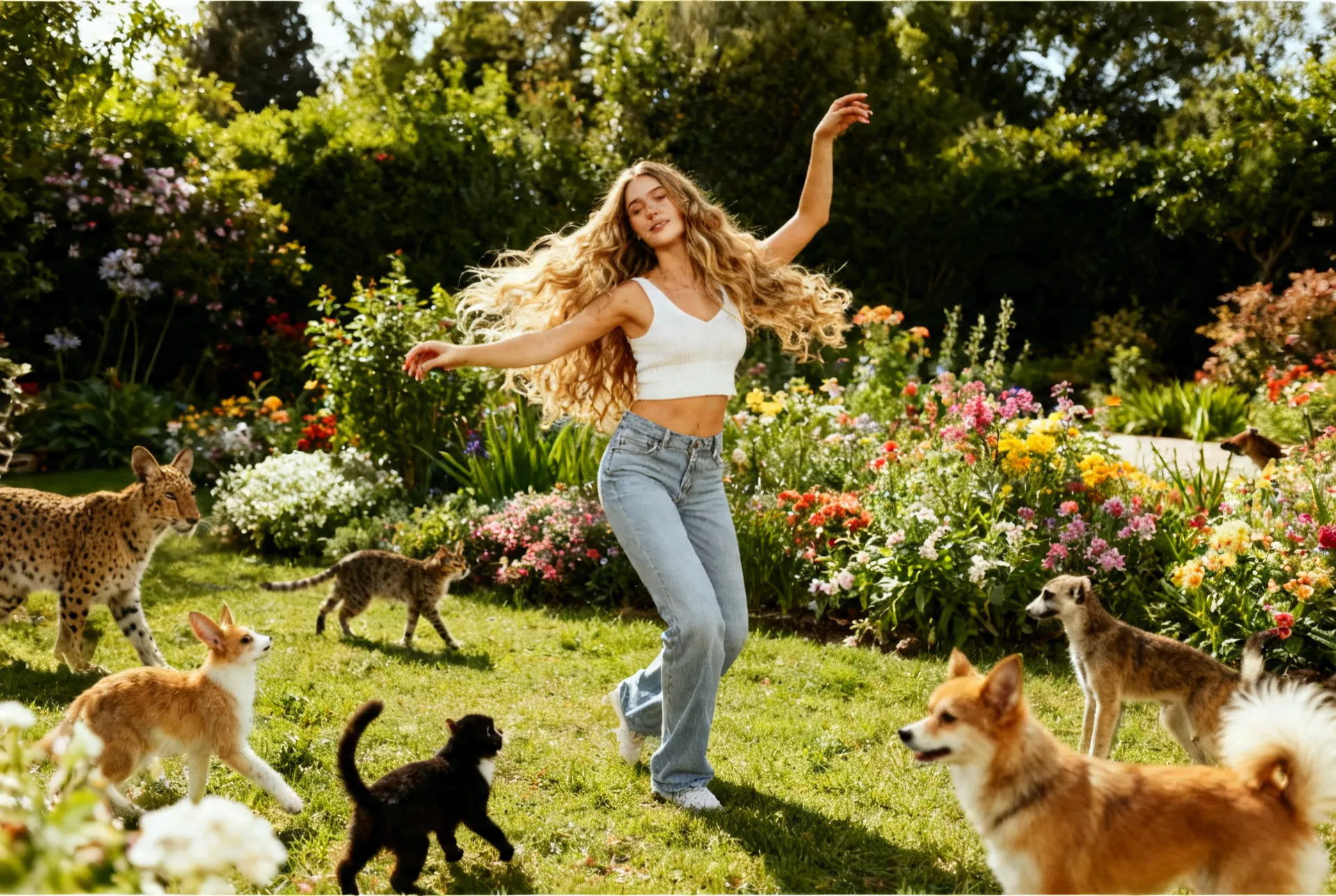
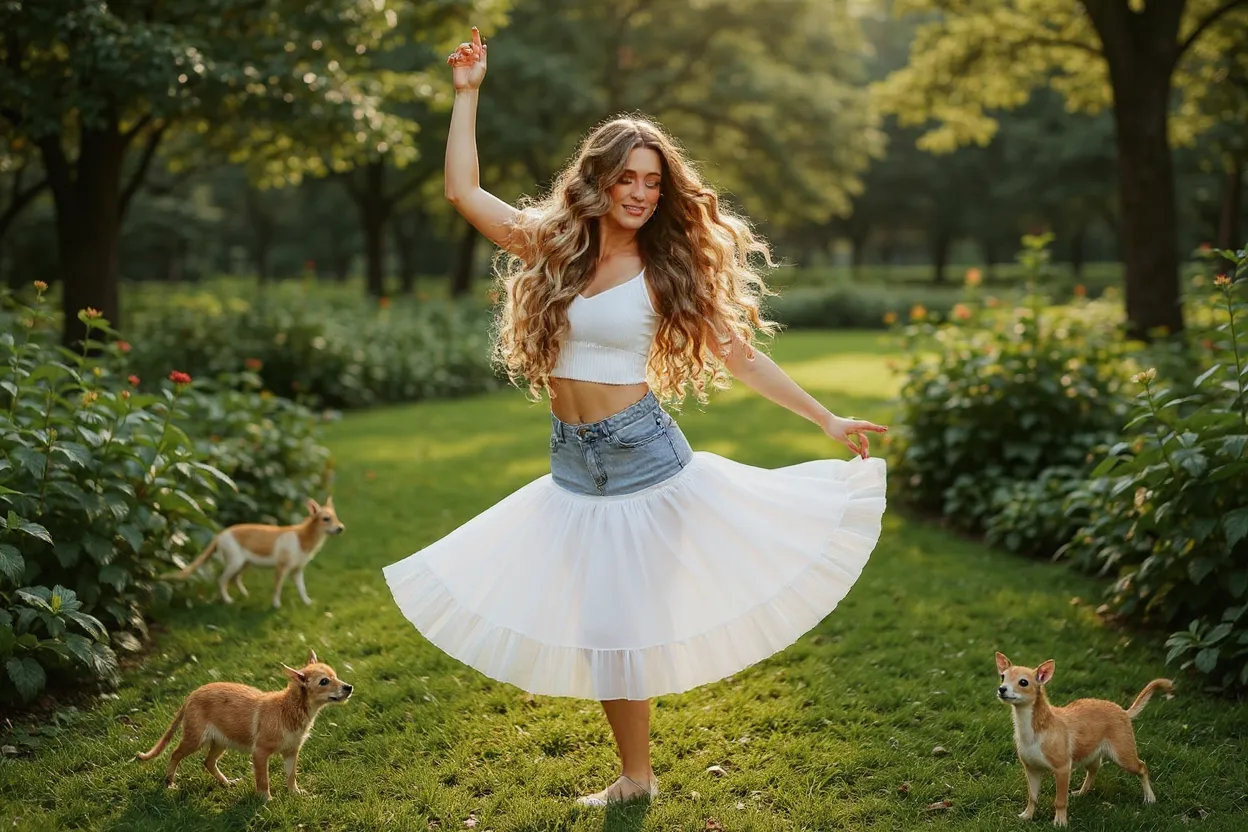
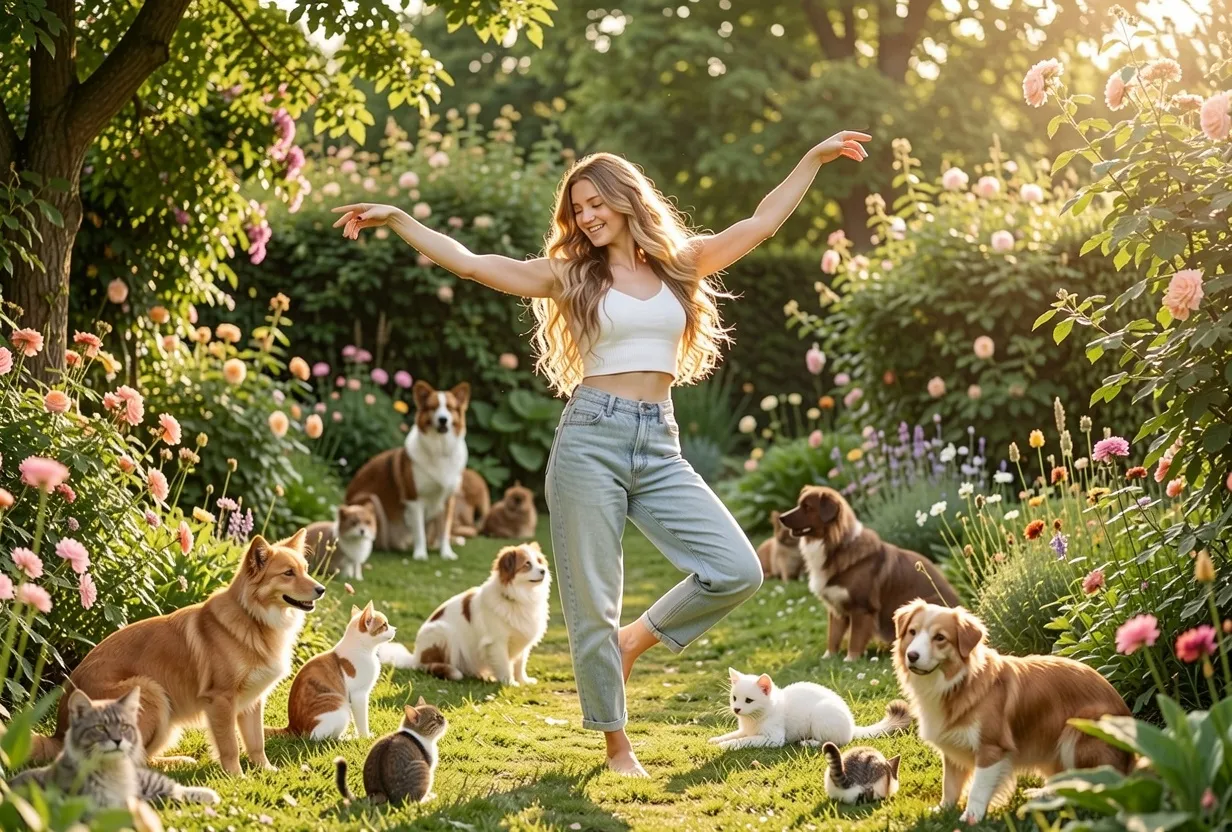
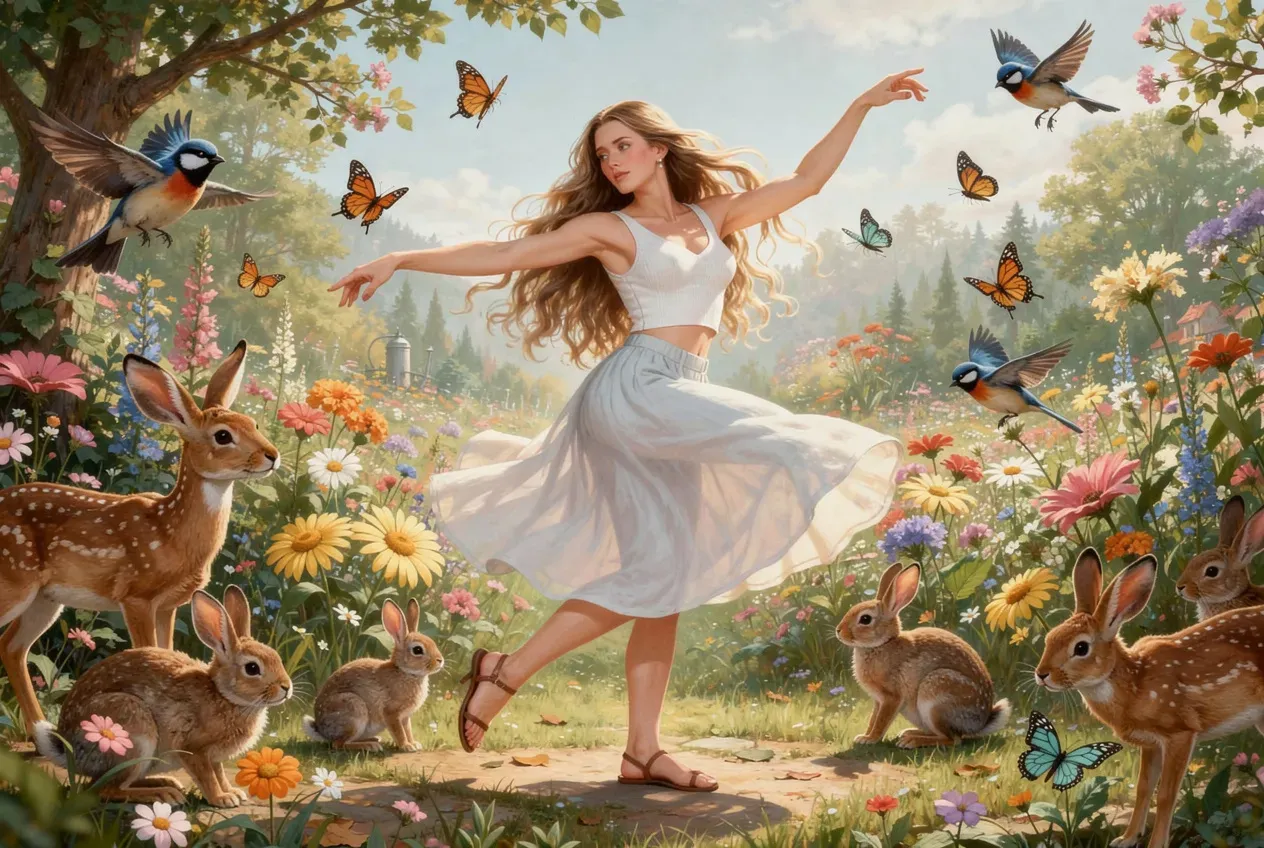
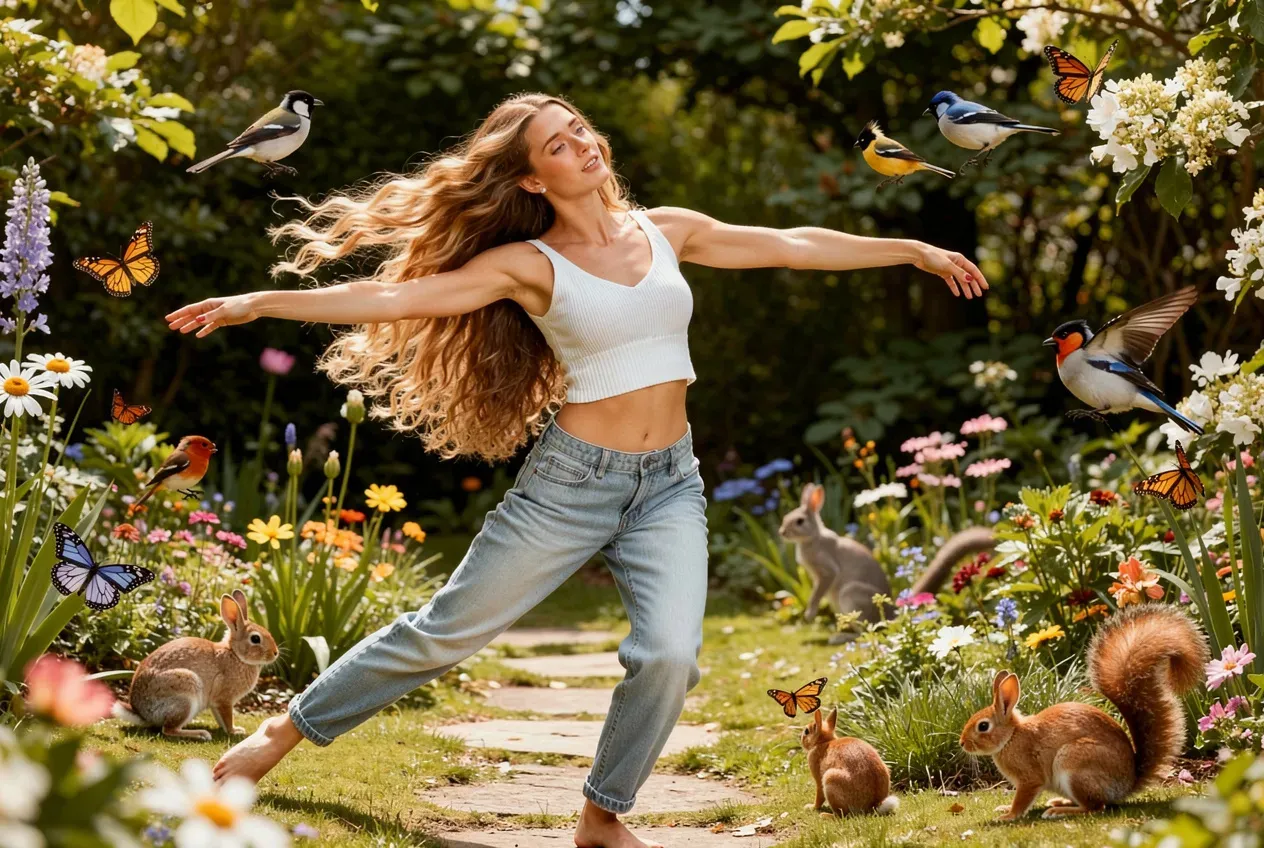
Prompt: Make her dance gracefully in a garden surrounded by a variety of animals.

Try this prompt

Nano Banana 2

Google's Gemini 3.1 Flash for image editing. Currently in the top 5 on the Artificial Analysis image-editing arena, with native multi-image references that make complex edits and identity-preservation jobs significantly more reliable. Strong default for instruction-based edits — describe what to change, the rest of the scene stays consistent.

complex instruction-based editsmulti-step editing workflowsbackground swaps with lighting consistencycharacter outfit and prop changesart-directed photo manipulations
11 Credits
View Nano Banana 2 examples and details
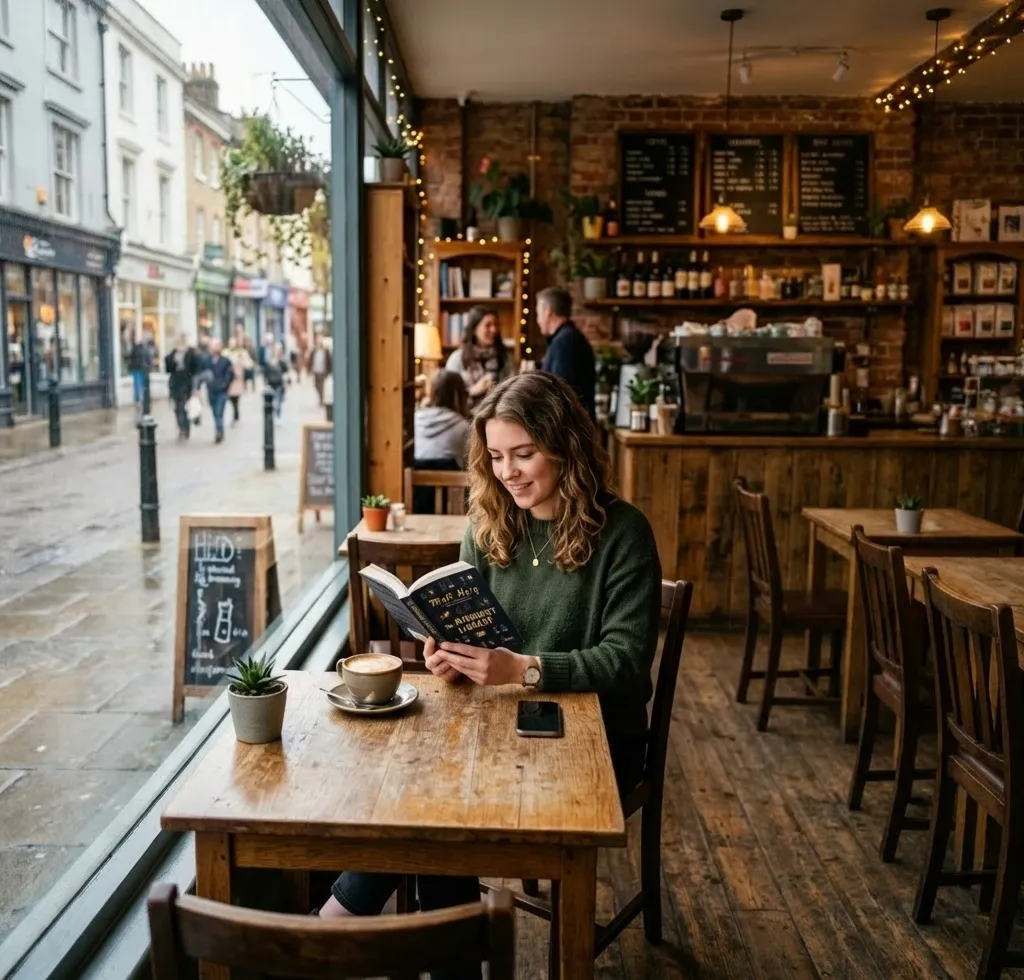
Before
Image before enhancement and upscaling
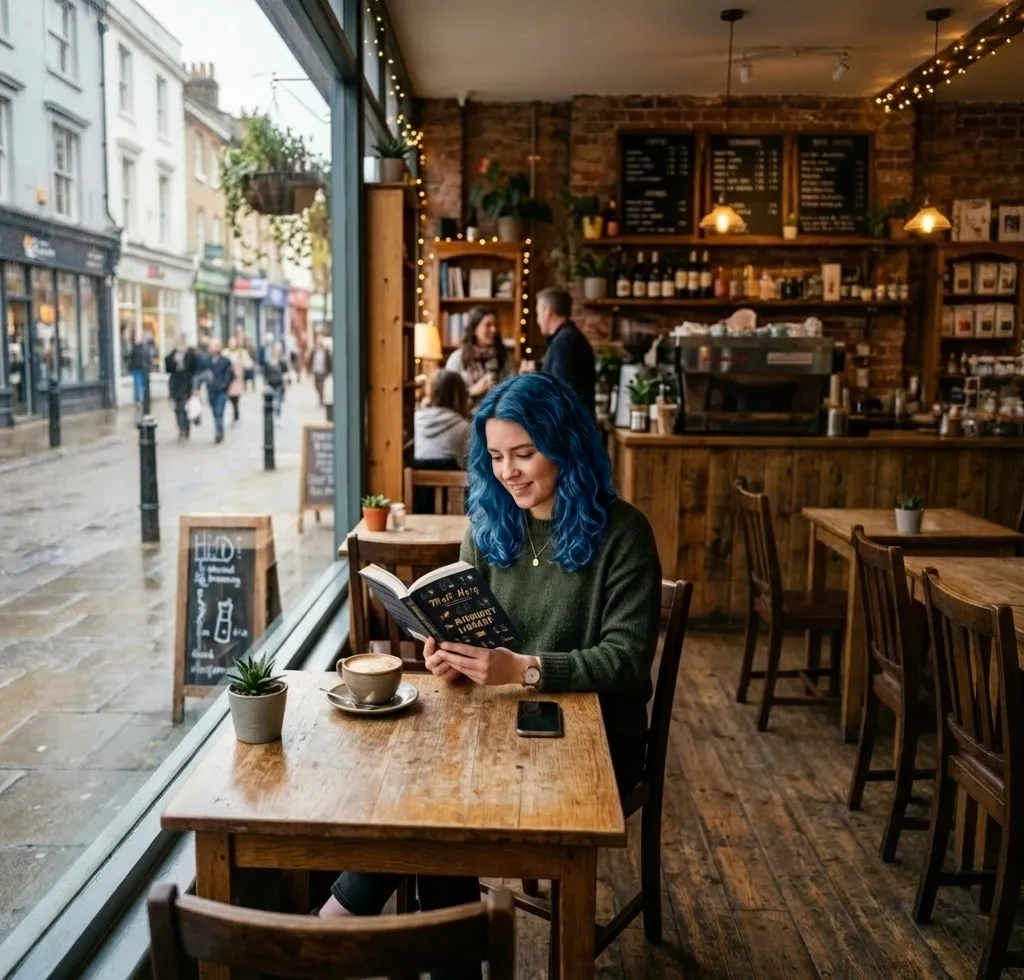
After
Image after enhancement and upscaling

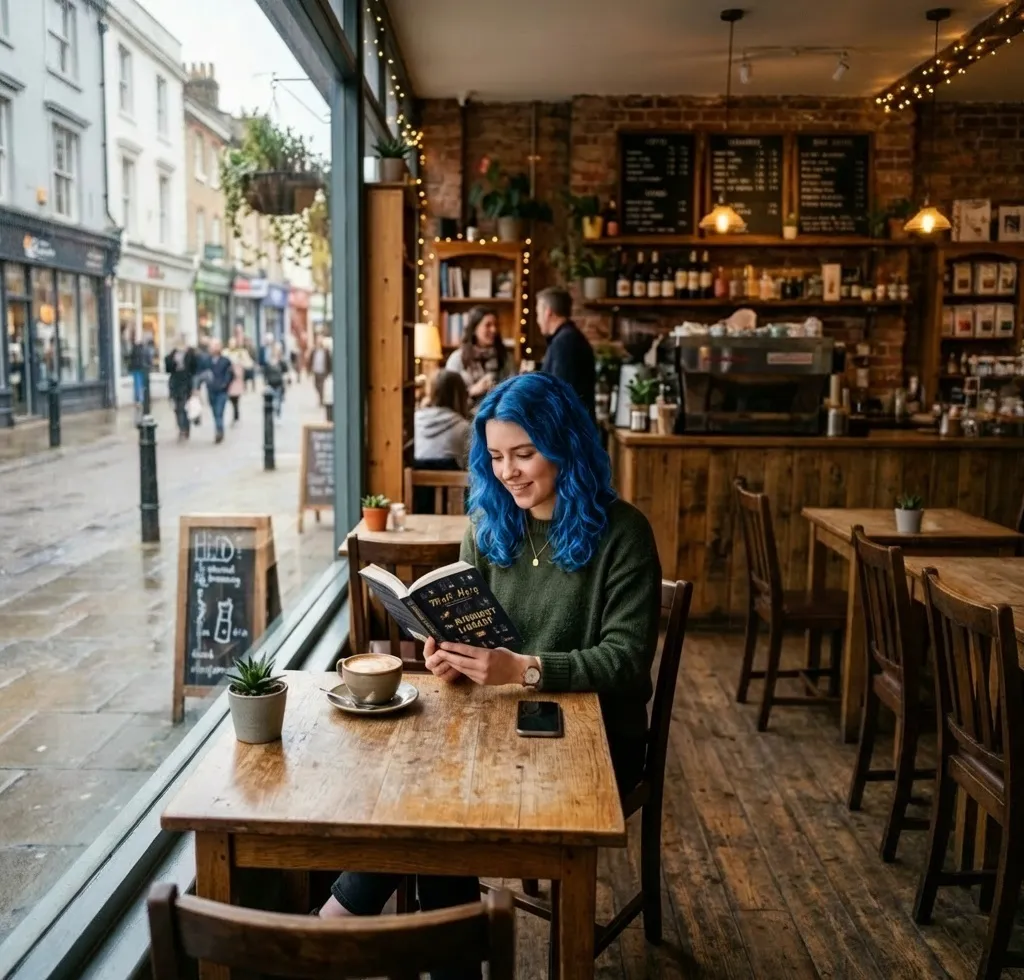
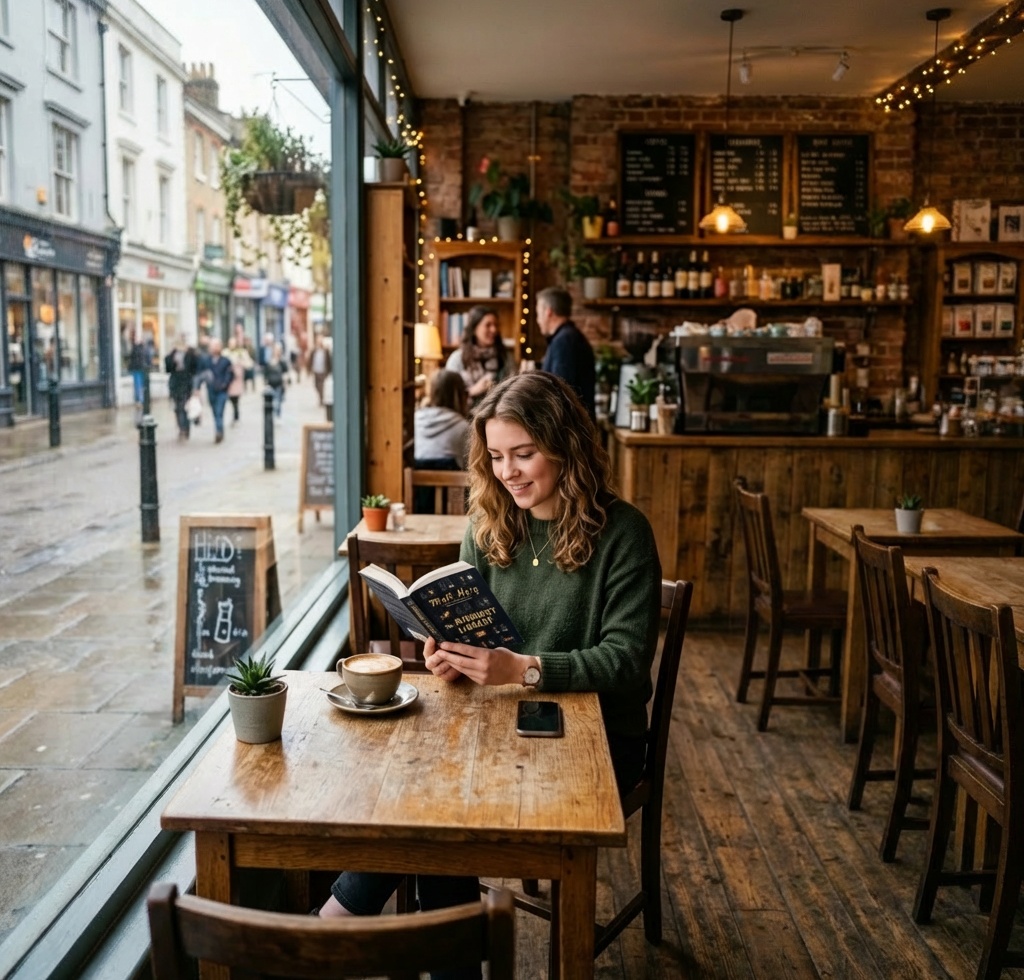
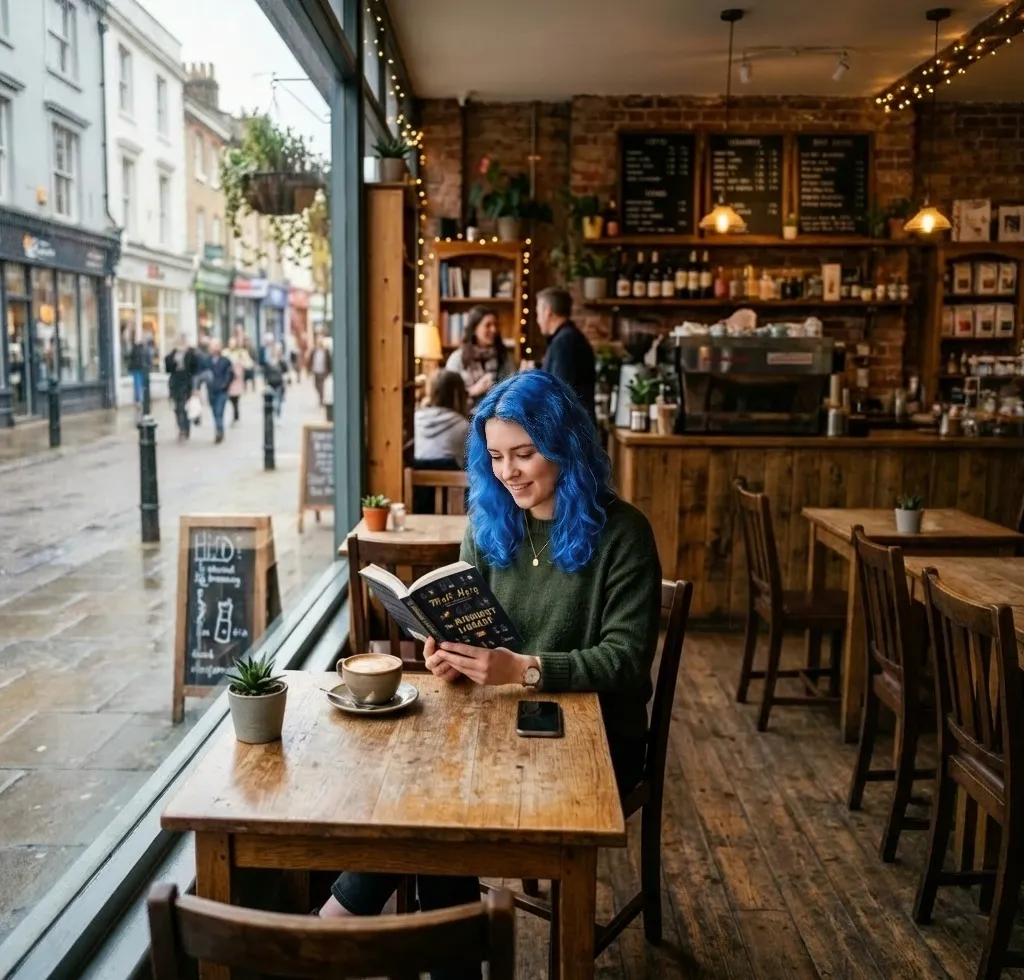
Prompt: Make her hair blue

Try this prompt
Before
After
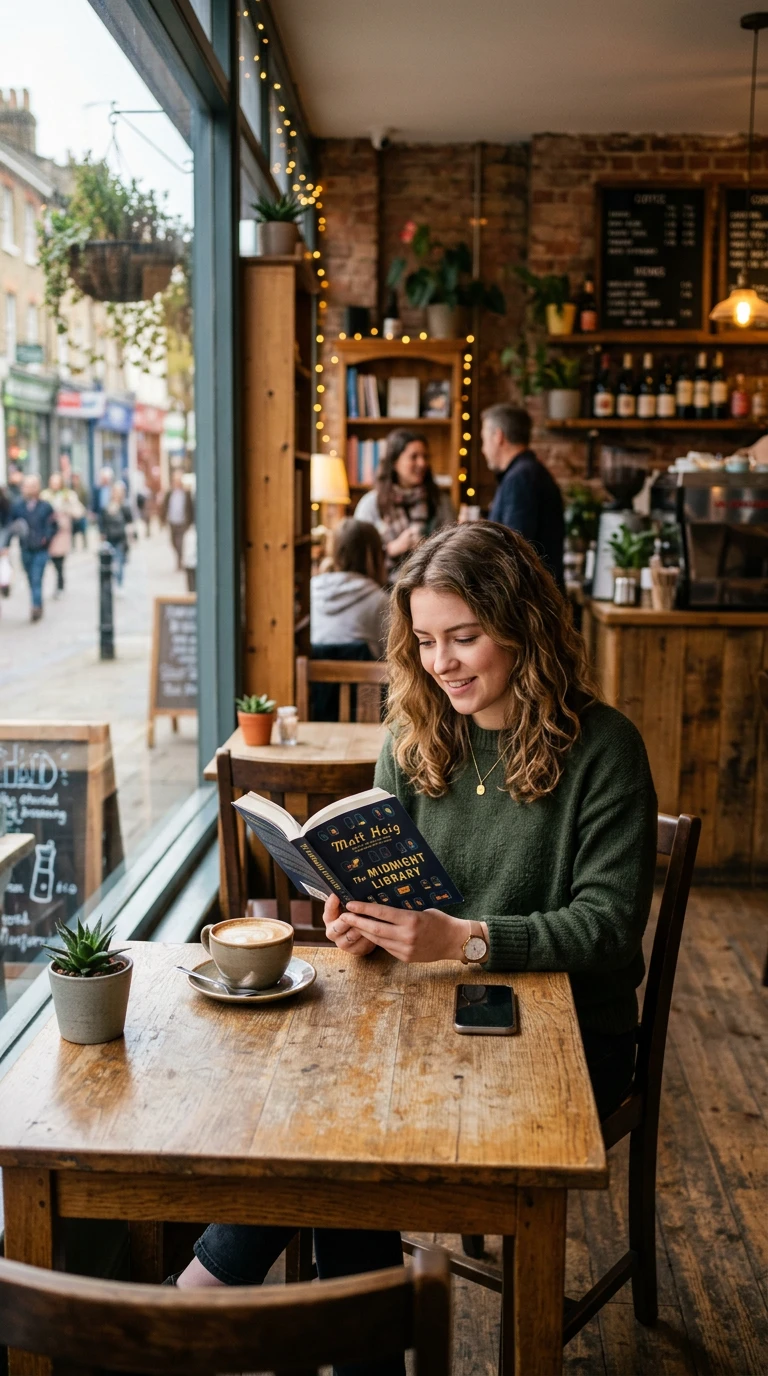
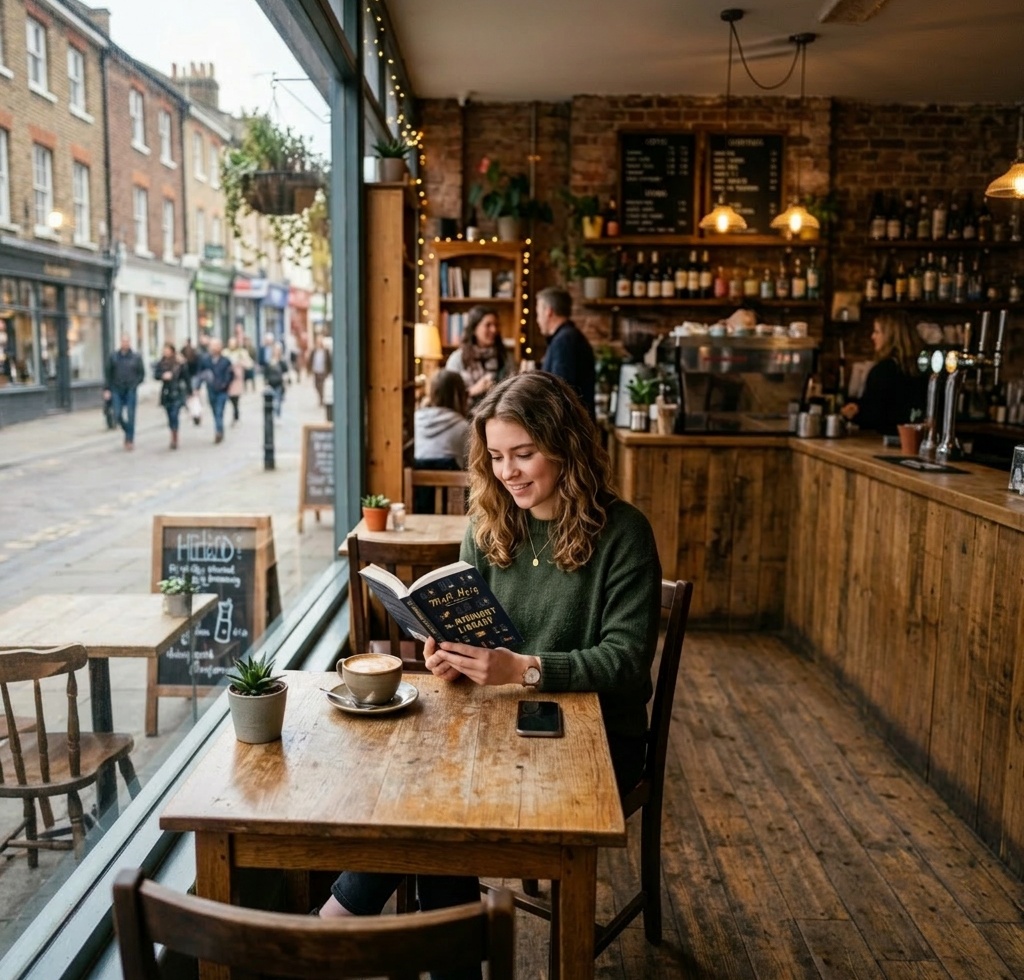
After outpainting
Try this prompt

Nano Banana Pro

The flagship tier of Google's image-editing lineup. Magazine-quality photo manipulations with the strongest identity preservation in any current model — faces, products, brand elements all hold up across edits. Top 3 on the Artificial Analysis image-editing arena. Justified when the edit is going into print or premium ad placement.

premium photo editingmagazine-quality compositionscomplex multi-element editsart-directed image manipulationshighest-fidelity edits available
15 Credits
View Nano Banana Pro examples and details
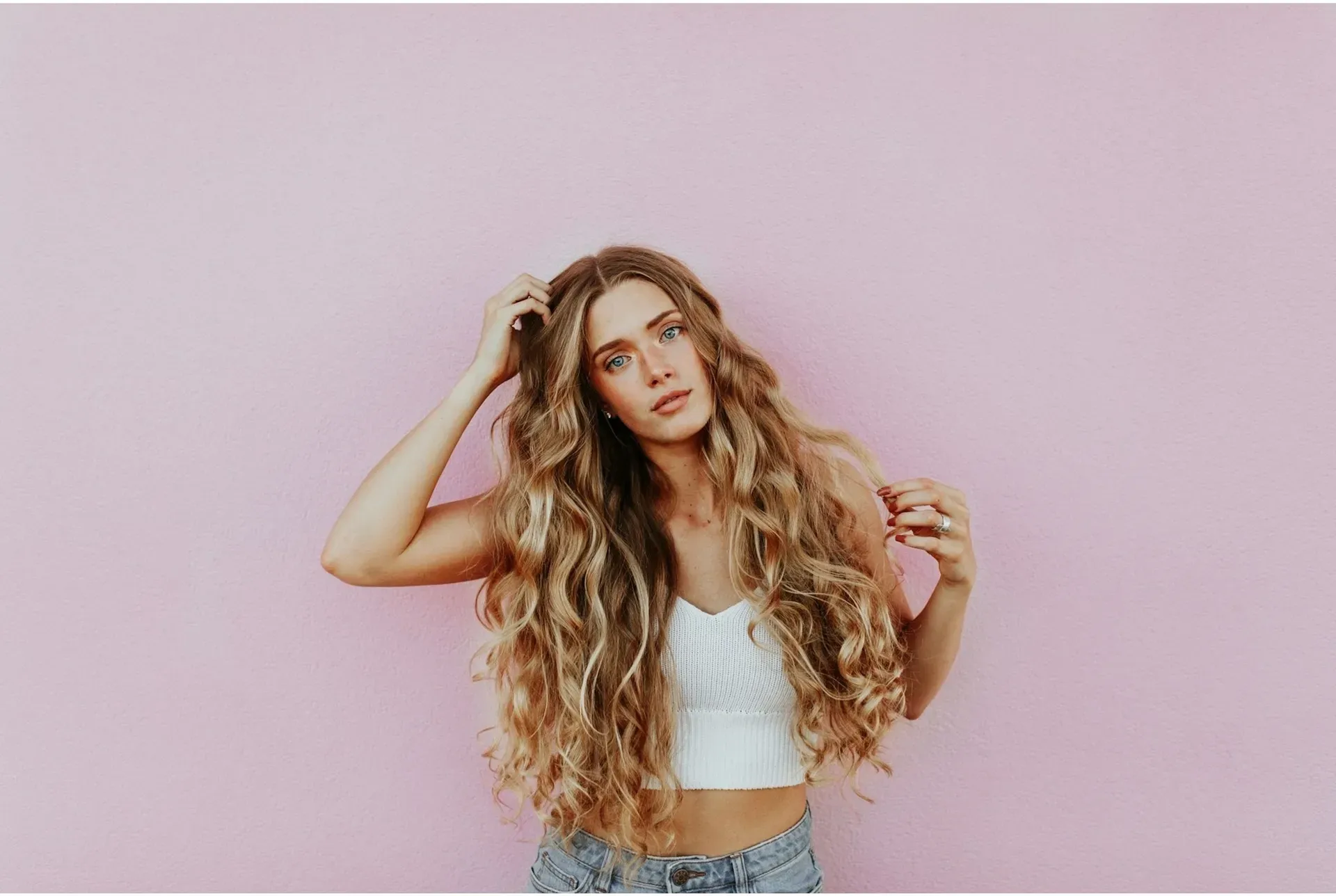
Before
Image before enhancement and upscaling
After
Image after enhancement and upscaling

Prompt: Make her hair blue

Try this prompt
Before
After
After outpainting
Try this prompt

ByteDance

Seedream 4

ByteDance Seedream 4 applied to editing. Stylized photo edits that preserve the cinematic mood and color palette of the source — useful for fashion editorial revisions, music-video-style retouching, and atmospheric tone shifts. Less photographically literal than Nano Banana, more cinematic — pick it when aesthetic preservation matters more than precise instruction-following.

stylized photo editsfashion editorial revisionscinematic mood shiftscharacter treatment edits
3 Credits
View Seedream 4 examples and details
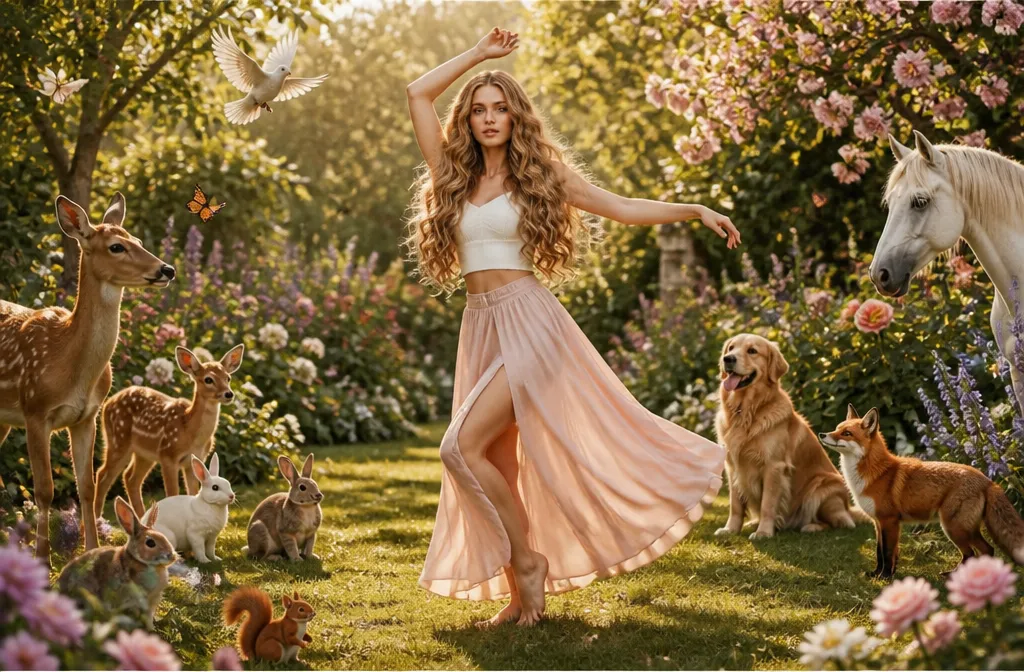
Before
Image before enhancement and upscaling
After
Image after enhancement and upscaling

Prompt: Make her dance gracefully in a garden surrounded by a variety of animals.

Try this prompt

Seedream 4.5

ByteDance Seedream 4.5 in edit mode. Premium cinematic edits with rich color recovery and mood handling, with stronger spatial understanding than Seedream 4 — character outfits, props, and backgrounds all sit more naturally in their scenes. Top of the Seedream editing lineup; pair with Seedream 5 Lite for high-volume iteration.

premium stylized photo editsfashion editorial revisionscinematic look-developmentcharacter series consistency edits
4 Credits
View Seedream 4.5 examples and details
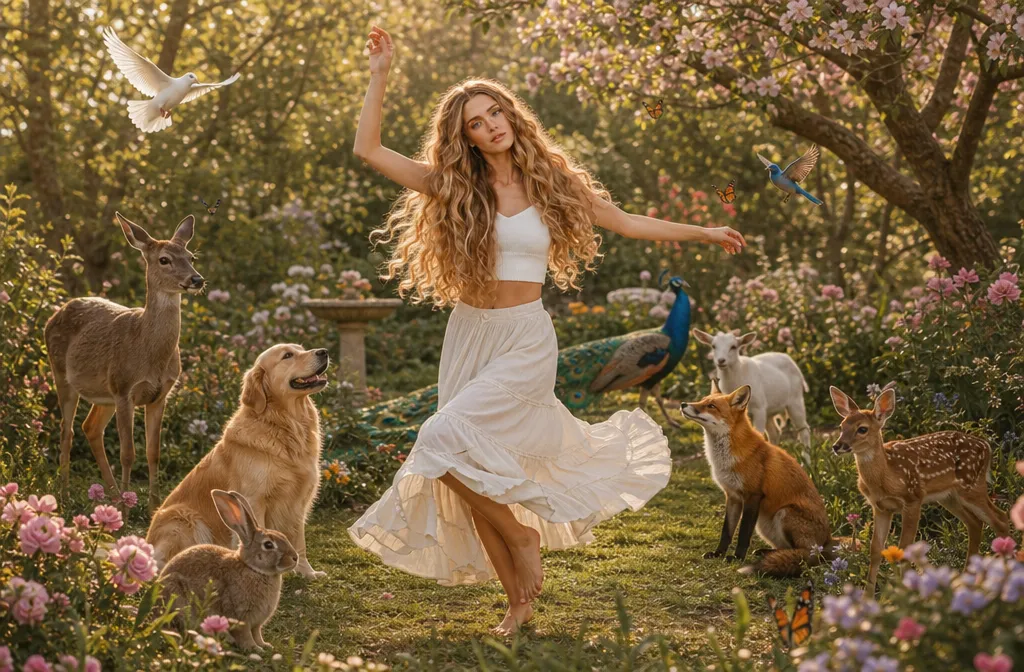
Before
Image before enhancement and upscaling
After
Image after enhancement and upscaling

Prompt: Make her hair blue

Try this prompt
Before
Image before enhancement and upscaling
After
Image after enhancement and upscaling

Prompt: Make her dance gracefully in a garden surrounded by a variety of animals.

Try this prompt

Seedream 5 Lite

A faster, lower-cost alternative to Seedream 4.5 in edit mode. Same cinematic Seedream aesthetic at reduced fidelity, built for batch editing workflows where credit cost matters. The built-in reasoning and example-based editing differentiate it from other budget tiers — pass an example image of the desired result and the model interprets the intent.

fast budget-tier editsstylized adjustments at scalemoodboard iterationhigh-volume social-content edits
4 Credits
View Seedream 5 Lite examples and details
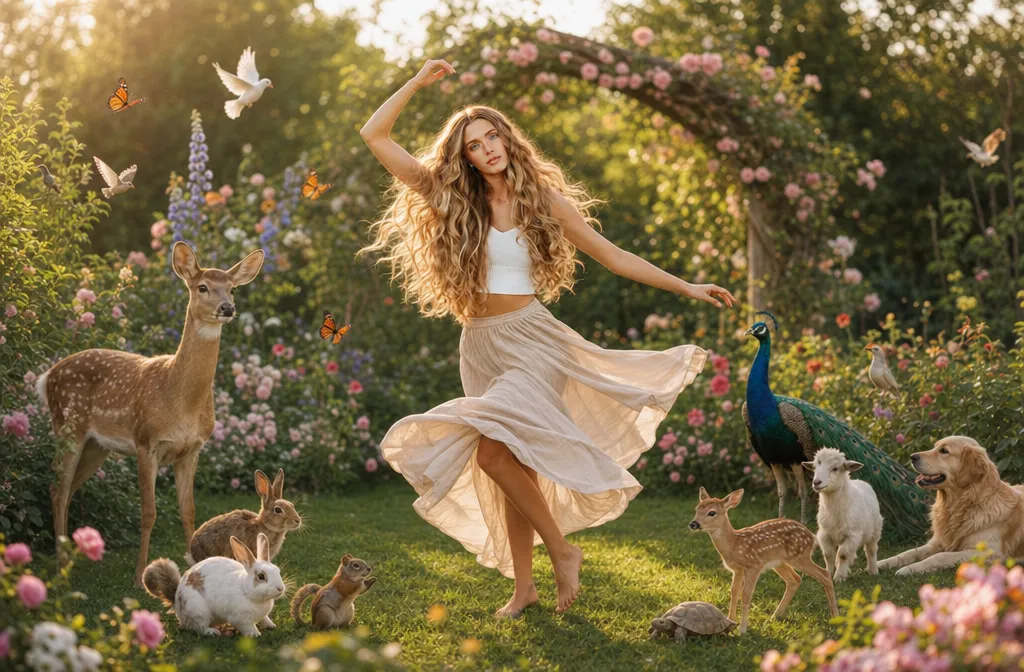
Before
Image before enhancement and upscaling
After
Image after enhancement and upscaling

Prompt: Make her dance gracefully in a garden surrounded by a variety of animals.

Try this prompt

Black Forest Labs

Flux Kontext Fast

The fast variant of Black Forest Labs' instruction-based editor. Same Flux Kontext interface — describe edits in plain English — at lower cost and faster turnaround. Best for iteration, ideation, and high-volume editing workflows where Flux Kontext Pro's quality isn't worth the credit difference per edit.

rapid edit iterationhigh-volume editing workflowsexploratory editspreview-quality previews
1 Credit
View Flux Kontext Fast examples and details
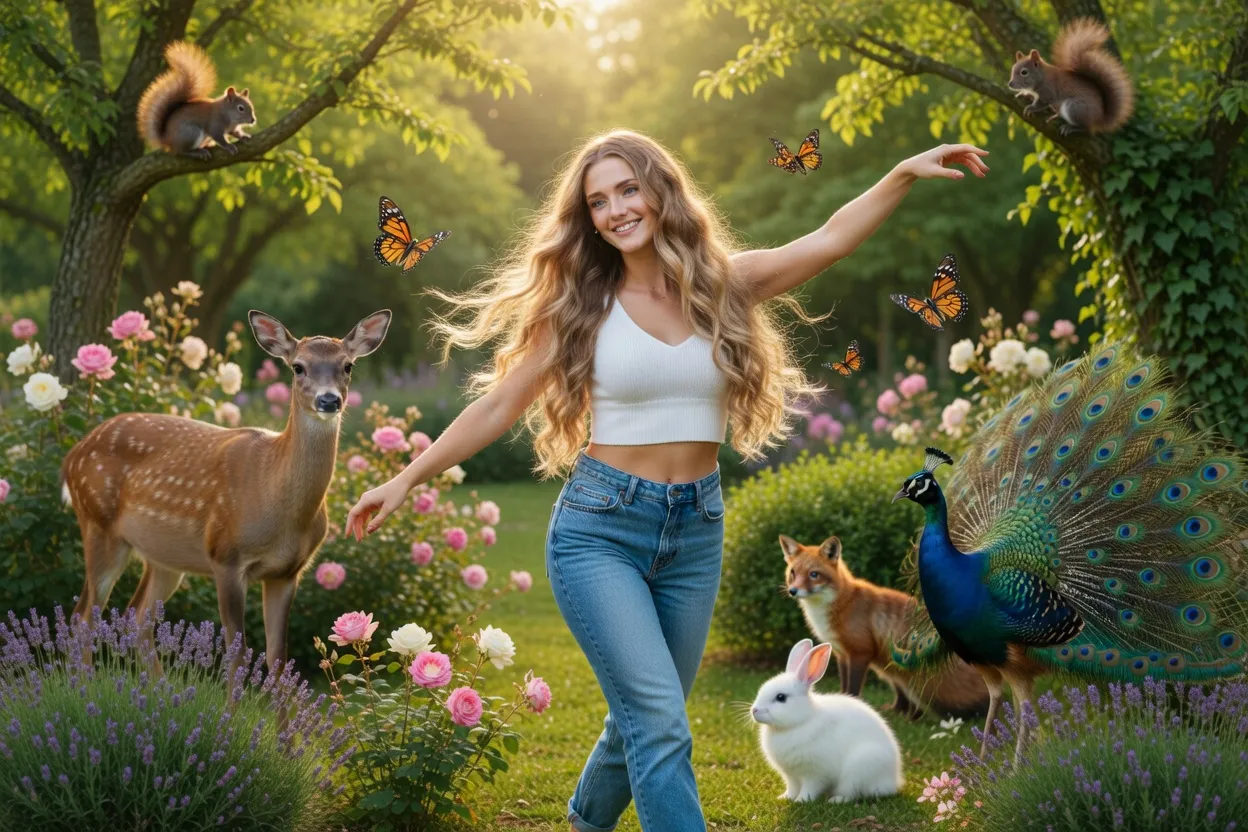
Before
Image before enhancement and upscaling
After
Image after enhancement and upscaling

Prompt: Make her dance gracefully in a garden surrounded by a variety of animals.

Try this prompt

Flux Kontext Pro

Black Forest Labs' production-grade instruction-based image editor. Describe an edit in plain English and get a clean result that preserves the rest of the scene — strong identity, lighting, and color consistency across iterations. The default choice for instruction-based edits where Nano Banana isn't preferred.

instruction-based image edits at production qualitybackground swaps and object editsoutfit and prop changescolor grading and style transferiterative photo refinement
4 Credits
Artificial AnalysisElo 1072#45 / 57View Flux Kontext Pro examples and details
Before
Image before enhancement and upscaling
After
Image after enhancement and upscaling

Prompt: Make her dance gracefully in a garden surrounded by a variety of animals.

Try this prompt

Flux Kontext Max

The premium tier of Black Forest Labs' Flux Kontext editor. Improved typography handling and stronger scene understanding than Pro — useful for complex multi-step edits, art-directed manipulations, and edits involving on-image text. Reach for it when Kontext Pro's outputs aren't holding up on the harder transformations.

premium instruction-based editingcomplex multi-step editshigh-fidelity background swapsart-directed photo manipulationstypography-aware edits
8 Credits
Artificial AnalysisElo 1089#40 / 57View Flux Kontext Max examples and details
Before
Image before enhancement and upscaling
After
Image after enhancement and upscaling

Prompt: Make her dance gracefully in a garden surrounded by a variety of animals.

Try this prompt

Flux Fill Pro

Black Forest Labs' mask-based inpainting model. Pixel-perfect localized edits — paint a mask over the region you want changed, describe what should fill it, the rest of the image is untouched. The complement to Flux Kontext: Kontext for instruction-based whole-image edits, Fill Pro for precision regional work.

mask-based inpaintingobject removal with precisionlocalized editsbackground replacement with mask controlspecific-region adjustments
5 Credits
View Flux Fill Pro examples and details
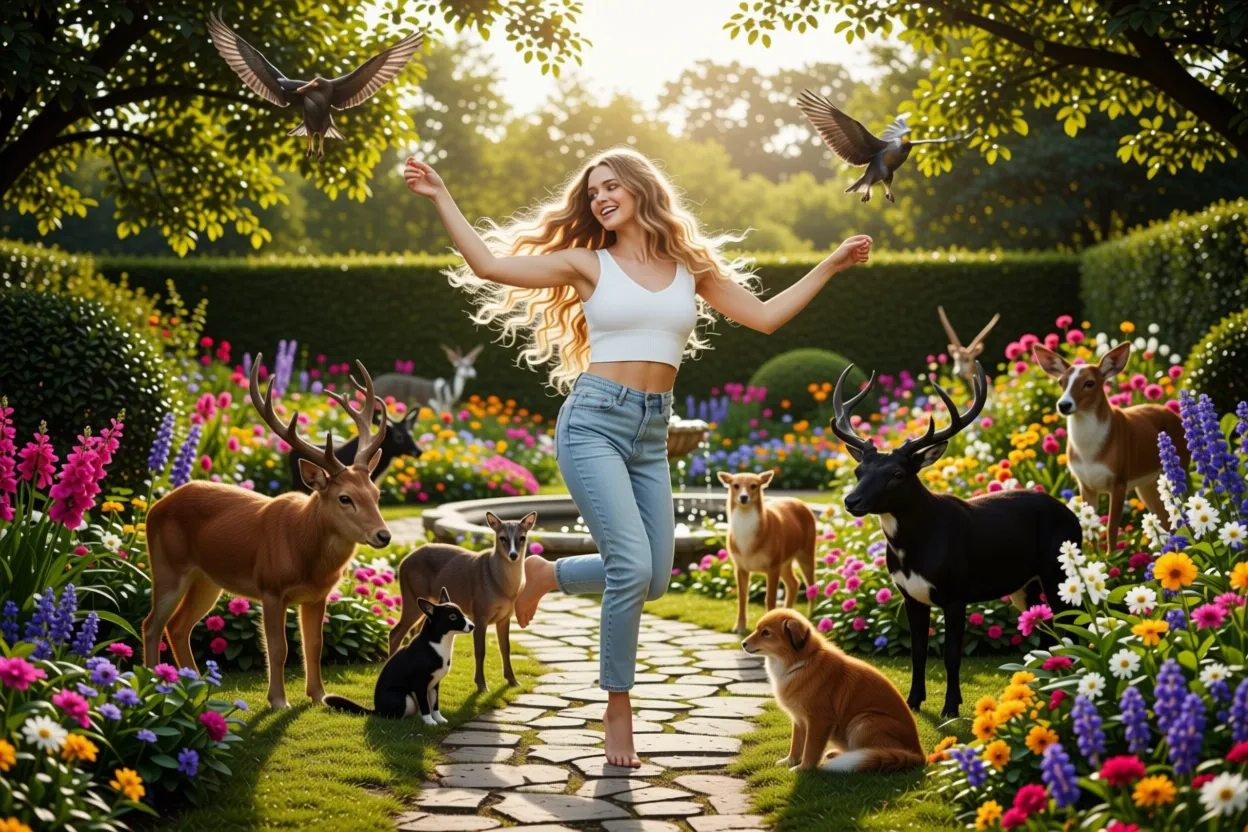
Before
Image before enhancement and upscaling
After
Image after enhancement and upscaling

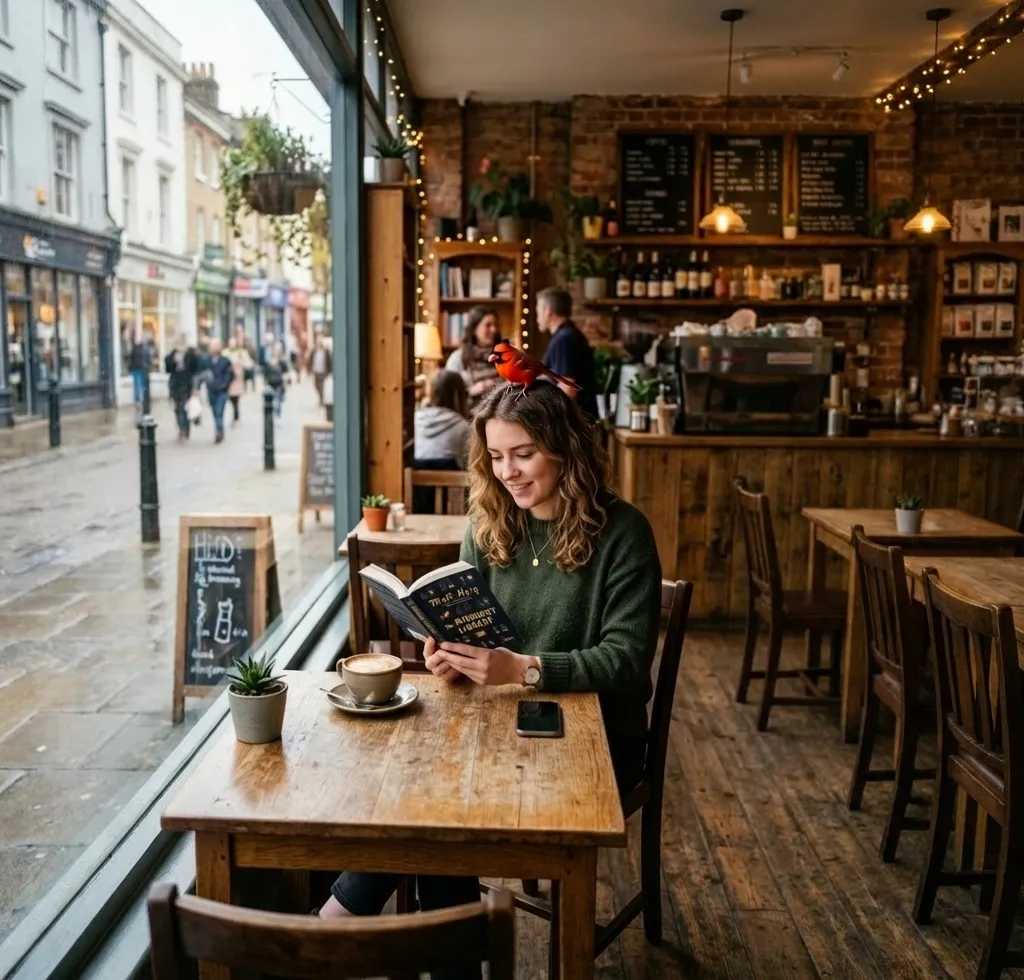
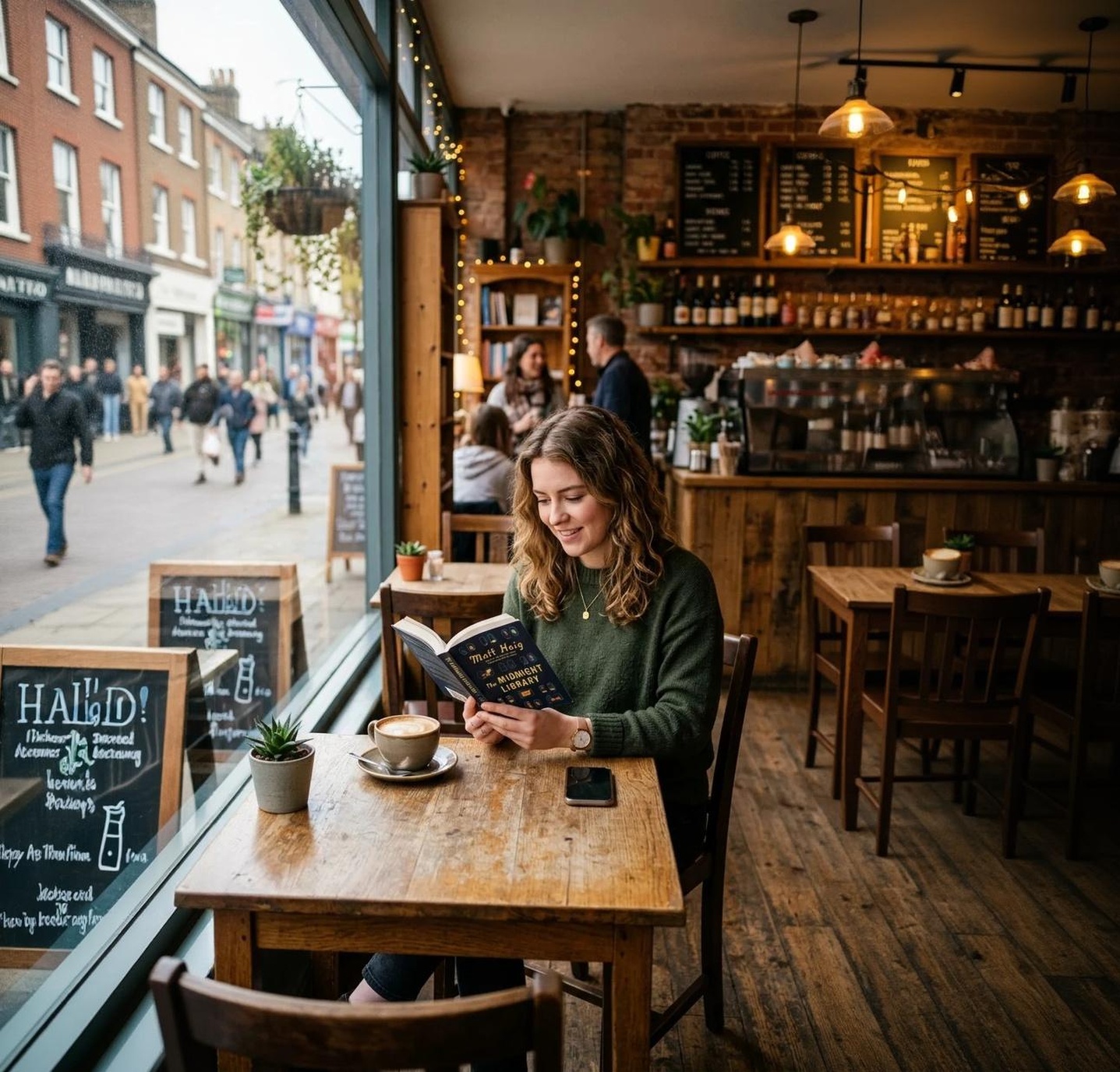
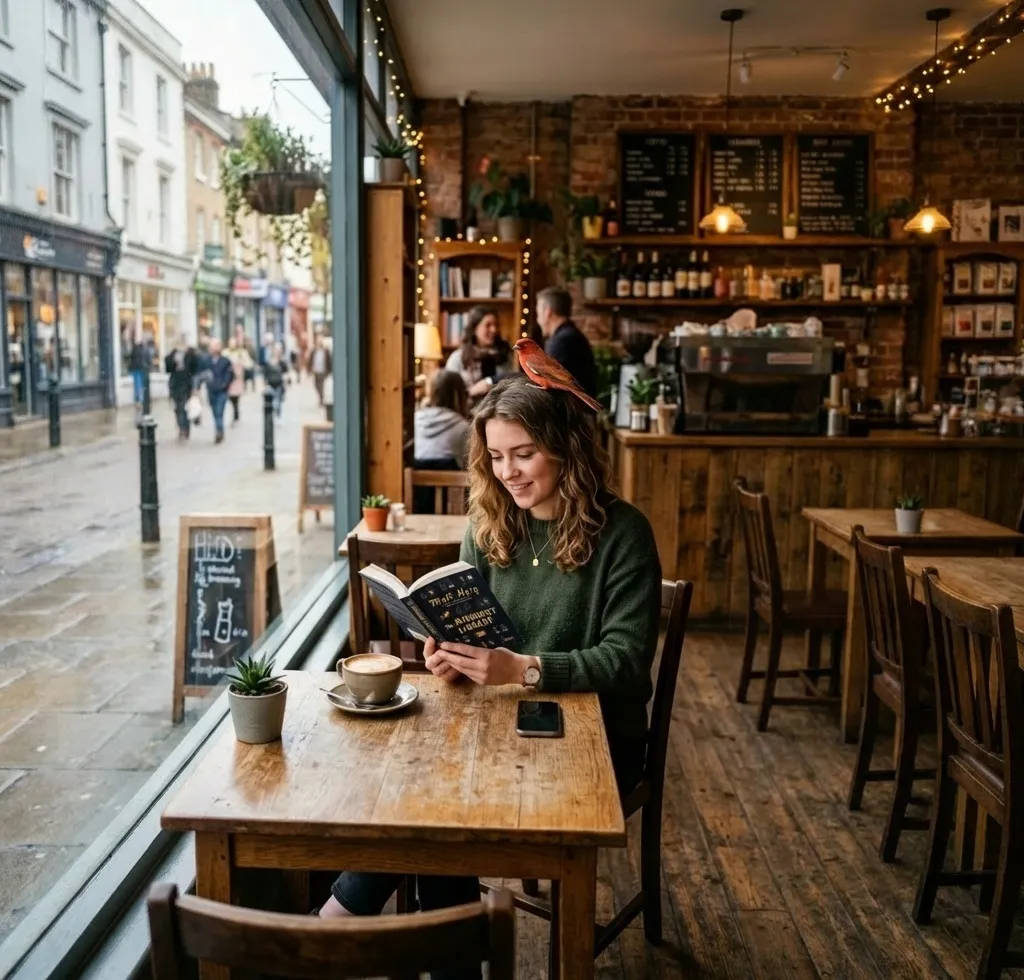
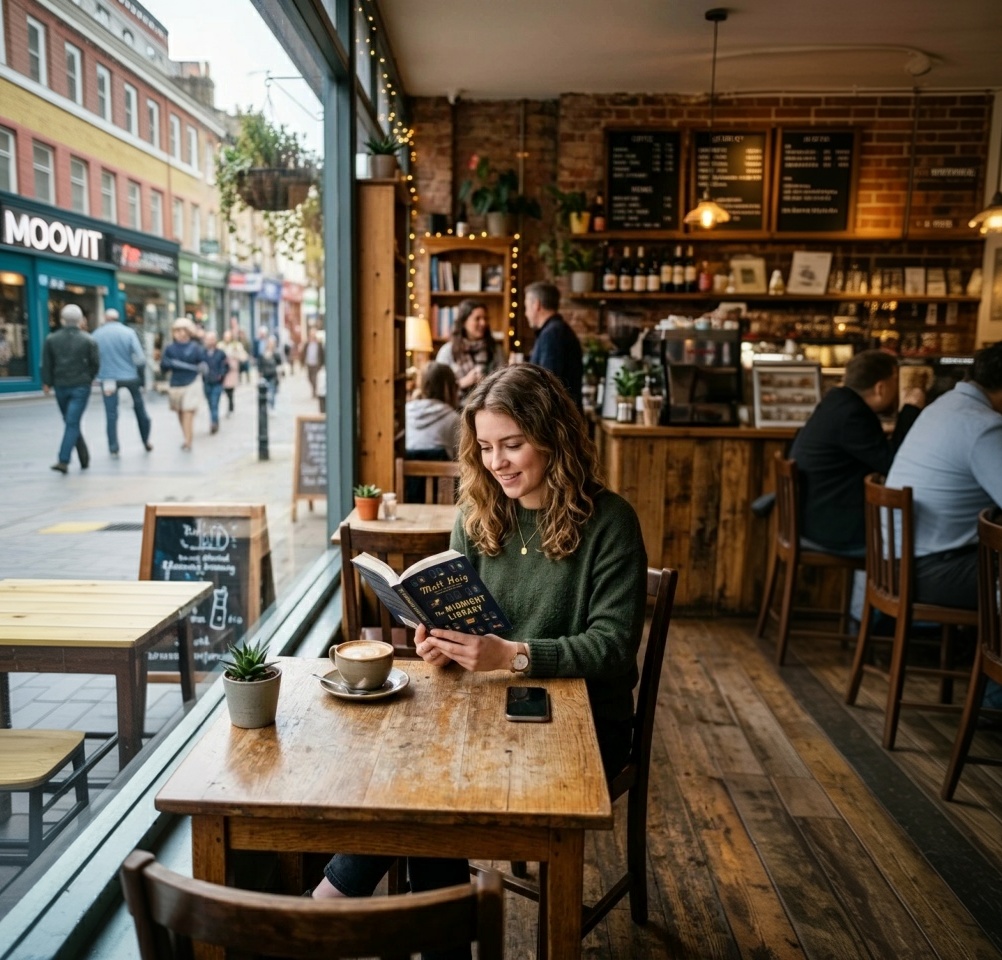
Prompt: a little red bird sitting on her head

Try this prompt
Before
After
After outpainting
Try this prompt

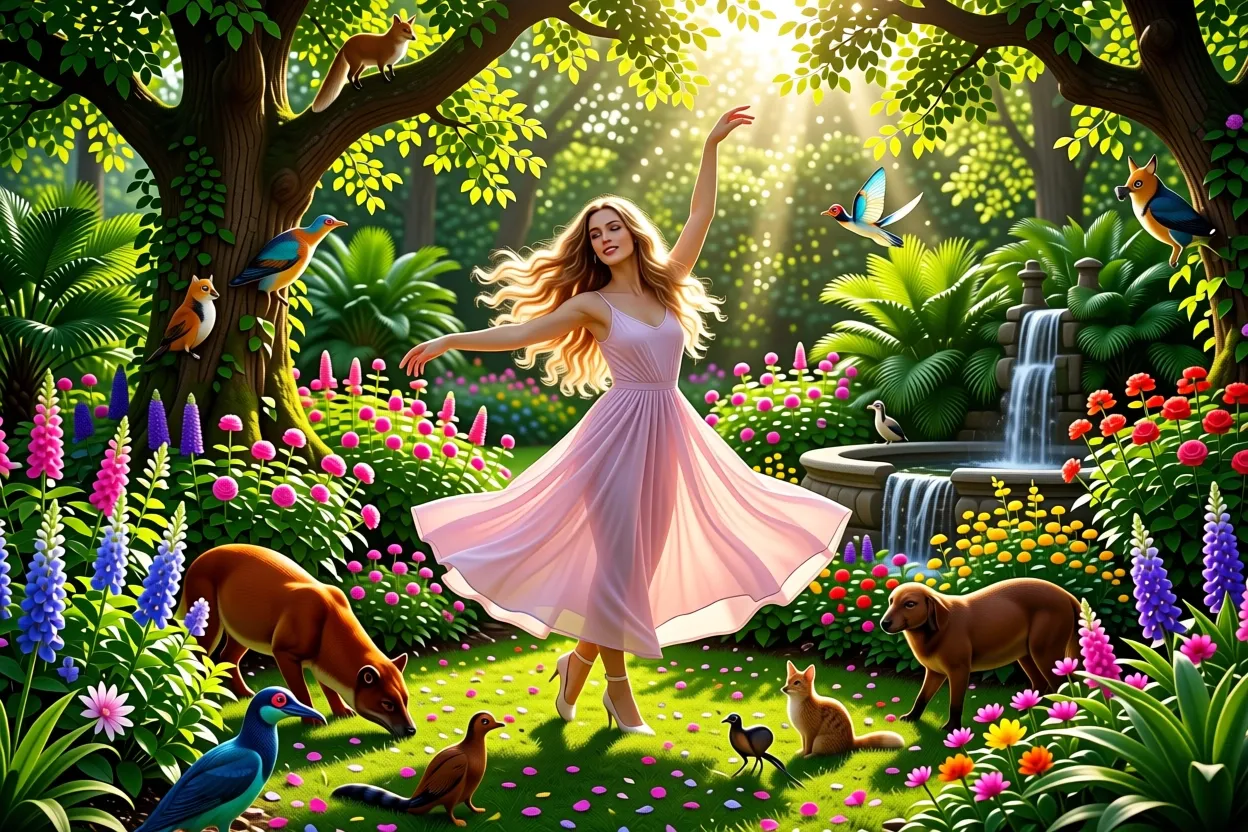
Flux 2 Klein

Open-weight Flux 2 in edit mode. Self-hostable Flux 2 quality at a lower cost than Pro or Max, useful when you want the Flux 2 aesthetic preserved across edits without paying flagship pricing. Strong stylization preservation makes it a good pick for iterating on Flux 2 generations specifically.

fast Flux 2 editsiteration on Flux 2 generationsopen-weight editing workflows
2 Credits
View Flux 2 Klein examples and details
Before
Image before enhancement and upscaling
After
Image after enhancement and upscaling

Prompt: Make her dance gracefully in a garden surrounded by a variety of animals.

Try this prompt

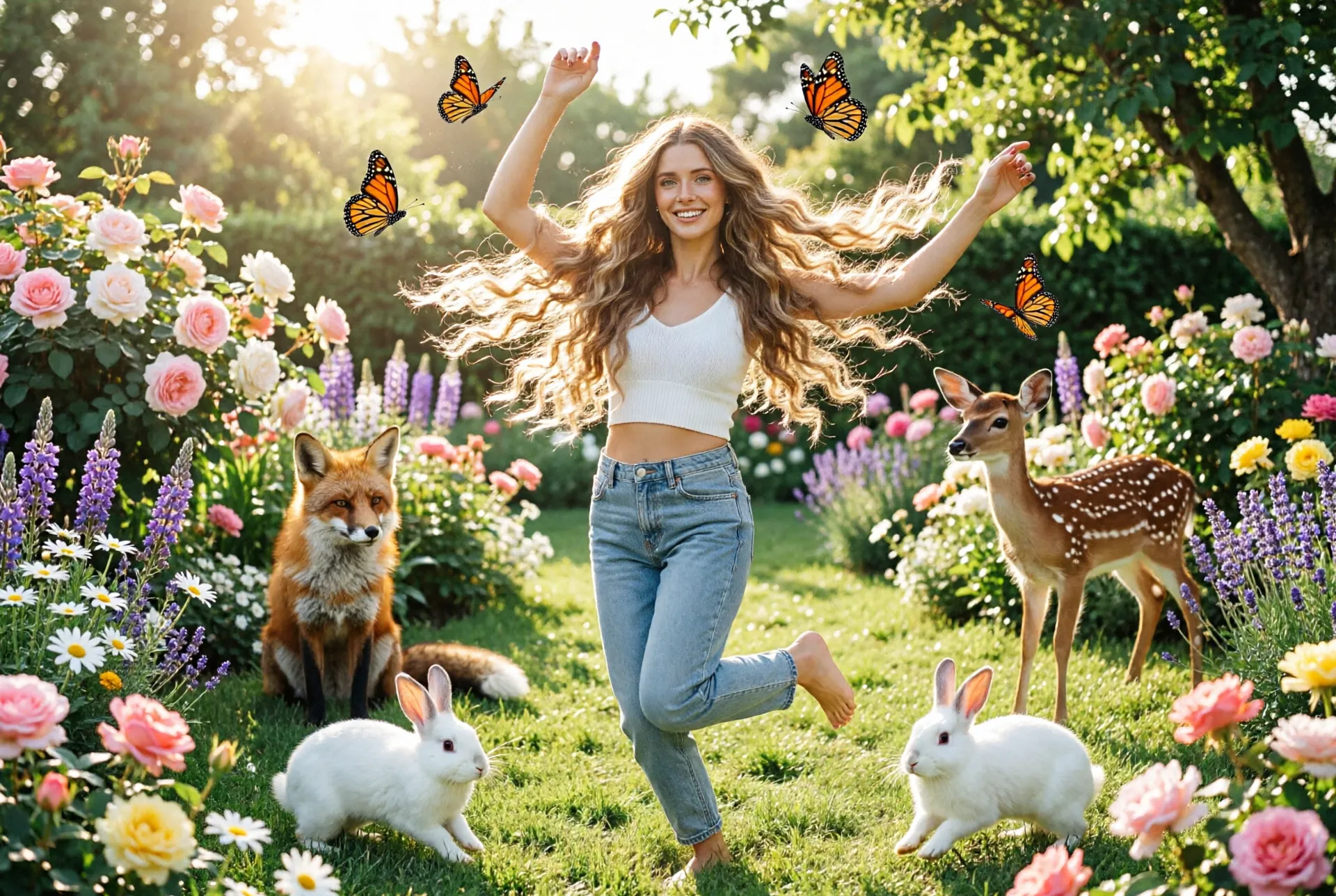
Flux 2 Pro

Black Forest Labs' Flux 2 Pro applied to edits. Production-quality stylized photo edits with strong stylization preservation and reference-image support — useful for iterating on Flux 2 generations or for editing existing photos in a Flux 2 aesthetic. Sits below Flux 2 Max on top-end fidelity but offers better cost-quality.

stylized photo edits at production qualitycomplex compositions with editsiterative refinement of Flux 2 outputscharacter series edits
5 Credits
View Flux 2 Pro examples and details
Before
Image before enhancement and upscaling
After
Image after enhancement and upscaling

Prompt: Make her dance gracefully in a garden surrounded by a variety of animals.

Try this prompt

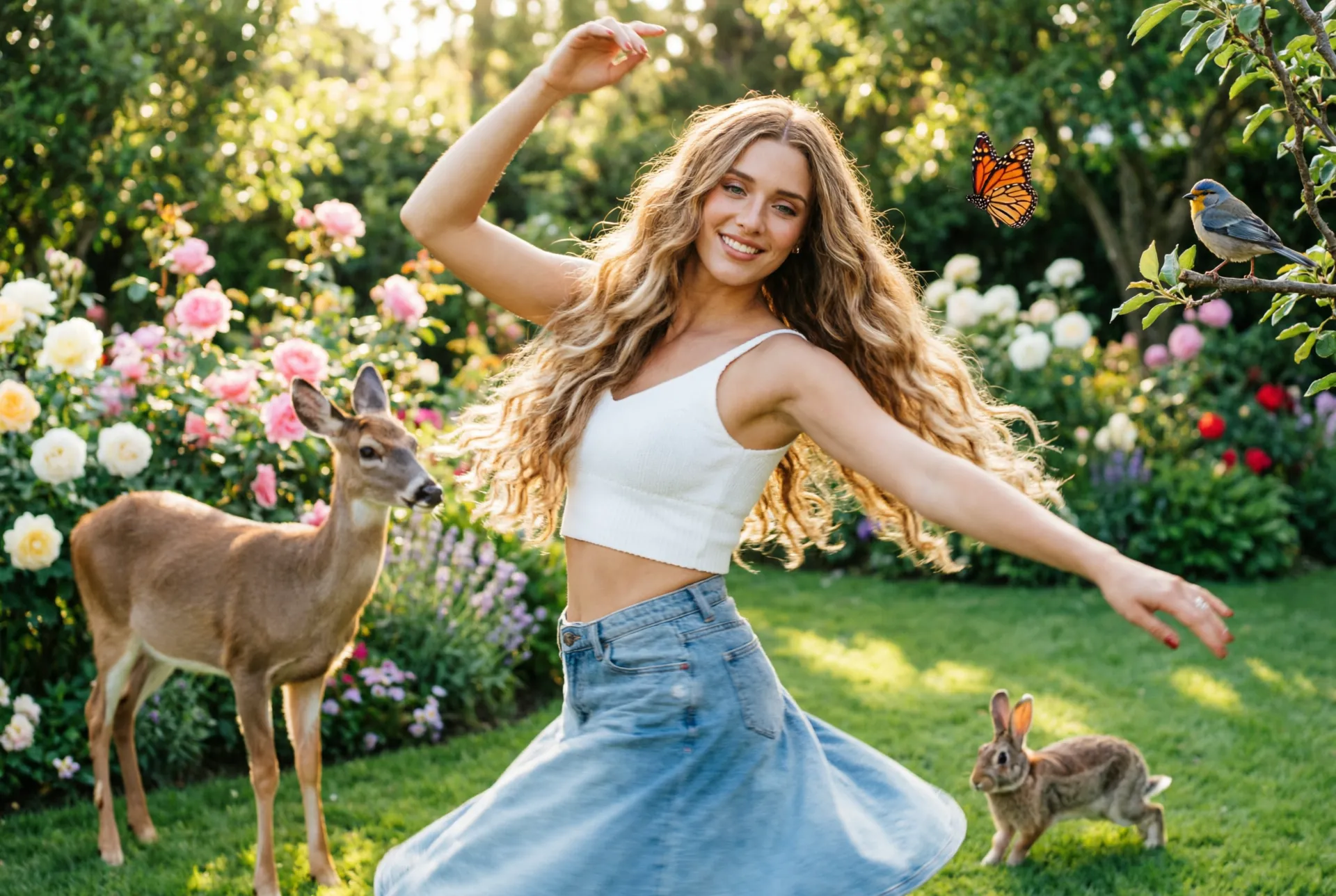
Flux 2 Max

The highest-fidelity Flux 2 edit tier. Top-25 on the Artificial Analysis image-editing arena with magazine-grade detail and exceptional preservation of source character. Pick it for hero edits, premium ad revisions, and any work going into print where the cost per edit is justified by the output.

premium Flux 2 editsmagazine-quality outputsart-directed manipulations at maximum fidelity
10 Credits
View Flux 2 Max examples and details
Before
Image before enhancement and upscaling
After
Image after enhancement and upscaling

Prompt: Make her dance gracefully in a garden surrounded by a variety of animals.

Try this prompt

OpenAI

GPT Image 2 Low

OpenAI GPT Image 2 in edit mode at the budget tier. Cheapest GPT Image 2 option for quick, lower-detail edits with the same model's text rendering and instruction-following advantages preserved. Useful for high-volume iteration, draft edits, and exploration before committing to medium or high tier for the final.

fast budget-tier editsiteration and explorationhigh-volume editing workflows
2 Credits
View GPT Image 2 Low examples and details
Before
Image before enhancement and upscaling
After
Image after enhancement and upscaling

Prompt: Make her dance gracefully in a garden surrounded by a variety of animals.

Try this prompt

GPT Image 2 Medium

OpenAI's GPT Image 2 mid-tier for edits. Industry-best text rendering carries through to editing — exact text replacements, typography revisions, and on-image text edits all work where most editors fall apart. The default for production-quality edits when high-tier pricing isn't warranted.

production-quality photo editstext-on-image editingcomplex composition editsmagazine-style revisions
6 Credits
View GPT Image 2 Medium examples and details
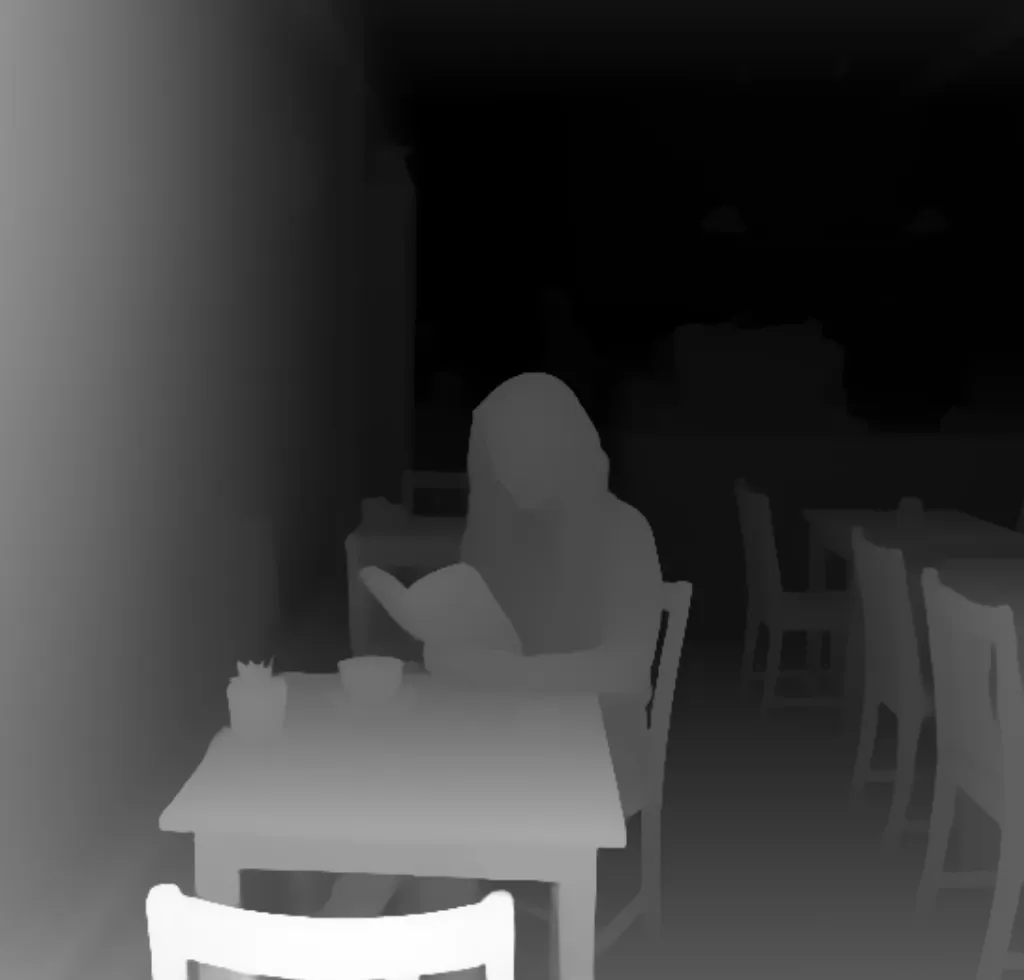
Before
Image before enhancement and upscaling
After
Image after enhancement and upscaling

Prompt: Make her dance gracefully in a garden surrounded by a variety of animals.

Try this prompt

GPT Image 2 High

OpenAI's GPT Image 2 at maximum quality for edits. Ranked #2 on the Artificial Analysis image-editing arena with magazine-cover fidelity and best-in-class text rendering during edits. The premium choice for hero edits, complex art-directed manipulations, and any typography-heavy editing work.

highest-fidelity photo editsmagazine-cover quality outputscomplex art-directed manipulationspremium typography edits
15 Credits
View GPT Image 2 High examples and details
Before
Image before enhancement and upscaling
After
Image after enhancement and upscaling

Prompt: Make her dance gracefully in a garden surrounded by a variety of animals.

Try this prompt

xAI

Grok Imagine Image

xAI's image editor with strong prompt adherence and a distinctive personality-driven aesthetic. Best for stylized edits where polish matters less than tone — social-media content, irreverent creative, X-platform-aligned visuals. Cost-competitive at this tier compared to the US flagships.

stylized edits with personalitysocial-media-ready editsirreverent content adjustments
2 Credits
View Grok Imagine Image examples and details
Before
Image before enhancement and upscaling
After
Image after enhancement and upscaling

Prompt: Make her dance gracefully in a garden surrounded by a variety of animals.

Try this prompt

Ideogram

Ideogram V3

Ideogram V3 in edit mode. Typography-aware revisions for design-focused workflows — logo refinements, packaging text edits, poster typography revisions. Cheaper than GPT Image 2 for typography-heavy editing, though weaker on general photo edits where instruction-following matters more than text rendering.

typography editslogo and brand mark revisionsposter and packaging editstext-prominent editing
6 Credits
View Ideogram V3 examples and details
Before
Image before enhancement and upscaling
After
Image after enhancement and upscaling

Prompt: a little red bird sitting on her head

Try this prompt
Before
After
After outpainting
Try this prompt

Alibaba

Qwen Edit

Alibaba's Qwen Image Edit — an edit-trained variant of Qwen Image with native multi-image editing support. Open-weight, with the multilingual text rendering strength carried through to editing. Useful for stylized photo revisions, fashion editorial, and content targeting Asian markets.

Asian-aesthetic editsopen-weight editing workflowsstylized photo revisions
3 Credits
Artificial AnalysisElo 1077#44 / 57
View Qwen Edit examples and details
Before
Image before enhancement and upscaling
After
Image after enhancement and upscaling

Prompt: Make her dance gracefully in a garden surrounded by a variety of animals.

Try this prompt

Qwen Edit 2511

The newer release of Alibaba's Qwen Edit, with improved fidelity and stylistic control over the original. Ranked #28 on the Artificial Analysis image-editing arena. Strongest open-weight option for stylized Asian-aesthetic edits where mainstream Western models miss the brief.

premium Asian-aesthetic editsfashion editorial revisionscinematic look-development
3 Credits
View Qwen Edit 2511 examples and details
Before
Image before enhancement and upscaling
After
Image after enhancement and upscaling

Prompt: Make her dance gracefully in a garden surrounded by a variety of animals.

Try this prompt

Qwen Image 2

Alibaba's Qwen Image 2 in edit mode — the unified generation-and-editing model that handles both from a single checkpoint. Native 2K resolution with strong text rendering across scripts. A natural choice when you want consistency between generation and editing in the same workflow.

stylized photo editsfashion editorialAsian-aesthetic creative refinement
4 Credits
View Qwen Image 2 examples and details
Before
Image before enhancement and upscaling
After
Image after enhancement and upscaling

Prompt: Make her dance gracefully in a garden surrounded by a variety of animals.

Try this prompt

Qwen Image 2 Pro

The premium tier of Qwen Image 2 in edit mode. Enhanced realism and text accuracy at native 2K with precise image-editing capability — strong cinematic and fashion sensibility makes it well-suited to stylized editorial revisions where Western flagships can feel too literal.

premium Qwen editsfashion editorial at high fidelitystylized character series
8 Credits
View Qwen Image 2 Pro examples and details
Before
Image before enhancement and upscaling
After
Image after enhancement and upscaling

Prompt: Make her dance gracefully in a garden surrounded by a variety of animals.

Try this prompt

Other

BiRefNet Background Removal

BiRefNet — a specialized background-removal model purpose-built for clean edge extraction. Preserves fine detail in hair, fur, and transparent or translucent regions where general-purpose tools leave halos and jagged edges. The right choice for ecommerce cutouts, compositing prep, and asset extraction at scale.

transparent-background extractionsubject isolation for compositingecommerce product cutoutslogo and asset extraction
1 Credit
View BiRefNet Background Removal examples and details
Before
Image before enhancement and upscaling
After
Image after enhancement and upscaling
Try this prompt

Depth Anything V2

Depth Anything V2 — a specialized depth-estimation model that generates high-quality depth maps from any image. Useful for ControlNet workflows, 3D-aware compositing, AR/VR asset preparation, and anywhere downstream tools need a depth signal. Not a creative editor; a feeder model for other pipelines.

depth-map generation3D-aware compositing prepControlNet workflowsAR/VR asset preparation
1 Credit
View Depth Anything V2 examples and details
Before
Image before enhancement and upscaling
After
Image after enhancement and upscaling
Try this prompt