

Blog
Latest posts from Upsampler.
Best Free AI Depth Map Generator (2026) - Create Depth Maps from Any Image
Compare the best free AI depth map generators in 2026. Create depth maps from photos using Depth-Anything-V2 on Upsampler. No signup, no watermarks.
Admin
@lucak5s
Best Free AI Depth Map Generator in 2026: Create Depth Maps from Any Photo
Depth maps have become one of the most versatile tools in modern digital workflows. A depth map is a grayscale image that encodes the distance of each pixel from the camera: lighter areas represent surfaces closer to the viewer, while darker areas represent surfaces farther away. This simple representation unlocks a surprising number of creative and technical applications, from adding cinematic bokeh effects to enabling 3D reconstruction from flat photographs.
The challenge is that generating accurate depth maps traditionally required specialized hardware like LiDAR sensors, stereo camera rigs, or expensive photogrammetry software. AI has eliminated that barrier. Modern monocular depth estimation models can produce remarkably accurate depth maps from a single ordinary photograph. But most online tools that offer this capability either require signups, add watermarks, or disappear without notice because they are unstable academic demos.
Upsampler's free AI Depth Map Generator gives you reliable access to Depth-Anything-V2, one of the most accurate monocular depth estimation models available today. Upload any image, get a clean grayscale depth map in seconds. No account required, no watermarks, and every user receives free daily GPU minutes to process their images.
What Makes Upsampler's Depth Map Generator Stand Out
There are several depth map tools scattered across the internet, but most come with significant caveats. Here is why Upsampler is the best choice for generating depth maps in 2026.
Powered by Depth-Anything-V2
The tool runs Depth-Anything-V2, a leading monocular depth estimation model that produces highly accurate depth predictions from a single image. Unlike older models that struggled with complex scenes or unusual perspectives, Depth-Anything-V2 handles a wide variety of subjects, from indoor rooms to outdoor landscapes to close-up product shots.
No Signup Required
You do not need to create an account, provide an email address, or verify your identity. Visit the tool page, upload your image, and get your depth map. That is the entire process.
Clean, Watermark-Free Output
Your depth map output is a clean grayscale image with no branding, no watermark overlays, and no resolution downgrades. The file is yours to use in any workflow.
Reliable Uptime
Unlike academic demos and community-hosted Hugging Face Spaces that frequently go offline, Upsampler runs on dedicated infrastructure. The tool is available whenever you need it, not just when a university server happens to be up.
Free Daily GPU Minutes
Every visitor gets a daily allocation of free GPU minutes. These minutes power real AI inference on GPU hardware, ensuring fast processing times and high-quality output. Your allocation resets every day.
How to Use the Free AI Depth Map Generator
Generating a depth map on Upsampler is straightforward.
- Visit the tool page. Go to upsampler.com/free-depth-map-generator-no-signup.
- Upload your photo. Drag and drop or browse to select a JPG, PNG, or WebP image (up to 4096 pixels per side). Processing starts automatically as soon as the image uploads.
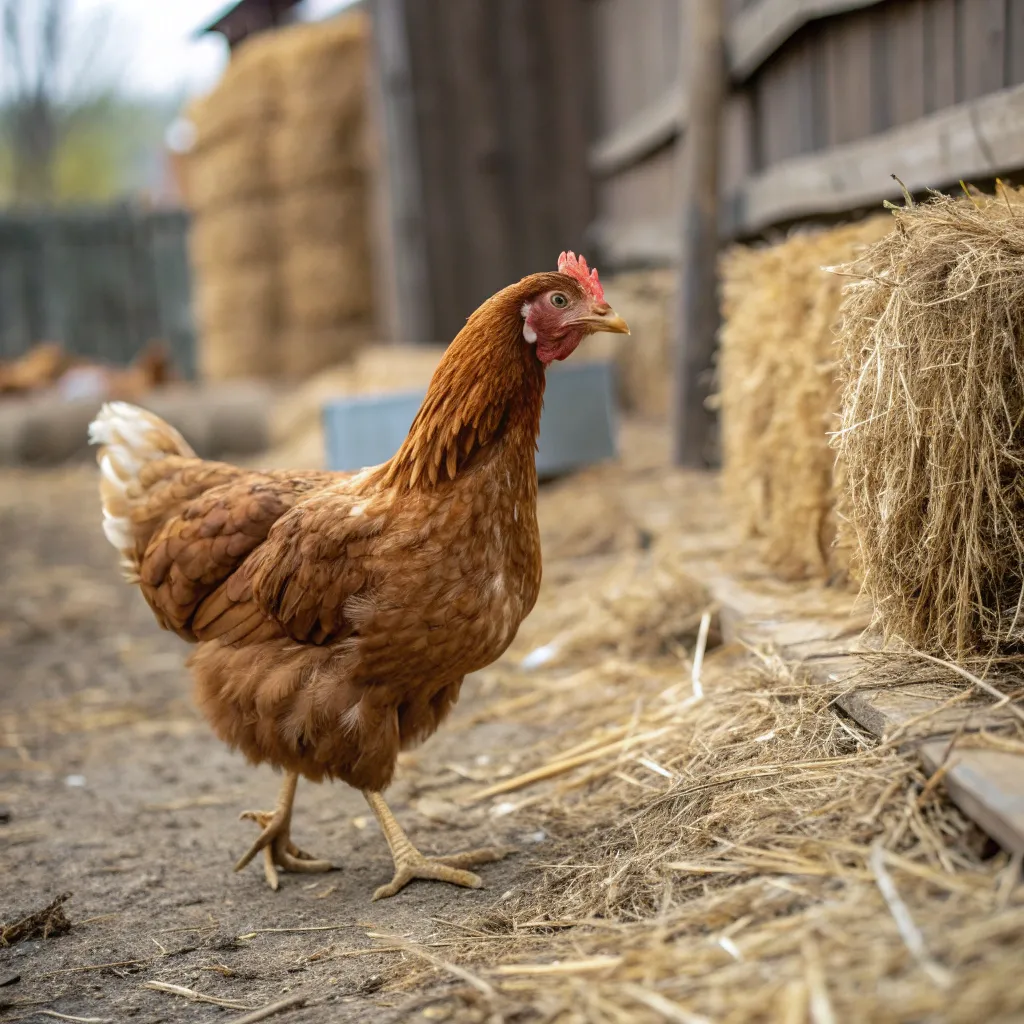
- Compare and download. Depth-Anything-V2 produces a grayscale depth map where lighter pixels represent closer surfaces and darker pixels represent farther surfaces. You see a side-by-side comparison of your original photo and the depth map, then download the result to your device.
Tips for getting the best depth maps:
- Images with clear foreground and background separation produce the most dramatic depth maps
- Landscapes with visible depth layers (near, mid, far) work especially well
- Portraits with subject-background separation produce clean, usable results
- Well-lit scenes with visible textures and edges give the model more information to work with
- Avoid images that are extremely flat (like scanned documents) or completely uniform in depth
What Can You Do with a Depth Map?
Depth maps are far more useful than most people realize. Here are the most common applications.
Bokeh and Depth-of-Field Effects
Apply realistic shallow depth-of-field effects to any photo after the fact. Use the depth map as a mask to blur the background while keeping the subject sharp. This is how many smartphone "portrait mode" features work, and now you can do it manually with any image.
Parallax Animations and 2.5D Effects
Create stunning parallax animations by separating an image into depth layers using the depth map. When combined with tools like After Effects, Nuke, or even CSS, you can produce the illusion of 3D movement from a flat photograph.
3D Reconstruction and Modeling
Depth maps serve as the foundation for 3D reconstruction workflows. Import your depth map into Blender, MeshLab, or other 3D software to create displacement-based 3D meshes from photographs. This is useful for terrain modeling, object reconstruction, and scene recreation.
AR and VR Content Creation
Depth information is essential for augmented reality and virtual reality applications. Use depth maps to place virtual objects realistically in scenes, create occlusion effects, or build immersive environments from real-world photos.
Visual Effects Compositing
VFX artists use depth maps for atmospheric effects like fog, haze, and volumetric lighting. By applying effects based on depth, you can simulate realistic environmental conditions in post-production.
Accessibility and Computer Vision
Depth maps are used in robotics, autonomous navigation, and accessibility applications where understanding spatial relationships in a scene is critical. Researchers and developers can use Upsampler to quickly generate depth data for prototyping and testing.
Competitor Comparison: Free AI Depth Map Generators in 2026
| Tool | Free Tier | Signup Required | Watermarks | Key Limitation |
|---|---|---|---|---|
| Upsampler | Free daily GPU minutes | No | No | Daily GPU minute cap (resets daily) |
| MiDaS Online Demos | Free (when available) | No | No | Unstable; frequently offline; no uptime guarantee |
| Hugging Face Spaces | Free (with queues) | No | No | Community-maintained; unreliable; small image sizes |
| 3D Photo Inpainting Tools | Varies | Varies | Varies | Depth is a byproduct, not the primary output |
| ZoeDepth Online Demos | Free (when available) | No | No | Academic project; may go offline without notice |
| DepthAnything on Replicate | Limited free tier | Yes | No | Account required; free credits run out quickly |
Detailed Competitor Breakdown
MiDaS Online Demos
MiDaS (originally developed by Intel ISL) is one of the foundational models in monocular depth estimation. Various online demos exist, but they are academic projects with no uptime guarantees. You might find a working demo one day and discover it is offline the next. The demos that do work are often slow, limited in output resolution, and lack any kind of ongoing maintenance or support. For one-off experiments, MiDaS demos can be useful when they are available. For any kind of reliable workflow, they are not dependable.
Hugging Face Spaces (Various Depth Map Demos)
The Hugging Face community has produced multiple depth estimation demos using various models. While these are free to use, they come with significant drawbacks. Queue times during peak hours can be long. Many spaces are maintained by individual contributors and frequently go offline when the maintainer runs out of free compute credits or simply stops updating the space. Image size limits are often restrictive, and there is no guarantee any specific space will exist tomorrow. For reliable, repeatable depth map generation, community Spaces are too unpredictable.
3D Photo Inpainting Tools
Several tools designed for creating 3D photo effects (like the "3D Photo Inpainting" technique popularized by a 2020 research paper) produce depth maps as part of their pipeline. However, depth estimation is not their primary purpose. The quality of the depth maps tends to be secondary to the final 3D effect, and you often cannot download the raw depth map separately. These tools are useful for their intended purpose but are not practical alternatives to a dedicated depth map generator.
ZoeDepth Online Demos
ZoeDepth is a strong academic model for metric depth estimation. Online demos have appeared at various times, but like MiDaS, they are academic projects that may go offline without warning. When available, the results can be good, but there is no production service behind them. You cannot rely on ZoeDepth demos being accessible when you need them for a project or deadline.
DepthAnything Demos on Replicate
Replicate hosts a version of the DepthAnything model that you can run through their platform. The problem is that Replicate requires account creation, and the free tier provides very limited compute credits. Once those credits are used up, you pay per prediction. For occasional use, this may be acceptable. For regular depth map generation, the costs add up quickly, and the mandatory signup adds friction.
Why Upsampler Wins
Upsampler stands out because it combines the quality of a leading model (Depth-Anything-V2) with the accessibility of a production service:
- No signup or account creation needed
- No watermarks on output images
- Free daily GPU minutes that reset automatically
- Reliable uptime on dedicated infrastructure
- Depth-Anything-V2, one of the most accurate monocular depth models available
For anyone who needs a free, reliable AI depth map generator in 2026, Upsampler is the clear best option.
Who Should Use This Tool?
The free AI depth map generator on Upsampler serves a wide range of users and workflows.
- Photographers who want to add bokeh effects or depth-based edits to their photos in post-processing
- Video editors and VFX artists who need depth data for compositing, atmospheric effects, or parallax animations
- 3D artists and modelers who want to create displacement-based 3D meshes from photographs
- AR/VR developers who need depth information to place virtual objects realistically in real-world scenes
- Game developers who want to generate terrain or environment depth data from reference images
- Researchers and students studying computer vision, depth estimation, or monocular 3D reconstruction
- Content creators who want to produce eye-catching 2.5D parallax effects for social media
- Web developers building interactive experiences that use depth-based layering
Frequently Asked Questions
What is a depth map?
A depth map is a grayscale image where each pixel's brightness represents its distance from the camera. In most conventions, lighter (whiter) pixels are closer to the camera and darker (blacker) pixels are farther away. Depth maps encode 3D spatial information in a 2D format, making them useful for a wide range of creative and technical applications.
What is monocular depth estimation?
Monocular depth estimation is the process of predicting depth from a single image, without requiring stereo cameras, LiDAR, or multiple viewpoints. AI models like Depth-Anything-V2 learn to infer depth from visual cues such as texture gradients, perspective lines, occlusion, and relative object sizes. This makes it possible to generate depth maps from any ordinary photograph.
How accurate are AI-generated depth maps?
AI depth maps are remarkably accurate for most practical applications. Models like Depth-Anything-V2 produce depth predictions that align closely with real-world spatial relationships, especially in scenes with clear depth variation. While they may not match the precision of hardware-based LiDAR measurements, they are more than sufficient for creative effects, 3D modeling, compositing, and prototyping.
Can I use depth maps for 3D printing?
Not directly, but depth maps can be used as displacement maps in 3D software to create relief-style 3D models. Import your depth map into Blender or similar software, apply it as a displacement modifier to a flat plane, and export the resulting mesh for 3D printing. This technique works particularly well for landscapes, faces, and architectural subjects.
Is the Upsampler depth map generator really free?
Yes. Upsampler gives every visitor free daily GPU minutes without requiring an account, email, or payment method. Your minutes reset daily, so you can generate depth maps every day at no cost.
What image formats are supported?
The tool accepts standard image formats including JPG, PNG, and WebP. Most photographs and digital images will work without any conversion. The output depth map is delivered as a downloadable image file.
Start Generating Depth Maps for Free
Whether you need depth maps for visual effects, 3D reconstruction, AR development, or creative photo editing, Upsampler's free AI Depth Map Generator gives you production-quality results powered by Depth-Anything-V2. No account, no watermarks, and free daily GPU minutes.
Try the free Depth Map Generator now on Upsampler.com and generate your first depth map in seconds.