Blog
Latest posts from Upsampler.
How to Restore Old Damaged Photos with AI for Free in 2026
Restore old, damaged, faded, and torn photos using AI for free. Fix scratches, tears, water damage, and missing sections. No signup, no watermarks.

Admin
@lucak5s
Restore Old and Damaged Photos with AI: The Complete Free Guide
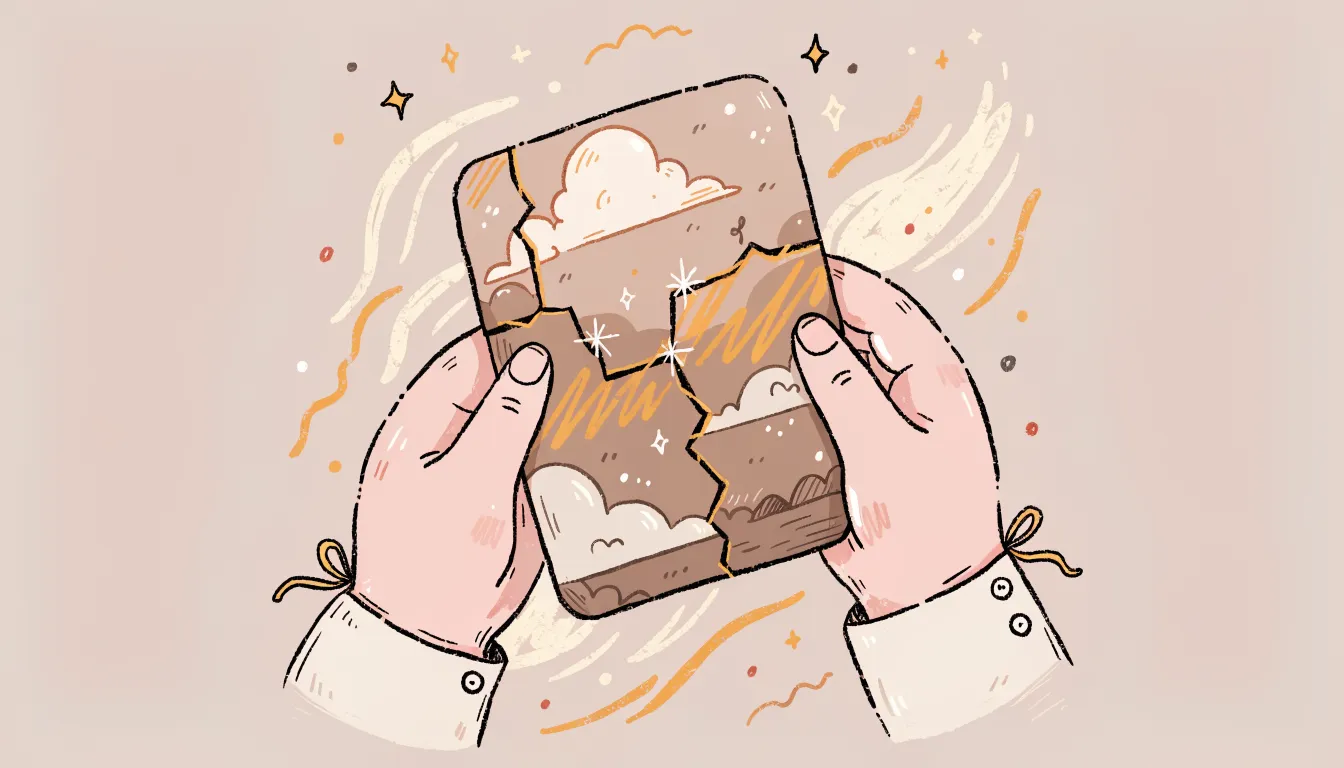
Old photographs fade. They pick up scratches, water stains, creases, and tears over the years. Sometimes entire sections go missing. For decades, restoring these images meant hiring a professional retoucher or spending hours in Photoshop with the clone stamp and healing brush, carefully reconstructing detail pixel by pixel. Most people simply accepted that their damaged family photos were beyond saving.
AI photo restoration has completely changed this. Modern AI models can analyze a damaged image, understand what the original scene likely looked like, and reconstruct missing or degraded areas with remarkable accuracy. Scratches vanish. Faded colors come back to life. Torn edges get rebuilt. Even faces with significant damage can be restored to a natural, recognizable state.
The problem is that most AI restoration tools lock their best features behind expensive subscriptions or require account creation before you can even test them. Upsampler takes a different approach. You can start restoring photos right now using the Free AI Image Editor and the Free Image Upscaler with no signup, no watermarks, and no cost. For complex restorations that need maximum quality, Upsampler's premium Image Restore tool offers access to powerful models like Nano Banana 2/Pro, Seedream 4/4.5/5 Lite, Flux Kontext Fast/Pro/Max, Flux 2 Klein/Pro/Max, and Qwen Edit 2511.
What Makes Upsampler's Photo Restoration Stand Out
Restoring old photos requires more than slapping a filter on them. Here is why Upsampler delivers results that actually look convincing.
AI That Understands Context, Not Just Pixels
Unlike basic sharpening filters that amplify noise along with detail, Upsampler's restoration models understand the semantic content of your image. They know that a scratch across a face should be replaced with skin texture, not a blurry smear. They recognize fabric patterns, architectural details, and natural elements, then reconstruct damaged areas in a way that matches the surrounding context.
Handles Every Type of Damage
Whether your photo suffers from scratches and creases, tears and missing corners, fading and discoloration, water damage and staining, film grain and noise, or large missing sections, Upsampler's models are trained to handle it. The free editor works well for targeted fixes on specific areas, while the premium restore tool can process the entire image at once for severe damage.
Free Tools to Get Started Immediately
You do not need to pay anything to begin restoring photos. The Free AI Image Editor lets you describe repairs in plain text ("remove the scratch across the face" or "fix the torn corner"), and the Free Image Upscaler brings back sharpness and detail to low-resolution scans. Both tools are available without signup and produce watermark-free results.
Premium Models for Museum-Quality Results
When a photo needs serious reconstruction, the premium Image Restore tool provides access to state-of-the-art models. Nano Banana Pro excels at facial reconstruction. Seedream 5 Lite handles complex scene restoration. Flux Kontext Max delivers the highest fidelity for large missing areas. You choose the model that fits the damage.
How to Restore an Old Photo Step by Step
Follow this process to bring a damaged photo back to life:
- Scan or photograph your original. Use a flatbed scanner at 600 DPI if possible. If scanning is not available, take a well-lit, straight-on photo with your phone. Higher input quality means better restoration results.
- Go to the Free AI Image Editor. Open the tool in any browser on any device.
- Upload the damaged photo. Drag and drop your scanned image or click to browse. JPG, PNG, and WebP formats are all supported.
- Describe the repair you need. Type a clear instruction like "remove the scratches and restore the faded colors" or "fix the torn right edge of the photo." Be specific about which areas need repair.
- Review and iterate. Download the result and upload it again if you need additional fixes. Complex restorations often benefit from multiple targeted passes rather than one broad instruction.
- Upscale the restored image. Once repairs are complete, run the image through the Free Image Upscaler to add sharpness and detail. This is especially effective for old photos that were originally low resolution.
- For heavy damage, use the premium Restore tool. If the free editor cannot fully repair severe tears, large missing sections, or badly degraded faces, Upsampler's premium Image Restore tool with models like Flux Kontext Pro or Seedream 5 Lite can handle the job.
Photo Restoration Tool Comparison: Upsampler vs. Competitors
| Feature | Upsampler | Adobe Photoshop | Remini | MyHeritage | VanceAI | Fotor |
|---|---|---|---|---|---|---|
| Price | Free (daily GPU mins) + premium | $22.99/mo | Free tier + $9.99/mo | Free tier + $13.90/mo | Free tier + $9.90/mo | Free tier + $8.99/mo |
| Signup Required | No (free tools) | Yes | Yes | Yes | Yes | Yes |
| Watermarks | None | None (paid) | Yes (free tier) | Yes (free tier) | Yes (free tier) | Yes (free tier) |
| Scratch Removal | Yes (AI-powered) | Manual (Clone Stamp) | Yes | Limited | Yes | Basic |
| Tear Reconstruction | Yes | Manual only | No | No | Limited | No |
| Face Restoration | Yes (multiple models) | Manual only | Yes (specialty) | Yes (specialty) | Yes | Basic |
| Color Restoration | Yes | Manual (Curves/Levels) | Auto only | Auto only | Auto only | Auto only |
| Batch Processing | API available | Yes | No | No | Yes (paid) | No |
| Browser-Based | Yes | Partial | Yes | Yes | Yes | Yes |
Detailed Competitor Breakdown
Adobe Photoshop
Photoshop remains the gold standard for manual photo restoration. The Clone Stamp, Healing Brush, Content-Aware Fill, and Neural Filters give professionals complete control. However, the $22.99 monthly subscription, steep learning curve, and time investment make it impractical for most people who just need to restore a few family photos. A single restoration can take hours of skilled manual work.
Where Upsampler wins: Free access with no learning curve. AI handles in seconds what takes hours in Photoshop.
Remini
Remini specializes in face enhancement and does a good job making blurry faces sharper. It is popular for quick mobile touch-ups. The limitation is that Remini focuses almost entirely on faces and does not handle general photo damage like scratches, tears, water stains, or missing sections. The free tier adds watermarks and limits daily uses.
Where Upsampler wins: Full photo restoration beyond just faces. Handles scratches, tears, fading, and structural damage.
MyHeritage Photo Enhancer
MyHeritage targets the genealogy community with tools for enhancing and colorizing old family photos. The results are decent for mild enhancement, but the tool struggles with serious damage. It also requires account creation and limits free usage aggressively, pushing users toward a $13.90 monthly subscription.
Where Upsampler wins: No account required. Handles real damage, not just mild enhancement. More model options for different damage types.
VanceAI Photo Restorer
VanceAI offers dedicated restoration tools that handle scratches and noise reasonably well. The main drawbacks are the restrictive free tier (watermarked outputs and limited credits), mandatory signup, and inconsistent results on heavily damaged photos. The paid plans start at $9.90 per month.
Where Upsampler wins: No signup, no watermarks on free tools. Premium models offer higher fidelity for severe damage.
Fotor
Fotor includes basic AI enhancement features but lacks dedicated restoration capabilities. It can brighten and sharpen old photos, but it cannot reconstruct missing areas, remove scratches convincingly, or handle structural damage. The free tier is heavily restricted.
Where Upsampler wins: True AI restoration that reconstructs damage, not just filters. Multiple specialized models for different damage types.
Who Should Use This Tool?
Upsampler's photo restoration capabilities serve a wide range of people:
- Families preserving memories. Restore grandparents' wedding photos, childhood snapshots, and other irreplaceable images that have deteriorated over time.
- Genealogists and family historians. Bring clarity and detail back to ancestral photographs for family trees, heritage projects, and historical records.
- Archivists and librarians. Digitize and restore institutional photo collections, historical archives, and documentary photography.
- Professional photographers. Offer photo restoration as an additional service to clients, or restore your own vintage work.
- Real estate professionals. Restore historical property photos for marketing materials and heritage listings.
- Anyone with a box of old photos. If you have a drawer full of faded, scratched, or damaged prints, Upsampler makes it easy to bring them back to life without any technical expertise.
Frequently Asked Questions
Can AI really fix badly torn or missing sections of a photo?
Yes. Modern AI models can reconstruct missing areas by understanding the context of the surrounding image. For small to medium tears, the results are often seamless. For very large missing sections, Upsampler's premium models like Flux Kontext Max produce the best results, as they can generate plausible content that matches the rest of the scene.
Will AI restoration make my photo look artificial?
Quality AI restoration preserves the character and era of the original photo. Upsampler's models are trained to produce natural results that respect the photographic style of the period. The goal is to repair damage, not to make the photo look like it was taken yesterday.
What resolution should I scan my old photos at?
Scan at the highest resolution your scanner supports, ideally 600 DPI or higher. Higher input resolution gives the AI more detail to work with and produces better restoration results. If you are photographing a print with your phone, use good lighting and hold the camera as straight as possible to minimize distortion.
Can I restore a photo that has been folded multiple times?
Yes. Fold lines and creases are among the most common types of damage that AI handles well. The AI treats fold lines similarly to scratches, replacing them with contextually appropriate image content. Deep creases that have physically removed material from the print may require the premium restore tool for best results.
Is there a limit to how many photos I can restore for free?
The free tools are powered by daily GPU minutes that refresh every day. You can restore multiple photos each day. For large batches or projects requiring premium models, Upsampler offers flexible credit-based pricing with no subscription required - one-time credits that never expire.
Do I need to know anything about photo editing to use this?
Not at all. The free AI editor works entirely through text descriptions. You describe the repair you want in plain English, and the AI handles the technical work. There are no layers, masks, brushes, or sliders to learn.
Start Restoring Your Old Photos Today
Every damaged photo in your collection is a memory worth saving. Upsampler's Free AI Image Editor lets you start fixing scratches, tears, fading, and other damage right now, with no signup and no cost. Pair it with the Free Image Upscaler to bring back sharpness and detail.
For severe damage that needs the highest quality reconstruction, explore the full suite of premium restoration models at Upsampler.com.
More Articles
Best Free AI Image Editor in 2026: Edit Photos with Text Prompts Online
Edit images using text prompts for free. Change colors, swap objects, modify styles with AI. No signup, no watermarks. The best free AI image editor.
February 20, 2026
Best Free AI Image Upscaler in 2026: Upscale Images to 4K/8K Online (No Signup)
Compare the best free AI image upscalers in 2026. Upscale images to 4K or 8K with no signup, no watermarks, and real GPU-powered AI enhancement.
February 20, 2026