Blog
Latest posts from Upsampler.
How to Upscale AI-Generated Videos (Sora, Veo, Kling, Wan)
Most AI video generators — Sora, Veo, Kling, Wan 2.2, LTX — output at 480p–720p. Here's how to upscale AI-generated videos to HD and 4K in 2026, with free and premium workflows.

Admin
@lucak5s
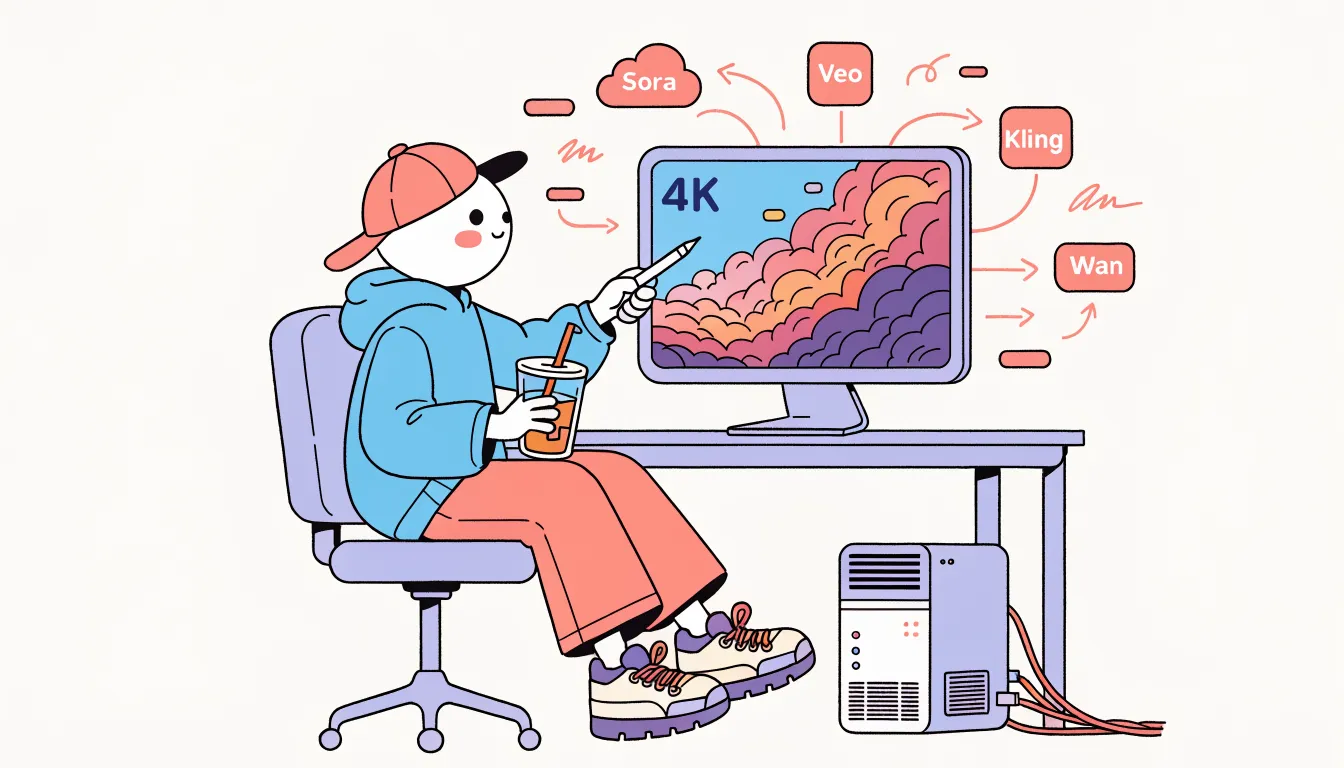
If you've spent any real time with AI video generators, you already know the dirty secret: most of them output at 480p or 720p. Sora renders around 720p by default, Kling's cheaper tiers cap at 720p, Wan 2.2 5B and LTX 2 Distilled both render at sub-HD, and Veo 3.1's long-form output is usually 720p unless you pay for the top tier.
That's fine for quick drafts, social previews, and concept tests. It's not fine when you need to deliver to a client, cut into a YouTube edit, or play the clip back on anything larger than a phone. A 720p video on a 4K screen looks soft — noticeably so.
This guide walks through the practical workflow for upscaling AI-generated videos in 2026: which upscalers to use, how to avoid the common pitfalls (flicker, hallucinated detail, bloated file sizes), and when the free tools are enough vs. when you need something more serious.
Try the Free AI Video Upscaler — drop a clip from Sora, Veo, Kling, or Wan and get an enhanced version back. No signup, no watermark.
Why AI-Generated Videos Need Upscaling
It helps to understand why AI video models output at such modest resolutions. Generative video is computationally brutal — the compute cost grows with roughly the product of resolution, frame count, and model size. To keep inference times reasonable, every major lab ships their default tiers at 480p–720p:
| Model | Typical Default Resolution |
|---|---|
| Sora 2 | 720p |
| Veo 3.1 | 720p (1080p at higher tiers) |
| Kling 2.5 | 720p (1080p on Pro) |
| Runway Gen 4.5 | 720p–1080p |
| Wan 2.2 5B / 14B | 480p–720p |
| LTX 2 Distilled Turbo | 480p–768p |
| Seedance 1 Pro | 720p–1080p |
(See the full AI video model comparison for more context.)
Add in the usual generative artifacts — block compression, slightly soft motion, over-smoothed skin — and the result is a clip that looks fine on a phone and weak on a desktop monitor. An AI video upscaler fixes both problems at once: it boosts resolution and cleans up the artifacts from the generation step.
The Wrong Way: Image Upscaling, Frame by Frame
The obvious-but-wrong approach is to split the video into frames, upscale each frame with an image upscaler (Real-ESRGAN, Flux-based creative upscale, etc.), and re-encode.
The problem: image upscalers hallucinate detail differently on each frame. That detail is stable in a still image but flickers in motion, producing a shimmering, unstable result. Skin texture dances, hair flickers, text wobbles.
For anything beyond a single frame, you want a video super-resolution model — one that's aware of the temporal relationship between frames.
The Right Way: Video Super-Resolution Models
Two models dominate the state of the art in 2026:
SeedVR2 (ByteDance Seed)
SeedVR2 is a one-step diffusion-based video super-resolution model. It's fast enough to run online in a browser, produces sharp detail, and keeps temporal consistency across frames. The 3B variant is open source, and it's the model behind the Free AI Video Upscaler.
SeedVR2 is particularly good at cleaning up the soft, slightly-compressed look that AI video generators produce. It's arguably the best free option for enhancing Sora, Veo, Kling, and Wan output.
FlashVSR (Alibaba)
FlashVSR is the other leading open model. It's a streaming-friendly video super-resolution model with a different quality/speed tradeoff than SeedVR2 — generally faster on longer clips, with strong results on real-world footage.
Both models are available in the premium Video Upscaler on Upsampler.com. For a detailed comparison, see the SeedVR vs FlashVSR deep-dive.
Recommended Workflows by Model
Sora 2 → HD
Sora outputs clean, well-lit footage at 720p. Both SeedVR2 and FlashVSR work well — SeedVR2 tends to recover more texture on faces and foliage. For a quick free test on short Sora clips, the Free AI Video Upscaler is enough.
Veo 3.1 → HD/4K
Veo produces cinematic footage at 720p on default tiers. Because Veo's output is already quite clean, the upscaler has an easy job — SeedVR2 delivers excellent results. For longer Veo clips beyond the free tool's short-clip limit, use the premium Video Upscaler.
Kling 2.5 → HD
Kling's cheaper tiers can show some block compression. SeedVR2 is particularly good at removing that compression while restoring detail. Run Kling's 720p output through the upscaler before delivery and the jump in perceived quality is significant.
Wan 2.2 (5B and 14B) → HD
Wan 2.2 is available for free via the Free AI Video Generator, at 480p–720p. The natural pairing is generate free → upscale free: use the free Wan generator, then run the output through the free video upscaler. The whole pipeline is free and signup-free.
LTX 2 Distilled Turbo → HD
LTX generates at varied resolutions depending on the aspect ratio. SeedVR2 handles LTX output cleanly — it's especially useful for LTX's longer clips (up to 10s on the distilled turbo) since LTX output tends to be softer than Sora or Veo.
Runway Gen 4.5 → 4K
Runway's higher tiers already output at 1080p. If you need 4K for broadcast or large-screen delivery, FlashVSR's ability to handle HD inputs efficiently makes it the better choice than SeedVR2 for this case. Available in the premium Video Upscaler.
The Generate → Upscale → Deliver Pipeline
The most cost-efficient AI video workflow in 2026 looks like this:
- Draft cheaply. Use cheap or free generators — Wan 2.2, LTX, P-Video Draft — to find a prompt and composition you like. Don't spend premium credits on exploration.
- Render the final cheaply too, if you can. Budget models can deliver perfectly usable output at lower resolution.
- Upscale with a video super-resolution model. SeedVR2 for short clips, FlashVSR for longer or higher-resolution inputs.
- Deliver the upscaled MP4. The final clip looks like it came from a premium generator even when the underlying render was budget.
This pipeline is dramatically cheaper than generating at premium resolutions from the start, and the final quality is competitive for most use cases.
Common Pitfalls
Upscaling too aggressively. Going from 480p straight to 4K in a single pass tends to produce mushy results. Two smaller passes (480p → 1080p → 4K) is usually better. The premium tool handles this automatically when you pick a target resolution.
Upscaling compression artifacts. If your source clip is heavily compressed (e.g. a WhatsApp-forwarded version of a Sora output), the upscaler will lock in those artifacts. Always upscale the original download, not a re-compressed copy.
Using an image upscaler on video. As covered above — temporal flicker is a deal-breaker. Use a real video super-resolution model.
Ignoring duration limits. Free tools are tuned for short clips. If you need to upscale a 30-second Veo render, don't try to wedge it into a 10-second-limit free tool — use the premium Video Upscaler.
Frequently Asked Questions
Can I upscale Sora 2 videos for free?
Yes. The Free AI Video Upscaler handles short Sora clips well. For longer Sora renders, use the premium tool.
Does the upscaler add a watermark?
No — Upsampler's free and premium video upscalers both output clean, watermark-free MP4s.
Do I need to remove the Sora / Veo watermark before upscaling?
The upscaler doesn't remove watermarks, but it also doesn't emphasize them — model-specific watermarks will look roughly the same after upscaling.
Which is better for AI-generated video — SeedVR2 or FlashVSR?
SeedVR2 tends to win on cleaning up generative artifacts (the slightly-soft, slightly-compressed look). FlashVSR tends to win on real footage and longer clips. See the full comparison.
How long should my input clip be?
For the free tool, up to around 10 seconds. For longer clips, use the premium Video Upscaler.
Can I upscale animation / anime AI video?
Yes. Both SeedVR2 and FlashVSR handle animation well. If you also want to convert between styles (e.g. photo to anime frame-by-frame), check out the Free Photo-to-Anime tool.
Start Upscaling Your AI Videos
The fastest way to see what modern video super-resolution can do is to just try it:
Try the Free AI Video Upscaler — drop a short Sora, Veo, Kling, or Wan clip and get an enhanced MP4 back. No signup, no watermark.
For longer clips, higher-resolution inputs, and a choice between SeedVR2 and FlashVSR, the premium Video Upscaler on Upsampler.com runs on one-time credits that never expire — no subscription required.