Recraft V4.1 SVG
Recraft V4.1 in SVG output mode — production-ready vector images you can edit directly in Figma or Illustrator, now with V4.1's sharper design taste and text rendering. Still nearly unique in the AI image space; most models output rasters that don't trace cleanly.
At a glance
- Price
- 4 Credits
- Our rating
- Speed
- Fast
What Recraft V4.1 SVG is best for
How Recraft V4.1 SVG performs
Strengths
- native SVG output with V4.1's design taste
- vector-optimized generation
- directly editable in Figma / Illustrator
Limitations
- limited to vector-friendly subjects
- not suited for photorealism
How to prompt Recraft V4.1 SVG
Practical tips to get the most out of Recraft V4.1 SVG.
- 01describe in vector-illustration terms (flat, line art, geometric)
- 02specify color palette explicitly
- 03request limited color counts for clean vectors
Tips are tuned for Recraft V4.1 SVG specifically.
Made with Recraft V4.1 SVG
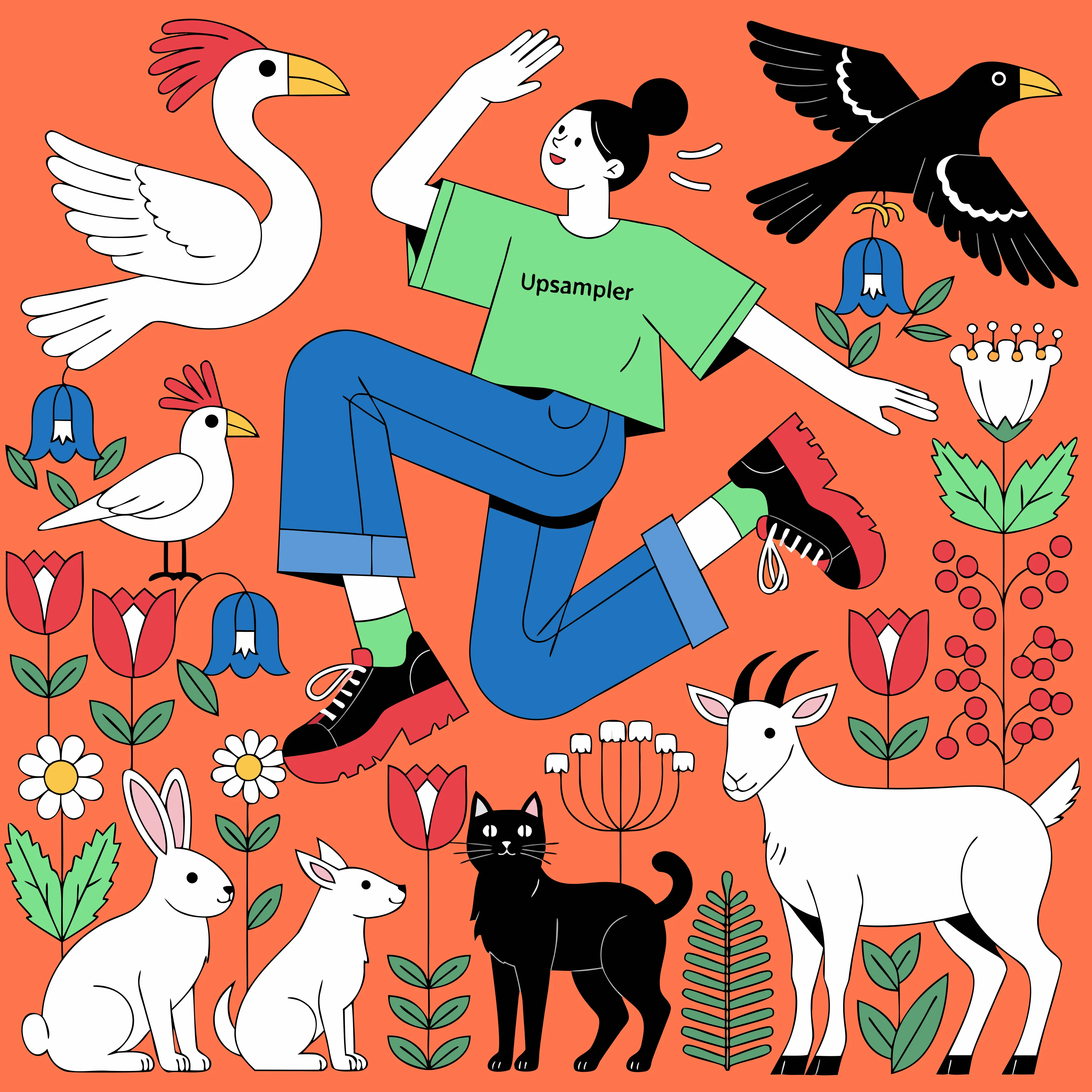
Prompt: A woman dancing in a garden full of animals. She is wearing a T-shirt with the word “Upsampler” on it.
Alternatives to Recraft V4.1 SVG
Other models on Upsampler that cover similar ground.
Recraft V4 SVG
Recraft V4 in SVG output mode — generates production-ready vector images you can edit directly in Figma or Illustrator. Built for logos, icons, and scalable design assets where the output needs to be vector from the start. Unique in the AI image space; most models output rasters that don't trace cleanly.
Recraft V4.1
Recraft's newest design-focused generation, refining V4's design taste with better prompt accuracy, art-directed composition, and integrated text rendering — at the same cost as V4. The default Recraft pick for posters, packaging, and brand assets where typography and layout matter as much as the image.
Ideogram V4 Balanced
The mid tier of Ideogram's v4 generation, balancing speed, quality, and cost. A clear step up from Ideogram 3.0 in realism and style consistency while keeping best-in-class text rendering — the default Ideogram pick for typography-prominent creative.
Frequently asked questions
What is Recraft V4.1 SVG?
Recraft V4.1 in SVG output mode — production-ready vector images you can edit directly in Figma or Illustrator, now with V4.1's sharper design taste and text rendering. Still nearly unique in the AI image space; most models output rasters that don't trace cleanly.
How much does Recraft V4.1 SVG cost on Upsampler?
4 credits per generation. No subscription, credits never expire.
What are alternatives to Recraft V4.1 SVG?
Common alternatives: Recraft V4 SVG, Recraft V4.1, Ideogram V4 Balanced.
Can I try Recraft V4.1 SVG for free?
You can try a free, no-signup version of our ai image generator. Note that the free version may use a different, lighter model rather than Recraft V4.1 SVG itself.