Free AI Face Restoration | No Sign-Up

Fix blurry, pixelated, or damaged faces in any photo with GFPGAN AI. Upload a portrait or an old family photo and get sharp faces plus a 4x larger photo back in seconds. No sign-up, no watermark.

  • No account
  • No ads
  • No watermark
Examples · tap to try

Drop a photo with one or more faces and press Restore Faces. The AI detects every face, rebuilds the facial detail, and pastes the restored faces back into the original photo.

More Free Tools

Discover more free tools to enhance your creative projects, no account required.

Our Premium Tools

Access highly advanced AI tools with flexible pricing: subscription or one-time payment.

Muse ImageNano Banana 2Nano Banana 2.1GPT Image 2GPT Image 2.5 FlareGPT Image 2.5 SunburstGPT Image 2.6 FlareGPT Image 2.6 SunburstGrok Imagine Image 2Nano Banana 2 LiteNano Banana ProSeedream 4Seedream 5 ProSeedream 5.5GPT Image 1.5Flux 3Qwen Image 3Qwen Image 2 ProGrok Imagine ImageP-Image IdeogramKrea 2Krea 3MAI Image 2.5Nano BananaImagen 4Seedream 3Seedream 4.5Seedream 5 FlashSeedream 5 LiteFlux 2 KleinFlux 2 ProFlux 2 MaxFlux 3 KleinZ Image TurboQwen Image 2Recraft V4.1Ideogram V4Ideogram V4.5Imagen 3Flux Kontext ProFlux Kontext MaxQwen ImageRecraft V4Ideogram V3Flux SchnellFlux 1.1 ProWan 2.2Recraft V3P Image UpscaleSeed VR 2FluxStable DiffusionGANFlux Fill ProQwen Edit 2511Qwen EditFlux Kontext FastMiniMax H3 Max TurboMiniMax H3Seedance 2.5Wan 3.0Gemini Omni 1.2 FlashMiniMax H3 LiteGrok Imagine VideoGrok Imagine Video 1.5P-Video 2 ProSeedance 1 ProSeedance 1.5 ProSeedance 2 MiniWan 2.7Kling 2.5 ProVeo 3.1 (No Audio)LTX 2.5 FastP-Video 2P-VideoKling 4.0 FlashRunway Gen 4.5P-Video 2 DraftWan 2.2 14B ProP-Video DraftLTX 2.5SeedVR 2RelayVSRRTX VSR
01 · Image Upscaling

Upscale Images to 100 MP

Add real detail as you enlarge.

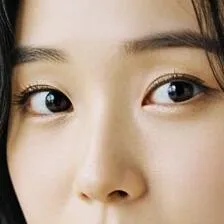
Before
Close-up of a woman's eyes upscaled with the AI image upscaler before enhancement and upscaling
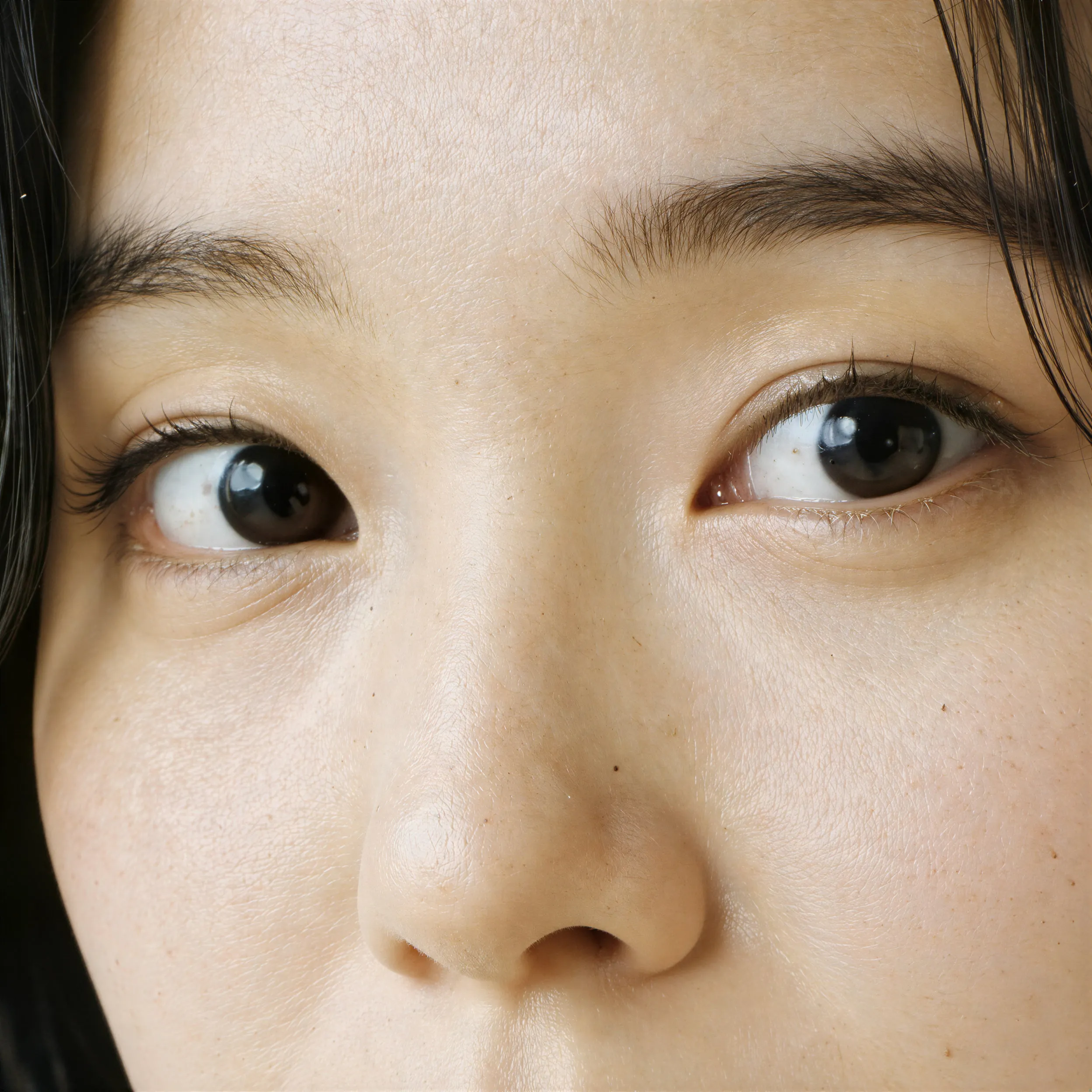
After
Close-up of a woman's eyes upscaled with the AI image upscaler after enhancement and upscaling
02 · Image Generation

Generate Images in 4K

Turn a prompt or a reference image into anything from photoreal shots to illustration.

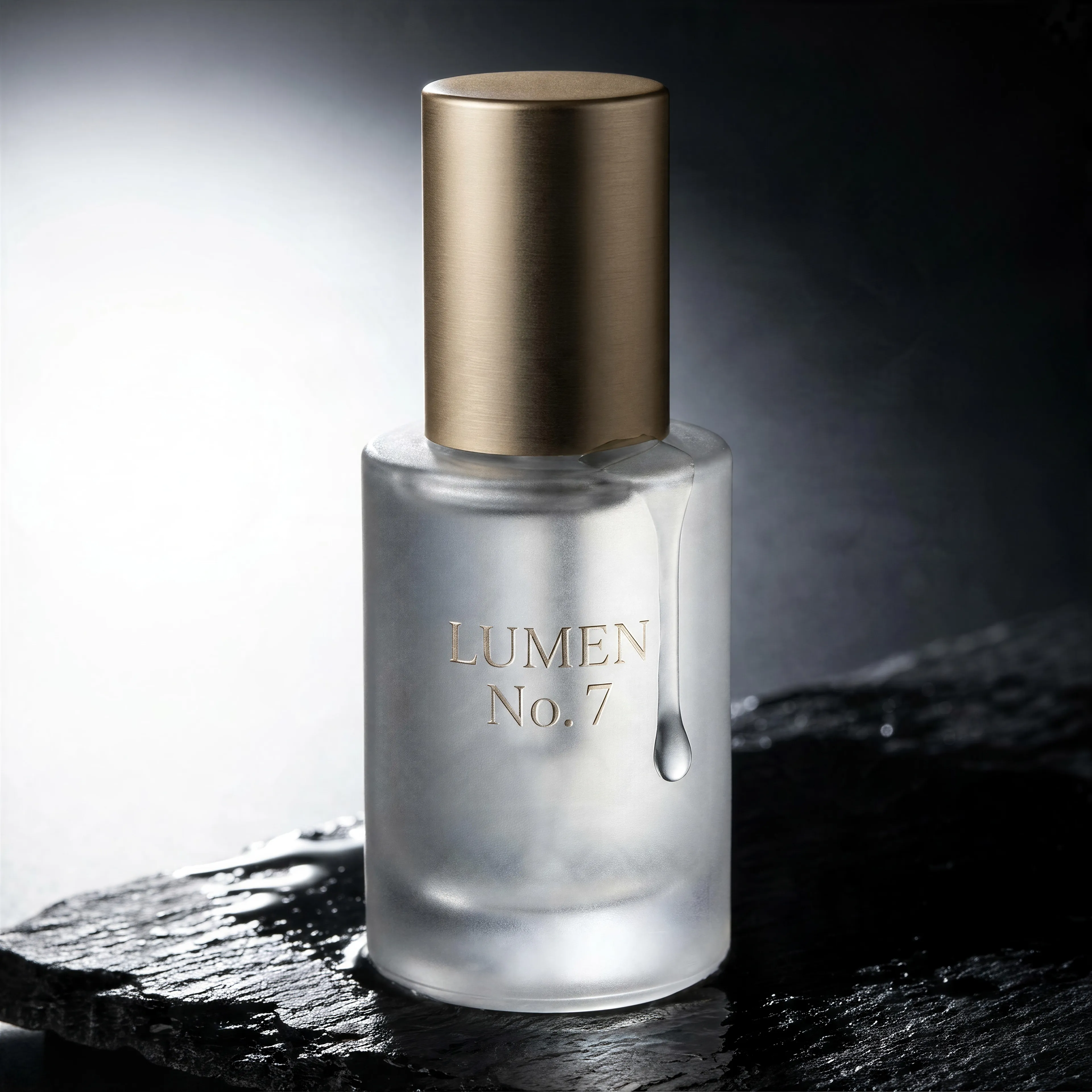
Frosted glass serum bottle with an embossed label on wet black slate, made with the AI image generator and upscaled with Upsampler
03 · Image Editing

Edit Images at Full Resolution

Change anything with a text prompt and get the result back at your photo's full size.

Before
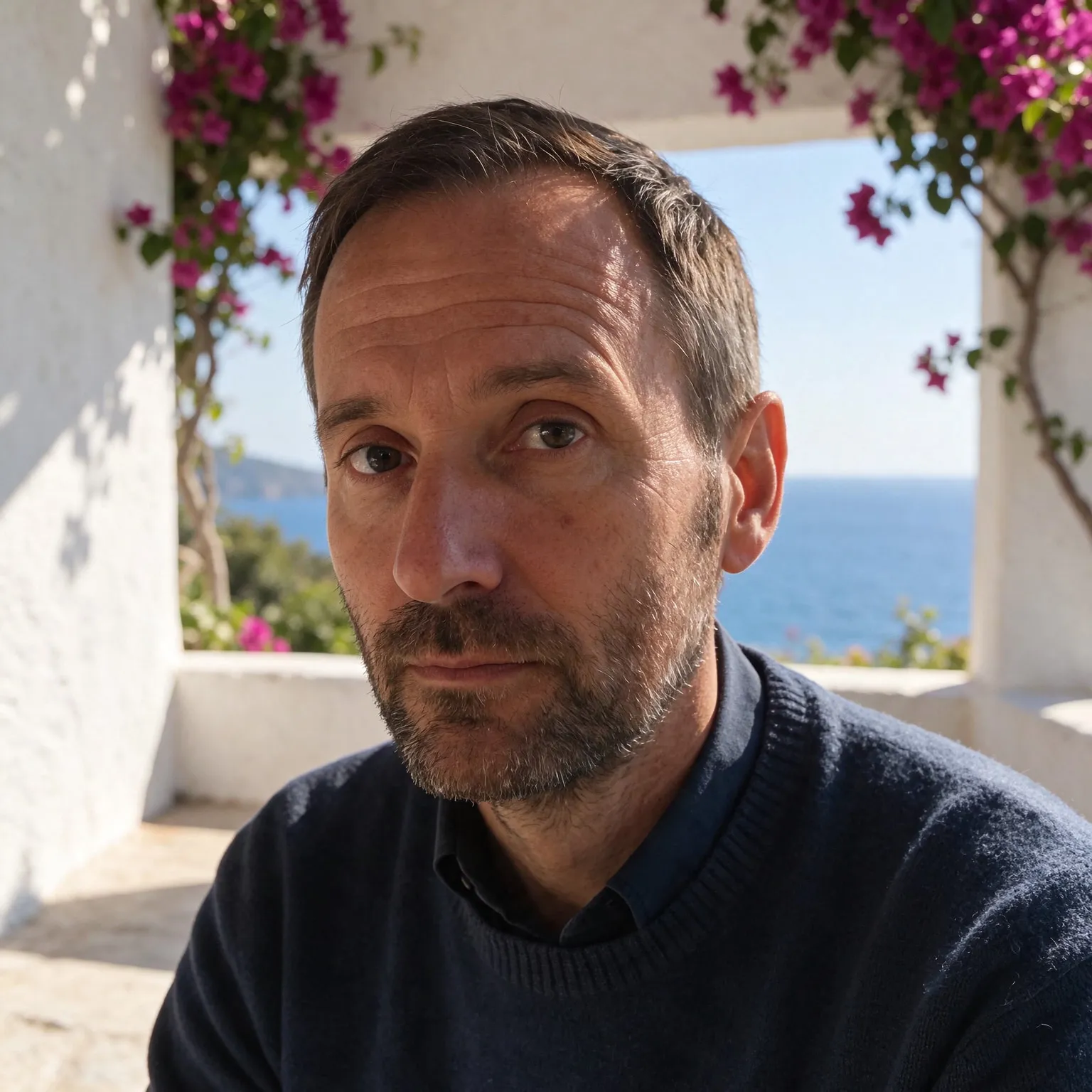
Portrait of a man in a cluttered home office, moved onto a sunny Mediterranean terrace with an AI edit before enhancement and upscaling
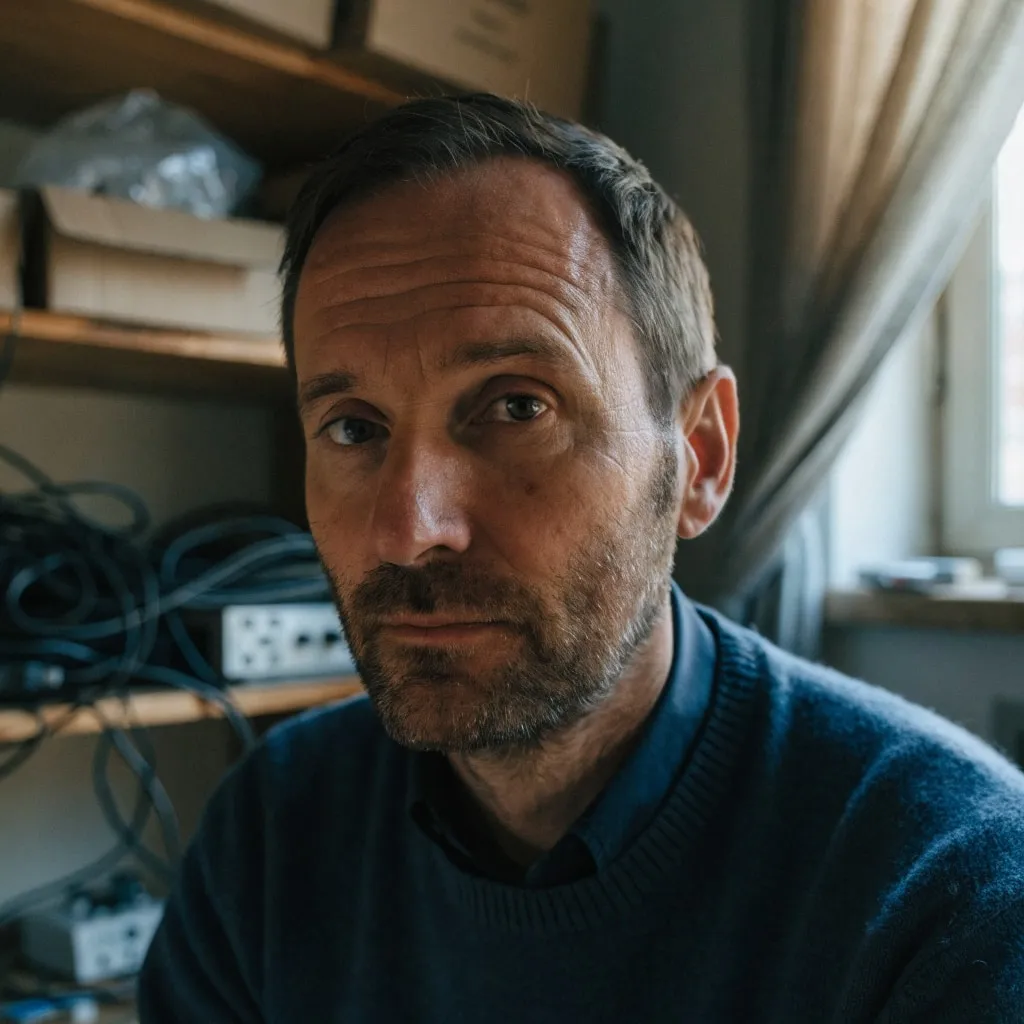
After
Portrait of a man in a cluttered home office, moved onto a sunny Mediterranean terrace with an AI edit after enhancement and upscaling
04 · Video Generation

Generate Videos in Full HD

Create clips from a prompt or bring a still image to life.

05 · Video Upscaling

Upscale Videos to 4K

Sharpen edges, textures, and on-screen text frame by frame, with stable motion.

About the free AI face restoration tool

Faces are the first thing we look at in any photo, and the first thing that low resolution, compression, or age destroys. This tool runs GFPGAN, a face restoration model trained specifically to rebuild realistic facial detail: sharp eyes, defined eyebrows, natural skin texture, and clean edges around hair and glasses. It detects every face in the photo, restores each one, and blends them back into the picture, while a photographic upscaling model enlarges the rest of the image 4x in the same pass, so the sharp faces sit on an equally clean background instead of the original noise.

It works remarkably well on the classic problem cases: scanned prints from family albums, faces that are tiny because they were far from the camera, heavily compressed images saved through years of messaging apps, and photos taken on early digital cameras and phones. Because restoration and upscaling happen together, the result is both sharper and larger than the original, ready for printing or reposting.

Part of a restoration workflow

For heavier work, Upsampler's premium upscaler does face enhancement and enlargement up to 100MP in one pass, with one-time credits instead of a subscription. Old black-and-white photos can also be colorized with the free photo colorizer after restoring, and photos without faces are best served by the free AI image upscaler directly.

Tips for the best results

The model needs to find a face to restore it, so frontal or three-quarter views work best; extreme profiles or mostly covered faces may be skipped. Very small faces benefit the most, and the effect is strongest on photos where the face is the blurriest part. If a restored face looks slightly too smooth, that is a known trait of face restoration models; comparing with the slider makes it easy to judge. The tool accepts JPG, PNG, and WebP up to 2048px per side (the output is 4x larger), and your uploads are processed transiently, never stored in a gallery.

Frequently Asked Questions

Upload the photo above and press Restore Faces. The GFPGAN AI detects every face and rebuilds sharp facial detail while the rest of the photo is upscaled 4x in the same pass. No sign-up, no watermark.

GFPGAN v1.4 by TencentARC, one of the most widely used open face restoration models. It was trained specifically on faces, which is why it recovers eyes, skin, and hair far better than a general sharpening filter.

Yes, that is its strongest use case. Scanned prints, faded portraits, and low-resolution digital photos from old cameras all restore well. For black-and-white photos, you can colorize them afterwards with our free photo colorizer.

Yes. Every detected face in the photo is restored individually and pasted back, so group photos work in a single pass.

Yes. The faces are restored and the whole photo is enlarged 4x by a photographic upscaling model in the same pass, so a small scan comes back both sharper and print-ready. For even larger output, Upsampler's premium upscaler goes up to 100MP with one-time credits, no subscription.

Yes. There is no sign-up and no watermark. The tool runs on shared free GPUs with a daily usage allowance per visitor; connecting a free Hugging Face account raises your allowance.

Photos are sent to the GPU only to run the restoration and are not stored in any gallery or used for training. Files are processed transiently and expire automatically.

No. Your download is the clean, full-quality result with no watermark, and you never need an account or email to get it.