
Animate Old Photos with AI | No Sign-Up

Bring an old family photo gently to life: a soft smile, a blink, a slight turn of the head, or calm breathing. Free, no sign-up, no watermark.

  • No account
  • No ads
  • No watermark
Examples · tap to try

Upload an old photo, choose a motion, and press Animate Photo. The movement stays small and natural, and the photo's grain and colors are kept.

More Free Tools

Discover more free tools to enhance your creative projects, no account required.

Our Premium Tools

Access highly advanced AI tools with flexible pricing: subscription or one-time payment.

Muse ImageNano Banana 2Nano Banana 2.1GPT Image 2GPT Image 2.5 FlareGPT Image 2.5 SunburstGPT Image 2.6 FlareGPT Image 2.6 SunburstGrok Imagine Image 2Nano Banana 2 LiteNano Banana ProSeedream 4Seedream 5 ProSeedream 5.5GPT Image 1.5Flux 3Qwen Image 3Qwen Image 2 ProGrok Imagine ImageP-Image IdeogramKrea 2Krea 3MAI Image 2.5Nano BananaImagen 4Seedream 3Seedream 4.5Seedream 5 FlashSeedream 5 LiteFlux 2 KleinFlux 2 ProFlux 2 MaxFlux 3 KleinZ Image TurboQwen Image 2Recraft V4.1Ideogram V4Ideogram V4.5Imagen 3Flux Kontext ProFlux Kontext MaxQwen ImageRecraft V4Ideogram V3Flux SchnellFlux 1.1 ProWan 2.2Recraft V3P Image UpscaleSeed VR 2FluxStable DiffusionGANFlux Fill ProQwen Edit 2511Qwen EditFlux Kontext FastMiniMax H3 Max TurboMiniMax H3Seedance 2.5Wan 3.0Gemini Omni 1.2 FlashMiniMax H3 LiteGrok Imagine VideoGrok Imagine Video 1.5P-Video 2 ProSeedance 1 ProSeedance 1.5 ProSeedance 2 MiniWan 2.7Kling 2.5 ProVeo 3.1 (No Audio)LTX 2.5 FastP-Video 2P-VideoKling 4.0 FlashRunway Gen 4.5P-Video 2 DraftWan 2.2 14B ProP-Video DraftLTX 2.5SeedVR 2RelayVSRRTX VSR
01 · Video Generation

Generate Videos in Full HD

Create clips from a prompt or bring a still image to life.

02 · Video Upscaling

Upscale Videos to 4K

Sharpen edges, textures, and on-screen text frame by frame, with stable motion.

03 · Image Upscaling

Upscale Images to 100 MP

Add real detail as you enlarge.

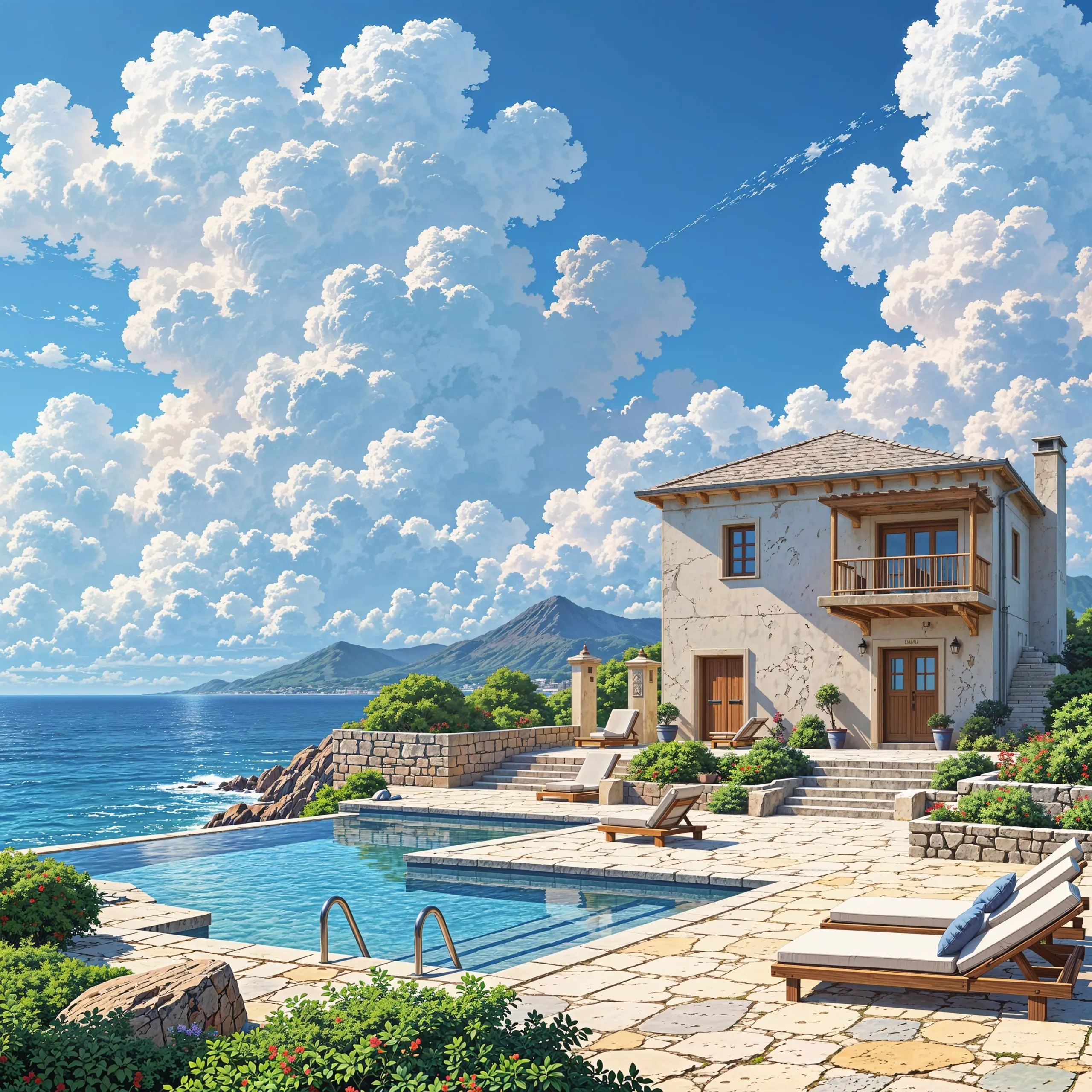
Before
Anime illustration of a seaside villa upscaled with the AI image upscaler before enhancement and upscaling
After
Anime illustration of a seaside villa upscaled with the AI image upscaler after enhancement and upscaling
04 · Image Generation

Generate Images in 4K

Turn a prompt or a reference image into anything from photoreal shots to illustration.

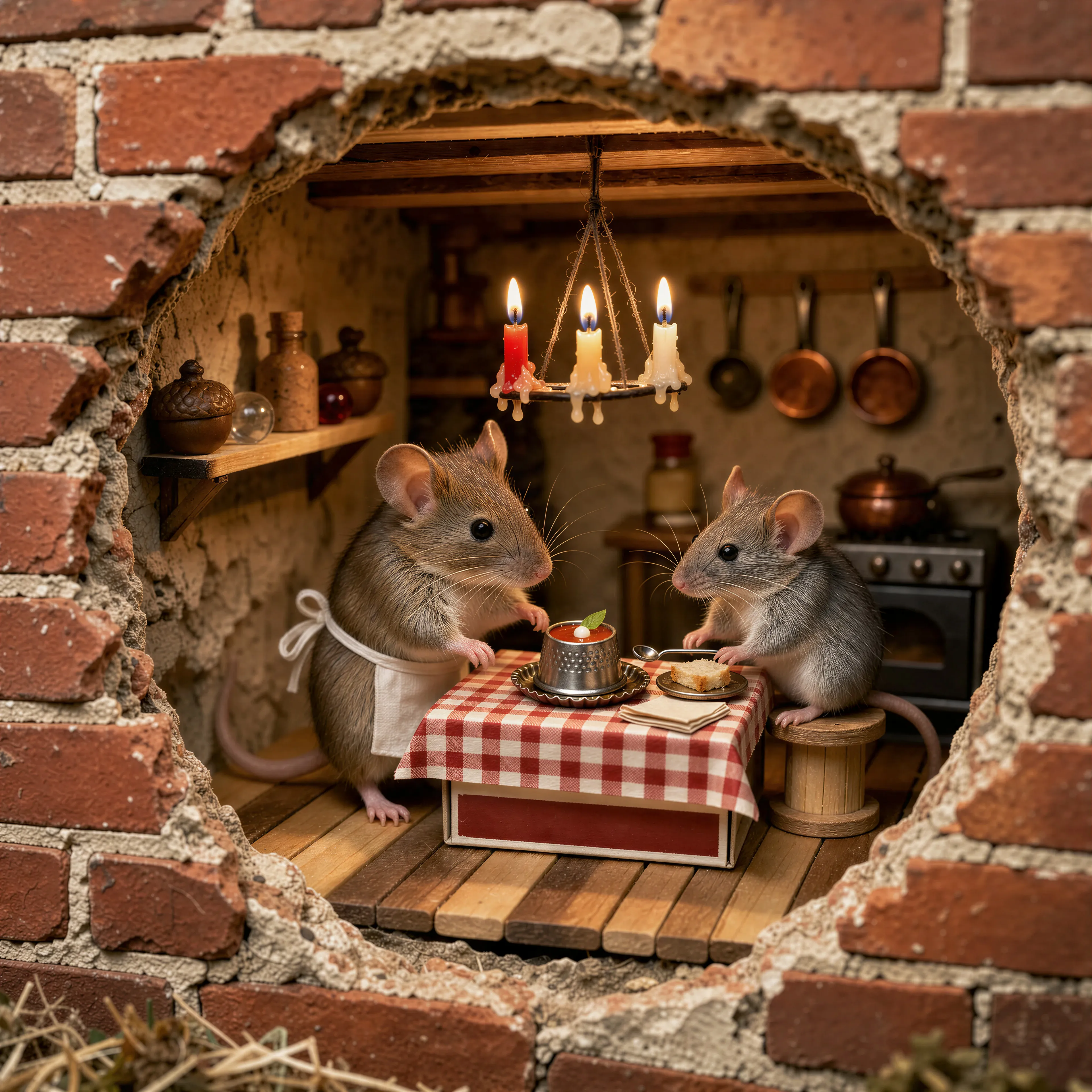
Two mice running a tiny trattoria in a hole in a brick wall, made with the AI image generator and upscaled with Upsampler
05 · Image Editing

Edit Images at Full Resolution

Change anything with a text prompt and get the result back at your photo's full size.

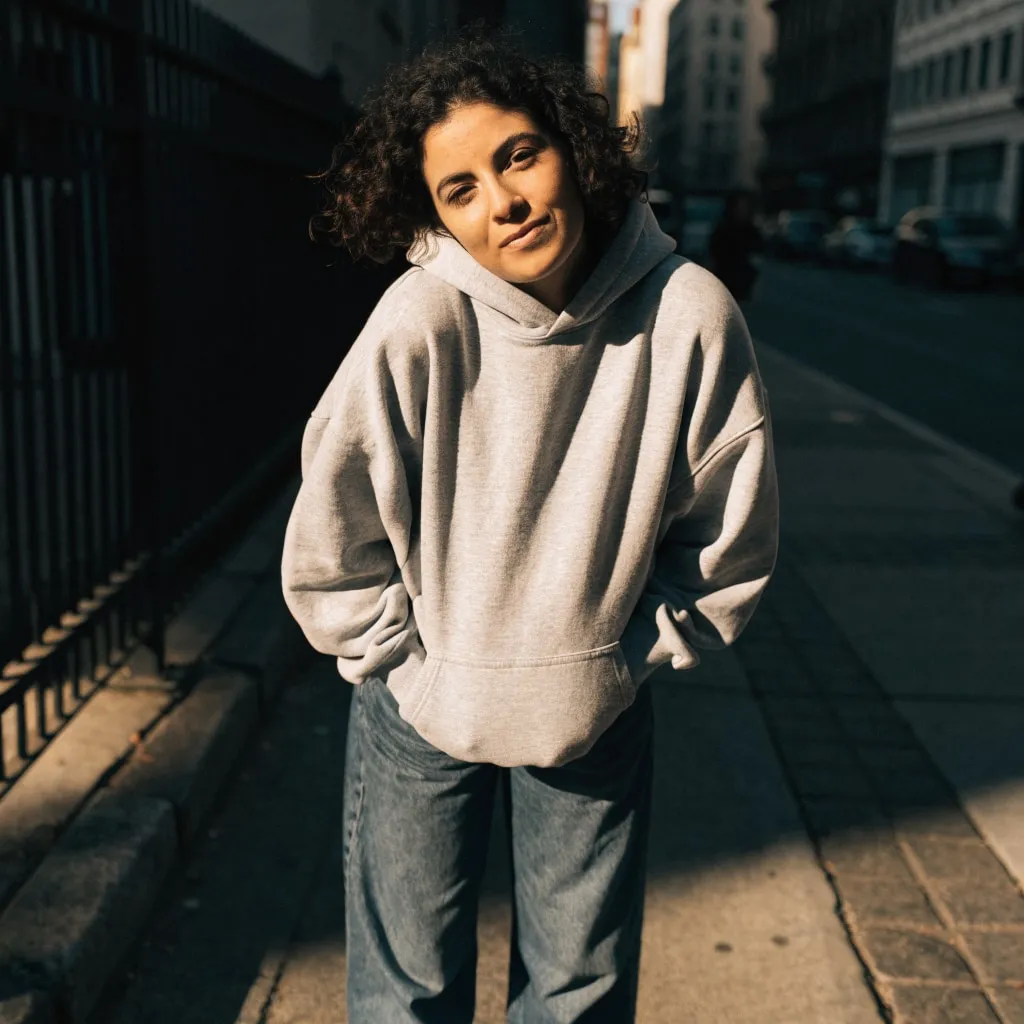
Before
Woman in a grey hoodie on a city sidewalk, changed into a red satin evening dress with an AI edit before enhancement and upscaling
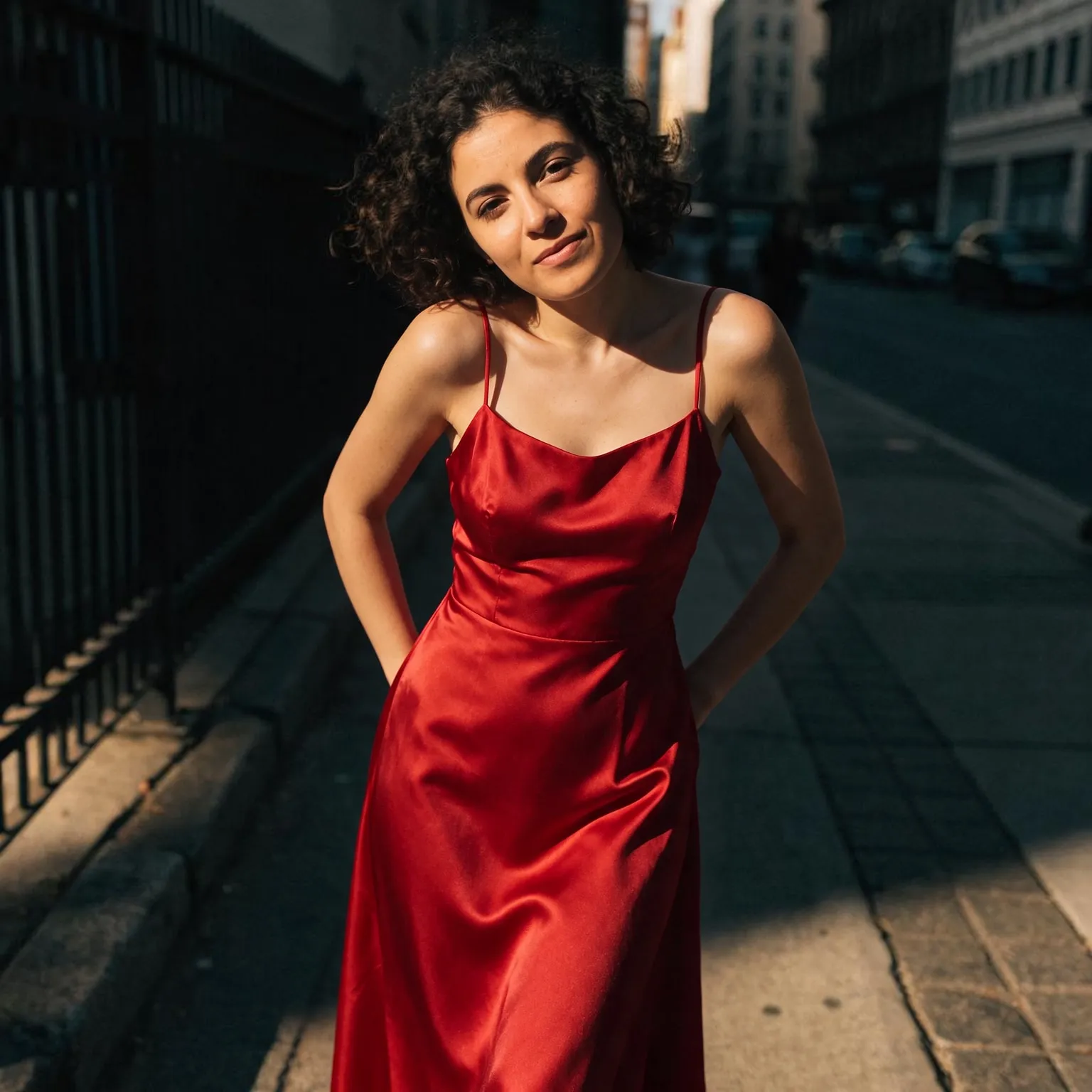
After
Woman in a grey hoodie on a city sidewalk, changed into a red satin evening dress with an AI edit after enhancement and upscaling

Animate old photos with gentle, natural motion

This tool does one quiet thing: it lets the person in an old photograph move a little, the way they might have in the second after the shutter closed. A grandmother breaks into a smile, a soldier blinks and looks toward the camera, a child turns their head. Unlike the general free AI video generator, where you describe any scene you like, every motion here is written to stay small, keep the camera still, and preserve the face, clothing, grain, and colors of the original.

It is also different from restoration. Animating moves the photo; it does not repair it. If your print has scratches, creases, or a faded face, fix those first with the free old photo restoration tool, and if you want it in color, run it through the free photo colorizer. Then bring the result here. A clean, sharp face is the single biggest factor in how natural the animation looks.

Bring old photos to life, step by step

Start with the best copy you have. A scan at a decent resolution beats a phone photo of a framed print, because glare and perspective from the frame end up in the clip. Crop away the album page or the white border so the person fills more of the frame; the output follows the shape of your crop, up to 2.5 times as wide as it is tall, and photos can be up to 4096 pixels per side.

Then choose a motion. Gentle smile and blink and glance are the most lifelike for single portraits. Slight head turn works best when the face is seen from the front. Calm breathing is the most subtle of all and suits formal portraits where a smile would feel out of character. In a group photo, use the extra details field to say who should move, for example the woman on the left smiles.

Clips run 2 to 5 seconds. Two seconds is the default and is often enough for a blink or a smile; three or four seconds give a head turn time to come back to rest.

Expect the best results from portraits where the face is large, sharp, and lit from the front. Very small faces in a wide street scene, faces half in shadow, and heavy damage across the eyes give the model less to work with, and the movement can drift away from the original likeness. In those cases, crop in closer and restore the face first, then animate the cleaner version.

A respectful way to animate family photos

Seeing a relative you never met move, even for a moment, can be moving, and it can also be unsettling. The motion is the model's invention, not a recording, so treat the result as an artistic tribute rather than a record of how someone really smiled. When you share a clip with family, it helps to say it was made with AI, and to ask close relatives before posting an animated photo of someone they have lost.

Keep the motion modest. The presets here deliberately avoid speech, big gestures, and dramatic camera moves, because those are exactly where a face stops looking like the person. If a result does not feel right, regenerate: each run uses a fresh random seed and moves a little differently.

Many people make these clips for a memorial slideshow, a family reunion, or a birthday tribute. A short animated portrait between still photos is often more touching than a long one. If you want a looping version for a message or a digital frame, the free video to GIF converter turns the clip into a GIF, and keeping the original scan alongside the animation means the real photograph is never replaced by the AI version.

Sound, quality, and free limits

The default model, LTX 2.5, generates audio together with the picture, and for a portrait that sound is invented too, so it may not suit a family keepsake. Mute it in your player, or choose Wan 2.2 14B or Wan 2.2 5B in the Model field for a silent clip. Clips render at around 480p as MP4 with no watermark, sized to your photo.

Each visitor gets a daily allowance of free GPU time. A two-second clip on LTX 2.5 uses roughly a third of it, so expect about three default clips a day, and LTX 2.3 is lighter on the allowance. Connecting a free Hugging Face account raises the limit.

Frequently Asked Questions

Upload the photo above, choose a motion such as gentle smile or blink and glance, and press Animate Photo. No account is needed, and the clip downloads as an MP4 with no watermark.

If it has scratches, creases, or a blurry face, yes. Restore it with the free old photo restoration tool, colorize it if you like, then animate the cleaned version. A sharp face gives far more natural motion.

Yes. The animation keeps the photo's own colors, so a black and white photo stays black and white. Colorize it first with the free photo colorizer if you want color.

Yes, though small faces move less convincingly. Use the extra details field to say who should move, and crop closer to the people that matter most.

This tool keeps the motion to small, quiet movements and does not lip sync to speech. Talking is where an animated face most often stops looking like the person.

Clips run 2 to 5 seconds at around 480p. Each visitor has a daily allowance of shared free GPU time, about three default two-second clips on LTX 2.5, and a free Hugging Face account raises it.

No. Your photo is processed on the GPU for this one clip and expires automatically. It never appears in a gallery and is never used for training.

No. Your download is the clean, full-quality result with no watermark, and you never need an account or email to get it.

Yes. The tool runs open models released under the LTX-2.x Community License and Apache 2.0, and none of them claims any rights over the output you generate, so the model puts no claim on what you make, in commercial work or anywhere else. What the model does not decide is your right to the material you feed it: anything you upload stays subject to whoever holds the rights in it, and the usual limits apply either way. Do not use the tools to create illegal content, to impersonate real people, or to infringe someone else's rights.

No, credit is never required. If you publish the result on a website, blog or social post, a link back to this tool is appreciated and helps keep it free: press Copy credit link under your result and paste the ready-made link wherever you post it.

No. Sexually explicit content and anything involving minors are prohibited and cannot be unlocked on any plan, and every upload and prompt sent to our free GPUs is screened by an automated safety filter before it runs. Our Terms of Service list the full set of prohibited content.