Free AI Anime Video Generator | No Sign-Up

Create anime clips from a text prompt, or animate your own anime art, in shonen action, slice of life, painted landscape, or cyberpunk styles. No sign-up, no watermark.

  • No account
  • No ads
  • No watermark
Examples · tap to try

Describe a scene or upload anime art, pick an anime style, and press Generate Anime Video. With an image, the style alone is enough to set it in motion.

More Free Tools

Discover more free tools to enhance your creative projects, no account required.

Our Premium Tools

Access highly advanced AI tools with flexible pricing: subscription or one-time payment.

Muse ImageNano Banana 2Nano Banana 2.1GPT Image 2GPT Image 2.5 FlareGPT Image 2.5 SunburstGPT Image 2.6 FlareGPT Image 2.6 SunburstGrok Imagine Image 2Nano Banana 2 LiteNano Banana ProSeedream 4Seedream 5 ProSeedream 5.5GPT Image 1.5Flux 3Qwen Image 3Qwen Image 2 ProGrok Imagine ImageP-Image IdeogramKrea 2Krea 3MAI Image 2.5Nano BananaImagen 4Seedream 3Seedream 4.5Seedream 5 FlashSeedream 5 LiteFlux 2 KleinFlux 2 ProFlux 2 MaxFlux 3 KleinZ Image TurboQwen Image 2Recraft V4.1Ideogram V4Ideogram V4.5Imagen 3Flux Kontext ProFlux Kontext MaxQwen ImageRecraft V4Ideogram V3Flux SchnellFlux 1.1 ProWan 2.2Recraft V3P Image UpscaleSeed VR 2FluxStable DiffusionGANFlux Fill ProQwen Edit 2511Qwen EditFlux Kontext FastMiniMax H3 Max TurboMiniMax H3Seedance 2.5Wan 3.0Gemini Omni 1.2 FlashMiniMax H3 LiteGrok Imagine VideoGrok Imagine Video 1.5P-Video 2 ProSeedance 1 ProSeedance 1.5 ProSeedance 2 MiniWan 2.7Kling 2.5 ProVeo 3.1 (No Audio)LTX 2.5 FastP-Video 2P-VideoKling 4.0 FlashRunway Gen 4.5P-Video 2 DraftWan 2.2 14B ProP-Video DraftLTX 2.5SeedVR 2RelayVSRRTX VSR
01 · Video Generation

Generate Videos in Full HD

Create clips from a prompt or bring a still image to life.

02 · Video Upscaling

Upscale Videos to 4K

Sharpen edges, textures, and on-screen text frame by frame, with stable motion.

03 · Image Upscaling

Upscale Images to 100 MP

Add real detail as you enlarge.

Before
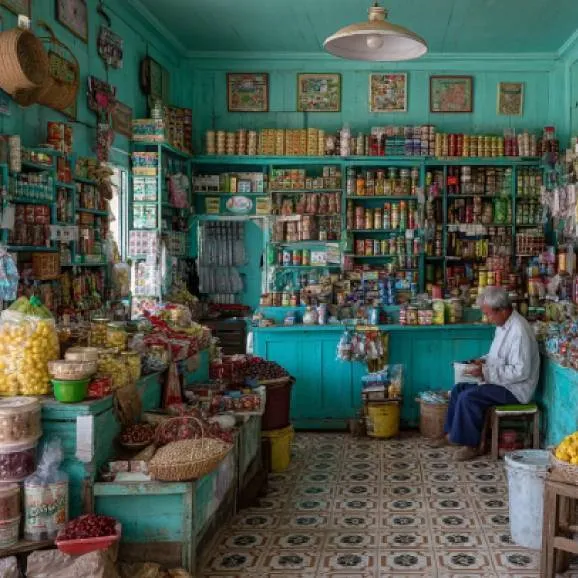
Japanese supermarket upscaled with the AI image upscaler before enhancement and upscaling
After
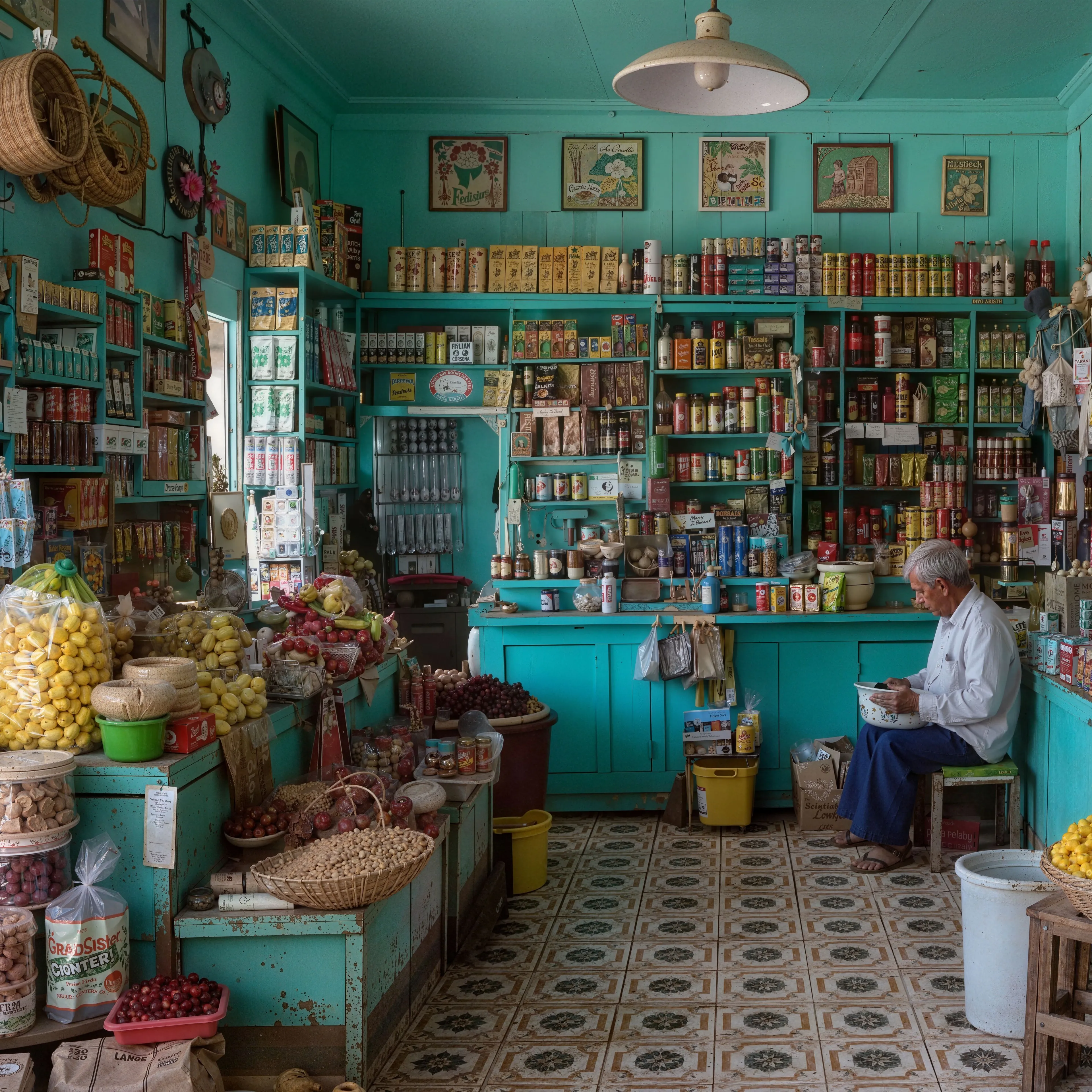
Japanese supermarket upscaled with the AI image upscaler after enhancement and upscaling
04 · Image Generation

Generate Images in 4K

Turn a prompt or a reference image into anything from photoreal shots to illustration.

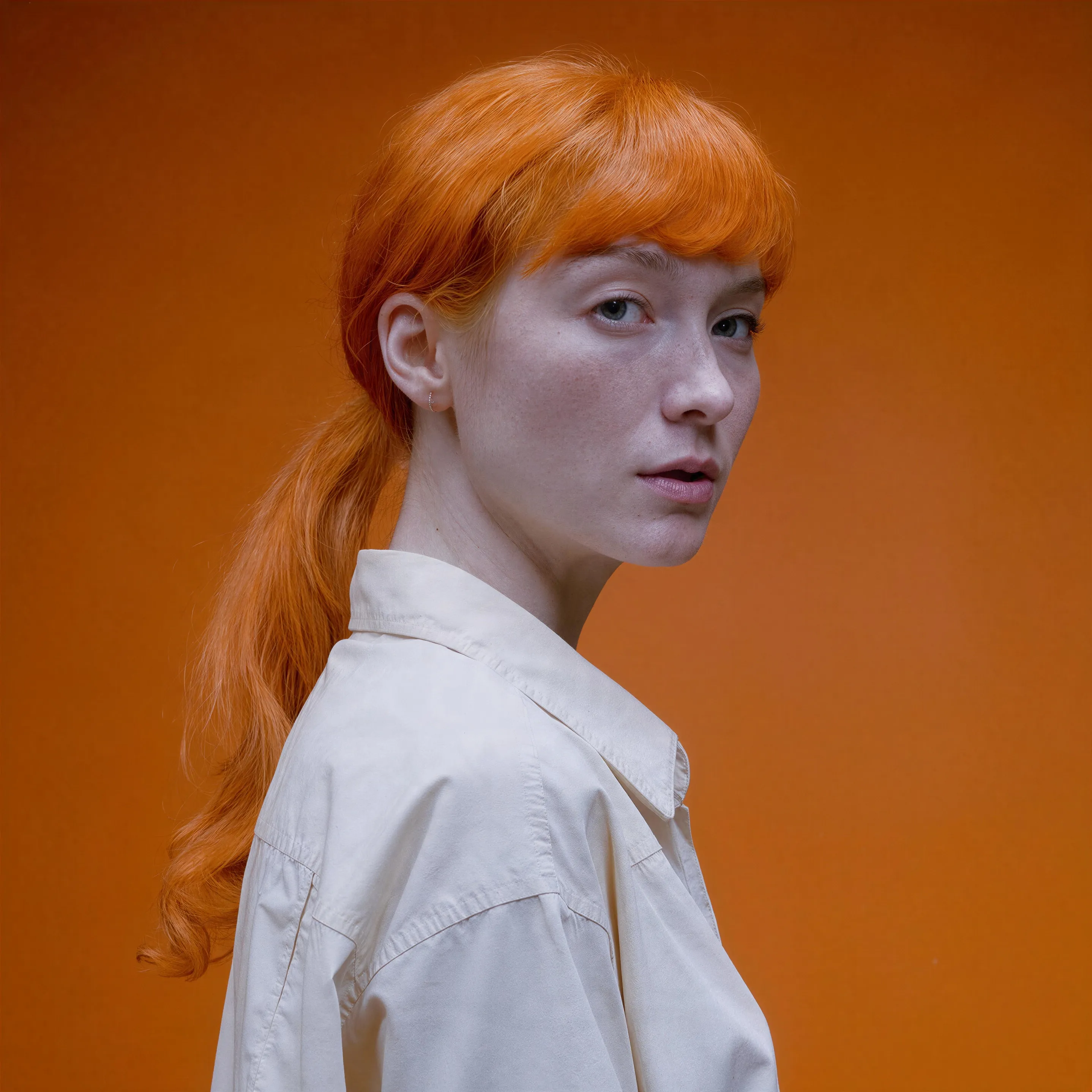
Red-haired portrait made with the AI image generator, upscaled with Upsampler
05 · Image Editing

Edit Images at Full Resolution

Change anything with a text prompt and get the result back at your photo's full size.

Before
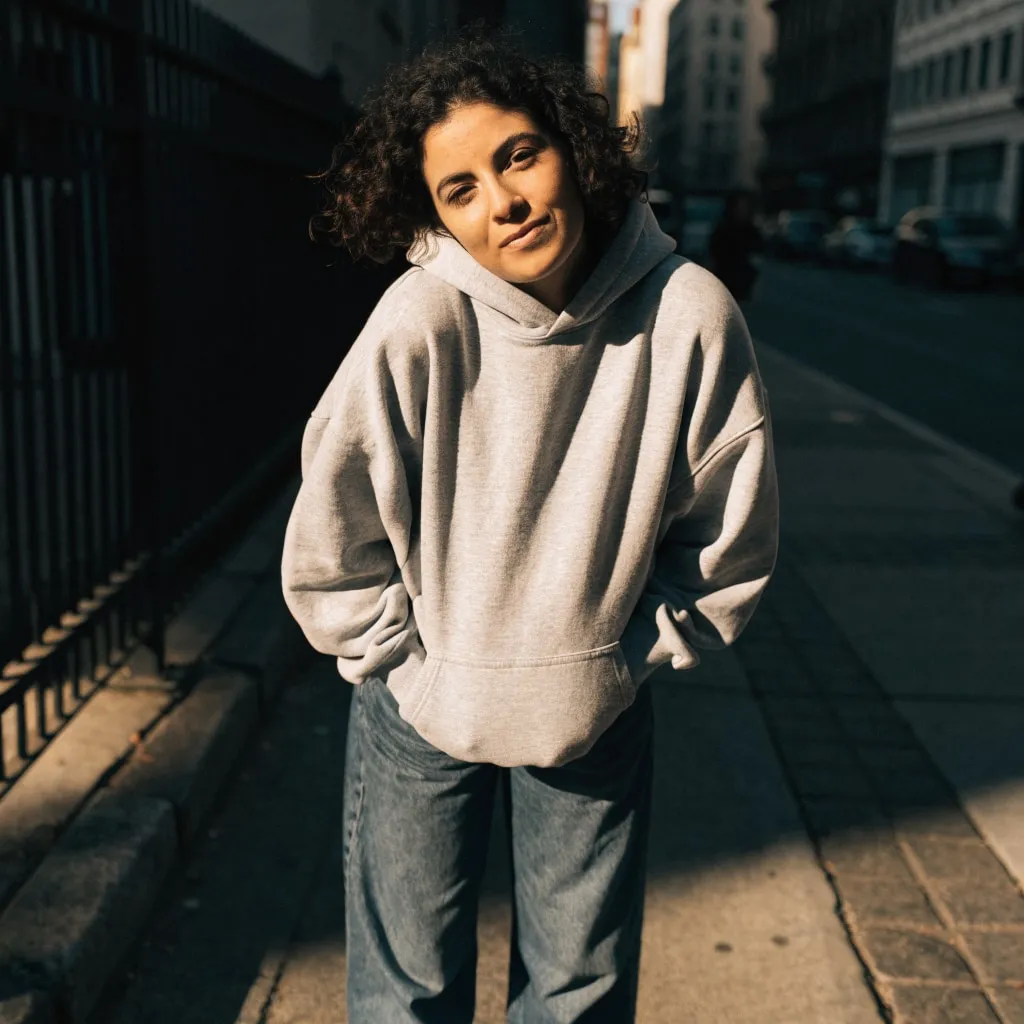
Woman in a grey hoodie on a city sidewalk, changed into a red satin evening dress with an AI edit before enhancement and upscaling
After
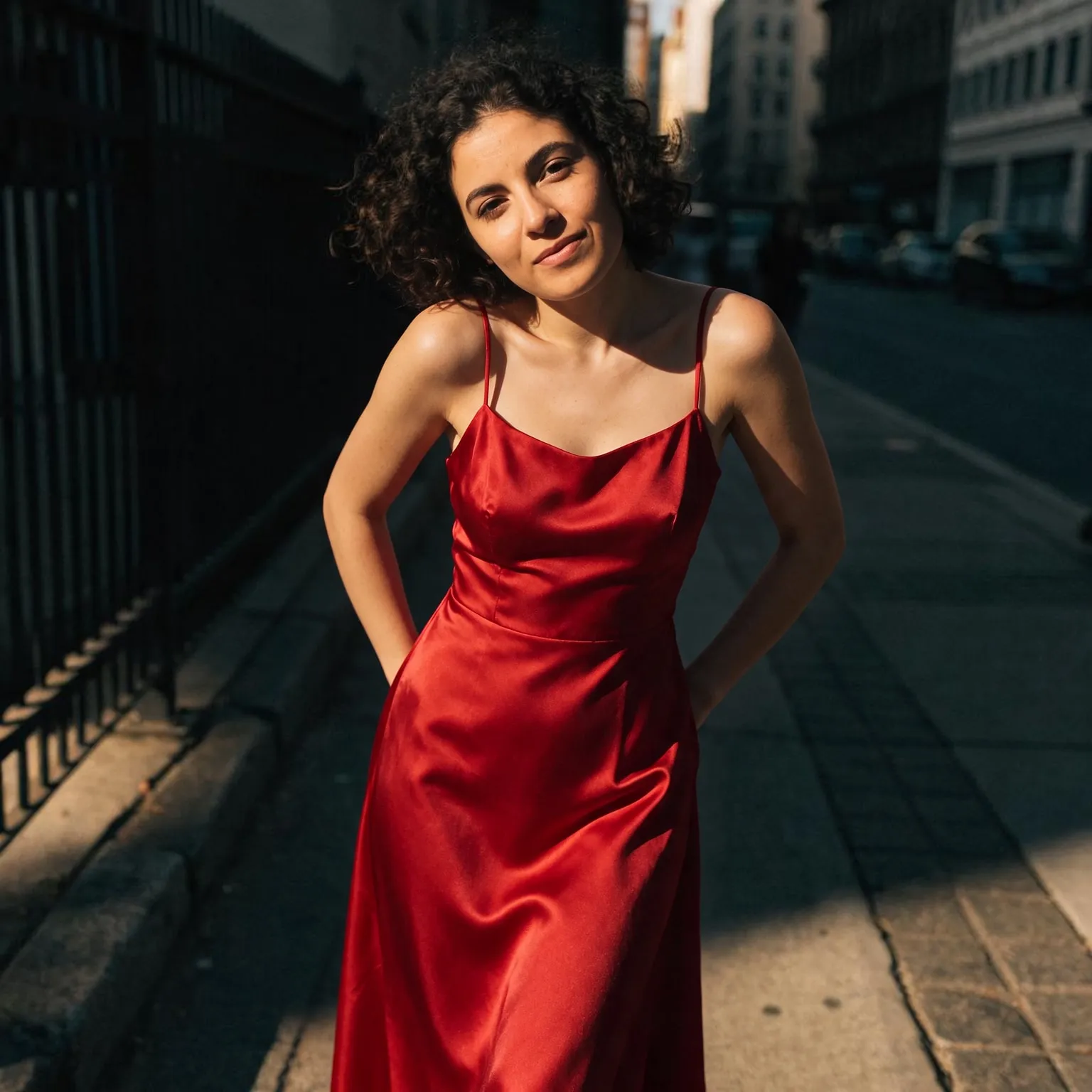
Woman in a grey hoodie on a city sidewalk, changed into a red satin evening dress with an AI edit after enhancement and upscaling

An AI anime video generator for 2D animation

Open video models lean toward live-action footage. Ask the general free AI video generator for a samurai at dawn and you will often get a filmed actor. This AI anime video generator wraps every prompt in anime direction instead: 2D animation, clean line art, cel-shaded color, and a style chip that sets the genre and the camera. You describe the scene, or upload a piece of anime art, and the result looks drawn rather than filmed.

Four styles cover most of what people make. Shonen action brings speed lines, glowing energy, and a swooping camera for fights and transformations. Slice of life is soft and pastel, made for classrooms, cafes, and quiet walks home. Painted landscape produces lush hand-painted skies and fields in the manner of classic feature-length anime films. Cyberpunk anime sets the scene in a rainy neon city at night.

Anime text to video, or animate your anime art

With text alone, write the subject and one clear action: a girl with a red scarf runs across a rooftop as cherry blossoms blow past, a mech lands in a flooded street, a cat naps on a sunny windowsill. One action per clip works far better than a whole plot, because a clip is only a few seconds long. You also choose widescreen, vertical, or square output.

Anime has its own camera language, and borrowing it helps. Ask for a low-angle shot to make a hero look powerful, a slow push toward the face for an emotional beat, a wide establishing shot of the town before the action, or a tracking shot that runs alongside a character. Lighting words carry a lot of weight too: golden evening light, a moonlit classroom, or rain against a window set the mood faster than a long description of the room. For short-form vertical posts, pick the vertical format and keep the main character in the center of the frame.

With an image, the generator animates the art you upload: an illustration, a character sheet pose, or a frame of your own comic. The style chip then decides the kind of motion, and the scene field becomes optional. If what you have is a photo, turn it into an anime illustration first with the free photo to anime tool, then animate that picture here. The clip follows the shape of your image, up to 2.5 times as wide as it is tall, from images up to 4096 pixels per side.

What to expect from a free anime clip

Anime is hard for open video models in a specific way: line art has to stay crisp while things move, and hands, faces, and long hair are where it breaks first. Slow, simple motion such as hair in the wind, a turn of the head, or drifting clouds comes out cleanest. Big fight choreography is possible but less stable, so generate a few takes and keep the best one; each run uses a fresh random seed.

Clips run 2 to 5 seconds at around 480p and download as MP4 with no watermark. The default model is LTX 2.5, which adds generated sound to every clip; Wan 2.2 14B is the slowest and highest quality model here, and the Wan models are silent. Original characters work best. Prompts that name a specific copyrighted character can still produce something similar, but the clip is yours to use only where you hold the rights to that character.

For a recurring original character, keep one reference illustration and start each clip from it with an image upload. That holds the character design steady across clips far better than describing the same character in words every time. Draw or generate a few poses of that character, front view, side view, and an action pose, and you have a small library of starting frames for a whole series of clips. Short anime loops like these work well as channel intros, profile banners, and animated reaction clips, where two to five seconds is all you need.

Free limits and polishing your clip

The generator runs on shared free GPUs, and each visitor has a daily allowance of GPU time. A two-second clip on LTX 2.5 uses roughly a third of it, so expect about three default clips a day, or more on LTX 2.3. Connecting a free Hugging Face account raises the limit.

Anime clips also take well to cleanup afterwards. The free AI video upscaler enlarges a 480p clip, which helps when you want to post it at full screen.

Frequently Asked Questions

Describe a scene, pick an anime style such as shonen action or slice of life, and press Generate Anime Video. No account is needed, and the clip downloads as an MP4 with no watermark.

Every prompt is wrapped in anime direction: 2D animation, line art, cel shading, and the genre and camera of the style you pick. A regular video generator tends to return live-action footage for the same prompt.

Yes. Upload the image and pick a style; the scene description becomes optional. The clip follows the shape of your image, up to 2.5 times as wide as tall.

In two steps. Turn the photo into an anime illustration with the free photo to anime tool, then upload that illustration here to animate it.

One clear action with gentle motion: hair in the wind, a character turning, clouds drifting, a walk through a street. Fast fights work too but are less stable, so generate a few takes.

Clips run 2 to 5 seconds at around 480p. Each visitor gets a daily allowance of shared GPU time, about three default two-second clips on LTX 2.5, and a free Hugging Face account raises it.

No. Uploaded art is processed on the GPU for your clip and expires automatically. It is never published or used to train models.

No. Your download is the clean, full-quality result with no watermark, and you never need an account or email to get it.

Yes. The tool runs open models released under the LTX-2.x Community License and Apache 2.0, and none of them claims any rights over the output you generate, so the model puts no claim on what you make, in commercial work or anywhere else. What the model does not decide is your right to the material you feed it: anything you upload stays subject to whoever holds the rights in it, and the usual limits apply either way. Do not use the tools to create illegal content, to impersonate real people, or to infringe someone else's rights.

No, credit is never required. If you publish the result on a website, blog or social post, a link back to this tool is appreciated and helps keep it free: press Copy credit link under your result and paste the ready-made link wherever you post it.

No. Sexually explicit content and anything involving minors are prohibited and cannot be unlocked on any plan, and every upload and prompt sent to our free GPUs is screened by an automated safety filter before it runs. Our Terms of Service list the full set of prohibited content.