

Free AI Video Restoration | No Sign-Up

Restore old video clips from camcorders, digitized tapes, and early phones. The AI sharpens soft detail, calms noise and compression blocks, and upscales the picture. No sign-up, no watermark.

  • No account
  • No ads
  • No watermark
Examples · tap to try

Drop a short clip of old footage and press Restore Video. Each frame is cleaned up, sharpened, and upscaled, and the MP4 comes back with its original sound.

More Free Tools

Discover more free tools to enhance your creative projects, no account required.

Our Premium Tools

Access highly advanced AI tools with flexible pricing: subscription or one-time payment.

Muse ImageNano Banana 2Nano Banana 2.1GPT Image 2GPT Image 2.5 FlareGPT Image 2.5 SunburstGPT Image 2.6 FlareGPT Image 2.6 SunburstGrok Imagine Image 2Nano Banana 2 LiteNano Banana ProSeedream 4Seedream 5 ProSeedream 5.5GPT Image 1.5Flux 3Qwen Image 3Qwen Image 2 ProGrok Imagine ImageP-Image IdeogramKrea 2Krea 3MAI Image 2.5Nano BananaImagen 4Seedream 3Seedream 4.5Seedream 5 FlashSeedream 5 LiteFlux 2 KleinFlux 2 ProFlux 2 MaxFlux 3 KleinZ Image TurboQwen Image 2Recraft V4.1Ideogram V4Ideogram V4.5Imagen 3Flux Kontext ProFlux Kontext MaxQwen ImageRecraft V4Ideogram V3Flux SchnellFlux 1.1 ProWan 2.2Recraft V3P Image UpscaleSeed VR 2FluxStable DiffusionGANFlux Fill ProQwen Edit 2511Qwen EditFlux Kontext FastMiniMax H3 Max TurboMiniMax H3Seedance 2.5Wan 3.0Gemini Omni 1.2 FlashMiniMax H3 LiteGrok Imagine VideoGrok Imagine Video 1.5P-Video 2 ProSeedance 1 ProSeedance 1.5 ProSeedance 2 MiniWan 2.7Kling 2.5 ProVeo 3.1 (No Audio)LTX 2.5 FastP-Video 2P-VideoKling 4.0 FlashRunway Gen 4.5P-Video 2 DraftWan 2.2 14B ProP-Video DraftLTX 2.5SeedVR 2RelayVSRRTX VSR
01 · Video Upscaling

Upscale Videos to 4K

Sharpen edges, textures, and on-screen text frame by frame, with stable motion.

02 · Video Generation

Generate Videos in Full HD

Create clips from a prompt or bring a still image to life.

03 · Image Upscaling

Upscale Images to 100 MP

Add real detail as you enlarge.

Before
Close-up of a woman's eyes upscaled with the AI image upscaler before enhancement and upscaling
After
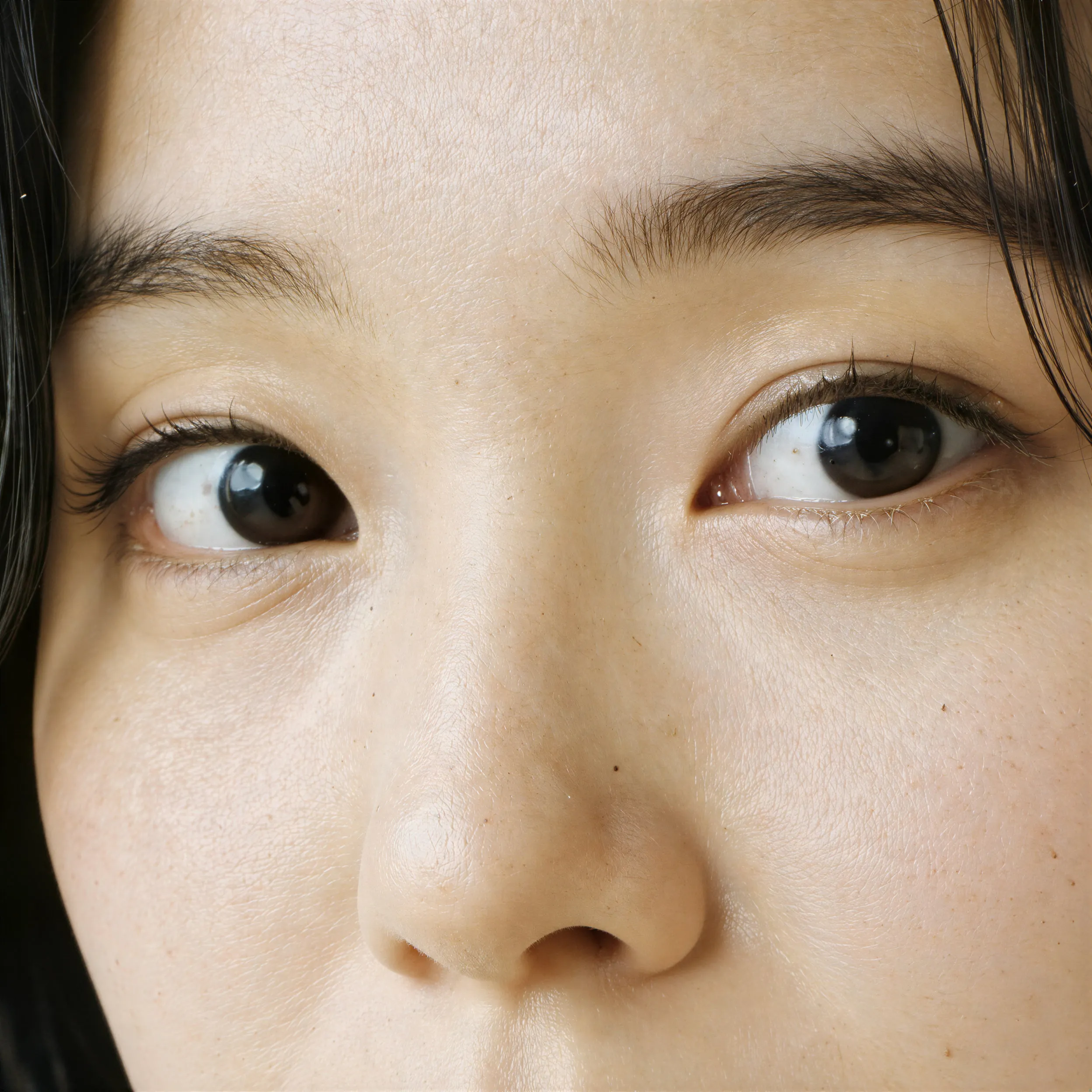
Close-up of a woman's eyes upscaled with the AI image upscaler after enhancement and upscaling
04 · Image Generation

Generate Images in 4K

Turn a prompt or a reference image into anything from photoreal shots to illustration.

Portrait of an older woman in a white suit, made with the AI image generator and upscaled with Upsampler
05 · Image Editing

Edit Images at Full Resolution

Change anything with a text prompt and get the result back at your photo's full size.

Before
Woman in a white dress in a crowded old-town square, with the crowd removed by an AI edit before enhancement and upscaling
After
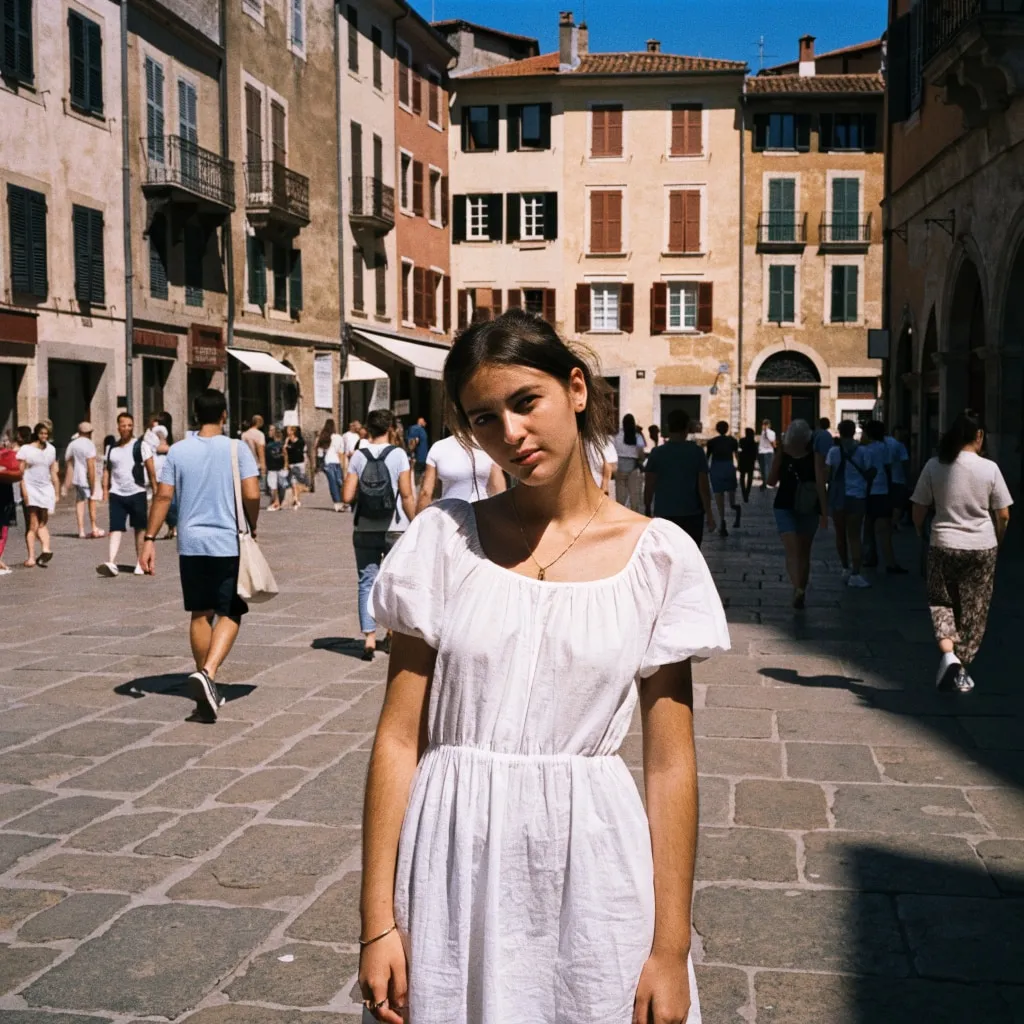
Woman in a white dress in a crowded old-town square, with the crowd removed by an AI edit after enhancement and upscaling

AI video restoration for old footage

Old video carries a mix of problems at once: low standard definition resolution, tape noise, soft focus from cheap lenses, and blocky compression from the digitizing step. This video restoration page is set up for that kind of material, with guidance and examples built around camcorder recordings, VHS and Hi8 transfers, and clips from the first phones that could film. The free AI video upscaler runs the same model for any footage and is the better fit when your clip is recent and simply small. Pick this page when the clip is old and you want it to look like a cleaner copy of itself.

Restoring photos from the same era? The free old photo restoration tool repairs scanned prints one image at a time.

How to restore old video with a free short-clip pass

The clip goes through a super-resolution model that upscales it while rebuilding edges and texture. RelayVSR, the default, keeps that detail steady from frame to frame; GAN is the quicker pick for longer clips. On old footage that does three useful things together. It sharpens soft outlines on faces, furniture, and landscapes. It smooths the fine noise and the blocky artifacts that tape transfers and old phone encoders leave behind. And it raises standard definition toward HD. The audio is copied over untouched, so voices and music stay exactly as recorded.

Prepare the clip first. The free tool takes up to 5 seconds with RelayVSR or 10 with GAN or Real-ESRGAN, 720p on the longest side, and 50 MB, which fits a typical 720 by 480 or 640 by 480 transfer. Cut the moment you care most about with the free video trimmer, upload it, and compare the result on the before/after slider.

How the tape was digitized matters more than most people expect. Capture at the tape's native resolution and skip any "enhance" or upscale option in the capture software, because those filters bake in smearing that the model then sharpens as if it were real detail. If you already have a file that was enlarged to 1080p during transfer, scale it back down to its original size with the free video resizer before restoring it. A clean, small source gives a better result than a large, blurry one.

What old video restoration can only partly fix

It helps to know where a general model stops. Scratches, dust specks, and dropout lines from a worn tape are sharpened along with everything else; the model sees them as part of the picture, so they become cleaner but they do not disappear. Faded or shifted color is kept as it is, because this pass restores detail rather than regrading the image. Interlaced footage, where moving edges show comb-like lines, should be deinterlaced during capture or export before you upload it. Tracking wobble and rolling bars from a damaged tape are also out of scope.

Expect a clearer version of the original, not a new film. Fine detail that the tape never recorded, such as the features of a face at the far end of a room, cannot be recovered reliably, and a restoration that claims otherwise is inventing it.

Make restored clips play smoother

Older recordings often feel jerky on a modern screen. For fluid motion, run the restored file through the free video frame interpolation tool, which generates in-between frames for smoother playback. Both steps are free, need no sign-up, and add no watermark. A small daily allowance of free GPU time covers several short clips, and connecting a Hugging Face account raises it.

Order matters when you combine the two. Restore first, then interpolate, so the generated frames are drawn from the cleaner, sharper picture rather than from the noisy original. Keep your original transfer as well: restoration is a copy, and the raw file is what any future tool will work from. For a whole tape, pick the moments that matter most, such as a birthday, a first step, or a wedding toast, restore those as short clips, and save the longer projects for the premium Video Upscaler, which restores clips up to five minutes in one job.

Frequently Asked Questions

Digitize the tape or copy the file, trim it to a few seconds, and drop it into the tool above. Press Restore Video and the AI sharpens, cleans up, and upscales every frame. No sign-up and no watermark.

It sharpens soft detail, reduces fine noise and compression blocks, and upscales the picture toward HD. It does not regrade color or remove physical damage like scratches.

Yes, once it has been digitized to MP4, WebM, or MOV. Standard definition transfers at 720 by 480 or 640 by 480 fit within the 720p input limit. Deinterlace the capture first if moving edges show comb lines.

Only partly. Scratches and dust are sharpened with the rest of the frame rather than removed, and faded color stays as it was. The tool restores clarity, not damage or color.

Up to 5 seconds with RelayVSR or 10 seconds with GAN or Real-ESRGAN, 720p on the longest side, and 50 MB on the free tool. The premium Video Upscaler restores clips up to five minutes with output up to 4K.

Yes. Restore the clip here, then run it through the free video frame interpolation tool to add in-between frames for smoother motion.

No. Clips are processed on the fly and are not stored permanently. To keep a clip off our servers entirely, pick Real-ESRGAN: it runs in your browser and the video never leaves your device. For private archives, the premium Video Upscaler runs behind your Upsampler account.

No. Your download is the clean, full-quality result with no watermark, and you never need an account or email to get it.

Yes. The tools run open models, and none of their licenses claims any rights over the output you generate, so the model puts no claim on what you make, in commercial work or anywhere else. What the model does not decide is your right to the material you feed it: anything you upload stays subject to whoever holds the rights in it, and the usual limits apply either way. Do not use the tools to create illegal content, to impersonate real people, or to infringe someone else's rights.

No, credit is never required. If you publish the result on a website, blog or social post, a link back to this tool is appreciated and helps keep it free: press Copy credit link under your result and paste the ready-made link wherever you post it.

No. Sexually explicit content and anything involving minors are prohibited and cannot be unlocked on any plan, and every upload and prompt sent to our free GPUs is screened by an automated safety filter before it runs. Our Terms of Service list the full set of prohibited content.