Blog
Latest posts from Upsampler.
Ideogram V3: AI Generator with Inpainting
Use Ideogram V3 to generate and edit images with native inpainting, outpainting, and text rendering. Access on Upsampler with pay-per-use credits.

Admin
@lucak5s
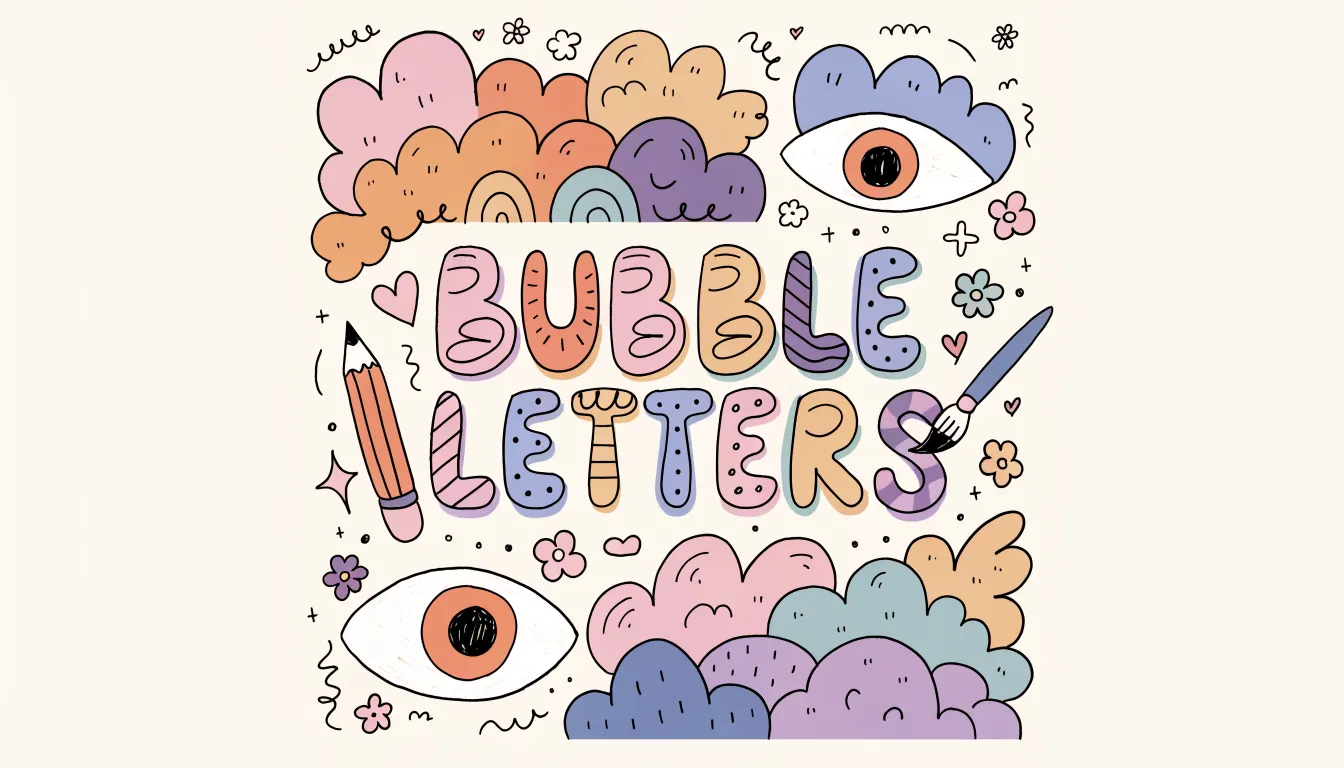
Ideogram made its name with one standout capability: text rendering. While most AI image generators produce garbled or misspelled text, Ideogram consistently generates accurate, legible text in images - signs, logos, labels, posters, and more. With V3, Ideogram has expanded beyond generation into editing with native inpainting and outpainting support.
On Upsampler, you can access Ideogram V3 for both generation and editing without an Ideogram subscription - using credits in the dashboard (Ideogram is not one of the models on the no-signup free generator or free editor pages). You can still try other models free first, then switch to Ideogram when you are ready to spend credits.
Ideogram V3 Models on Upsampler
Generation: Two Specialized Variants
Ideogram V3 comes in two generation variants, each optimized for a different visual style:
Ideogram V3 Realism (3 Stars, 6 Credits) Optimized for photorealistic output. Produces images with natural lighting, realistic textures, and believable compositions. Strong at product photography, portraits, and architectural visualization.
Ideogram V3 Digital Illustration (3 Stars, 6 Credits) Optimized for illustrative styles. Produces flat design, editorial illustration, character art, and stylized graphics. Better suited for creative and artistic use cases than the realism variant.
Both variants are recommended on Upsampler, reflecting their reliable quality within their respective style domains.
Editing: Full Inpainting and Outpainting Support
Ideogram V3 Editor (4 Stars, 6 Credits) This is where Ideogram V3 truly differentiates itself. The editing model supports three modes:
- Prompt editing - describe changes with text and the model applies them
- Inpainting - draw a mask to regenerate specific areas
- Outpainting - extend the image beyond its original borders
The editing model uses native mask support with inverted mask logic, meaning masks are processed directly by the model for cleaner, more accurate results. It also includes style presets that help maintain visual consistency across edits.
Why Ideogram V3's Editing Capabilities Matter
Ideogram V3 is one of only a handful of models on Upsampler that support all three editing modes (prompt, inpainting, outpainting). The full list:
| Model | Prompt | Inpainting | Outpainting | Credits |
|---|---|---|---|---|
| Nano Banana 2 | Yes | Yes | Yes | 11 |
| Nano Banana Pro | Yes | Yes | Yes | 15 |
| Ideogram V3 | Yes | Yes | Yes | 6 |
| Flux Fill Pro | - | Yes | Yes | 5 |
| Seedream 4.5 | Yes | Yes | - | 4 |
At 6 credits, Ideogram V3 offers full three-mode editing at a lower price than Nano Banana 2 (11 credits) and Nano Banana Pro (15 credits). Only Flux Fill Pro (5 credits) and Seedream 4.5 (4 credits) are cheaper, but neither supports all three modes.
Text Rendering in Ideogram V3
Text accuracy is Ideogram's signature capability and a major reason to choose it over other models. The V3 generation produces:
- Accurate spelling for English text up to moderate length
- Legible typography in various styles - serif, sans-serif, script, decorative
- Natural text integration - text looks like it belongs in the scene rather than being pasted on top
- Signage and labels that are readable and contextually appropriate
This makes Ideogram V3 particularly valuable for:
- Social media graphics with overlay text
- Product mockups with brand names and labels
- Signage previews for retail and wayfinding design
- Poster and flyer concepts with headline text
- Meme creation where text accuracy makes or breaks the joke
How to Use Ideogram V3 on Upsampler
For Generation
- Open the Image Generation tool (Ideogram V3 is not available on the Free AI Image Generator page, which uses a fixed free-tier lineup)
- Select Ideogram V3 Realism or Ideogram V3 Digital Illustration
- Write your prompt - be explicit about any text you want in the image (put it in quotes)
- Choose your aspect ratio
- Generate and download
For Editing (Inpainting/Outpainting)
- Open the Image Edit tool (the Free AI Image Editor is prompt-only and does not include Ideogram)
- Upload your image
- Select Ideogram V3
- Choose your edit mode: prompt, inpainting, or outpainting
- For inpainting: draw a mask over the area to modify
- For outpainting: define the expansion direction and amount
- Write your prompt describing the desired result
- Optionally select a style preset for consistency
- Generate
Ideogram V3 vs. Alternatives
| Feature | Ideogram V3 | Midjourney | DALL-E 3 | Recraft V4 |
|---|---|---|---|---|
| Text Rendering | Strong | Weak | Moderate | Strong |
| Inpainting | Yes (native mask) | No (external tools) | No | No |
| Outpainting | Yes | No | No | No |
| Style Presets | Yes | Style parameters | No | Design-driven |
| Subscription Required | No (pay-per-use) | Yes ($10/mo) | Yes ($20/mo) | No (pay-per-use) |
| Cost Per Image | 6 credits | Included in sub | Included in sub | 4 credits |
Ideogram V3's combination of strong text rendering and native inpainting/outpainting support is unique. Midjourney and DALL-E 3 offer no mask-based editing at all. Recraft V4 matches on text quality but lacks editing capabilities entirely.
Use Cases for Ideogram V3
Social Media Graphics with Text
Create Instagram posts, YouTube thumbnails, and LinkedIn banners with accurate overlay text. Most AI generators produce garbled text that requires manual correction in a design tool - Ideogram V3 gets it right the first time, saving a round trip to Figma or Canva.
Product Mockups and Packaging
Generate realistic product photos with legible brand names, ingredient lists, and taglines. The text rendering accuracy makes Ideogram V3 particularly valuable for e-commerce sellers who need quick mockup concepts before committing to a professional photoshoot.
Signage and Wayfinding Previews
Visualize store signs, event banners, or directional graphics before production. Architects and interior designers can use Ideogram V3 to preview how signage will look in context, with accurate text rendering that makes the previews genuinely useful for client presentations.
Poster and Flyer Concepts
Generate event posters, promotional flyers, and marketing materials with accurate headlines and body text. The style presets help maintain a consistent look across a campaign, while the inpainting capability lets you refine specific areas without regenerating the entire image.
Iterative Refinement with Inpainting
Generate an image, then use the same model's inpainting mode to fix any imperfections. This single-model workflow ensures stylistic consistency - the inpainted area matches the rest of the image because the same model generated both.
Tips for Better Results with Ideogram V3
- Put text in quotes. Always enclose the text you want rendered in quotation marks: 'a neon sign reading "Open 24 Hours"'. This helps the model distinguish the desired text from the rest of the prompt.
- Specify font style. Include terms like "serif," "sans-serif," "handwritten," "block letters," or "cursive" to control typography.
- Use the right variant. Choose Realism for photographs and product shots. Choose Digital Illustration for artwork, icons, and stylized content.
- Leverage style presets in editing. When making multiple edits to a single image, apply the same style preset to maintain visual consistency across rounds of inpainting.
- Combine with outpainting for aspect ratio changes. Generate a square image, then use outpainting to extend it to 16:9 for YouTube or 9:16 for Stories - the model maintains style consistency during extension.
- Compare with Qwen Image 2 Pro for multilingual text. Ideogram V3 is strongest with English text; for CJK or Arabic scripts, Qwen may produce more accurate results.
Style Presets for Consistent Editing
One of Ideogram V3's unique editing features is style presets. When editing, you can select a predefined style that guides the model's output, ensuring that generated content matches a specific aesthetic. This is particularly useful for:
- Brand consistency - apply the same style across multiple edits
- Series creation - maintain a unified look for a set of related images
- Mood control - quickly shift between photorealistic, illustrative, or stylized output
Frequently Asked Questions
Do I need an Ideogram account to use Ideogram V3?
No Ideogram account is required. On Upsampler, Ideogram V3 uses credits in the dashboard - no subscription, just one-time credits that never expire. You can try other models free on the no-signup pages first - those do not include Ideogram.
Which Ideogram variant should I choose for generation?
Choose Ideogram V3 Realism for photographs, product shots, and realistic scenes. Choose Ideogram V3 Digital Illustration for creative artwork, editorial graphics, and stylized content. Both cost the same (6 credits).
Can Ideogram V3 do inpainting and outpainting?
Yes. The Ideogram V3 editing model supports prompt editing, inpainting (mask-based content regeneration), and outpainting (image extension). It uses native mask processing for clean results.
How does Ideogram's text rendering compare to Qwen?
Both are strong at text rendering. Ideogram V3 excels at English text in designed contexts (signs, logos, posters). Qwen Image 2 Pro excels at multilingual text across many scripts (Chinese, Japanese, Arabic, etc.). Choose Ideogram for English design work and Qwen for multilingual needs.
Is Ideogram V3 good for logo design?
Ideogram V3 can generate logo concepts with accurate text, but for production-ready vector logos, Recraft V4 SVG is the better choice since it outputs editable SVG files. Ideogram V3 outputs raster images.
Start Using Ideogram V3 Today
Ideogram V3 brings together strong text rendering, dual style variants, and full inpainting/outpainting support in one model family - all accessible on Upsampler without an Ideogram subscription.
Try the Free AI Image Generator to use Upsampler with no signup, then open Ideogram V3 in the Image Generation tool and Image Edit tool when you are ready to use credits.
Use Ideogram V3 in the dashboard - text rendering, inpainting, and outpainting in one model family.