Free AI Music Video Generator | No Sign-Up

Make short music video shots from a prompt, an artist photo, or your cover art, in neon city, concert stage, dreamy, or retro VHS looks. No sign-up, no watermark.

  • No account
  • No ads
  • No watermark
Examples · tap to try

Describe the scene or upload an artist photo or cover art, pick a look, and press Generate Music Video. Generate several shots and cut them to your track in any video editor.

More Free Tools

Discover more free tools to enhance your creative projects, no account required.

Our Premium Tools

Access highly advanced AI tools with flexible pricing: subscription or one-time payment.

Muse ImageNano Banana 2Nano Banana 2.1GPT Image 2GPT Image 2.5 FlareGPT Image 2.5 SunburstGPT Image 2.6 FlareGPT Image 2.6 SunburstGrok Imagine Image 2Nano Banana 2 LiteNano Banana ProSeedream 4Seedream 5 ProSeedream 5.5GPT Image 1.5Flux 3Qwen Image 3Qwen Image 2 ProGrok Imagine ImageP-Image IdeogramKrea 2Krea 3MAI Image 2.5Nano BananaImagen 4Seedream 3Seedream 4.5Seedream 5 FlashSeedream 5 LiteFlux 2 KleinFlux 2 ProFlux 2 MaxFlux 3 KleinZ Image TurboQwen Image 2Recraft V4.1Ideogram V4Ideogram V4.5Imagen 3Flux Kontext ProFlux Kontext MaxQwen ImageRecraft V4Ideogram V3Flux SchnellFlux 1.1 ProWan 2.2Recraft V3P Image UpscaleSeed VR 2FluxStable DiffusionGANFlux Fill ProQwen Edit 2511Qwen EditFlux Kontext FastMiniMax H3 Max TurboMiniMax H3Seedance 2.5Wan 3.0Gemini Omni 1.2 FlashMiniMax H3 LiteGrok Imagine VideoGrok Imagine Video 1.5P-Video 2 ProSeedance 1 ProSeedance 1.5 ProSeedance 2 MiniWan 2.7Kling 2.5 ProVeo 3.1 (No Audio)LTX 2.5 FastP-Video 2P-VideoKling 4.0 FlashRunway Gen 4.5P-Video 2 DraftWan 2.2 14B ProP-Video DraftLTX 2.5SeedVR 2RelayVSRRTX VSR
01 · Video Generation

Generate Videos in Full HD

Create clips from a prompt or bring a still image to life.

02 · Video Upscaling

Upscale Videos to 4K

Sharpen edges, textures, and on-screen text frame by frame, with stable motion.

03 · Image Upscaling

Upscale Images to 100 MP

Add real detail as you enlarge.

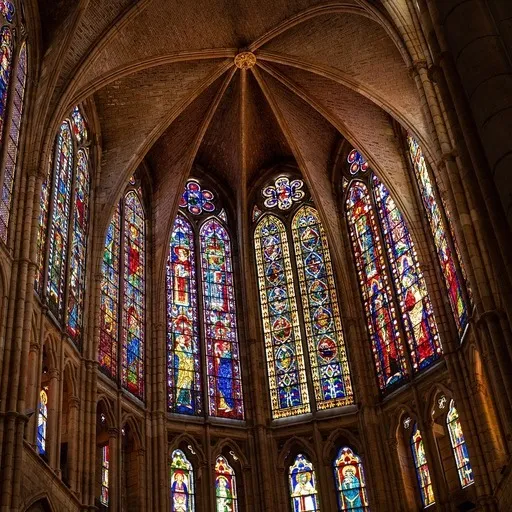
Before
Cathedral interior upscaled with the AI image upscaler before enhancement and upscaling
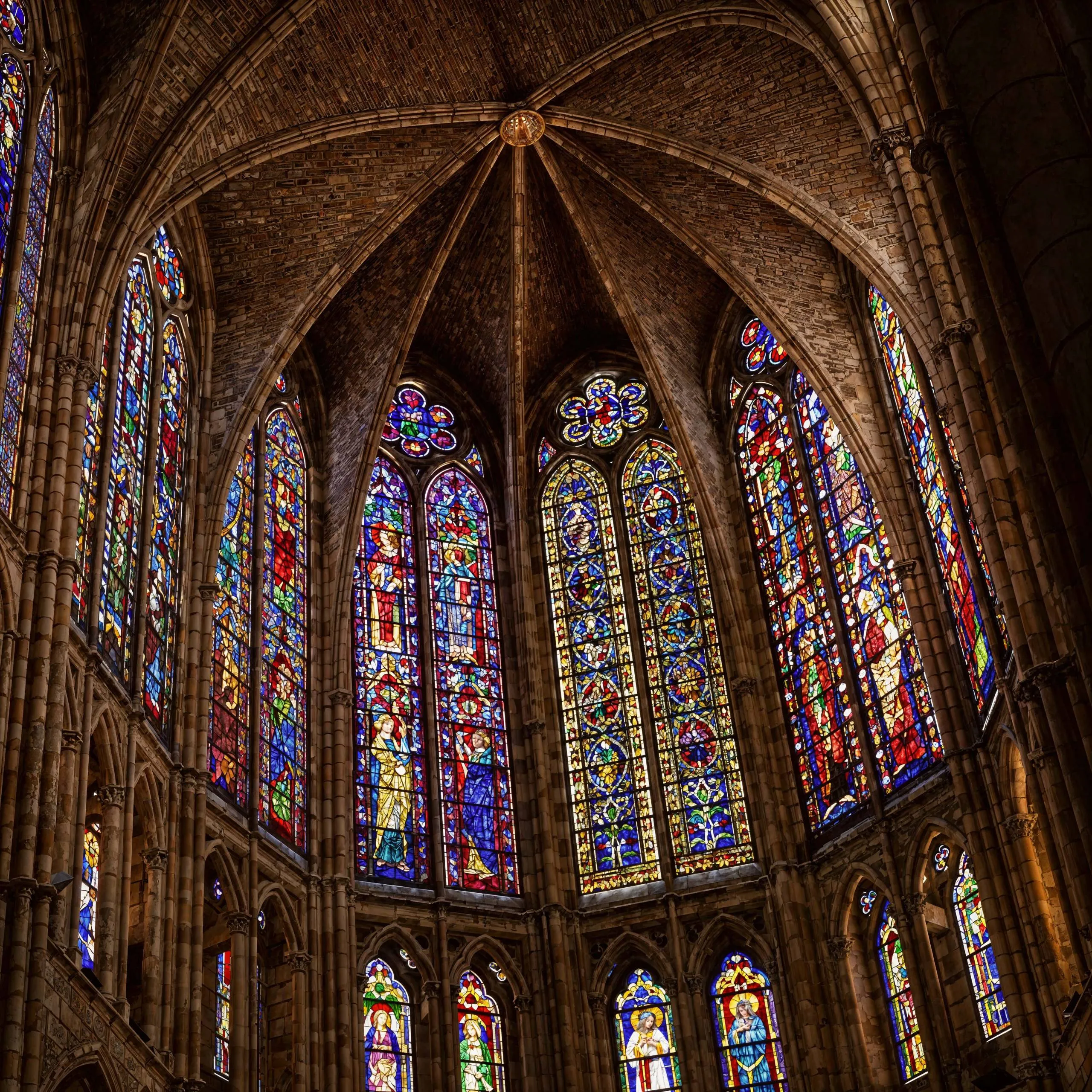
After
Cathedral interior upscaled with the AI image upscaler after enhancement and upscaling
04 · Image Generation

Generate Images in 4K

Turn a prompt or a reference image into anything from photoreal shots to illustration.

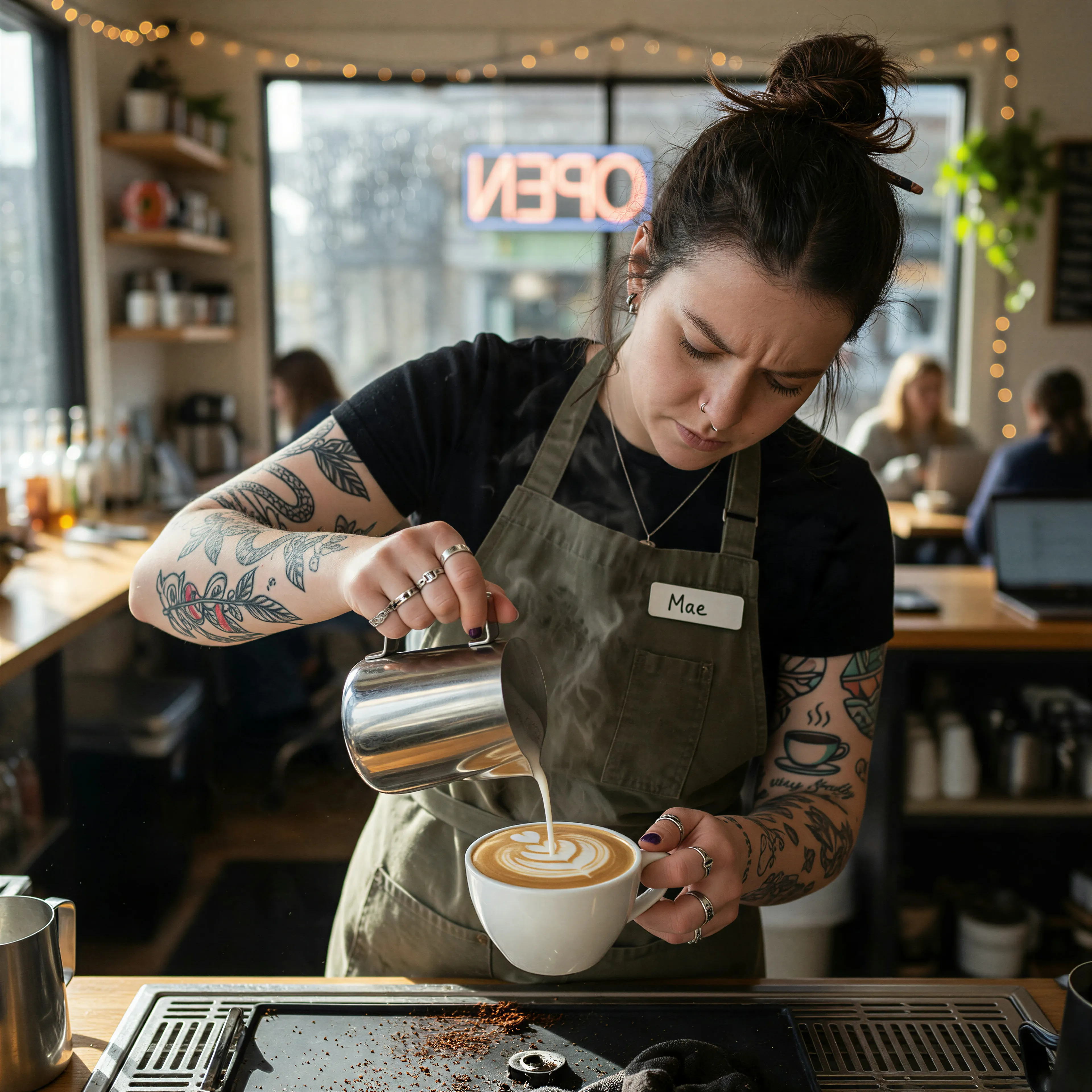
Barista with tattooed forearms pouring latte art, made with the AI image generator and upscaled with Upsampler
05 · Image Editing

Edit Images at Full Resolution

Change anything with a text prompt and get the result back at your photo's full size.

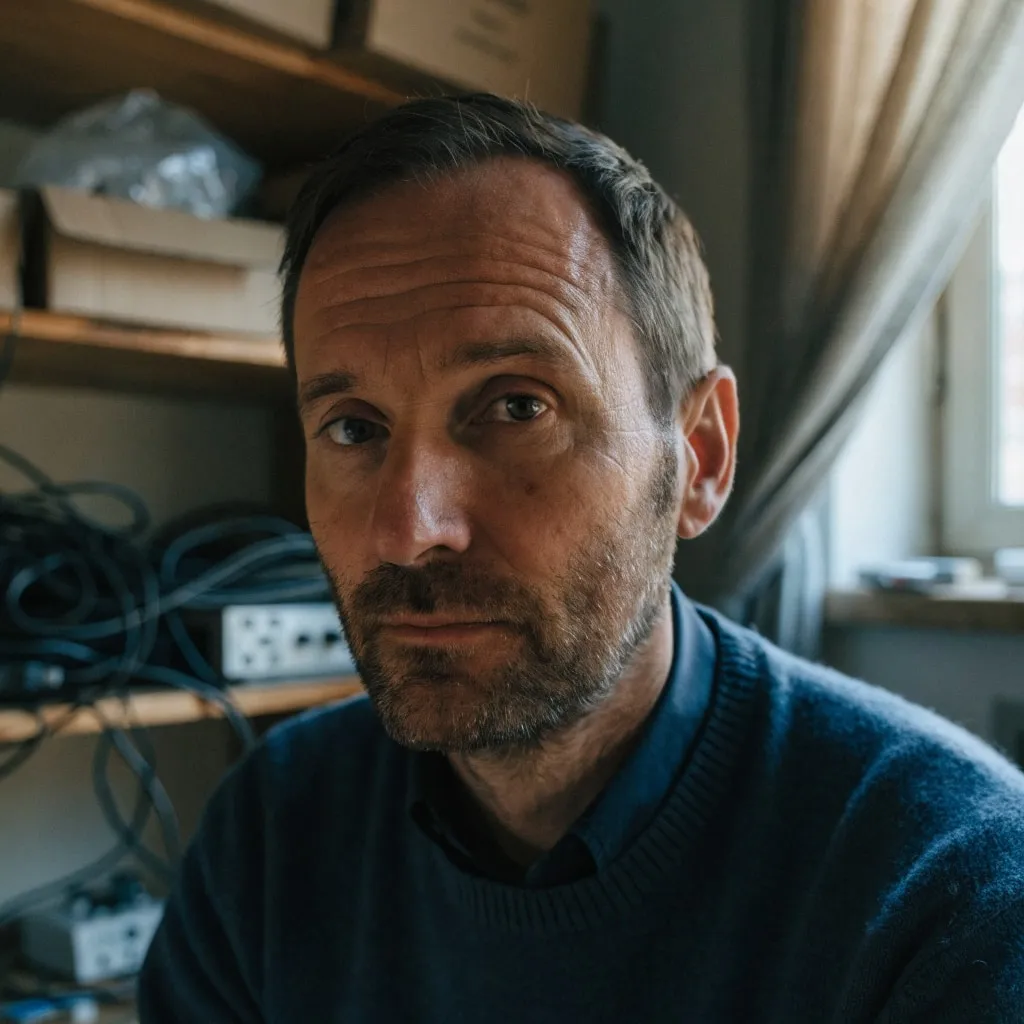
Before
Portrait of a man in a cluttered home office, moved onto a sunny Mediterranean terrace with an AI edit before enhancement and upscaling
After
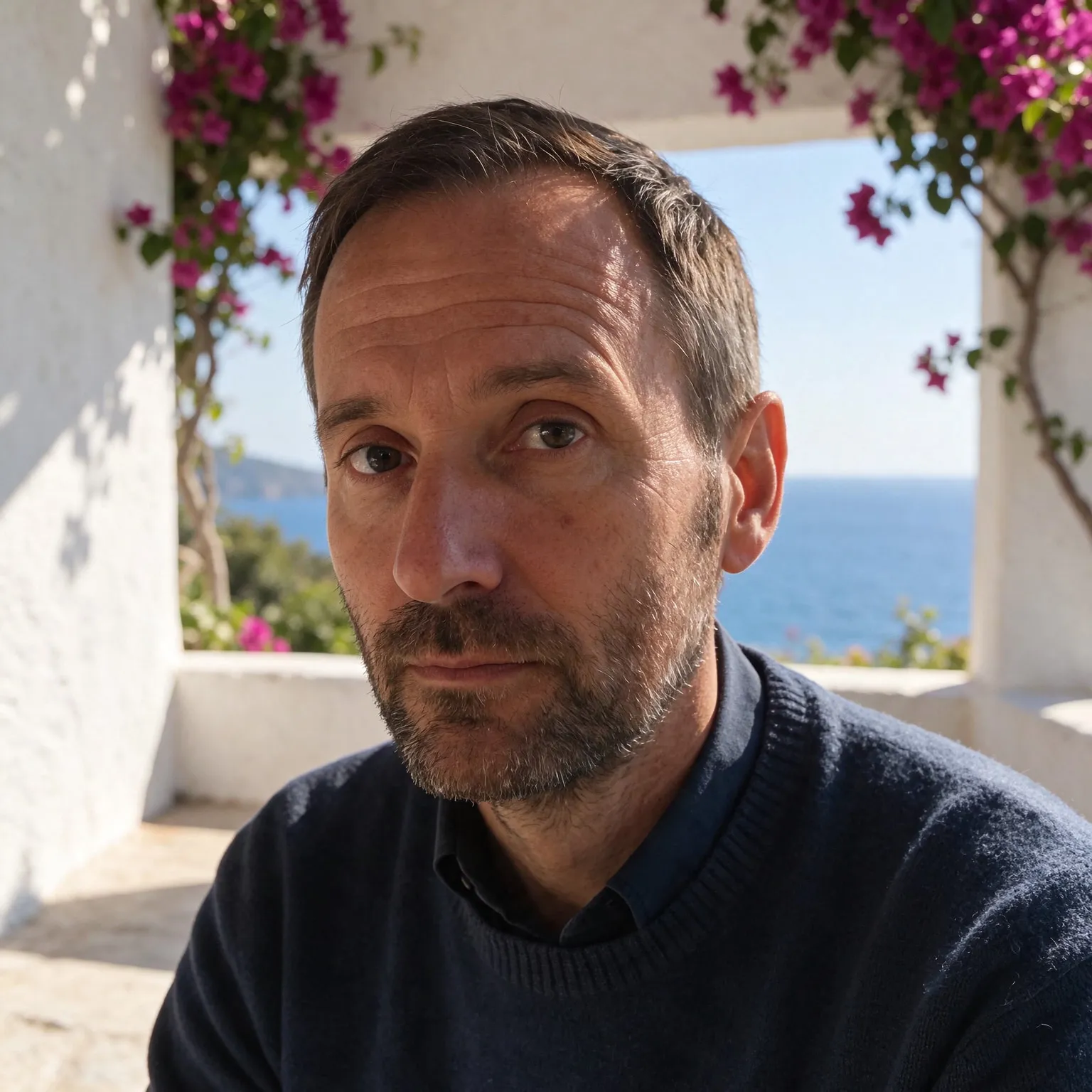
Portrait of a man in a cluttered home office, moved onto a sunny Mediterranean terrace with an AI edit after enhancement and upscaling

What this AI music video generator makes

A music video is a run of short shots cut to a song, and this AI music video generator makes those shots. It is the free AI video generator with the music video framing written for you: pick a look, say who or what is on screen, or upload an artist photo or your cover art, and the generator adds the lighting, the atmosphere, and a camera that moves on a beat. For any other kind of clip, the general generator gives you a blank prompt.

It does not make the song. If you need the track as well, the free AI music generator writes one from a description, and the two together give you sound and picture for a release, a lyric clip, or a visualizer.

Sound: generated audio or your own track

Here is the honest part. On LTX 2.5, the default model, and on LTX 2.3, each shot comes with audio that the model generates together with the picture. That audio follows the scene, so a concert stage may come with crowd noise and something like music, but it is not your song and it will not line up with your beat. The Wan 2.2 models return silent shots. Either way, the normal workflow is the same: generate the shots, place them on a timeline in a video editor, mute the generated sound, and lay your own track underneath.

Because every shot lasts 2 to 5 seconds, cutting on the beat comes naturally. Generate a few takes of each idea, keep the best moments, and alternate looks between verse and chorus. A neon city shot for the verse and a concert stage shot for the chorus is an easy way to give a short clip a sense of structure.

Start with a shot list before you generate anything. Write down the song sections, the length of each, and one image per section: the artist in close-up, a wide shot of the city, an abstract texture for the bridge. Then generate shots to fill each slot. For a visualizer or a lyric video, one strong looping shot is often enough; choose a calm look such as dreamy, set the length to four or five seconds, and loop it under the full track with the lyrics added as text in your editor.

Choosing a look for your music video

Neon city sets the scene on a rain-slick street at night under magenta and cyan light, a natural fit for synth pop, electronic, and late-night R&B. Concert stage brings spotlights, haze, and a crowd in silhouette for rock, pop, and anything that wants to feel live. Dreamy turns everything soft, pastel, and slow for ambient, lo-fi, and ballads. Retro VHS adds grain, color bleed, and scan lines for a home video feel that suits indie and throwback tracks.

For the scene field, describe a subject and an action: a singer in a silver jacket walking toward the camera, a dancer spinning under a streetlight, a car driving through the rain. With an image uploaded, the look alone is enough, and the generator animates your artist photo or cover art inside that style. Avoid asking for lip sync to specific lyrics; the free models cannot match mouth movement to a song.

Keep a visual thread running through the video. Using the same artist photo or cover art as the starting image for several shots keeps the performer and the color palette consistent from cut to cut, which is the hardest thing to get from text prompts alone. Mixing one or two text-only shots of the setting in between, such as an empty stage or a rainy street, gives the eye a break and makes the edit feel planned. Retro VHS shots also hide small glitches well, so they are a good choice for quick cutaways between the cleaner performance shots.

Formats and free limits

Without an image, you choose widescreen, vertical, or square output, which covers a video platform, short-form vertical feeds, and square posts. With an image, the shot follows its shape. Shots render at around 480p as MP4 with no watermark, and the free AI video upscaler can enlarge the ones you keep.

The generator runs on shared free GPUs, and each visitor has a daily allowance of GPU time. A two-second shot on LTX 2.5 uses roughly a third of it, so plan on about three default shots a day, or more on LTX 2.3. Connecting a free Hugging Face account raises the limit.

Frequently Asked Questions

Pick a look, describe the scene or upload an artist photo or cover art, and press Generate Music Video. Make several short shots, then cut them to your song in any video editor. No account is needed.

Yes, in your video editor. The generator makes the picture; you mute any generated sound and place your own track under the shots. It cannot sync the visuals to an uploaded song.

On the LTX models each shot comes with generated audio that follows the scene, which is not your song. The Wan 2.2 models are silent. For an original track, try the free AI music generator.

Each shot is 2 to 5 seconds. A full music video is built from many shots joined in an editor, the same way a filmed video is cut together.

Yes. Upload the image and pick a look; the generator moves the scene inside that style. Images can be up to 4096 pixels per side and up to 2.5 times as wide as tall.

No. The free models cannot match mouth movement to a specific song. Shots where the performer moves, walks, or dances work much better than close-ups of singing.

No sign-up. Each visitor gets a daily allowance of shared GPU time, about three default two-second shots on LTX 2.5, and connecting a free Hugging Face account raises it. Shots render at around 480p.

No. Uploads are processed on the GPU for your shot and expire automatically, so unreleased cover art stays private.

No. Your download is the clean, full-quality result with no watermark, and you never need an account or email to get it.

Yes. The tool runs open models released under the LTX-2.x Community License and Apache 2.0, and none of them claims any rights over the output you generate, so the model puts no claim on what you make, in commercial work or anywhere else. What the model does not decide is your right to the material you feed it: anything you upload stays subject to whoever holds the rights in it, and the usual limits apply either way. Do not use the tools to create illegal content, to impersonate real people, or to infringe someone else's rights.

No, credit is never required. If you publish the result on a website, blog or social post, a link back to this tool is appreciated and helps keep it free: press Copy credit link under your result and paste the ready-made link wherever you post it.

No. Sexually explicit content and anything involving minors are prohibited and cannot be unlocked on any plan, and every upload and prompt sent to our free GPUs is screened by an automated safety filter before it runs. Our Terms of Service list the full set of prohibited content.