Free Pixel Art Upscaler | No Sign-Up

Give sprites, tilesets, and retro game art a smooth HD remaster look with AI, or switch to Pixel-perfect to keep every pixel a crisp square block at 2x to 8x. No sign-up, no watermark.

  • No account
  • No ads
  • No watermark

Seed VR 2 Small rebuilds detail it cannot resolve, so small text and distant faces can come back changed. For a scan, a screenshot, or anything whose exact content matters, use GAN or Real-ESRGAN instead.

Examples · tap to try

Drop your pixel art and press Upscale Pixel Art. Seed VR 2 Small gives it a smooth HD remaster look; pick Pixel-perfect for hard edges and the exact palette, scaled instantly in your browser.

More Free Tools

Discover more free tools to enhance your creative projects, no account required.

Our Premium Tools

Access highly advanced AI tools with flexible pricing: subscription or one-time payment.

Muse ImageNano Banana 2Nano Banana 2.1GPT Image 2GPT Image 2.5 FlareGPT Image 2.5 SunburstGPT Image 2.6 FlareGPT Image 2.6 SunburstGrok Imagine Image 2Nano Banana 2 LiteNano Banana ProSeedream 4Seedream 5 ProSeedream 5.5GPT Image 1.5Flux 3Qwen Image 3Qwen Image 2 ProGrok Imagine ImageP-Image IdeogramKrea 2Krea 3MAI Image 2.5Nano BananaImagen 4Seedream 3Seedream 4.5Seedream 5 FlashSeedream 5 LiteFlux 2 KleinFlux 2 ProFlux 2 MaxFlux 3 KleinZ Image TurboQwen Image 2Recraft V4.1Ideogram V4Ideogram V4.5Imagen 3Flux Kontext ProFlux Kontext MaxQwen ImageRecraft V4Ideogram V3Flux SchnellFlux 1.1 ProWan 2.2Recraft V3P Image UpscaleSeed VR 2FluxStable DiffusionGANFlux Fill ProQwen Edit 2511Qwen EditFlux Kontext FastMiniMax H3 Max TurboMiniMax H3Seedance 2.5Wan 3.0Gemini Omni 1.2 FlashMiniMax H3 LiteGrok Imagine VideoGrok Imagine Video 1.5P-Video 2 ProSeedance 1 ProSeedance 1.5 ProSeedance 2 MiniWan 2.7Kling 2.5 ProVeo 3.1 (No Audio)LTX 2.5 FastP-Video 2P-VideoKling 4.0 FlashRunway Gen 4.5P-Video 2 DraftWan 2.2 14B ProP-Video DraftLTX 2.5SeedVR 2RelayVSRRTX VSR
01 · Image Upscaling

Upscale Images to 100 MP

Add real detail as you enlarge.

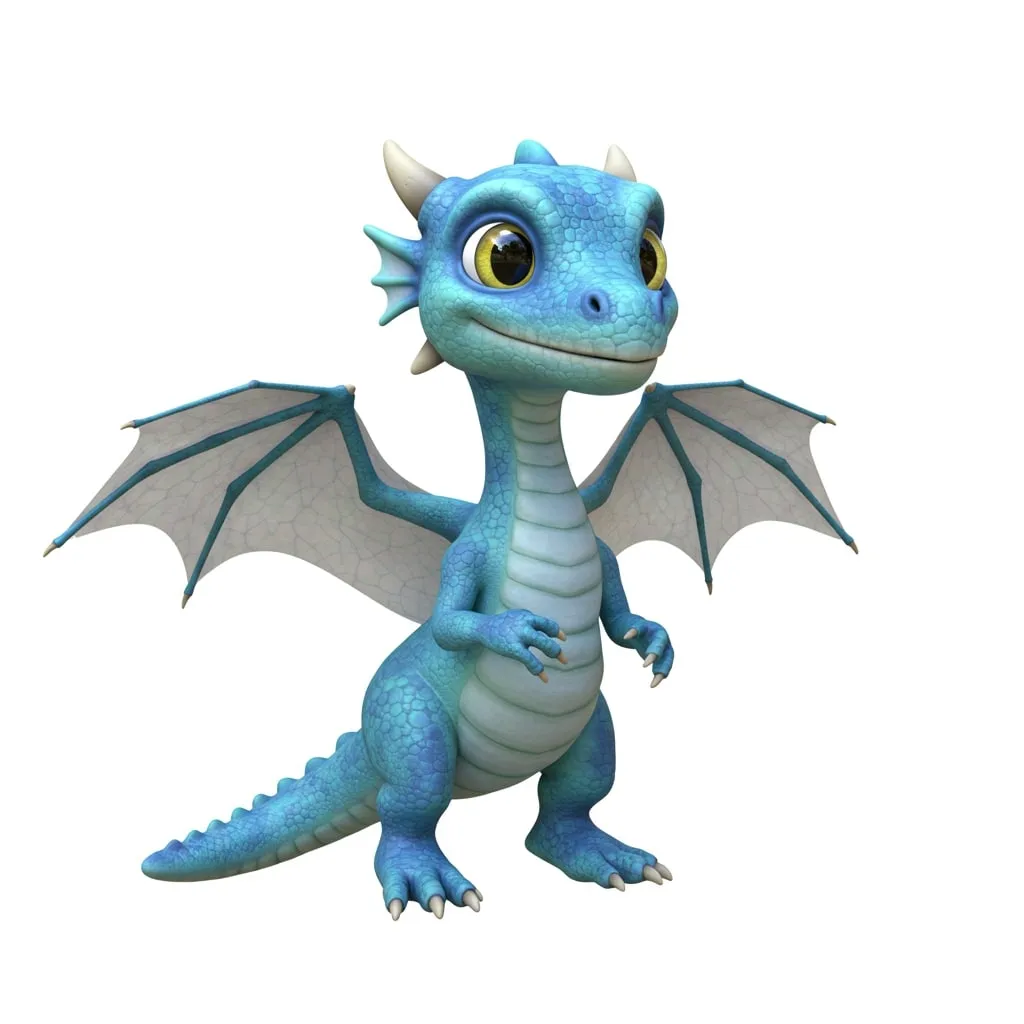
Before
Dragon render upscaled with the AI image upscaler before enhancement and upscaling
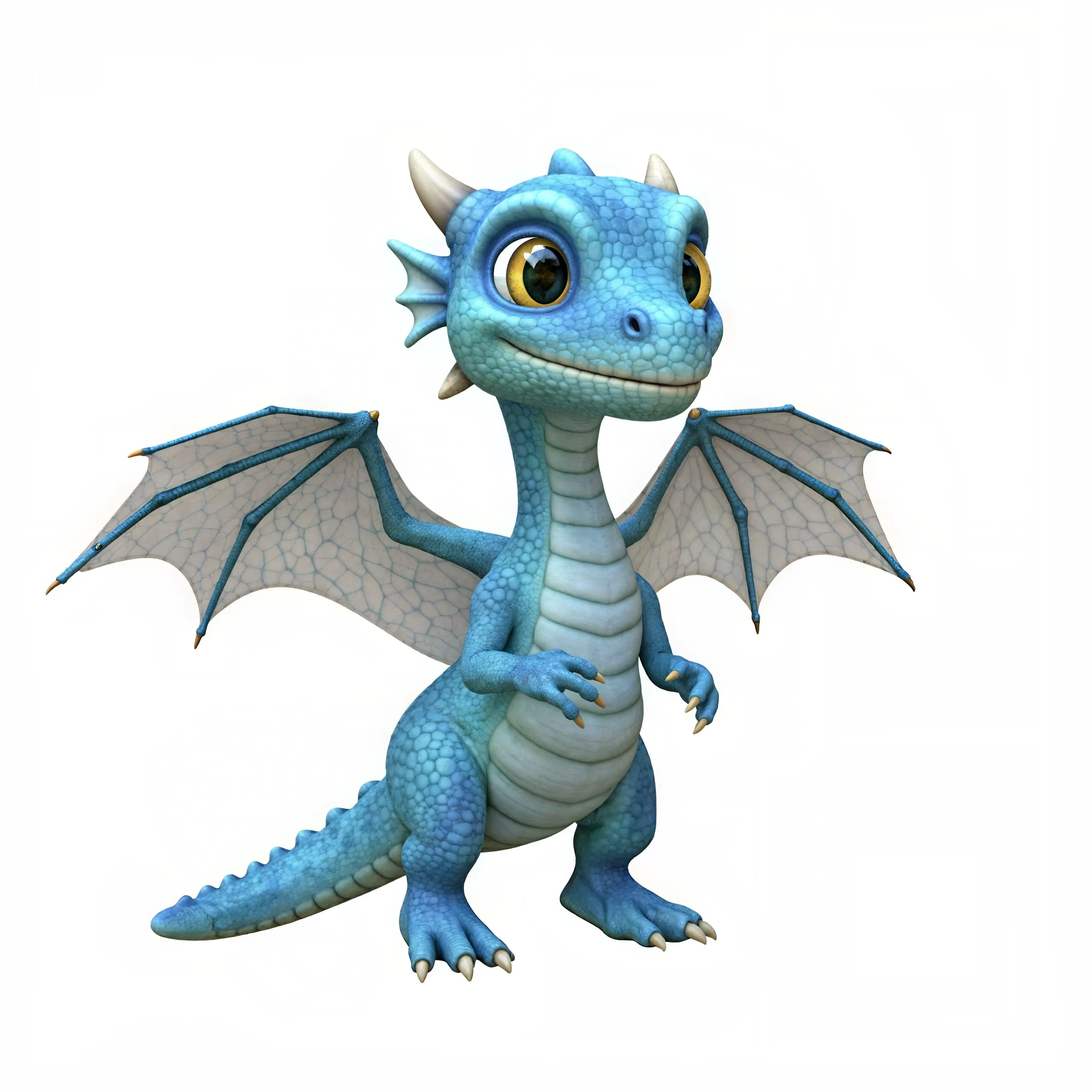
After
Dragon render upscaled with the AI image upscaler after enhancement and upscaling
02 · Image Generation

Generate Images in 4K

Turn a prompt or a reference image into anything from photoreal shots to illustration.

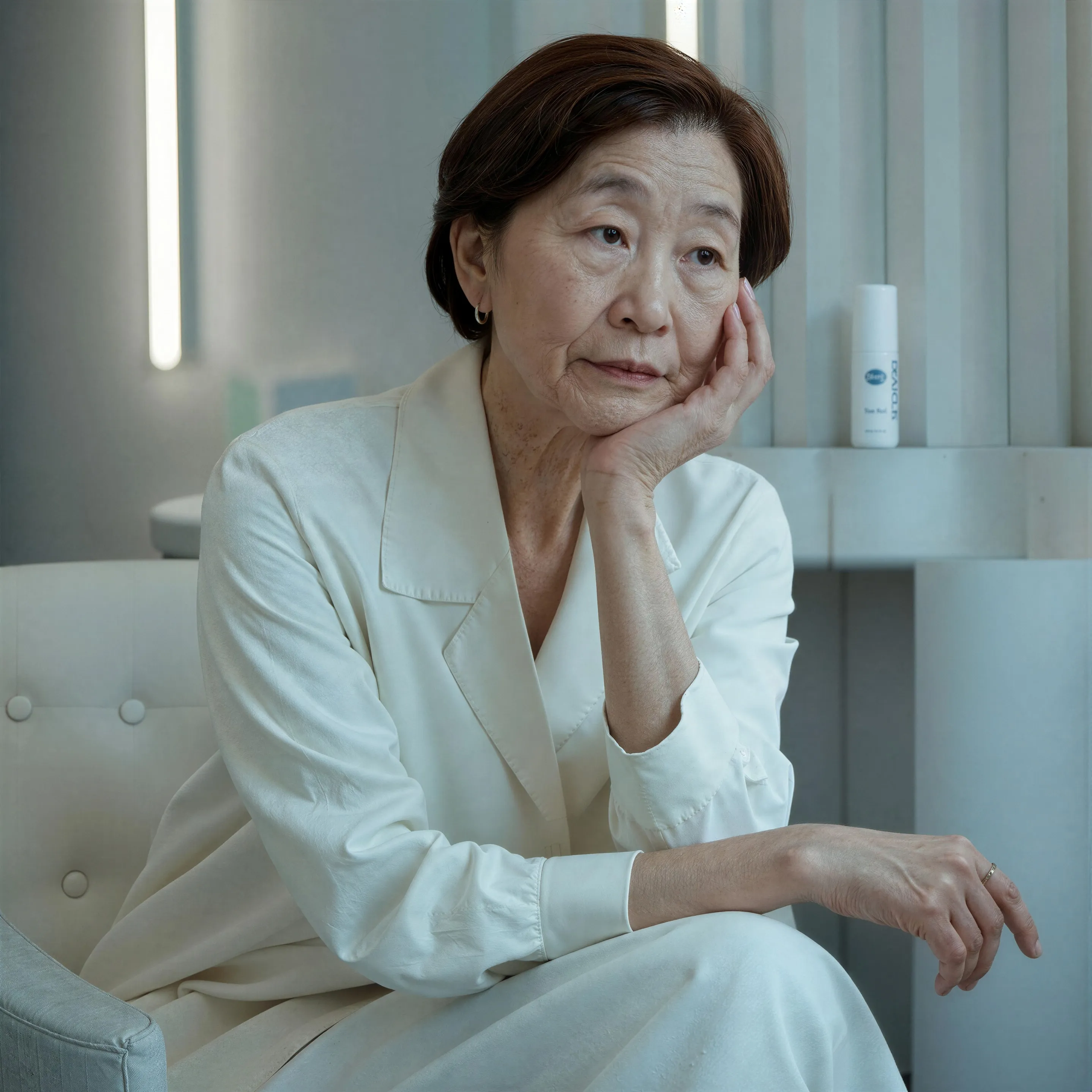
Portrait of an older woman in a white suit, made with the AI image generator and upscaled with Upsampler
03 · Image Editing

Edit Images at Full Resolution

Change anything with a text prompt and get the result back at your photo's full size.

Before
Woman in a white dress in a crowded old-town square, with the crowd removed by an AI edit before enhancement and upscaling
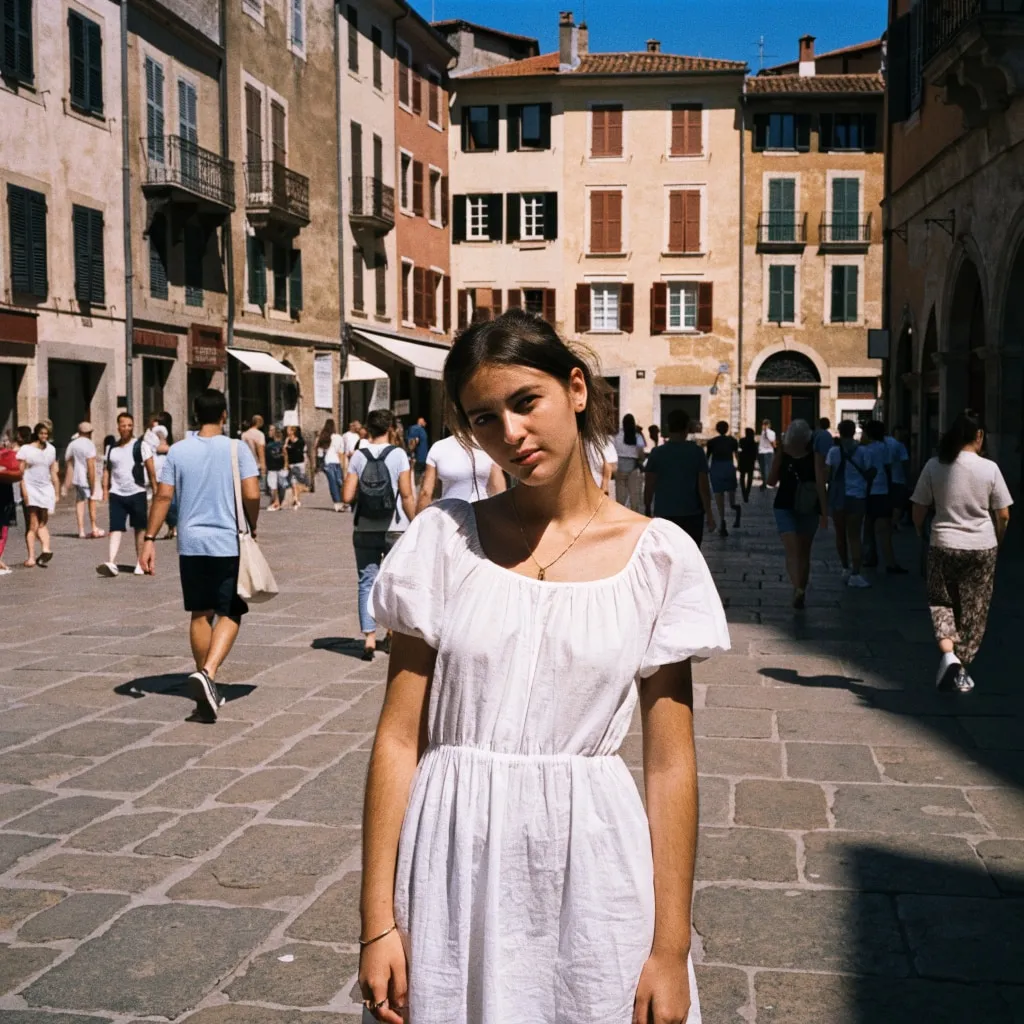
After
Woman in a white dress in a crowded old-town square, with the crowd removed by an AI edit after enhancement and upscaling
04 · Video Generation

Generate Videos in Full HD

Create clips from a prompt or bring a still image to life.

05 · Video Upscaling

Upscale Videos to 4K

Sharpen edges, textures, and on-screen text frame by frame, with stable motion.

Upscale pixel art without blurring a single pixel

This pixel art upscaler enlarges art that is already pixel art. It does not convert photos into pixel art; that is the job of the free photo to pixel art converter, which redraws a picture as a retro sprite. Here the goal is the opposite of a redraw: take a 32 px character, a 16 x 16 tile, or a 320 x 240 scene and make it bigger. Ordinary resizing smears the deliberate hard edges into blur. This tool offers two better routes: the default, Seed VR 2 Small, rebuilds the art as a smooth HD remaster, and Pixel-perfect keeps every original pixel a clean square.

Pixel-perfect mode uses nearest-neighbour scaling at a whole-number factor. Each source pixel becomes an exact block of 2 x 2, 4 x 4, or up to 8 x 8 pixels, so the palette, the dithering, and the outlines stay precisely as drawn. It runs in your browser, so it is instant and does not use any free GPU time. Choose it whenever the pixels themselves are the point.

How the scale factor is chosen

Pixel art should only ever scale by whole numbers. A factor such as 2.5x would make some art pixels three screen pixels wide and others two, which looks uneven. In Pixel-perfect mode the tool picks the largest whole factor up to 8x that keeps the result within 4096 px on its long side, and shows the exact output size before you press the button. A 64 x 64 sprite becomes 512 x 512, a 256 x 224 screen becomes 2048 x 1792, and a 1024 px tileset becomes 4096 px at 4x.

Transparency is kept. A sprite with a transparent background comes back as a transparent PNG with the cutout edge exactly as sharp as the original. The download is always lossless PNG in pixel-perfect mode, which is what game engines and sprite editors expect.

If your sprite was already blown up once with smoothing, the edges will be fuzzy before you start. Find the original small file if you can, because pixel-perfect scaling keeps whatever is there, including blur.

Sprite and tileset upscaling for game dev

Engines can scale pixel art at runtime, but plenty of jobs need the enlarged file itself: store page capsules, trailers, press kits, social posts, printed merch, and tools that do not support point filtering, and Pixel-perfect is the mode for them. Sprite sheets scale as a whole, so every frame and every cell of the grid grows by the same factor and animations stay aligned. Set your engine's import to point or nearest filtering so it does not blur the result on display.

For a 4K screen, a game drawn at 320 x 180 scales cleanly by 12x to fill 3840 x 2160; that is beyond the 8x limit here, so enlarge in two steps or let the engine handle the final scale. For broader game art such as textures, painted sprites, and UI, the free game asset upscaler is the better fit.

The smooth HD look with the AI model

Sometimes the goal is not authentic pixels but a smoother, higher-definition take, the look of an HD remaster or a pixel sprite used as reference for a painted version. That is why Seed VR 2 Small is the default: of the AI models it gives the best HD remaster look, rounding the staircase edges into smooth curves and rebuilding texture, which can look striking on larger scenes and backgrounds. It returns about 2 megapixels whatever the input size, so a square sprite comes back at 1440 x 1440 px. GAN and Real-ESRGAN are the alternatives: GAN enlarges 4x on a free GPU, Real-ESRGAN enlarges small images 4x and larger ones to up to about 16 megapixels on your own device, and both stay more faithful to the source. Any AI model, SeedVR2 included, smooths the hard pixel edges and usually softens the character of small sprites, so when crisp, exact pixels matter, choose Pixel-perfect. Try an AI model and Pixel-perfect on the same image with the comparison slider and keep whichever suits the project.

The free tool accepts JPG, PNG, and WebP up to 2048 px per side. Save pixel art as PNG; JPEG compression smudges the hard edges and adds stray colors around them. Files are processed in your browser or transiently on the GPU, and are not stored.

A note on what counts as real pixel art. Sprites drawn pixel by pixel, at their native size, scale perfectly here. Images that only look like pixel art, such as a pixel style picture from an AI generator or a sprite that someone already enlarged by a non-whole factor, have pixel blocks of uneven sizes and blurred edges between them. Pixel-perfect mode keeps those flaws exactly, so they stay visible. For such images, the cleanest fix is to shrink them back to their true grid size first, with nearest-neighbour resizing in an editor, and then scale them up here by a whole number. If you want to go the other direction and turn an ordinary image into a blocky mosaic, the free image pixelator does that.

Frequently Asked Questions

The default, Seed VR 2 Small, smooths the hard edges into an HD remaster look, as every AI model does. Pick Pixel-perfect and nothing blurs: every source pixel becomes an exact square block, so hard edges stay hard.

No. It enlarges existing pixel art. To turn a photo into pixel art, use the free photo to pixel art converter.

Yes, in Pixel-perfect mode. It copies each pixel's exact color, so a 16-color sprite stays 16 colors and dithering scales as a pattern. The AI models, the default included, blend colors along smoothed edges, so they do not keep an exact palette.

Yes. Transparent PNG sprites come back as transparent PNGs. In Pixel-perfect mode the cutout edge stays as crisp as the original.

Pixel-perfect mode uses the largest whole factor from 2x to 8x that keeps the long side within 4096 px, and shows the output size before you start. GAN enlarges 4x, Real-ESRGAN enlarges small images 4x and returns larger ones at up to about 16 megapixels, and Seed VR 2 Small returns about 2 megapixels whatever the input.

Pixel-perfect mode runs in your browser and Real-ESRGAN runs on your own device, so both are free and unlimited. Seed VR 2 Small, the default, and GAN run on shared free GPUs and use the daily allowance of free GPU time; connecting a free Hugging Face account raises it. Inputs can be up to 2048 px per side in any mode.

In Pixel-perfect mode and with Real-ESRGAN the image never leaves your device. With Seed VR 2 Small and GAN it is processed transiently on a GPU and then discarded.

No. Your download is the clean, full-quality result with no watermark, and you never need an account or email to get it.

Yes. The tool runs open models released under the Apache 2.0 and BSD 3-Clause licenses, and none of them claims any rights over the output you generate, so the model puts no claim on what you make, in commercial work or anywhere else. What the model does not decide is your right to the material you feed it: anything you upload stays subject to whoever holds the rights in it, and the usual limits apply either way. Do not use the tools to create illegal content, to impersonate real people, or to infringe someone else's rights.

No, credit is never required. If you publish the result on a website, blog or social post, a link back to this tool is appreciated and helps keep it free: press Copy credit link under your result and paste the ready-made link wherever you post it.

No. Sexually explicit content and anything involving minors are prohibited and cannot be unlocked on any plan, and every upload and prompt sent to our free GPUs is screened by an automated safety filter before it runs. Our Terms of Service list the full set of prohibited content.