Free AI Manga Upscaler | No Sign-Up

Upscale manga pages, comic panels, and line art with AI that restores blurry, low-resolution scans into clean ink lines. No sign-up, no watermark, free daily usage.

  • No account
  • No ads
  • No watermark

Seed VR 2 Small rebuilds detail it cannot resolve, so small text and distant faces can come back changed. For a scan, a screenshot, or anything whose exact content matters, use GAN or Real-ESRGAN instead.

Examples · tap to try

Drop a manga page or panel and press Upscale Manga. Seed VR 2 Small restores soft or compressed pages; switch to GAN for a faithful 4x enlargement that keeps lettering exactly as drawn. Compare with the slider, then download.

More Free Tools

Discover more free tools to enhance your creative projects, no account required.

Our Premium Tools

Access highly advanced AI tools with flexible pricing: subscription or one-time payment.

Muse ImageNano Banana 2Nano Banana 2.1GPT Image 2GPT Image 2.5 FlareGPT Image 2.5 SunburstGPT Image 2.6 FlareGPT Image 2.6 SunburstGrok Imagine Image 2Nano Banana 2 LiteNano Banana ProSeedream 4Seedream 5 ProSeedream 5.5GPT Image 1.5Flux 3Qwen Image 3Qwen Image 2 ProGrok Imagine ImageP-Image IdeogramKrea 2Krea 3MAI Image 2.5Nano BananaImagen 4Seedream 3Seedream 4.5Seedream 5 FlashSeedream 5 LiteFlux 2 KleinFlux 2 ProFlux 2 MaxFlux 3 KleinZ Image TurboQwen Image 2Recraft V4.1Ideogram V4Ideogram V4.5Imagen 3Flux Kontext ProFlux Kontext MaxQwen ImageRecraft V4Ideogram V3Flux SchnellFlux 1.1 ProWan 2.2Recraft V3P Image UpscaleSeed VR 2FluxStable DiffusionGANFlux Fill ProQwen Edit 2511Qwen EditFlux Kontext FastMiniMax H3 Max TurboMiniMax H3Seedance 2.5Wan 3.0Gemini Omni 1.2 FlashMiniMax H3 LiteGrok Imagine VideoGrok Imagine Video 1.5P-Video 2 ProSeedance 1 ProSeedance 1.5 ProSeedance 2 MiniWan 2.7Kling 2.5 ProVeo 3.1 (No Audio)LTX 2.5 FastP-Video 2P-VideoKling 4.0 FlashRunway Gen 4.5P-Video 2 DraftWan 2.2 14B ProP-Video DraftLTX 2.5SeedVR 2RelayVSRRTX VSR
01 · Image Upscaling

Upscale Images to 100 MP

Add real detail as you enlarge.

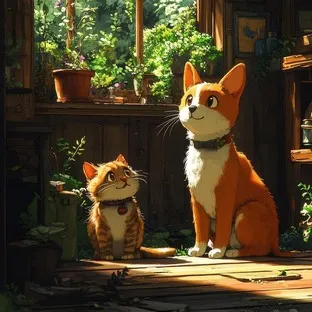
Before
Illustrated cats upscaled with the AI image upscaler before enhancement and upscaling
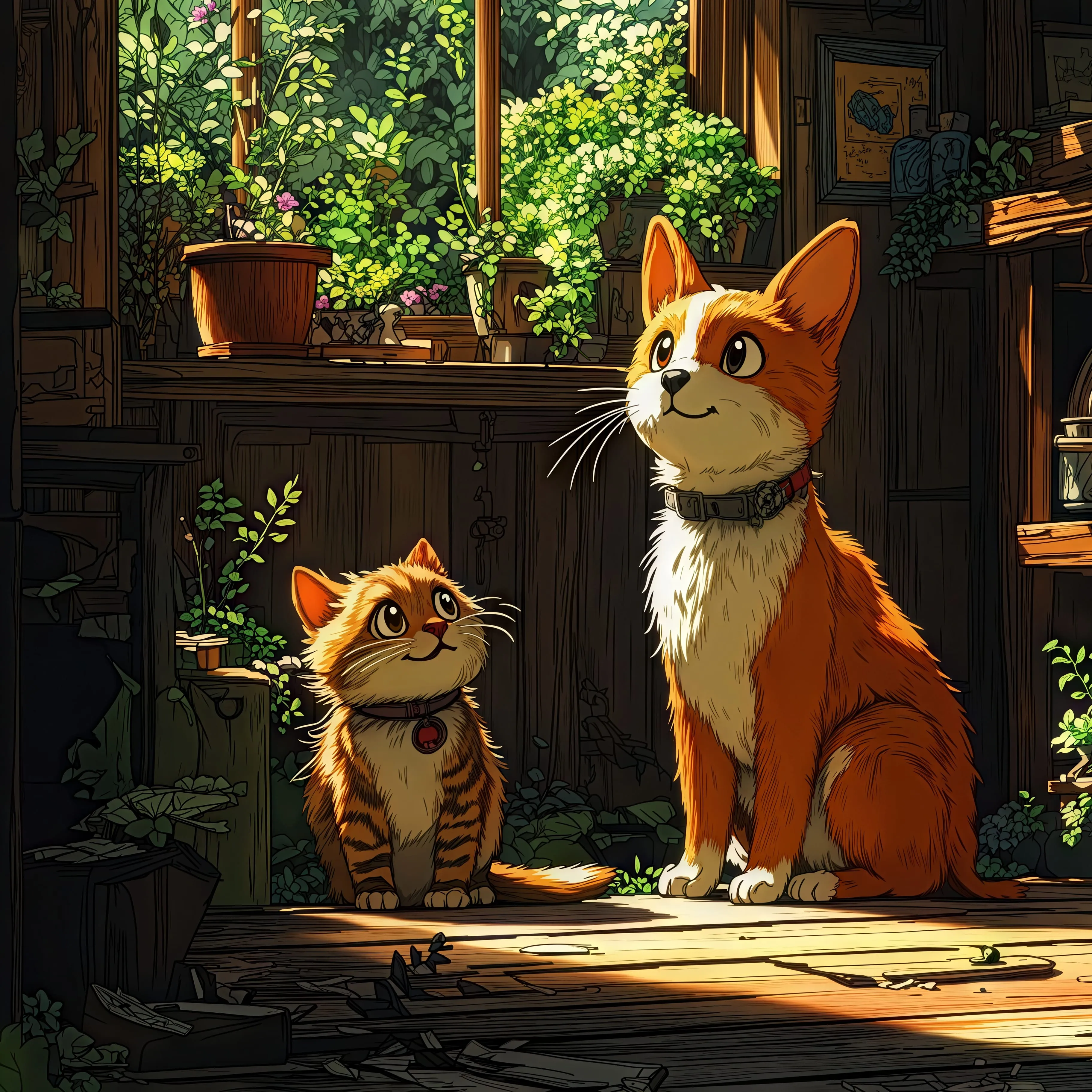
After
Illustrated cats upscaled with the AI image upscaler after enhancement and upscaling
02 · Image Generation

Generate Images in 4K

Turn a prompt or a reference image into anything from photoreal shots to illustration.

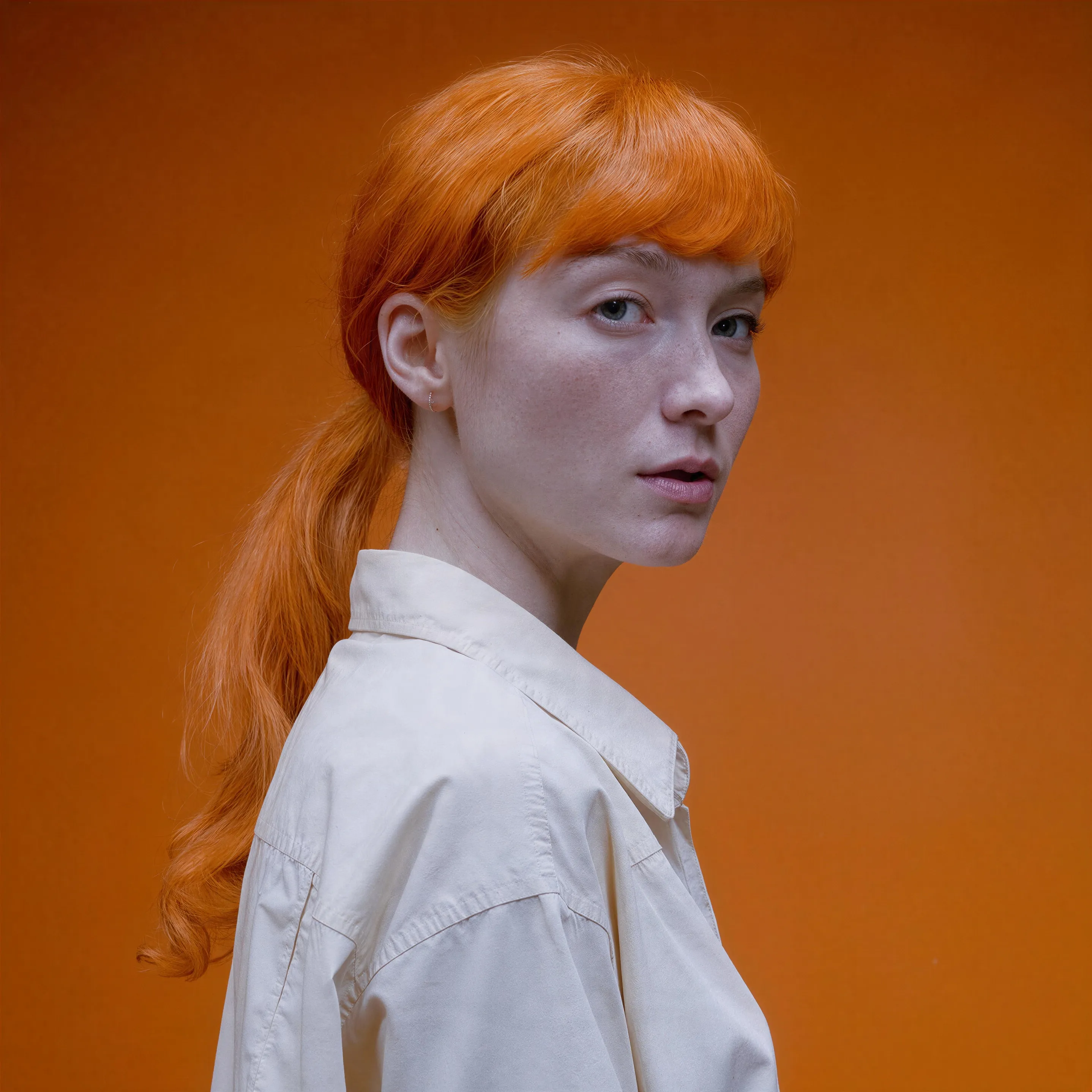
Red-haired portrait made with the AI image generator, upscaled with Upsampler
03 · Image Editing

Edit Images at Full Resolution

Change anything with a text prompt and get the result back at your photo's full size.

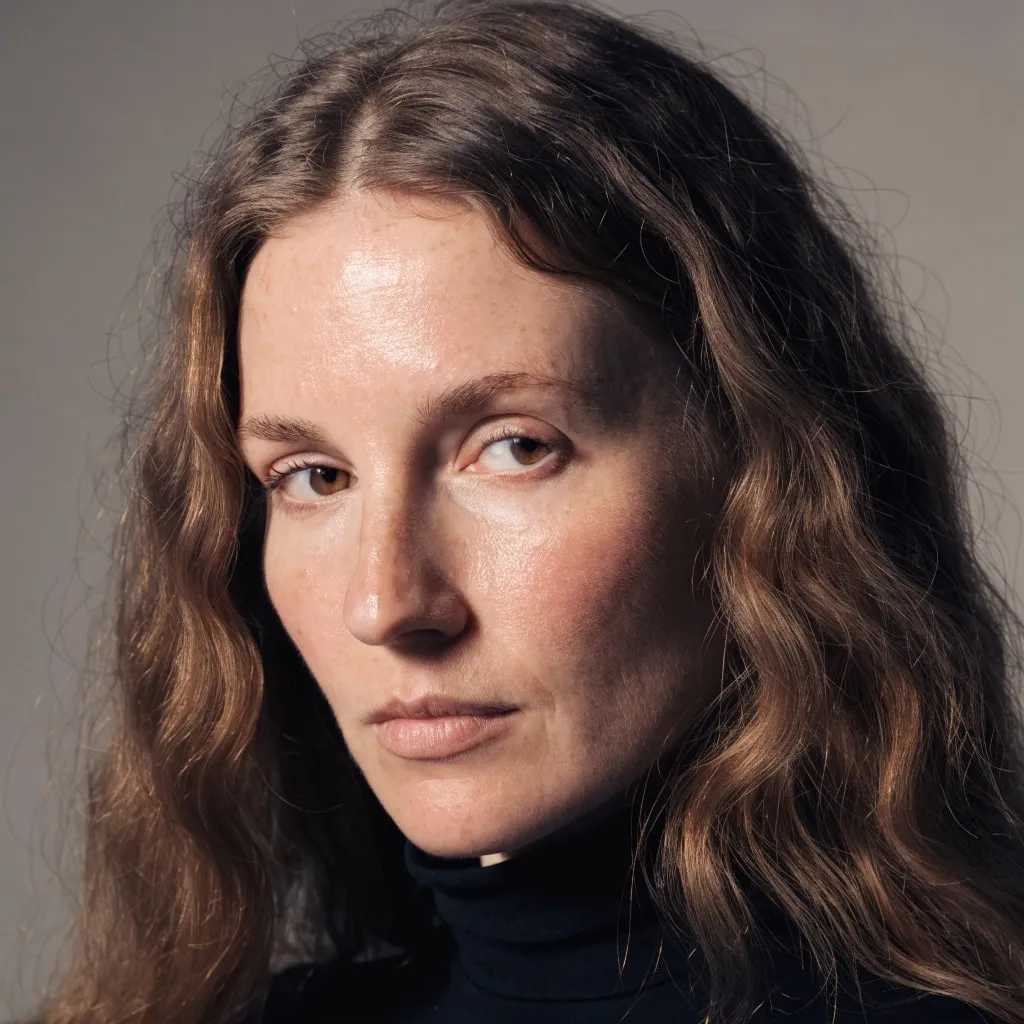
Before
Portrait of a woman with long wavy brown hair, changed to a platinum blonde bob with an AI edit before enhancement and upscaling
After
Portrait of a woman with long wavy brown hair, changed to a platinum blonde bob with an AI edit after enhancement and upscaling
04 · Video Generation

Generate Videos in Full HD

Create clips from a prompt or bring a still image to life.

05 · Video Upscaling

Upscale Videos to 4K

Sharpen edges, textures, and on-screen text frame by frame, with stable motion.

A manga upscaler that respects the ink

This manga upscaler is the free AI image upscaler set up for drawn pages instead of photos, with the same three models. The default, Seed VR 2 Small, is a diffusion restoration model. On a soft, low-resolution, or heavily compressed page it gives the best-looking result: it rebuilds dark, continuous ink lines where the source only holds grey blur and JPEG blocks. The trade-off is that it can redraw what it cannot resolve, so small lettering, sound effects, and fine screentone dots can come back changed.

When the page must stay exactly as drawn, switch to GAN. It enlarges each page 4x and sharpens what the artist drew, the ink outlines, the hatching, the tone patterns, and the text, without inventing new strokes. Line art suits it well because its structure is simple and strong: dark lines on a light ground. Open the result, zoom into a balloon, and the lettering should read as cleanly as the original printing.

How to upscale manga pages, panels, and comics

Start from the best copy you have. A page scanned at a higher resolution or saved as PNG gives the model more true detail than a screenshot of a reader app or a JPEG that has been re-saved a few times. Crop to a single page or panel when you can: the free tool accepts images up to 2048 px per side, and every pixel of that budget is better spent on the art than on margins.

Three models are available. Seed VR 2 Small is the default and gives the cleanest look on a soft or compressed page. Its output is always about 2 megapixels, whatever the input, so it is a quality choice rather than a size choice: a small panel comes back larger, and a large page can come back smaller. GAN gives the crispest faithful lines and returns 4x the input size, so a 1000 px wide page comes back at 4000 px, wide enough for a 4K wallpaper or a sharp phone lock screen crop. Real-ESRGAN runs on your own device, with no upload and no daily limit, and is good at cleaning up JPEG blocking around lines.

The same approach works as a comic upscaler for Western comics, bande dessinee, and webtoon strips. Full-color covers and digital comics work with every model; with GAN, flat color areas stay flat and the outlines stay exactly where they were. A long webtoon strip is best split into panels first so each one stays inside the size limit.

Raw scans need one extra thought. A page photographed with a phone or scanned at an angle often has a grey or yellowed background and slightly curved lines near the spine. GAN and Real-ESRGAN keep both, because they are faithful to the source. If you want pure white paper and straight edges, level the page and crop the spine shadow first, then upscale; the model then spends its effort on the ink instead of on the paper texture. Pages from digital releases are usually the cleanest starting point, since they were never printed and rescanned, and they are often small enough to fit the 2048 px limit without cropping. For a double-page spread, upscale each page separately and join them afterwards, so neither half has to be shrunk to fit.

Screentones, lettering, and what to check

Screentones are the hardest part of any manga page. They are tiny regular dot or line patterns, and at low resolution they often sit right at the edge of what the pixels can hold. When the dots are still visible in the source, GAN keeps them as a pattern. When the scan has already blurred them into a grey wash, GAN sharpens that grey instead of inventing dots that were never there, while SeedVR2 may smooth the wash into clean grey or draw a texture of its own. Moire, the wavy interference that appears when a printed page is scanned, is part of the source too, and the faithful models will not remove it.

Lettering is where you can verify the result fastest. Zoom to 100 percent on the smallest text on the page, a sound effect or a footnote. With GAN or Real-ESRGAN the glyphs stay the glyphs the letterer drew. If SeedVR2 has reshaped a letter, run the page again with GAN. If a page is a black-and-white scan you would like in color, the free manga colorizer does that as a separate step; upscale afterwards for the sharpest colored page.

Wallpapers, prints, and fair use

The most common reason to upscale manga is a favorite panel turned into a desktop or phone wallpaper, followed by sharper pages for a tablet reader and prints for a wall. For a print, divide the output pixels by 300 to get the size in inches at print quality: a 1000 px page run through GAN comes back 4000 px tall and prints at about 13 inches. The result has no watermark and the files you upload are processed transiently, then discarded.

Manga pages are copyrighted by their artists and publishers. Upscaling a page you own for personal use is one thing; redistributing upscaled chapters is another, and the result does not change who holds the rights. Support the artist by buying the official release, and use the upscaler on panels for your own screens, your own scans, and your own drawn work.

Artists drawing their own manga or comics get a practical benefit too. Pages inked at a small canvas size, or exported small years ago, can be brought up to a size that holds up on a tablet portfolio or a print-on-demand zine, and sketches photographed for a quick post can be enlarged into cleaner reference copies. Pick GAN for your own work: it never adds style of its own, so the upscaled page still looks like your hand drew it.

Frequently Asked Questions

It depends on the page. For a soft, low-resolution, or compressed scan, Seed VR 2 Small, the default here, gives the cleanest-looking result, though it can redraw small lettering. When line art and lettering must stay exactly as drawn, GAN gives the crispest faithful ink lines at 4x, and Real-ESRGAN also cleans JPEG blocking. All three run free with no sign-up.

Drop the manga page or panel into the tool above and press Upscale Manga. Seed VR 2 Small restores it to about 2 megapixels; pick GAN instead for a faithful result 4x larger. Either way you get a before/after slider and can download with no account and no watermark.

Not with GAN or Real-ESRGAN, which sharpen tone dots and hatching that are visible in the source rather than repainting them. Seed VR 2 Small can redraw fine tones it cannot resolve, so switch to GAN when the exact pattern matters. If the scan already blurred the tones into grey, no upscaler can recover dots the pixels no longer hold.

Yes. Color covers, Western comics, and webtoon panels work with all three models, and GAN keeps flat colors flat and outlines exactly in place. Split very long webtoon strips into panels so each one fits the 2048 px per side limit.

Up to 2048 px per side in JPG, PNG, or WebP. GAN returns 4x that, so the largest page comes back at 8192 px; Real-ESRGAN, which runs on your own device, returns up to about 16 megapixels. Seed VR 2 Small always returns about 2 megapixels, so a page that large comes back smaller; use GAN when size matters. The premium upscaler accepts much larger scans and outputs up to 100 MP.

Not with Real-ESRGAN, which runs on your own device with no daily limit. Seed VR 2 Small and GAN run on shared free GPUs, and each visitor gets a daily allowance of free GPU time for them. Small panels use very little of it, so many fit in a day; full pages at the size limit use more. Connecting a free Hugging Face account raises the allowance.

No. With Real-ESRGAN pages never leave your device. With Seed VR 2 Small and GAN they are processed transiently on a GPU for the upscale, expire automatically, and never appear in a gallery or a training set.

No. Your download is the clean, full-quality result with no watermark, and you never need an account or email to get it.

Yes. The tool runs open models released under the Apache 2.0 and BSD 3-Clause licenses, and none of them claims any rights over the output you generate, so the model puts no claim on what you make, in commercial work or anywhere else. What the model does not decide is your right to the material you feed it: anything you upload stays subject to whoever holds the rights in it, and the usual limits apply either way. Do not use the tools to create illegal content, to impersonate real people, or to infringe someone else's rights.

No, credit is never required. If you publish the result on a website, blog or social post, a link back to this tool is appreciated and helps keep it free: press Copy credit link under your result and paste the ready-made link wherever you post it.

No. Sexually explicit content and anything involving minors are prohibited and cannot be unlocked on any plan, and every upload and prompt sent to our free GPUs is screened by an automated safety filter before it runs. Our Terms of Service list the full set of prohibited content.