Free AI Logo Upscaler | No Sign-Up

Upscale a small or blurry logo 4x with AI. Edges come back crisp, flat colors stay flat, and transparent backgrounds stay transparent. No sign-up, no watermark.

  • No account
  • No ads
  • No watermark
Examples · tap to try

Drop your logo and press Upscale Logo. It is enlarged 4x with sharp edges and the same shapes and lettering; a transparent PNG comes back as a transparent PNG.

More Free Tools

Discover more free tools to enhance your creative projects, no account required.

Our Premium Tools

Access highly advanced AI tools with flexible pricing: subscription or one-time payment.

Muse ImageNano Banana 2Nano Banana 2.1GPT Image 2GPT Image 2.5 FlareGPT Image 2.5 SunburstGPT Image 2.6 FlareGPT Image 2.6 SunburstGrok Imagine Image 2Nano Banana 2 LiteNano Banana ProSeedream 4Seedream 5 ProSeedream 5.5GPT Image 1.5Flux 3Qwen Image 3Qwen Image 2 ProGrok Imagine ImageP-Image IdeogramKrea 2Krea 3MAI Image 2.5Nano BananaImagen 4Seedream 3Seedream 4.5Seedream 5 FlashSeedream 5 LiteFlux 2 KleinFlux 2 ProFlux 2 MaxFlux 3 KleinZ Image TurboQwen Image 2Recraft V4.1Ideogram V4Ideogram V4.5Imagen 3Flux Kontext ProFlux Kontext MaxQwen ImageRecraft V4Ideogram V3Flux SchnellFlux 1.1 ProWan 2.2Recraft V3P Image UpscaleSeed VR 2FluxStable DiffusionGANFlux Fill ProQwen Edit 2511Qwen EditFlux Kontext FastMiniMax H3 Max TurboMiniMax H3Seedance 2.5Wan 3.0Gemini Omni 1.2 FlashMiniMax H3 LiteGrok Imagine VideoGrok Imagine Video 1.5P-Video 2 ProSeedance 1 ProSeedance 1.5 ProSeedance 2 MiniWan 2.7Kling 2.5 ProVeo 3.1 (No Audio)LTX 2.5 FastP-Video 2P-VideoKling 4.0 FlashRunway Gen 4.5P-Video 2 DraftWan 2.2 14B ProP-Video DraftLTX 2.5SeedVR 2RelayVSRRTX VSR
01 · Image Upscaling

Upscale Images to 100 MP

Add real detail as you enlarge.

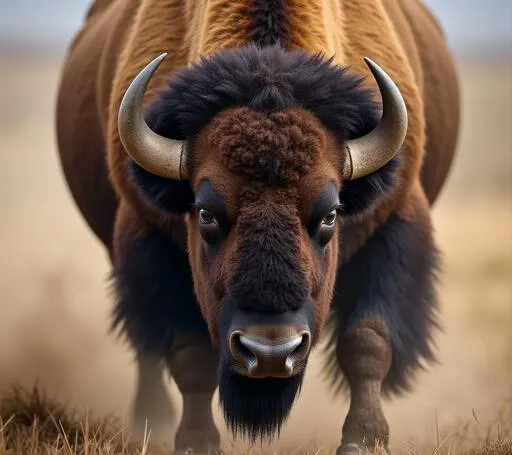
Before
Bison photo upscaled with the AI image upscaler before enhancement and upscaling
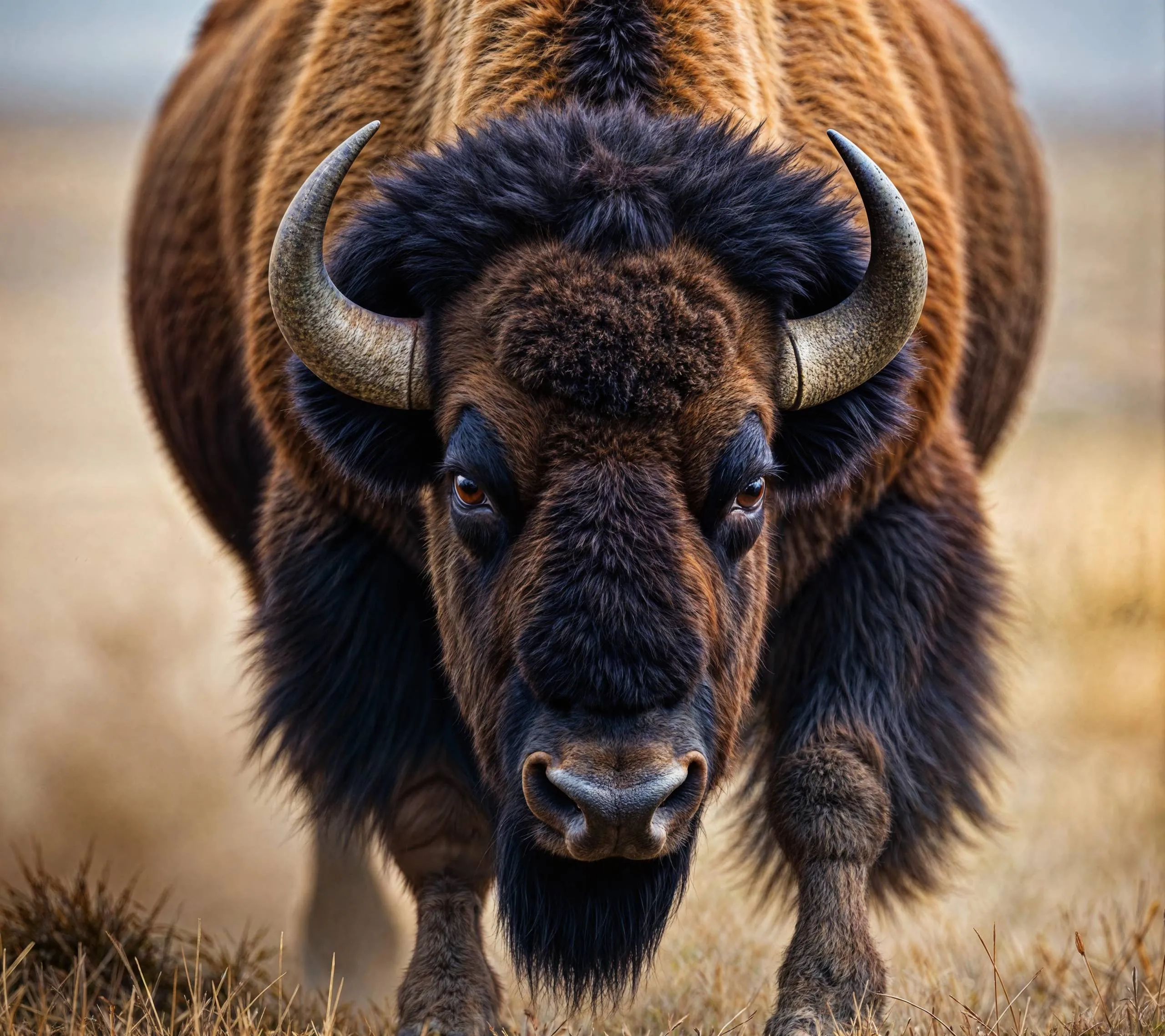
After
Bison photo upscaled with the AI image upscaler after enhancement and upscaling
02 · Image Generation

Generate Images in 4K

Turn a prompt or a reference image into anything from photoreal shots to illustration.

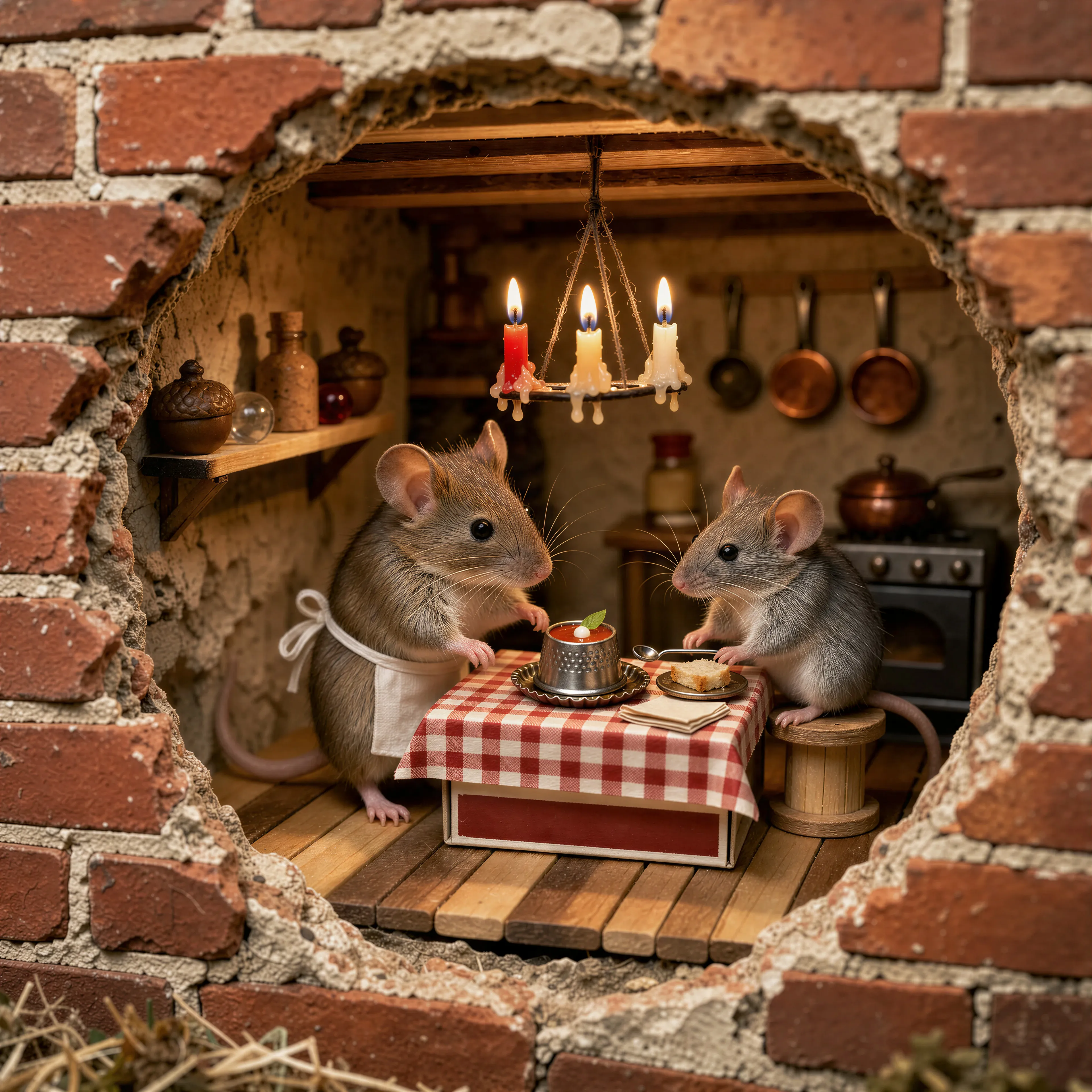
Two mice running a tiny trattoria in a hole in a brick wall, made with the AI image generator and upscaled with Upsampler
03 · Image Editing

Edit Images at Full Resolution

Change anything with a text prompt and get the result back at your photo's full size.

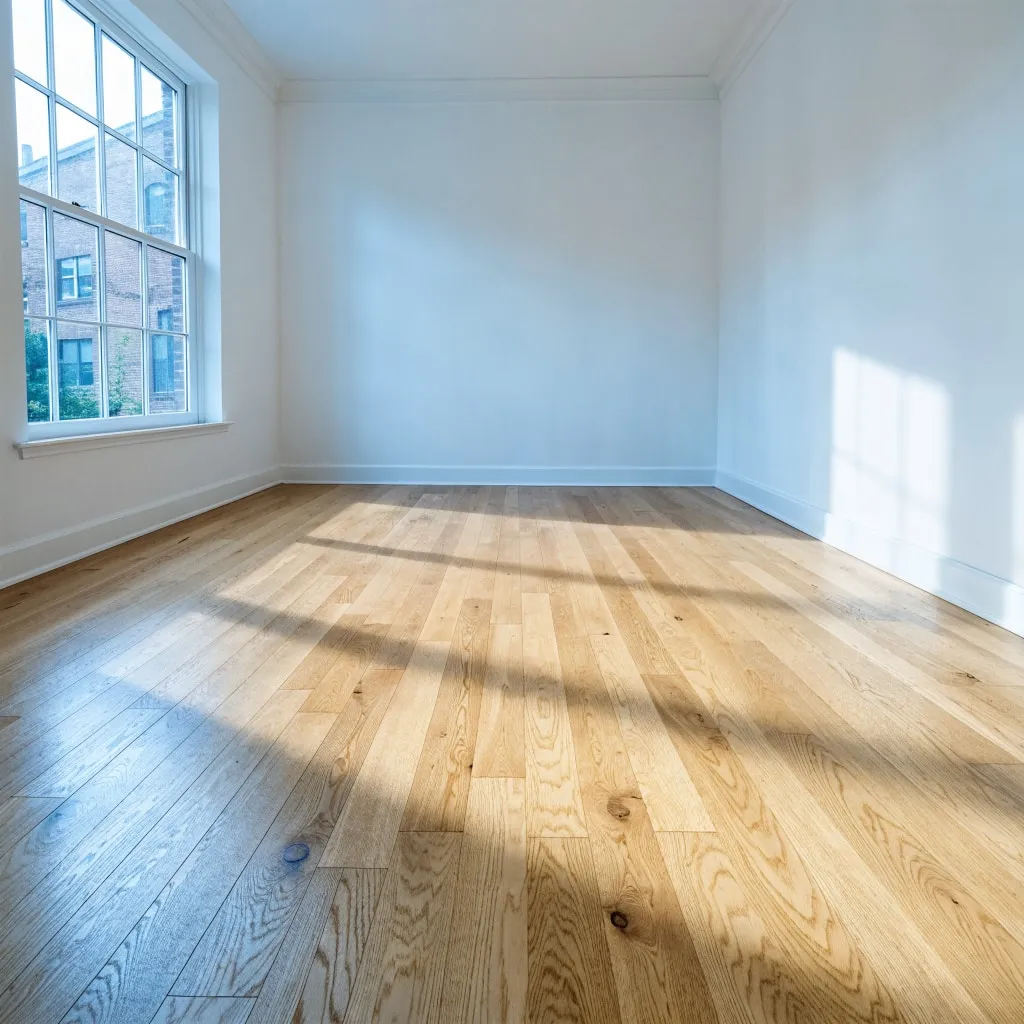
Before
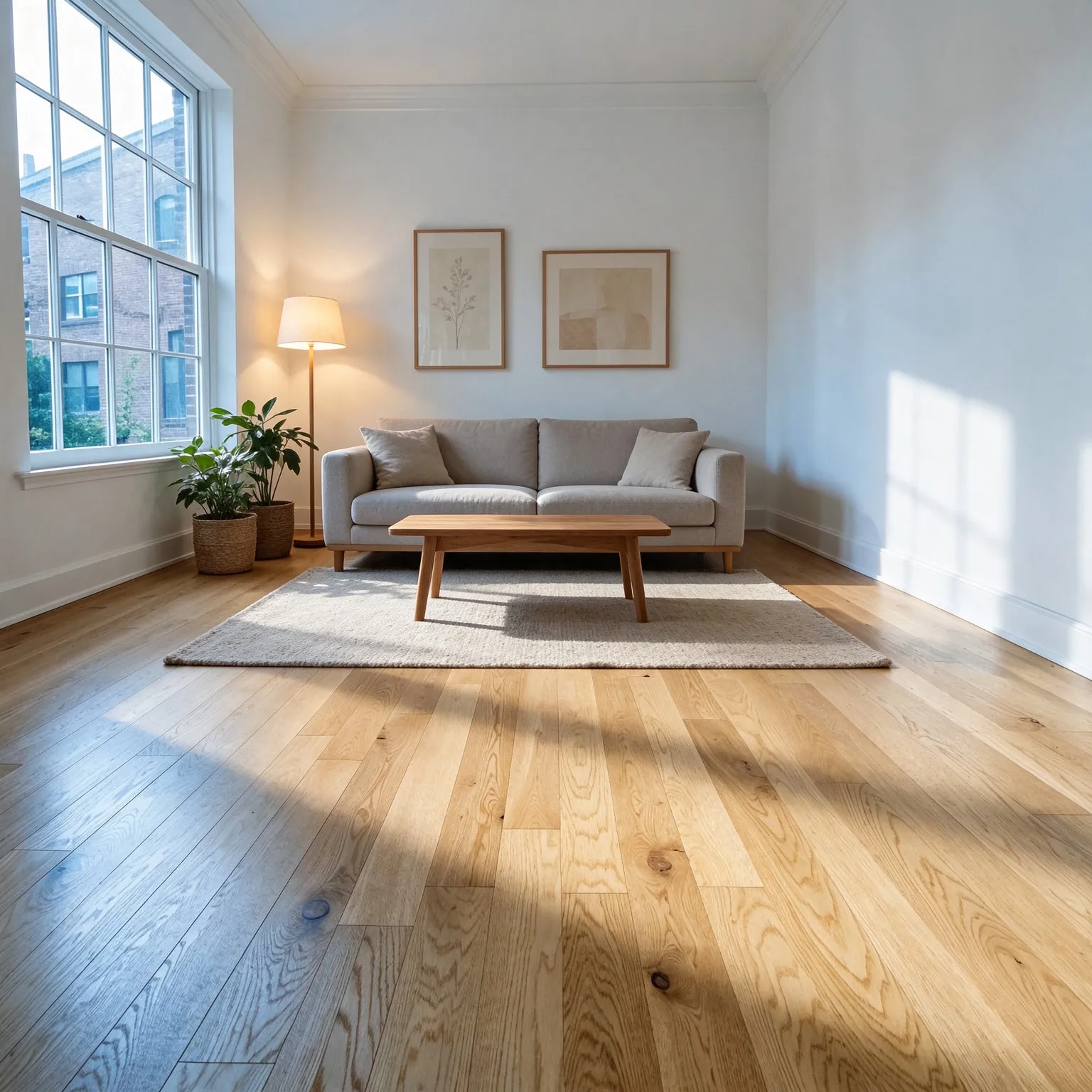
Empty living room furnished in a warm Scandinavian style with an AI edit before enhancement and upscaling
After
Empty living room furnished in a warm Scandinavian style with an AI edit after enhancement and upscaling
04 · Video Generation

Generate Videos in Full HD

Create clips from a prompt or bring a still image to life.

05 · Video Upscaling

Upscale Videos to 4K

Sharpen edges, textures, and on-screen text frame by frame, with stable motion.

Upscale a logo without redrawing it

This logo upscaler is the free AI image upscaler set up for brand marks, icons, and wordmarks. It offers the same three models, but the default here is GAN, not the diffusion model the general tool leads with. A diffusion model rebuilds texture, and on a logo that is a risk: it can bend letterforms, round off corners, and add grain to flat fills. GAN is faithful, so an upscaled logo keeps its exact shapes, spacing, and colors. The edges are what change: a blurry, stair-stepped outline comes back as a clean, sharp one at four times the resolution.

An upscaled logo is still a raster image. If you need a true vector file that scales to any size, such as an SVG for a print shop or a vinyl cutter, run the result through the free PNG to SVG converter. Upscaling first gives the tracer cleaner edges to follow, so the vector paths come out smoother.

How to increase logo resolution

Find the largest copy of the logo you have. A PNG pulled from a website, an email signature, or an old document is usually fine; avoid a screenshot of a screenshot, because each copy adds blur. Drop it into the tool and press Upscale Logo. The output is 4x the width and height: a 400 px wide logo comes back at 1600 px, and a 1000 px logo at 4000 px.

GAN is the default and gives the crispest edges on small sources, which covers most logos. Real-ESRGAN is a good second try on a logo saved as a low-quality JPEG, since it was trained to clean up the blocky halos that JPEG compression leaves around hard edges. Seed VR 2 Small, the third option, can help when the only copy is very soft or badly compressed, but it can redraw letters and always returns about 2 megapixels, so treat it as a last resort for lettering. Compare the results with the slider, zooming into a corner and the smallest letter.

Two quick checks save trouble later. First, look at thin outlines and small counters, the enclosed spaces inside letters like a, e, and o. If they stay open and even, the upscale is good. Second, compare the main brand color against your style guide or the original file with a color picker; the faithful models keep colors very close, but a logo pulled from a heavily compressed image may already have drifted, and that is the moment to correct it in an editor. If the logo sits on a solid color background you do not want, remove it first with the free background remover and upscale the transparent version, so the edge around the mark is sharpened rather than the old background.

Transparency is kept. When you upload a PNG or WebP with a transparent background, the tool reads its transparency, upscales the logo, and lays the transparency back on at the new size, so the download is a transparent PNG ready to place on any background.

Where a sharper logo matters

Small logos fail the moment they are shown large: on a slide, a website header on a high-density screen, a trade show banner, a T-shirt, or a storefront. Teams often only have the 200 px file from an old website and no access to the original designer files. A 4x upscale gets that file to a usable size for screens and most documents, and it gives a printer something sharper to work from.

Icons, app badges, emblems, and stamps work the same way. Flat-color illustrations, mascots, and sticker designs keep their outlines and fills. For very large prints, check the math: at 300 DPI a 4000 px wide logo prints about 13 inches wide. Beyond that, a vector file is the right format.

Limits and honest expectations

The free tool accepts JPG, PNG, and WebP up to 2048 px per side, with no account and no watermark. GAN and Seed VR 2 Small use a daily allowance of free GPU time, while Real-ESRGAN runs on your own device with no daily limit. It sharpens what is in the file. Letters that are already merged into a blur, a slogan only a few pixels tall, or a mark distorted by heavy compression will come back cleaner but cannot be reconstructed exactly; in those cases redrawing or tracing the logo is the real fix.

Fine gradients and soft shadows in a logo upscale smoothly, while thin hairlines may thicken slightly. Always check the result at 100 percent before sending it to print, and use only logos you own or have permission to use. Uploads are processed transiently and are not stored.

If you are rebuilding a brand kit, keep the upscaled file as your new master PNG, export smaller sizes from it for favicons and social avatars, and store it next to the vector version so nobody has to hunt for the old 200 px file again.

Frequently Asked Questions

Drop the logo into the tool above and press Upscale Logo. You get a 4x larger version with sharp edges and the same design, ready to download, with no sign-up and no watermark.

Yes. A PNG or WebP with transparency comes back as a transparent PNG at the new size, so you can place it on any background.

Yes, as a second step. Upscaled logos are raster images; the free PNG to SVG converter traces them into a scalable SVG, and an upscaled source gives smoother paths.

Not with the default. GAN and Real-ESRGAN are faithful: they sharpen edges and add resolution without redrawing shapes, letters, or colors. Seed VR 2 Small is the exception, since it rebuilds texture and can redraw letters, so use it only as a last resort. Check the smallest text at 100 percent, since letters that were already blurred into each other cannot be restored exactly.

With GAN, each run enlarges 4x. Logos up to 2048 px per side are accepted, so outputs reach up to 8192 px. Real-ESRGAN, which runs on your own device, also enlarges 4x, up to about 16 megapixels of output. Seed VR 2 Small returns about 2 megapixels whatever the input size. The premium upscaler goes up to 6x and 100 megapixels.

Only the 2048 px input limit and, for GAN and Seed VR 2 Small, a daily allowance of free GPU time per visitor; connecting a free Hugging Face account raises it. Real-ESRGAN runs on your own device with no daily limit.

No. It is processed transiently for the upscale and expires automatically. Nothing is added to a gallery or used for training.

No. Your download is the clean, full-quality result with no watermark, and you never need an account or email to get it.

Yes. The tool runs open models released under the Apache 2.0 and BSD 3-Clause licenses, and none of them claims any rights over the output you generate, so the model puts no claim on what you make, in commercial work or anywhere else. What the model does not decide is your right to the material you feed it: anything you upload stays subject to whoever holds the rights in it, and the usual limits apply either way. Do not use the tools to create illegal content, to impersonate real people, or to infringe someone else's rights.

No, credit is never required. If you publish the result on a website, blog or social post, a link back to this tool is appreciated and helps keep it free: press Copy credit link under your result and paste the ready-made link wherever you post it.

No. Sexually explicit content and anything involving minors are prohibited and cannot be unlocked on any plan, and every upload and prompt sent to our free GPUs is screened by an automated safety filter before it runs. Our Terms of Service list the full set of prohibited content.